Gearjury may earn a commission when you buy through a retailer link. Editorial conclusions are based on cited evidence.
Guide
How Do You Install a Dashcam Safely in a Car?
Mount it high and outside the driver's critical view, route the power lead clear of controls and airbags, then verify the recording angle before driving.
GGearjury editorial team · Updated 15 October 2026· 6 min
01
How do you install a dashcam without blocking your view?
Sit in the normal driving position before fixing anything. Place the camera high on the windscreen, commonly behind or close to the rear-view mirror, while keeping the lens clear and the unit outside the driver's important field of vision. UK guidance says windscreen-mounted items must not obstruct the view of the road.
02
Clean, position and fix the mount
Clean and dry the chosen patch of glass. Attach the adhesive pad or suction mount exactly as the manufacturer directs, then fit the camera and leave enough adjustment to level the horizon.
03
Route the cable without crossing an airbag
Run the lead along the headlining and trim towards the power point. Do not place it over an A-pillar airbag, around pedals or across controls; consult the vehicle handbook if the airbag route is unclear.
04
Choose socket power or a hardwire kit
Accessory-socket power is the simplest reversible option. Hardwiring can hide the lead and enable compatible parking modes, but the kit must suit both camera and vehicle and should include appropriate battery protection.
05
Fit and align a rear camera
For a front-and-rear system, follow the supplied cable route and avoid airbags, moving tailgate parts and heated-screen elements. Confirm that the rear image is upright and not dominated by interior trim.
06
Format storage and check a sample clip
Use a manufacturer-approved memory card, format it in the camera and set the correct date. Play back a short clip to check framing, focus and audio preference before relying on the installation.
Common questions
Questions before you buy
Can you get a dashcam without wires?
Battery-powered recording is uncommon because continuous video needs sustained power. Some cameras look wireless for file transfer, but they still need a power cable.
Can you use an action camera as a dashcam?
It can record a journey, but it may lack automatic start-up, loop recording, protected event files and heat management designed for a car. A purpose-built dash cam is usually more practical.
Where is the best place to install a dash cam?
Usually high on the windscreen where the lens has a clear view and the body does not obstruct the driver. The exact position depends on the car and UK visibility requirements.
Can I install a dash cam myself?
A socket-powered camera is often straightforward if the cable can be routed safely. Use a qualified installer for hardwiring or whenever airbags, trim or vehicle electrics create uncertainty.
Start with the coverage you need: a discreet front camera for the road ahead, or a front-and-rear system for evidence from both directions. Our guides then narrow the choice by installation, connectivity and brand.
A dual-camera kit is the direct choice when you want the road ahead and traffic behind in the same recording system. Check rear resolution and cable length, not just the headline front-camera specification.
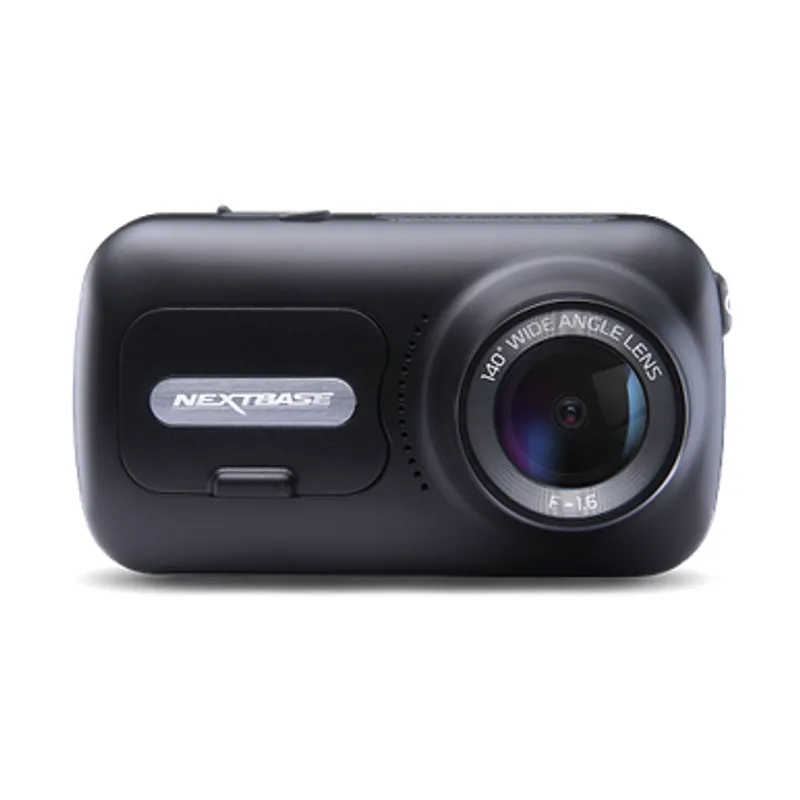
The Nextbase 622GW is our balanced UK pick for its detailed recording, stabilisation and accessible touchscreen. Garmin Mini 3 suits a discreet fit, while VIOFO A329S covers the front and rear at high resolution.
The 622GW has the strongest recording specification in this trio; the 522GW keeps the large touchscreen and polarising filter at 2K, while the 322GW covers the essentials.
Your privacy
We use cookies and similar technologies. Necessary ones keep the site working. With your permission we also use statistics cookies (Google Analytics and Microsoft Clarity) to understand which guides help readers. You can accept all, reject all or choose. You can change your choice at any time from "Cookie settings" at the bottom of every page. Cookie policy