



 Official manufacturer image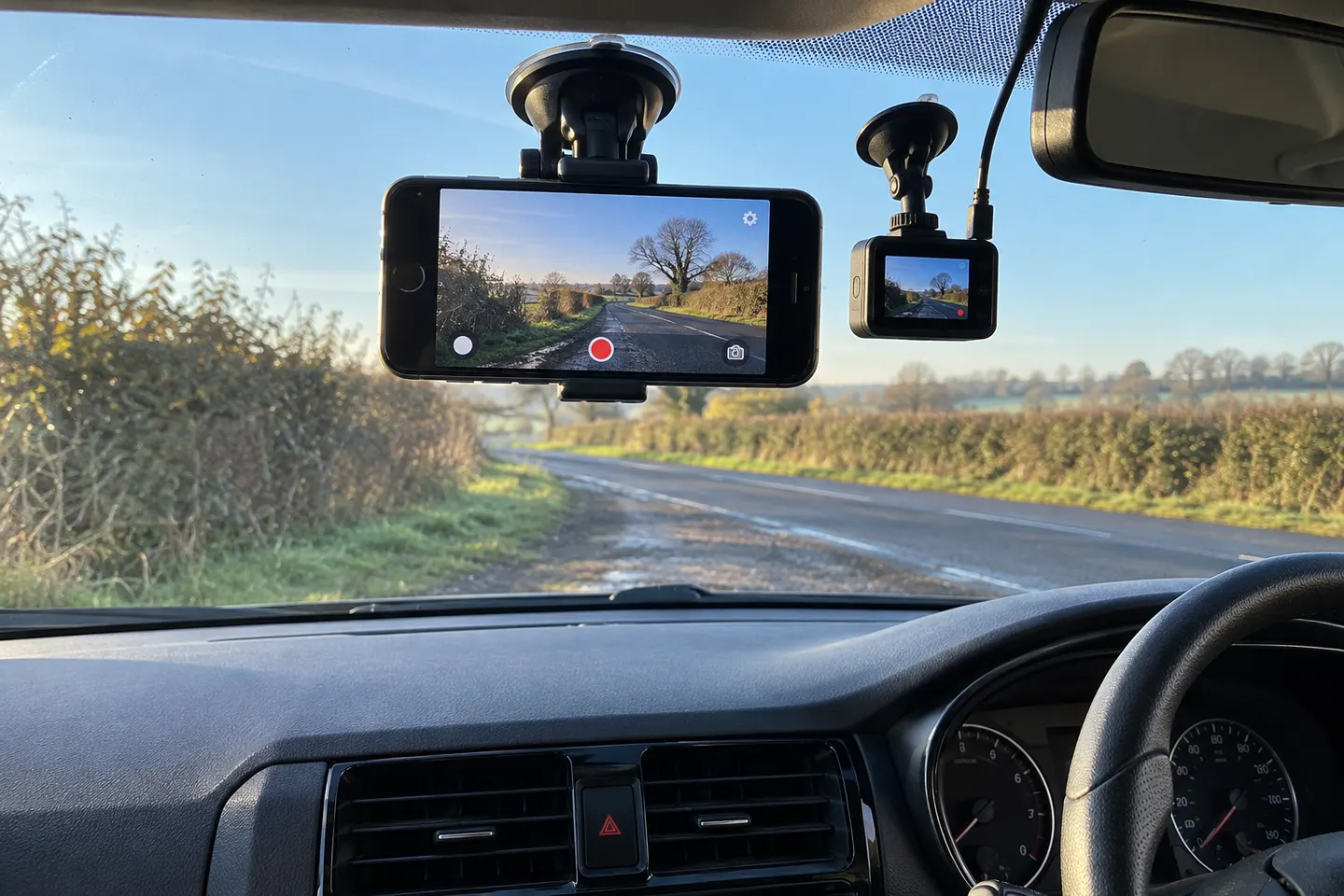
Our picks
Top picks
Official manufacturer image Official manufacturer image
Garmin Dash Cam X310
Check price on Amazon UK Official manufacturer image
VIOFO A329S 2CH
Check price on Amazon UKMore topics
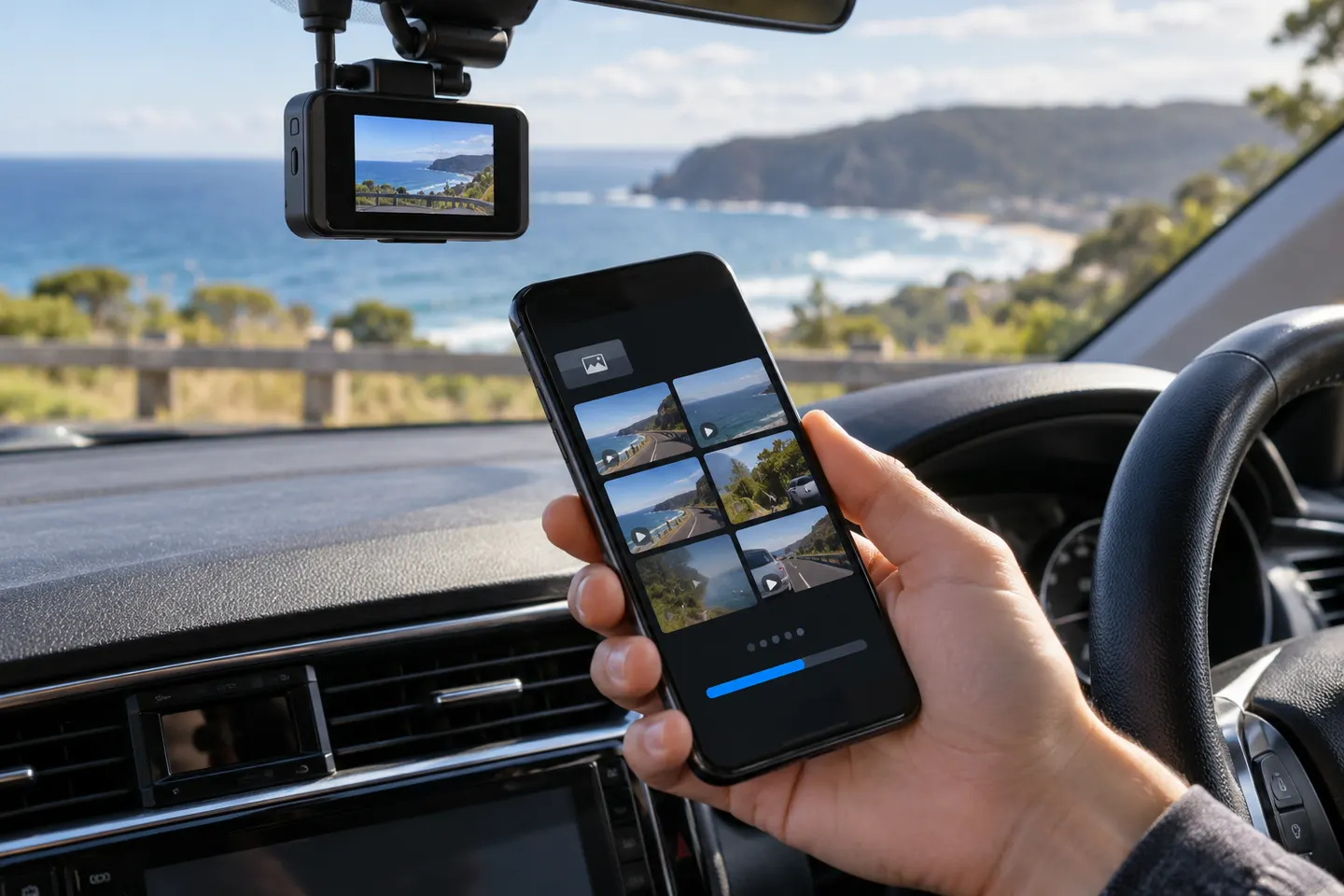 Dashcam Apps
Common questions
Questions before you buy
Can I use my iPhone as a dashcam?
Yes, with a suitable recording app, secure mount and power supply. Position it so it does not obstruct your view and set everything before moving off.
What should an iPhone dashcam app record?
At minimum it should create manageable video clips and let you preserve an important one. Location, speed and audio should be optional or clearly disclosed because they add privacy considerations.
Will recording damage an iPhone battery?
Camera use, navigation and charging create heat, and a windscreen can become hot in sunlight. Follow Apple's temperature guidance and stop using the phone if a temperature warning appears.
Is an iPhone dash cam app legal in the UK?
Using a mounted phone to record is not permission to hold or operate it while driving. The mount must not obstruct your view, and you remain responsible for lawful, safe use and handling of footage.
Does a dashcam app record when the iPhone is locked?
Background behaviour varies by app and iOS version. Check the current developer documentation and test the workflow while parked before relying on it.