



 Official manufacturer image
Our picks
Top picks
Official manufacturer image Official manufacturer image
Garmin Dash Cam X310
Check price on Amazon UK Official manufacturer image
VIOFO A329S 2CH
Check price on Amazon UKInstallation and accessories
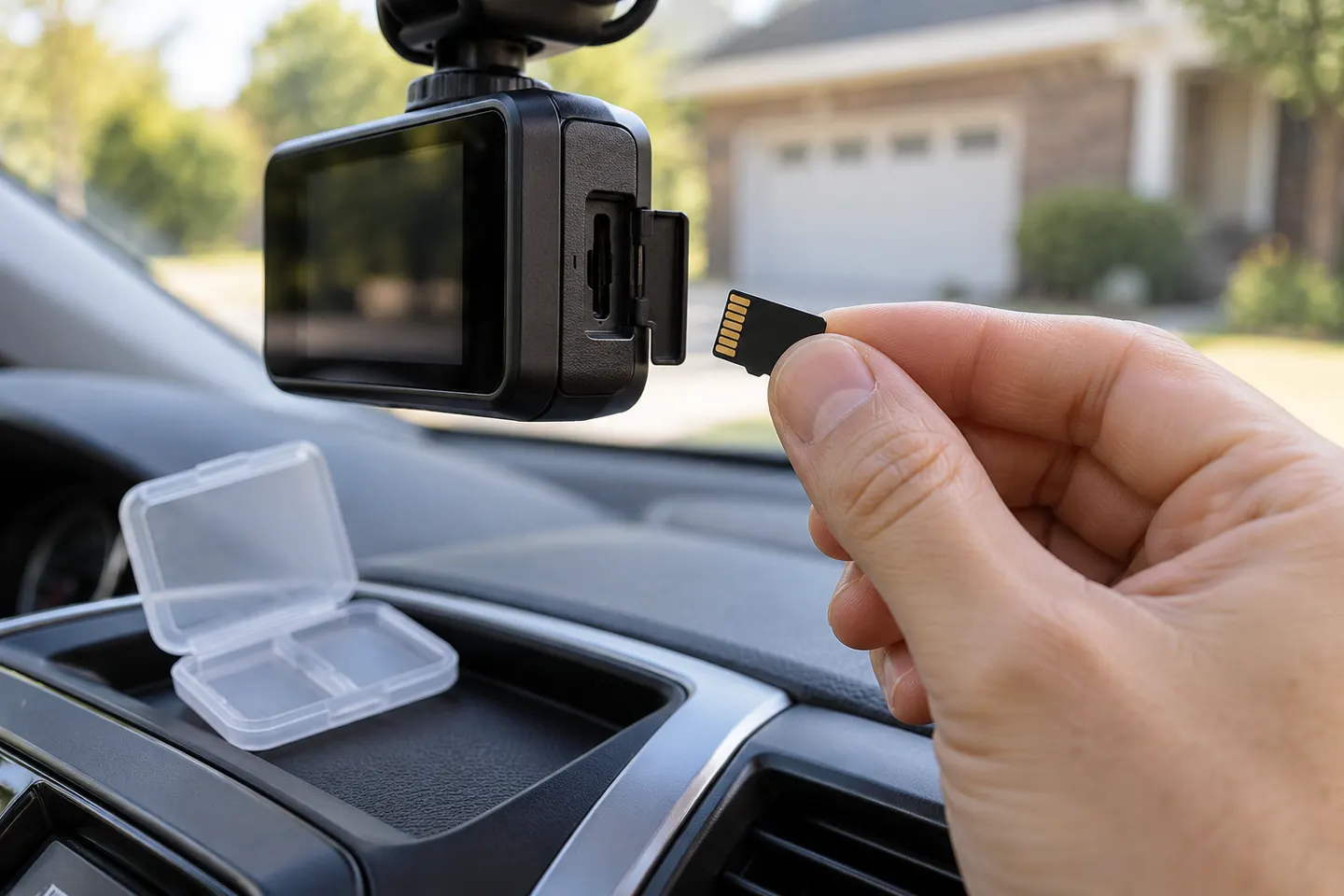 Sd card
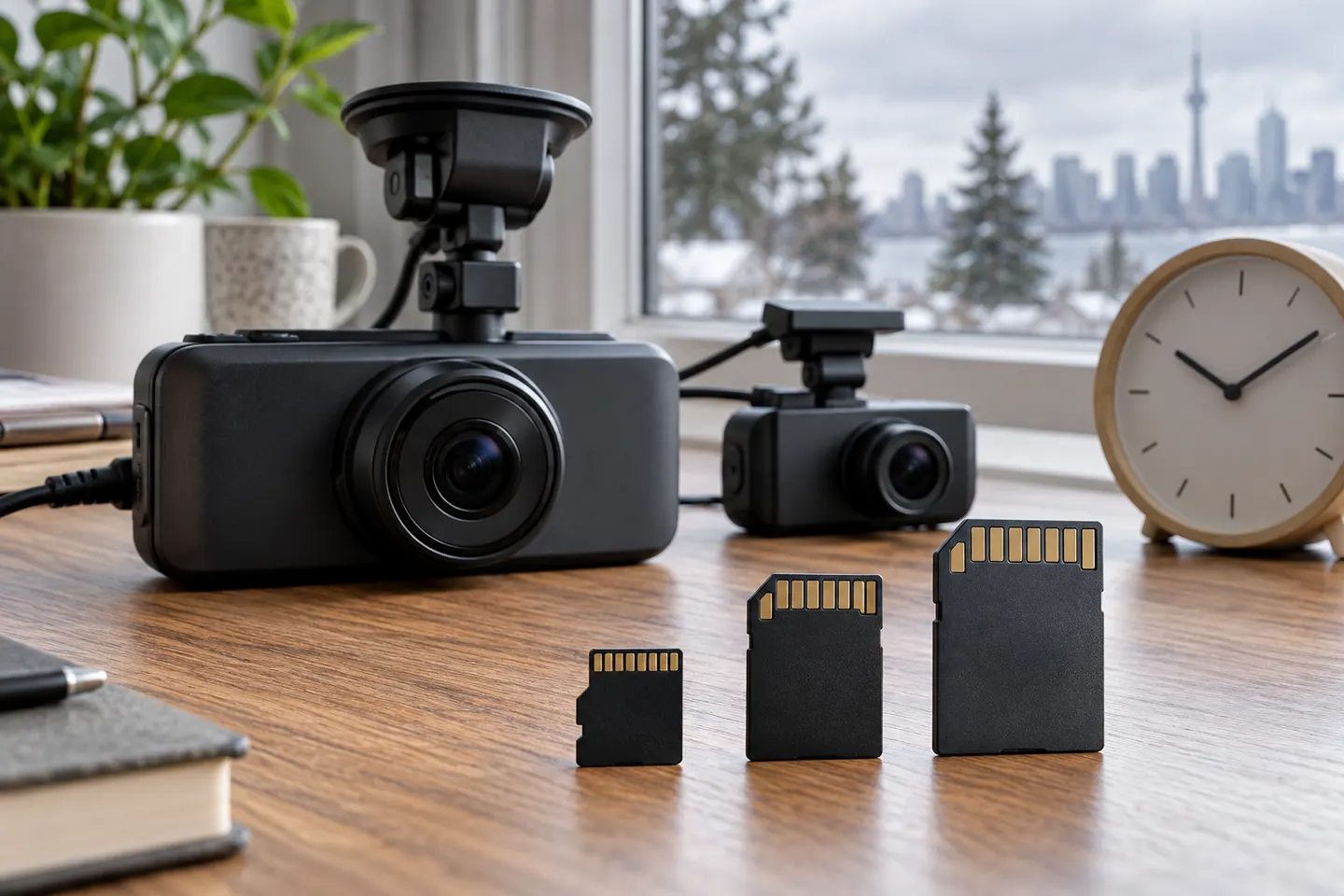 Memory card
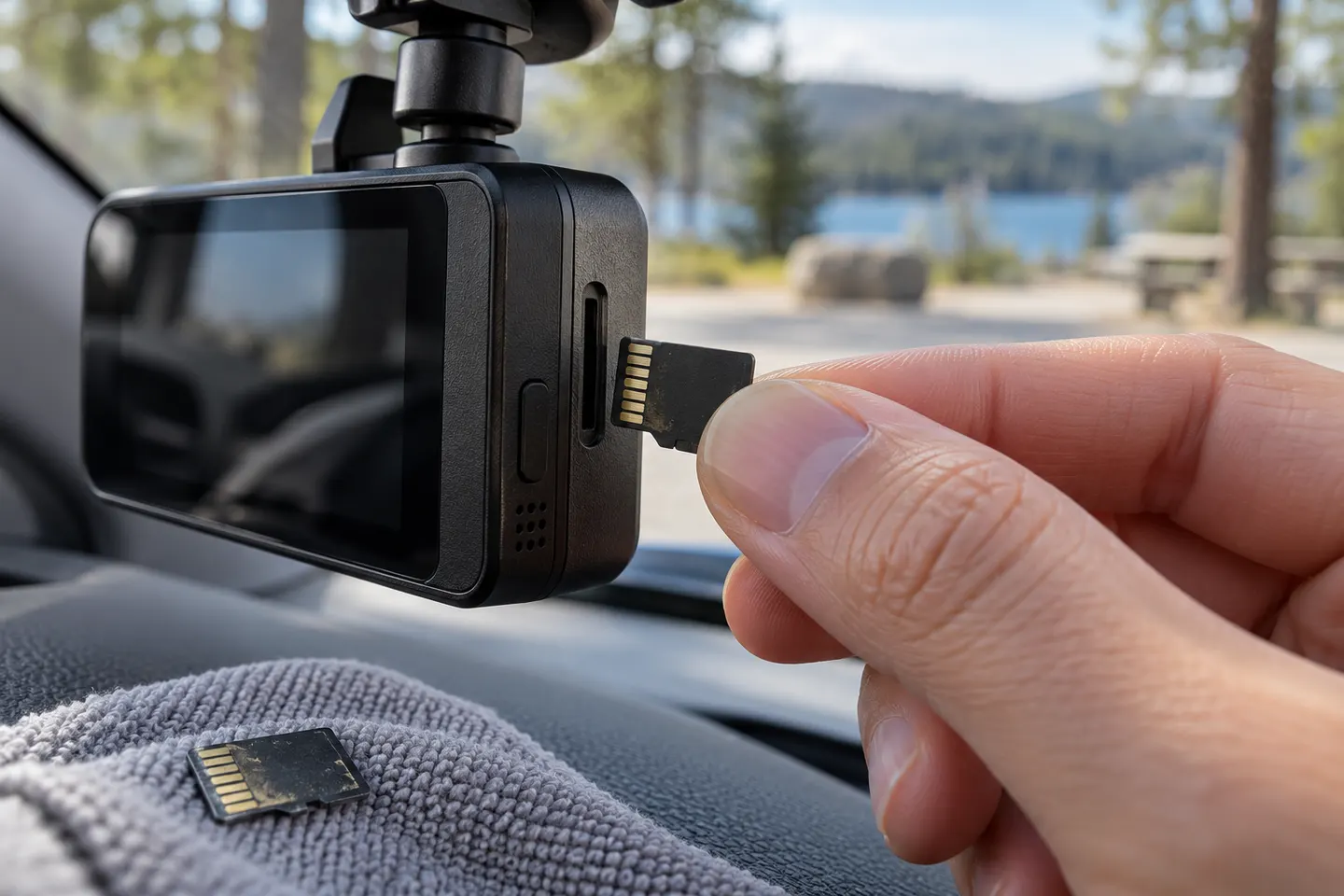 Micro sd card
Common questions
Questions before you buy
What SD card is best for a dash cam?
Choose a genuine high-endurance microSD card that meets the exact camera's capacity and speed requirements. Manufacturer-approved cards reduce compatibility uncertainty.
How much memory does a dash cam need?
It depends on resolution, channel count, bitrate and desired history. Use the maker's recording-time table and stay within the supported maximum capacity.
Why does my dash cam keep saying SD card error?
The card may be incompatible, worn, counterfeit or incorrectly formatted. Save needed footage, format in the camera and replace the card if errors return.
Can a dashcam work without an SD card?
Some models have internal or cloud storage, but many cannot record normally without a compatible card. Check the manual rather than assuming one is included.