Independent buying guidance · US editionHow we work
Gearjury
All categories
United StatesEnglish

Category hub

Verizon WiFi Extender Mini: Check Compatibility First

“Mini” can refer to a compact extender or a named Verizon device. Match the model number to Verizon’s compatibility list before buying or pairing.

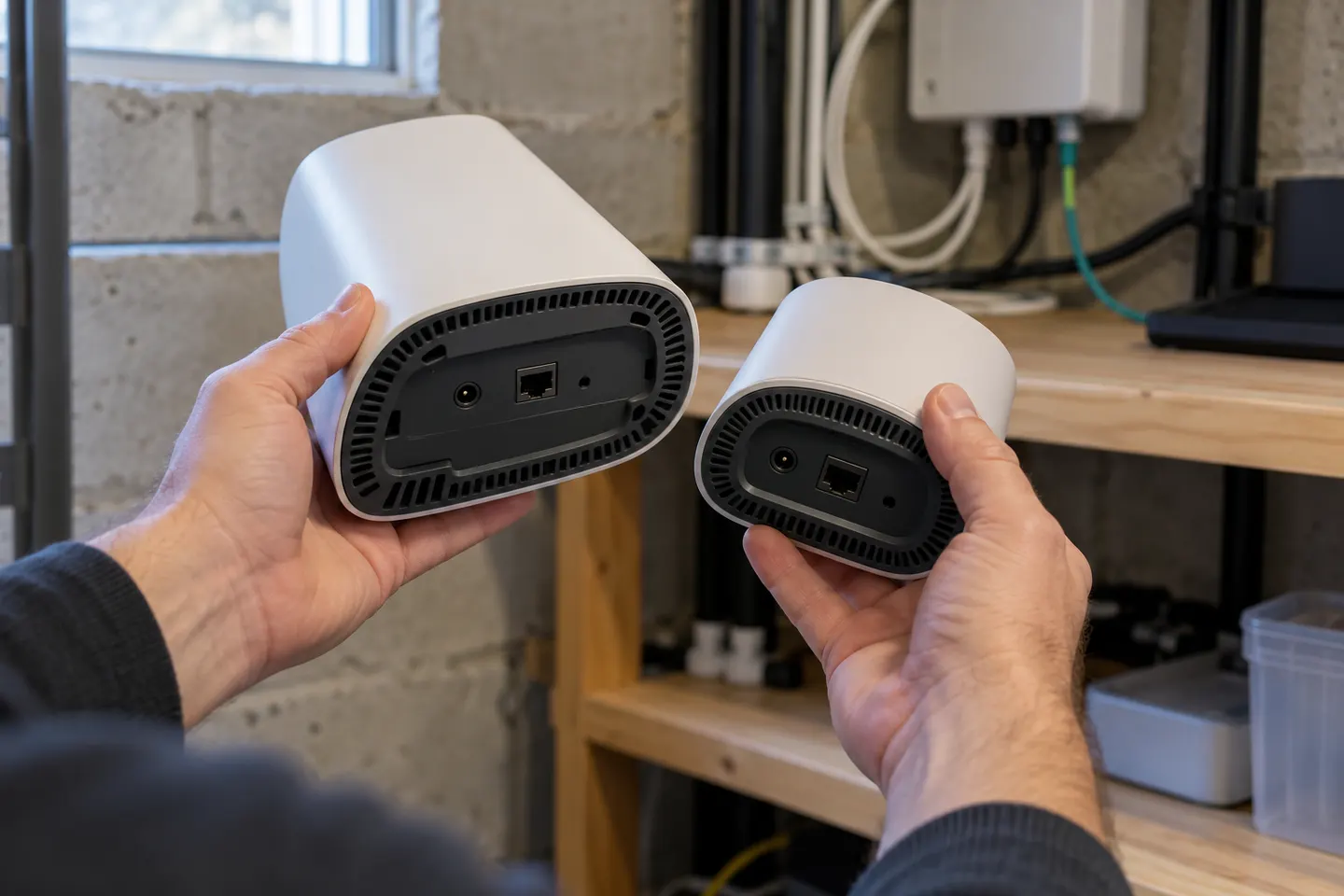
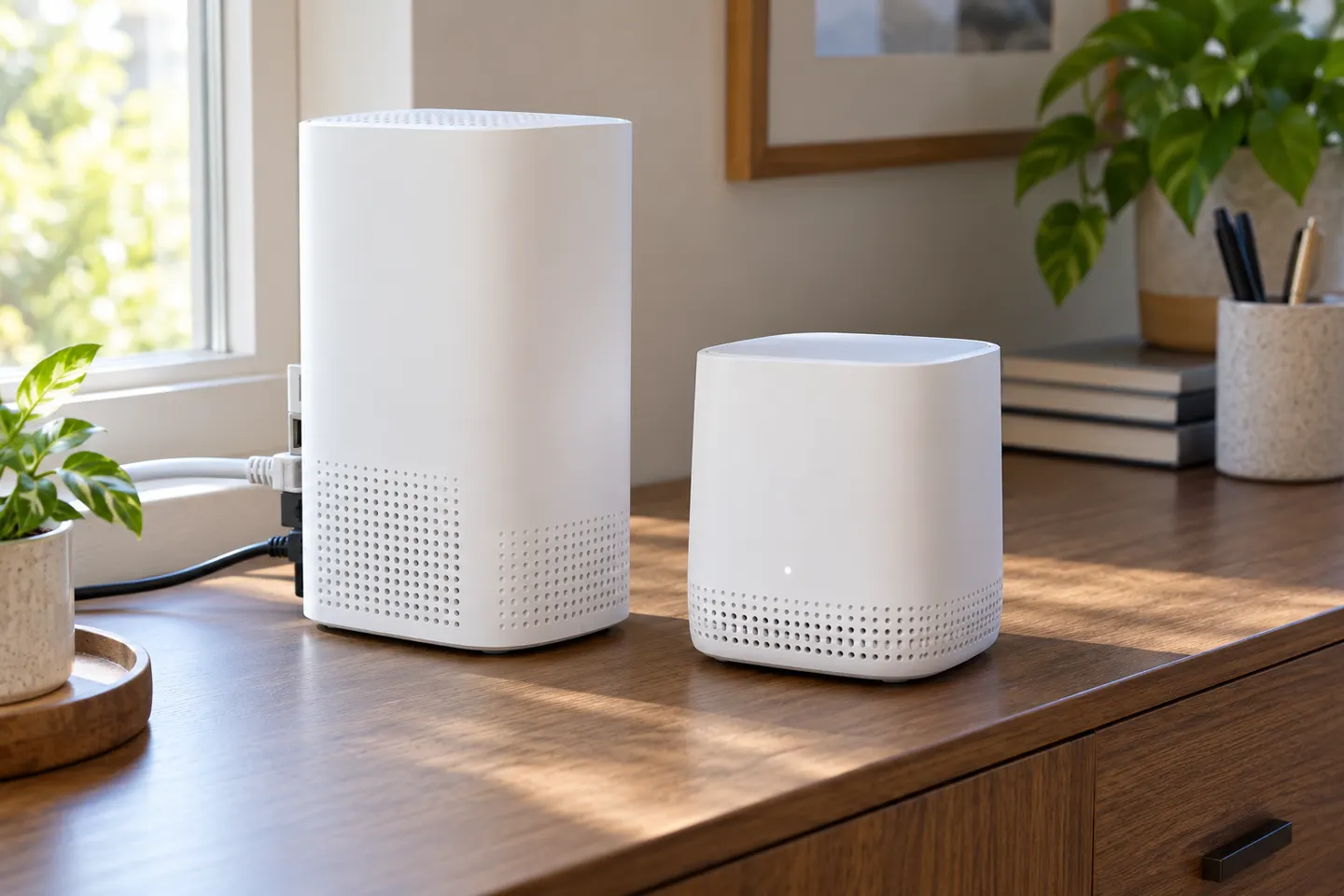
The phrase verizon wifi extender mini is ambiguous: it may describe a small-form extender or refer to a particular Verizon accessory. Check the model number on the device or listing, then compare it with Verizon’s router and service compatibility information.

Start here

The essentials

How to Set Up a Verizon WiFi Extender with Your Router

How to Set Up a Verizon WiFi Extender with Your Router

Set up a compatible Verizon extender beside the gateway first, then move it toward the area with weak WiFi. The button sequence and status lights depend on the model, so this guide uses Verizon’s E3200 instructions.

Setup and help

1

How-to guides

2

More topics

4

Common questions

Questions before you buy

Is the Verizon Wi-Fi extender compatible with any router?

Compatibility depends on the specific extender and router. Check Verizon’s official compatibility guidance for both model numbers before purchase or setup.

Where should I place a Verizon mini extender?

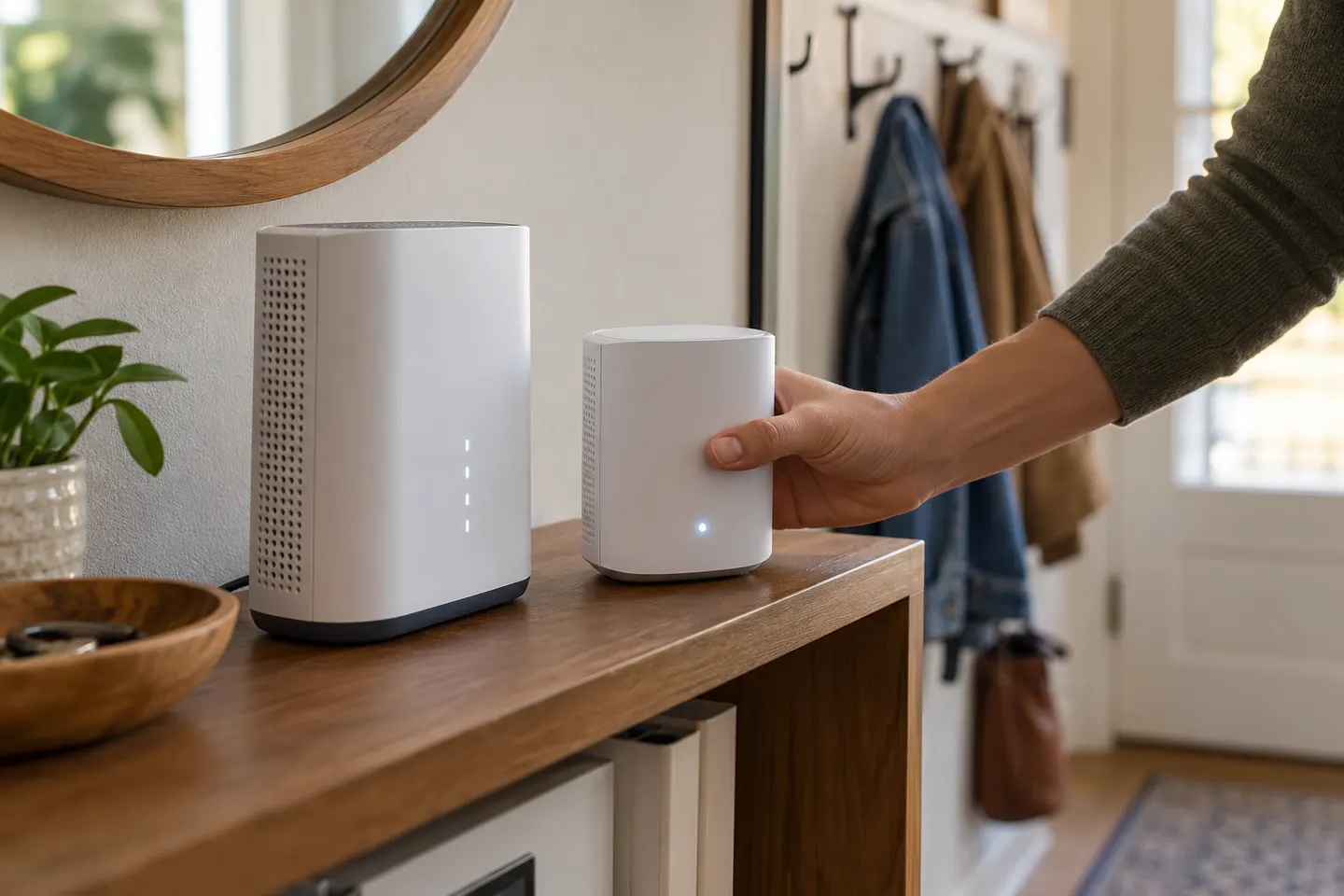
Place it where it still receives a reliable signal from the router and can reach the area with poor coverage. Use the device indicator or app guidance if that model provides it.

Does Verizon sell a device called Mini Wi-Fi Extender?

Product naming and availability can change. Verify the exact name and model number on Verizon’s official device pages rather than relying on a generic search phrase.

Can I use a Verizon extender with another internet provider?

Some extenders may work beyond Verizon service, but compatibility and setup vary by model. Check the manufacturer instructions and the device’s supported router requirements.