Independent buying guidance · US editionHow we work
Gearjury
All categories
United StatesEnglish

Category hub

Verizon WiFi Extenders: Options for Better Router Coverage

First identify your Verizon router or gateway and the room with poor reception. A compatible standalone extender or provider mesh device may help, but setup and feature support differ.

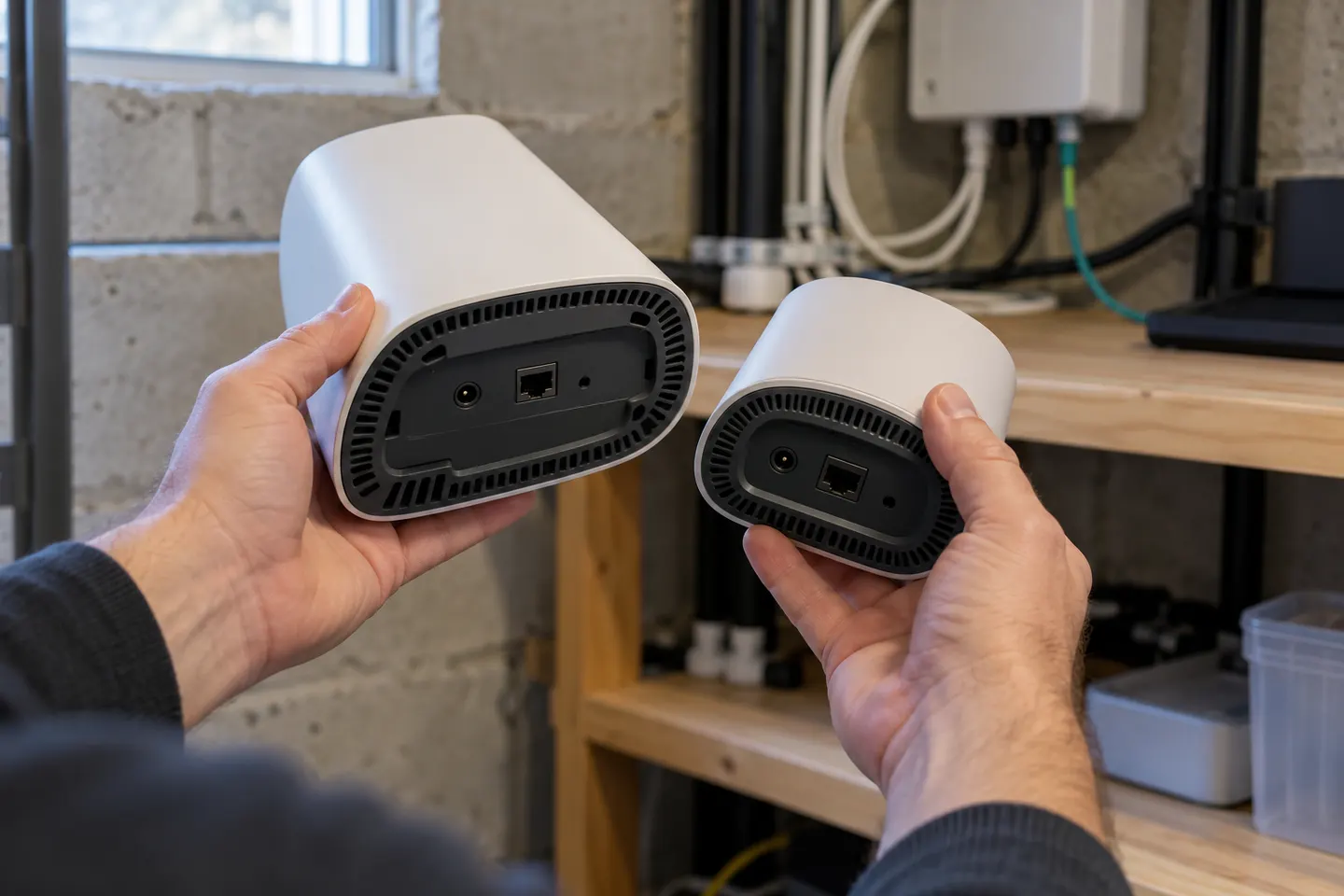
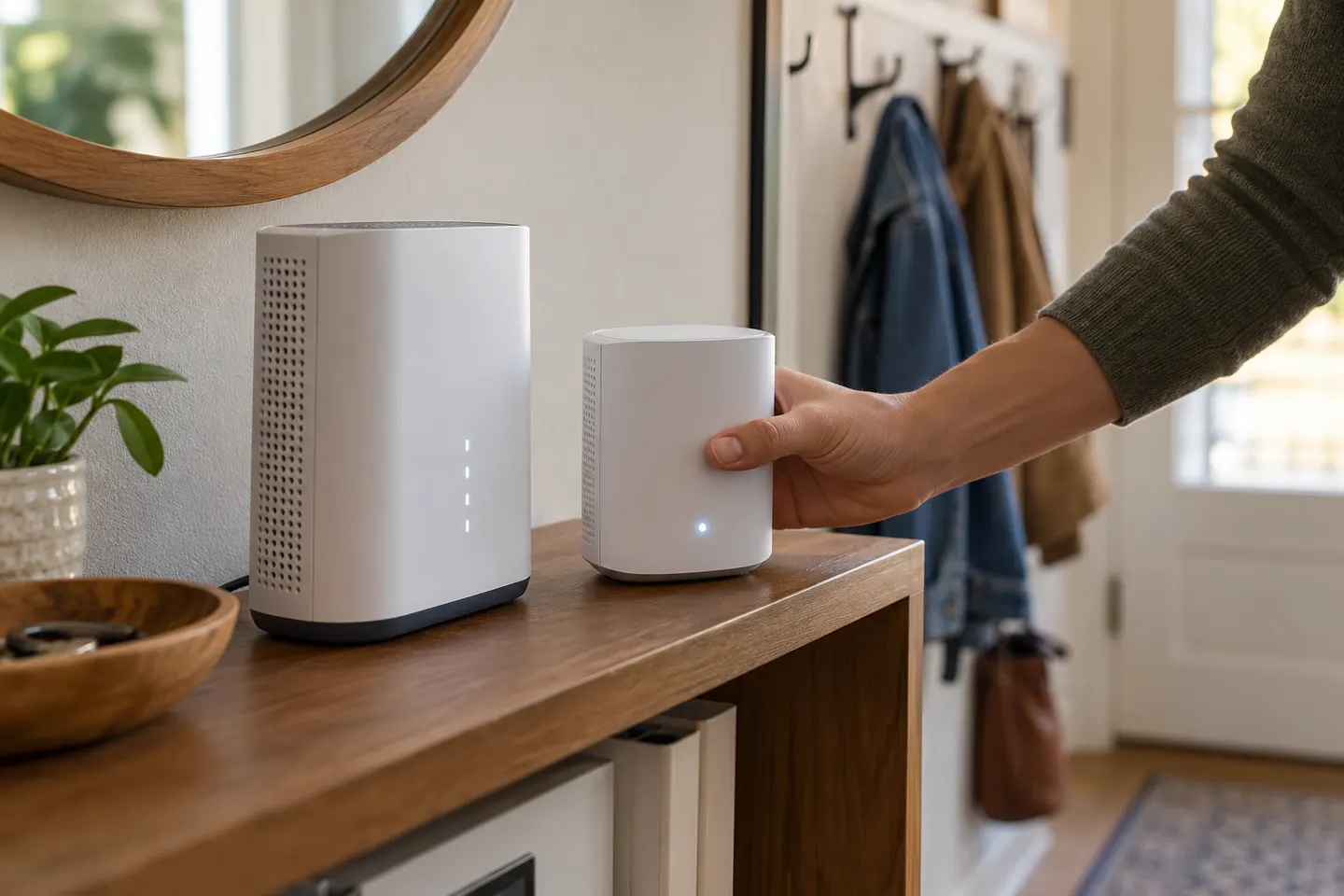
A Verizon WiFi extender should be selected for the router or gateway you actually use. Verizon’s own mesh equipment may integrate with eligible service, while a third-party range extender connects to the WiFi network using supported standards. Check the equipment model, firmware and provider guidance before buying; a device marketed as a WiFi booster is not automatically compatible with every Verizon setup.

Verizon WiFi Extenders: Options for Better Router Coverage

Start here

The essentials

How to Set Up a Verizon WiFi Extender with Your Router

How to Set Up a Verizon WiFi Extender with Your Router

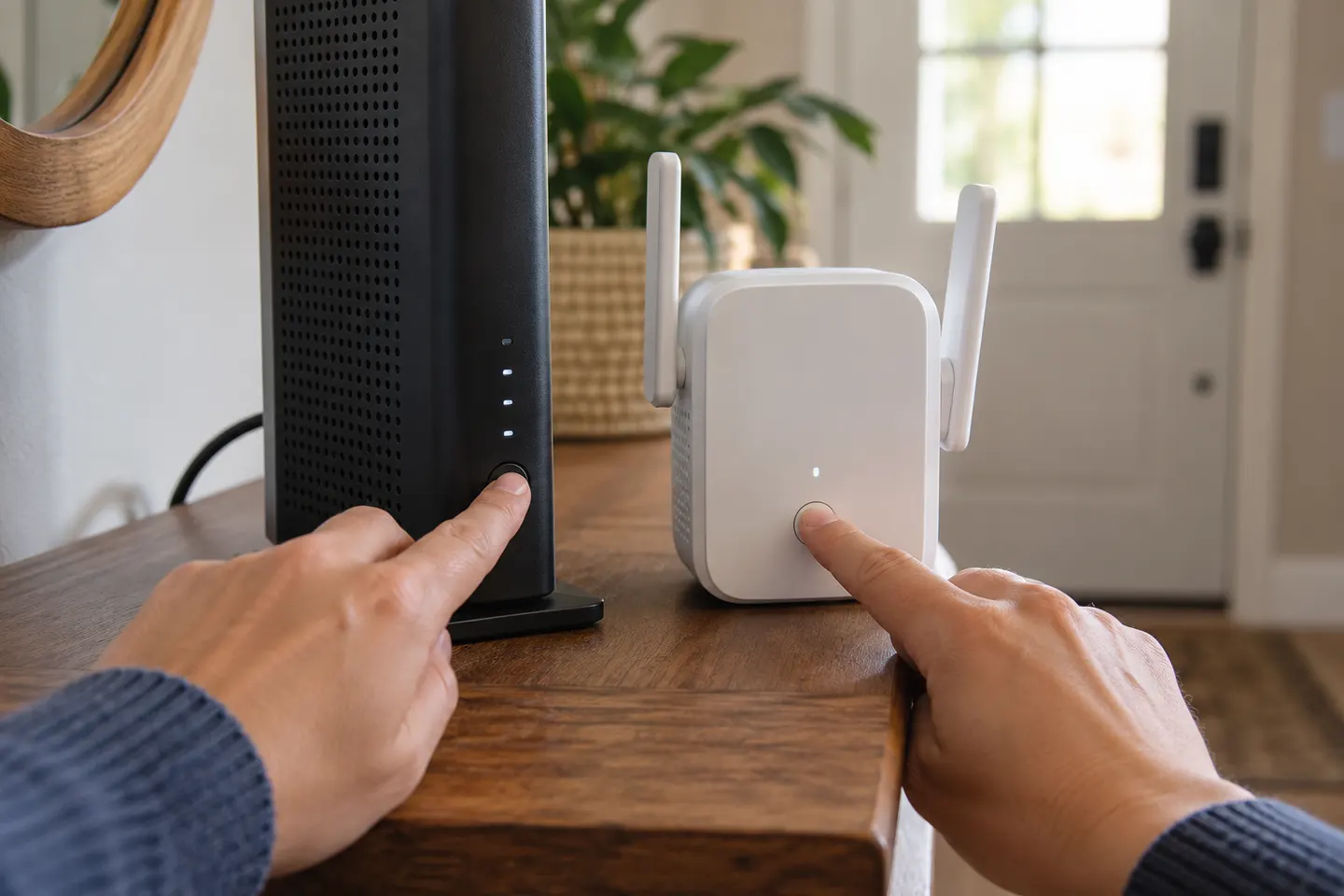
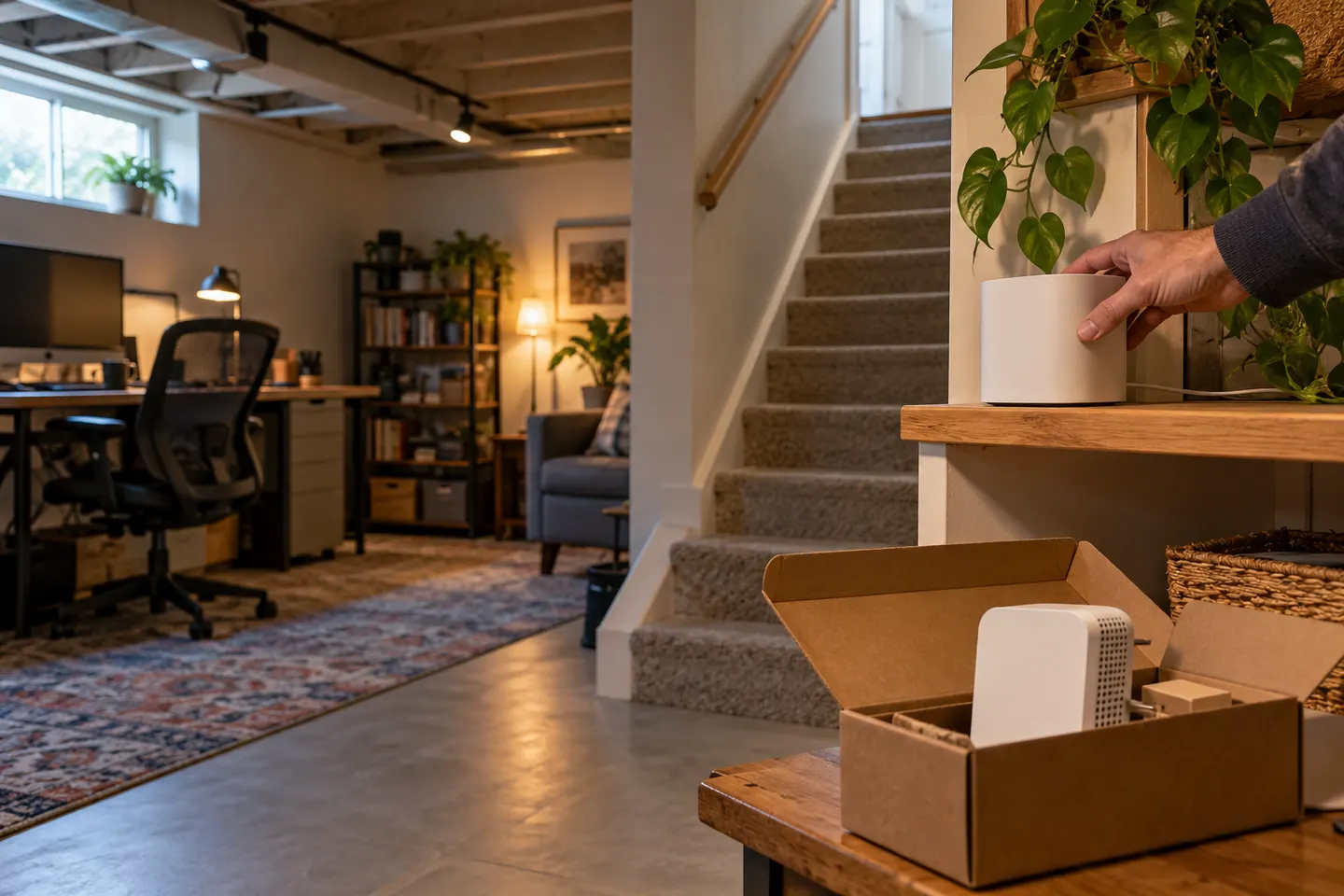
Set up a compatible Verizon extender beside the gateway first, then move it toward the area with weak WiFi. The button sequence and status lights depend on the model, so this guide uses Verizon’s E3200 instructions.

By type

1

Setup and help

1

How-to guides

3

More topics

5
Show all (5)

Common questions

Questions before you buy

Will a WiFi extender work with a Verizon router?

Many third-party extenders support standard WiFi networks, but compatibility can depend on router settings, security and model-specific mesh features. Check the extender’s support notes and your Verizon equipment guide.

Does Verizon offer a WiFi booster?

Verizon has offered network extender and mesh products for certain services and equipment. Check current Verizon support or your account for the product names and eligibility that apply to your setup.

Can I use a WiFi repeater with Verizon 5G Home Internet?

A compatible repeater may connect to a Verizon 5G gateway’s WiFi, but verify the gateway’s bands and security configuration. Provider mesh features are separate from basic WiFi repeating.

Why is my Verizon WiFi still weak after adding an extender?

The extender may be too far from the router, or interference and building materials may weaken the link. Check signal quality at the extender and test placement along the path to the room.