





 Official manufacturer image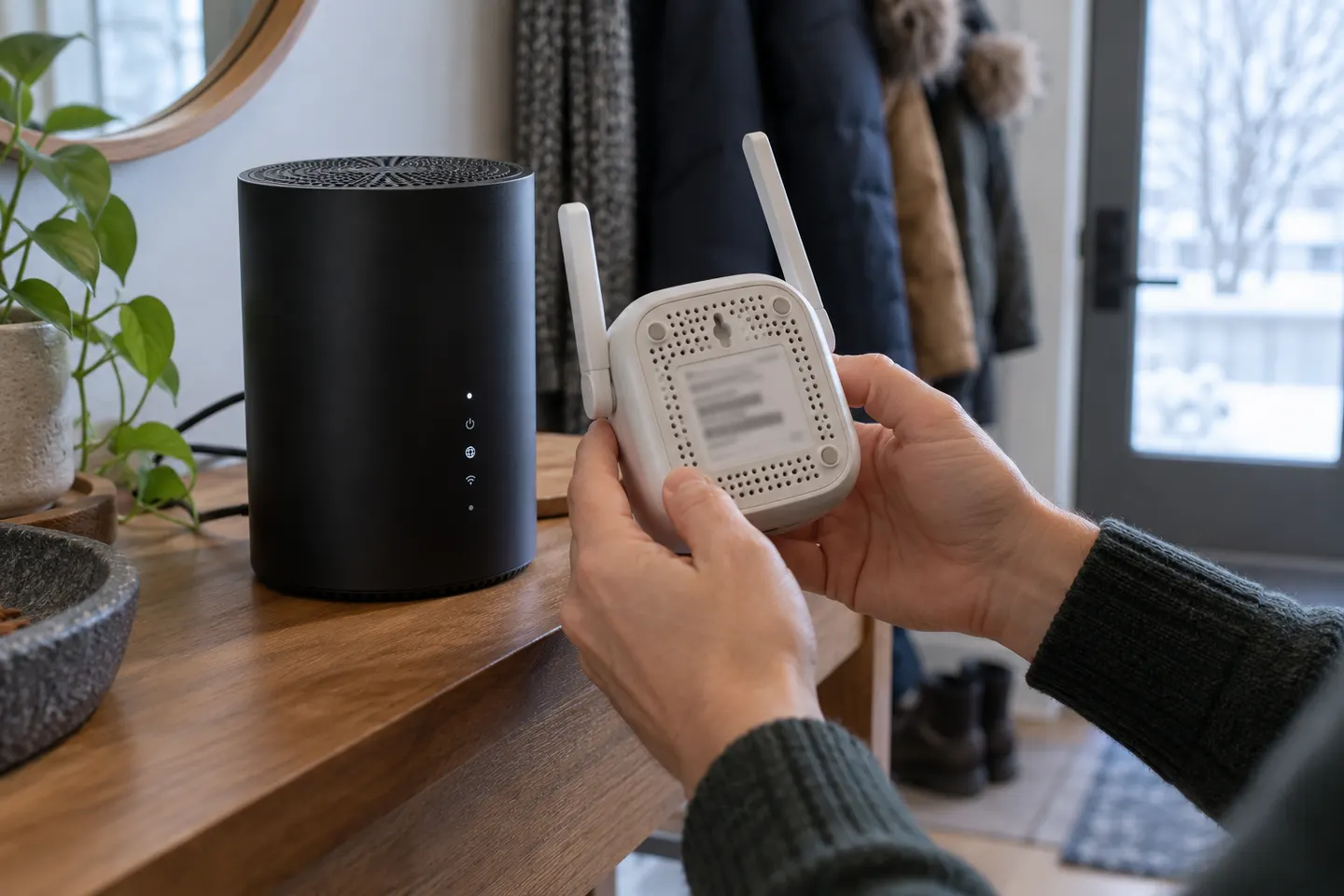
Our picks
Top picks
Official manufacturer image Official manufacturer image
NETGEAR EAX15
Check price on Amazon.ca Official manufacturer image
TP-Link RE605X
Check price on Amazon.caCommon questions
Questions before you buy
Does Vidéotron offer a WiFi booster?
Vidéotron offers Helix WiFi Pods as part of its Helix ecosystem, subject to current service and gateway conditions. Check your account or contact the provider for eligibility and availability.
Can I use a third-party WiFi extender with Vidéotron?
It may be possible with a compatible Helix gateway, but configuration and supported features can differ. Confirm the gateway model, WiFi settings and manufacturer requirements first.
How do I connect a WiFi booster to Vidéotron Helix?
Follow the setup instructions for the exact extender and Helix gateway. If you use a provider-supplied Pod, activate it through Vidéotron’s current Helix app or support process.
Should I choose a Helix Pod or a generic WiFi extender?
A Helix Pod is the provider-integrated option for eligible Helix customers. A generic extender offers a separate hardware choice but may require independent setup and troubleshooting.