



 Official manufacturer image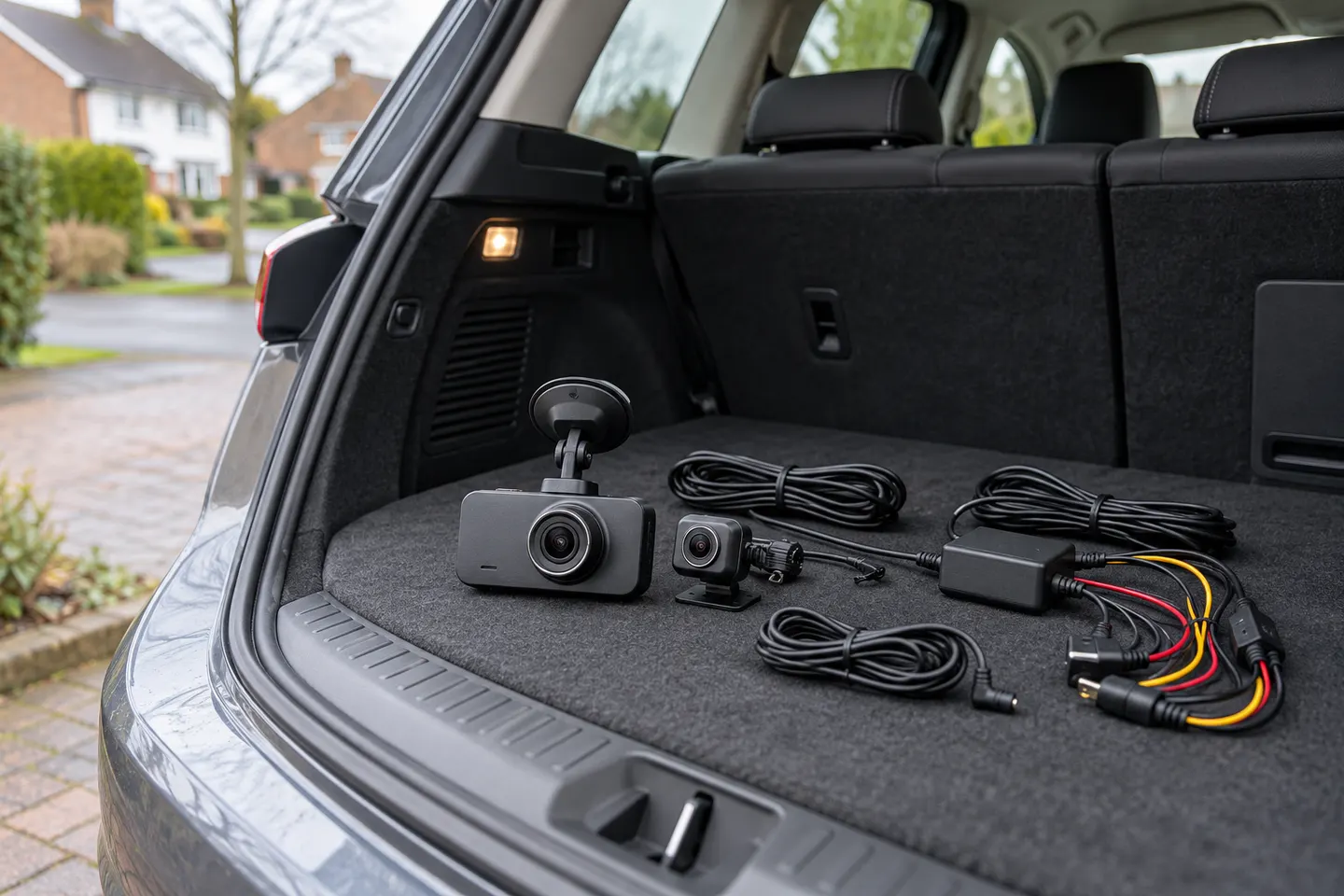
Our picks
Top picks
Official manufacturer image Official manufacturer image
Garmin Dash Cam X310
Check price on Amazon UK Official manufacturer image
VIOFO A329S 2CH
Check price on Amazon UKBy feature
 Front rear
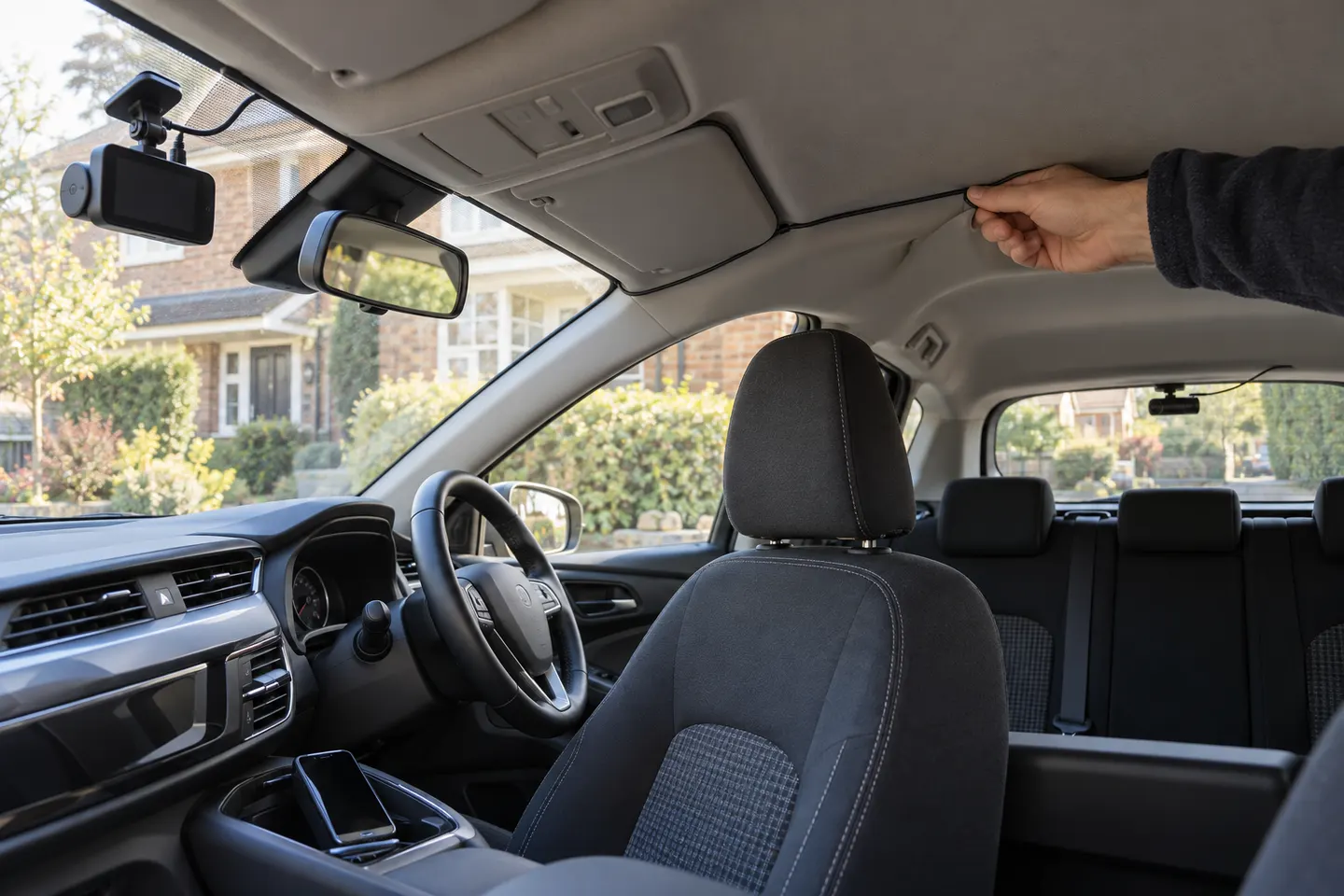 Front rear wireless
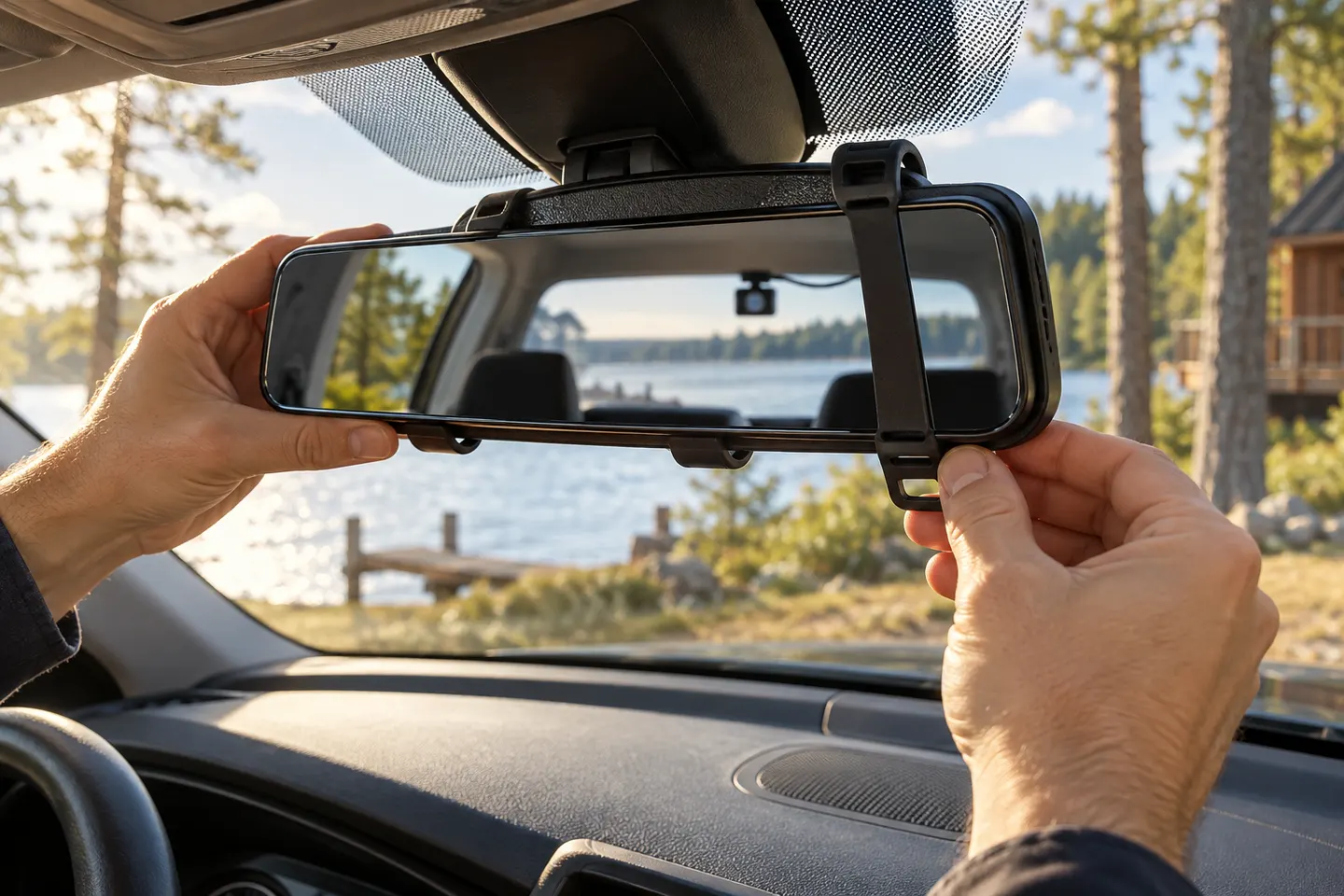 Rear view mirror
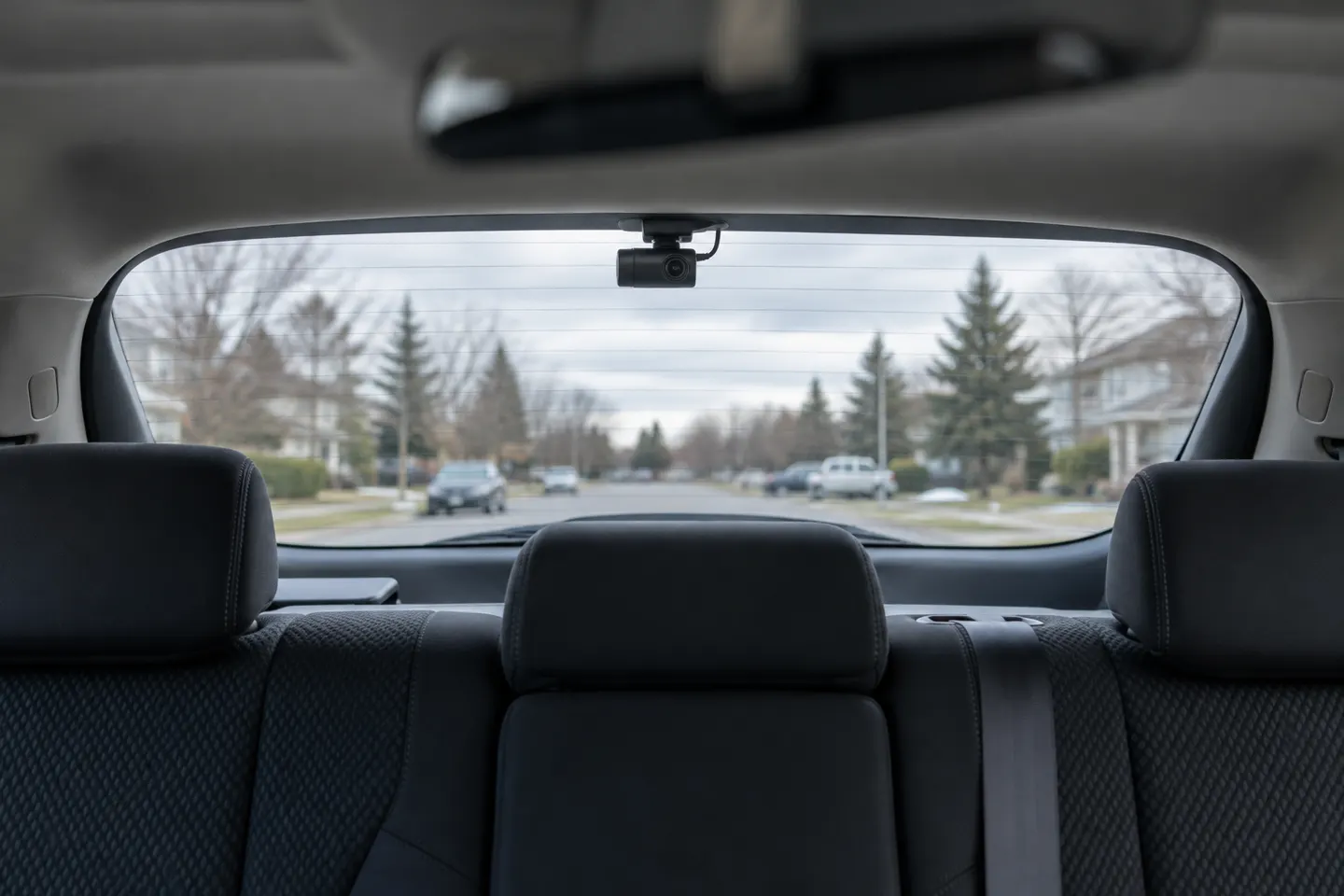 Rear
RearShow all (7)
Common questions
Questions before you buy
How does front and rear dash cam parking mode work?
The cameras remain in a supported standby or recording state after the car is switched off. Depending on the model, an impact, movement or time-lapse setting determines what is saved.
Does parking mode need a hardwire kit?
Usually, yes. Some cameras can use an OBD or dedicated constant-power cable, but you must use an accessory approved for that model.
Will parking mode flatten my car battery?
It draws power, so use a kit with low-voltage protection and a sensible cut-off. Battery condition, temperature and parking duration also matter.
Do both cameras record while parked?
Not always in every mode. Check the manufacturer's specification for the exact front-and-rear kit and parking setting.
Which parking mode is best for a front rear dash cam?
Buffered event recording preserves context around a trigger, while time lapse covers longer periods with fewer frames. Choose according to where and how long the car is left.