



 Official manufacturer image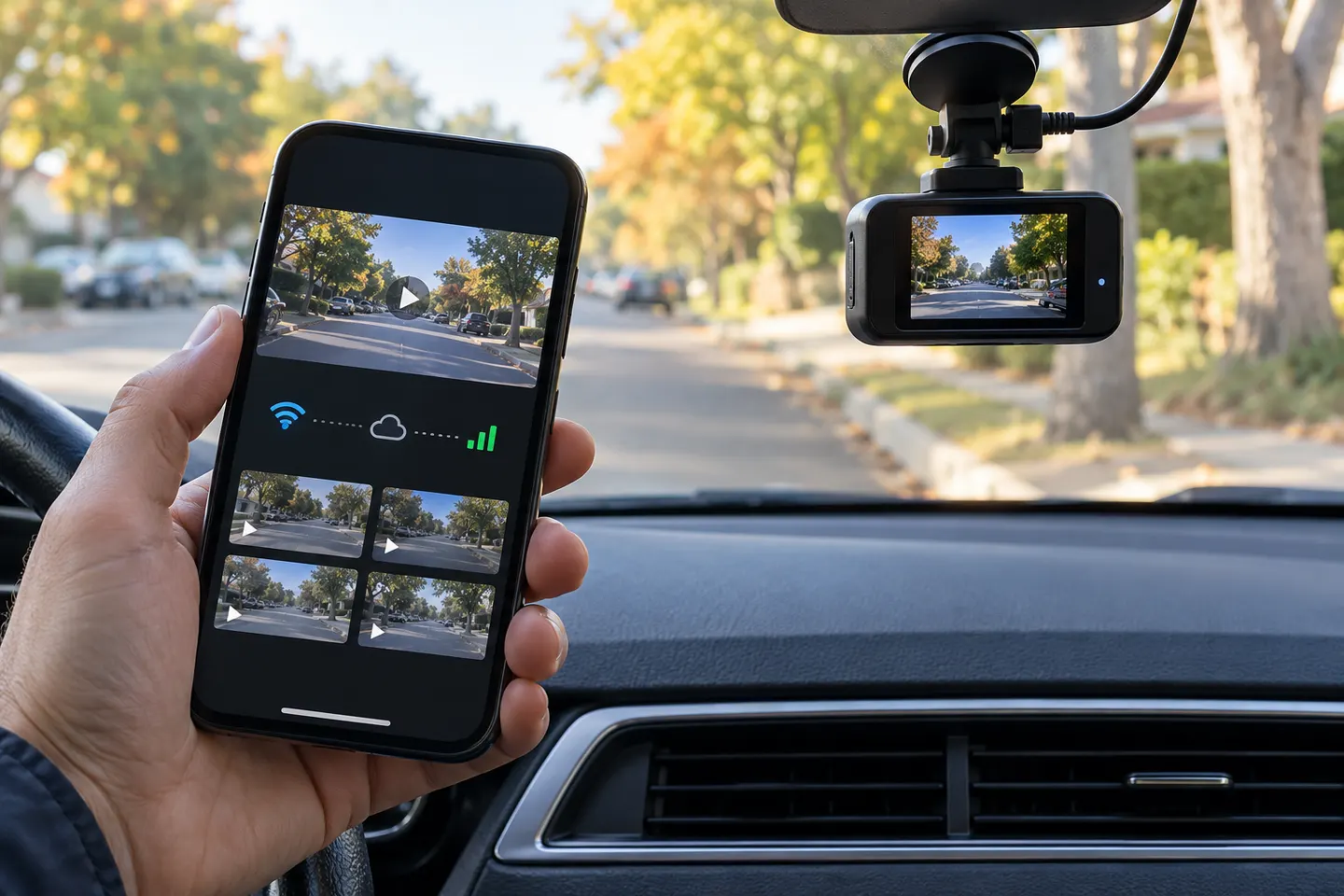
Our picks
Top picks
Official manufacturer image Official manufacturer image
Garmin Dash Cam X310
Check price on Amazon UK Official manufacturer image
VIOFO A329S 2CH
Check price on Amazon UKMore topics
 Dashcam Apps
 Dashcam Android Apps
 iPhone Dashcam App Guide for Recording Your Drive
Common questions
Questions before you buy
Does a dash cam app need mobile data?
Direct camera connection usually uses local Wi-Fi and does not need mobile data. Internet access may still be required for sign-in, cloud features, maps or updates.
Why does my phone say the dash cam Wi-Fi has no internet?
The camera's network is often only a direct link for video and settings. Tell the phone to remain connected, and temporarily disable automatic switching if it keeps leaving the network.
Can I watch a dash cam live on my phone from anywhere?
Most app-connected dash cams only provide live view when you are close enough to join their Wi-Fi. Remote viewing requires a model and service built for an internet connection.
Will the camera record if the mobile app is closed?
A properly configured dash cam should record independently once powered. Check the recording indicator before driving rather than assuming the app confirms it.