





 Official manufacturer image
Our picks
Top picks
Official manufacturer image Official manufacturer image
NETGEAR EAX15
Check price on Amazon Official manufacturer image
TP-Link RE550
Check price on AmazonSetup and help
 Set
SetHow-to guides
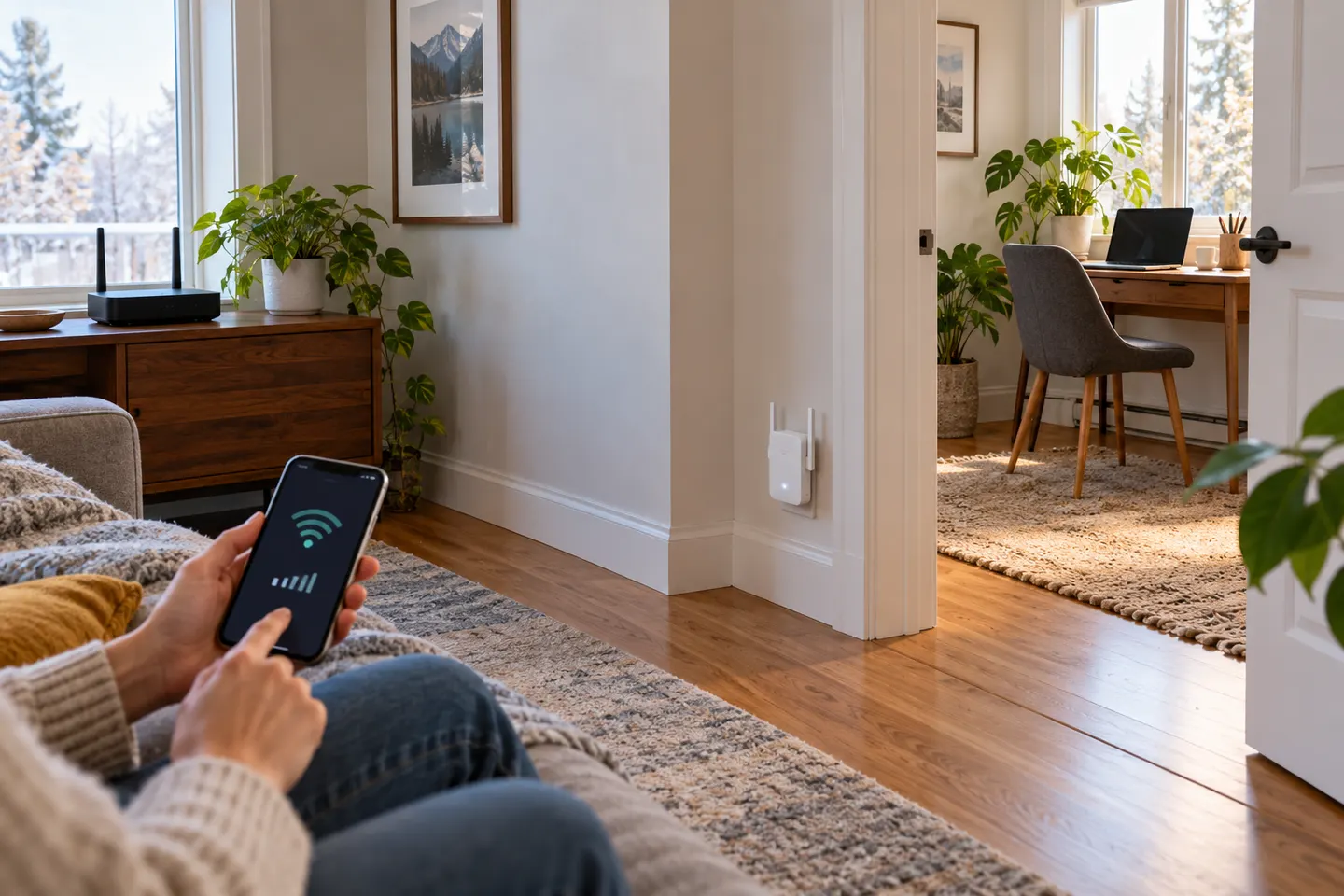 How to Set Up a NETGEAR WiFi Extender in Your Home
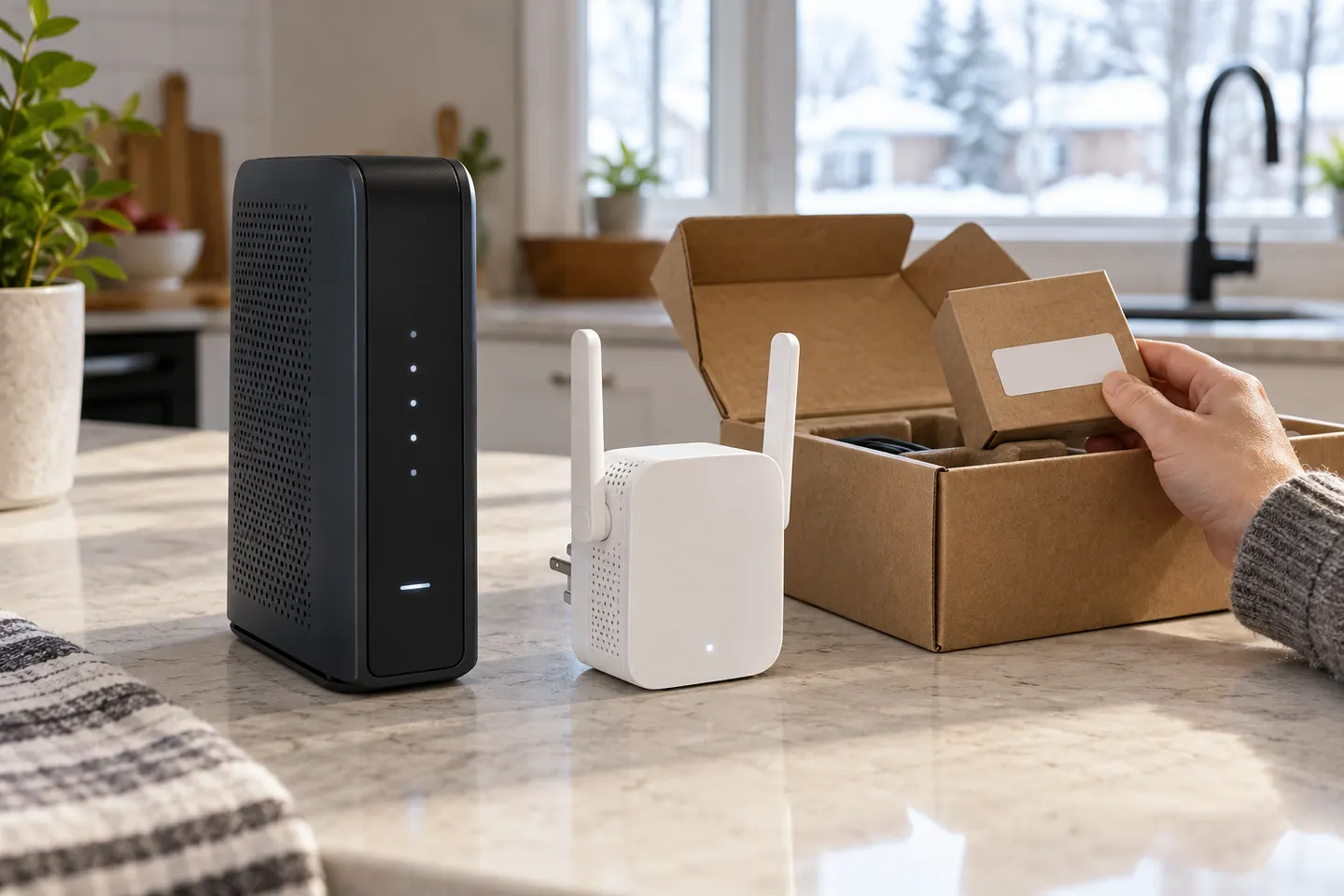 How to Set Up a TP-Link WiFi Extender
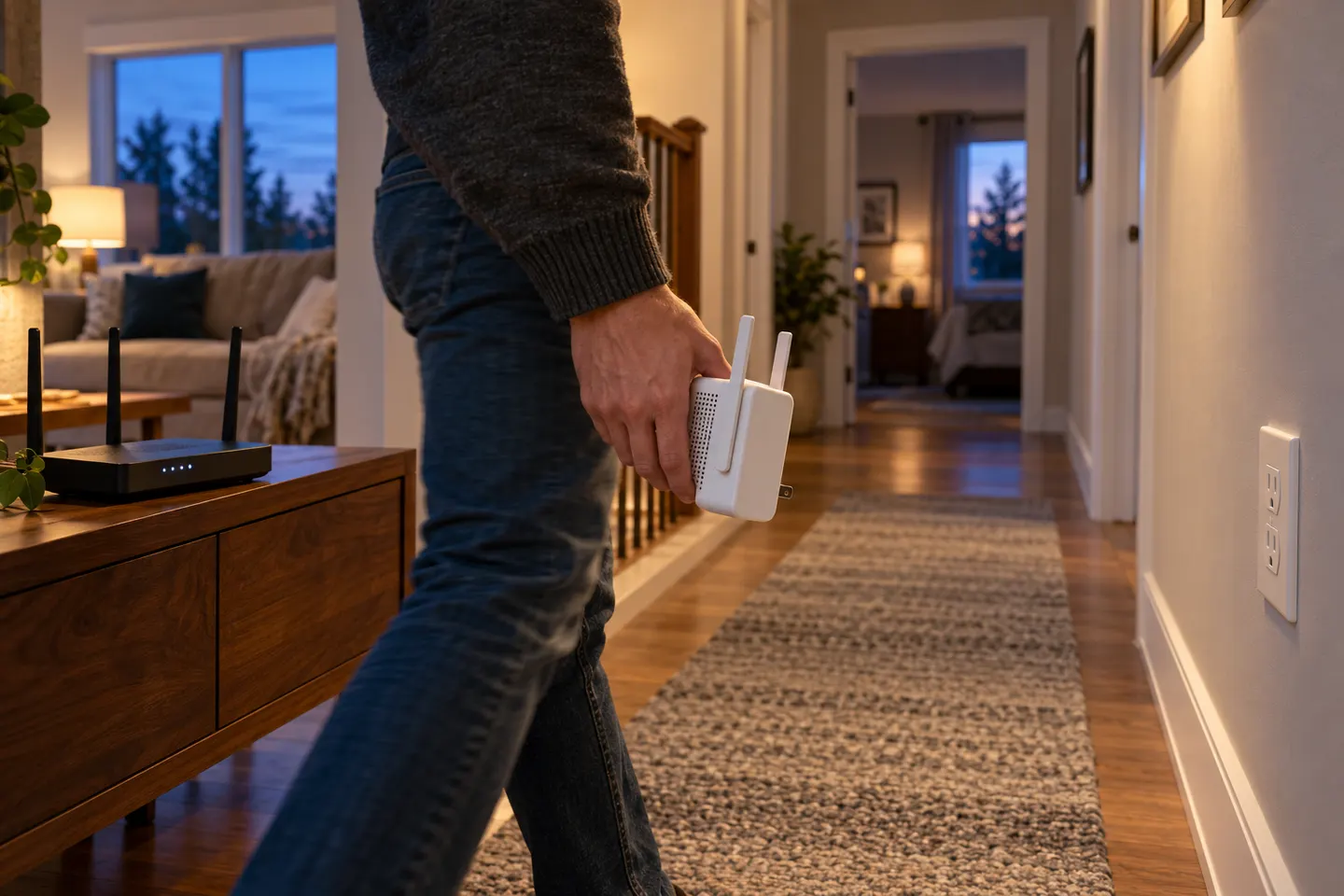 How to Set Up a WiFi Extender in Your Home
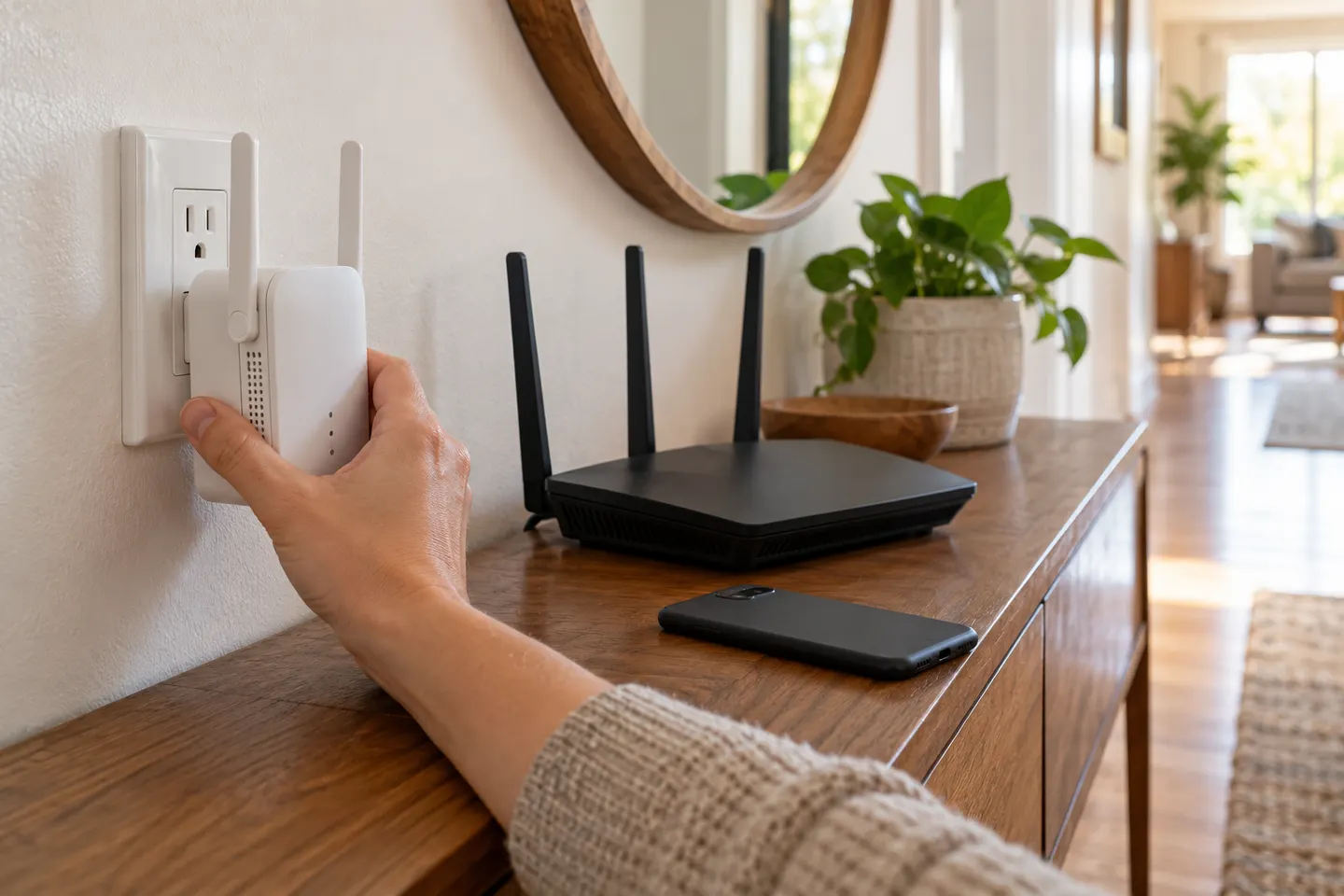 How to Hook Up a WiFi Extender to Your Router
More topics
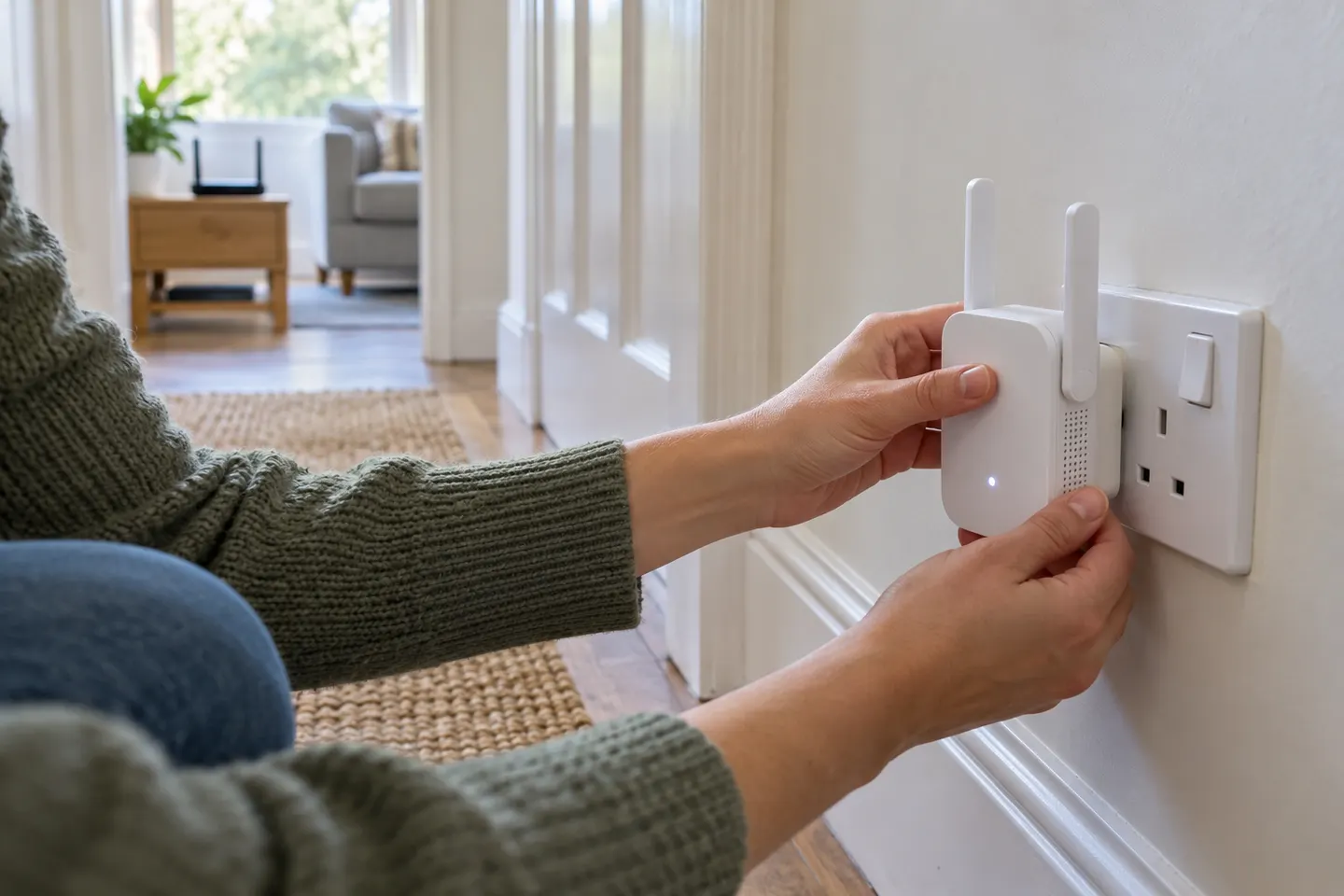 Setting Up a WiFi Extender
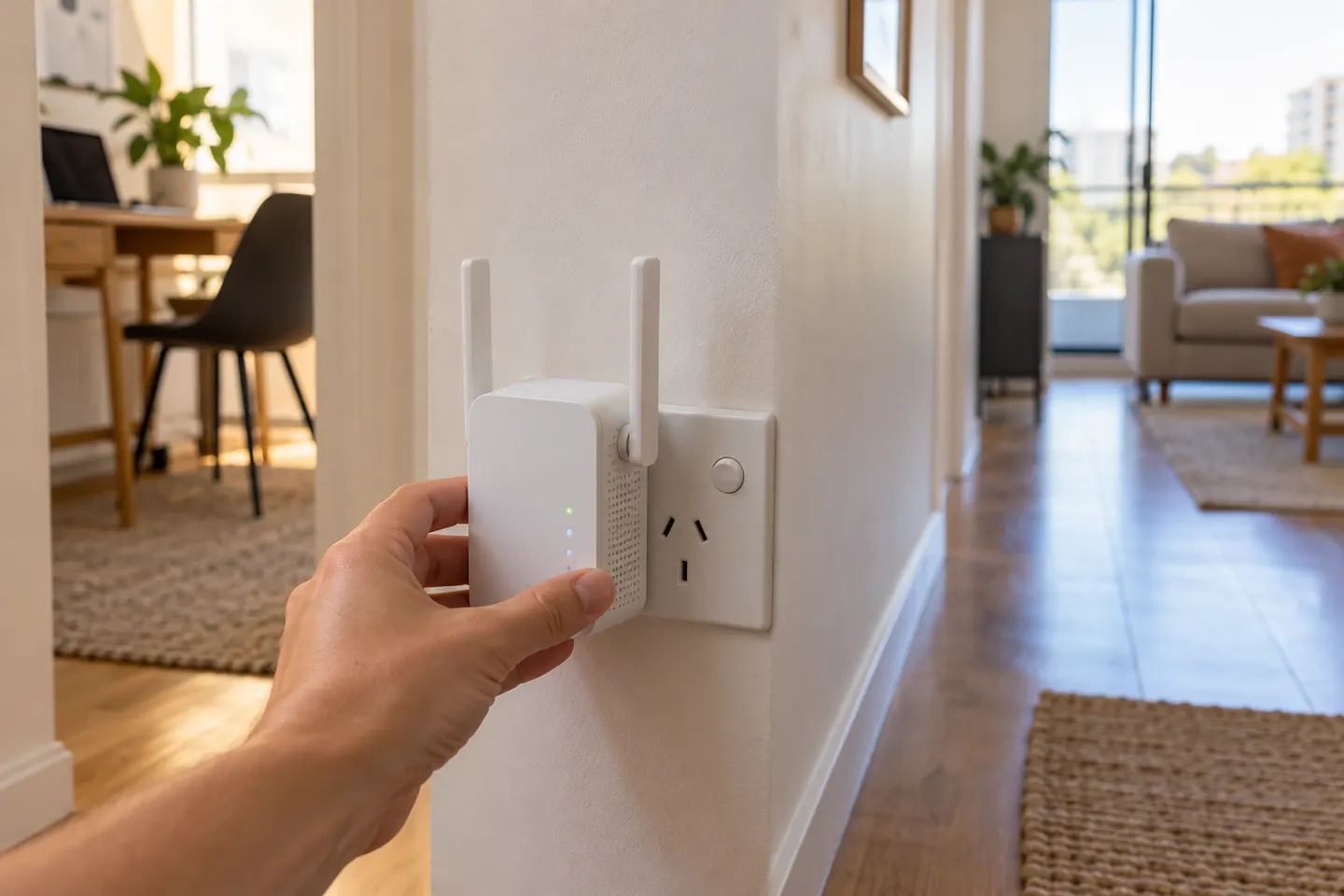 AC750 WiFi Extenders
Common questions
Questions before you buy
How do I set up an AC750 WiFi range extender?
Use WPS if both devices support it, or follow the extender app or web instructions. Select your home network, enter its password when prompted, and verify the connection.
Can I set up an AC750 extender with my phone?
Some models support app-based setup. TP-Link RE220 support links to Tether app setup; confirm steps for your hardware version.
Why is my extender not connecting to the router?
Check the router password, keep the extender within range during pairing, and retry the model-specific process. If previously configured, use the manufacturer reset instructions.
Should I use the same WiFi name for the extender?
That depends on model and preference. The extended network may use a distinct name or share the router name; check the setup screen.