




 Official manufacturer image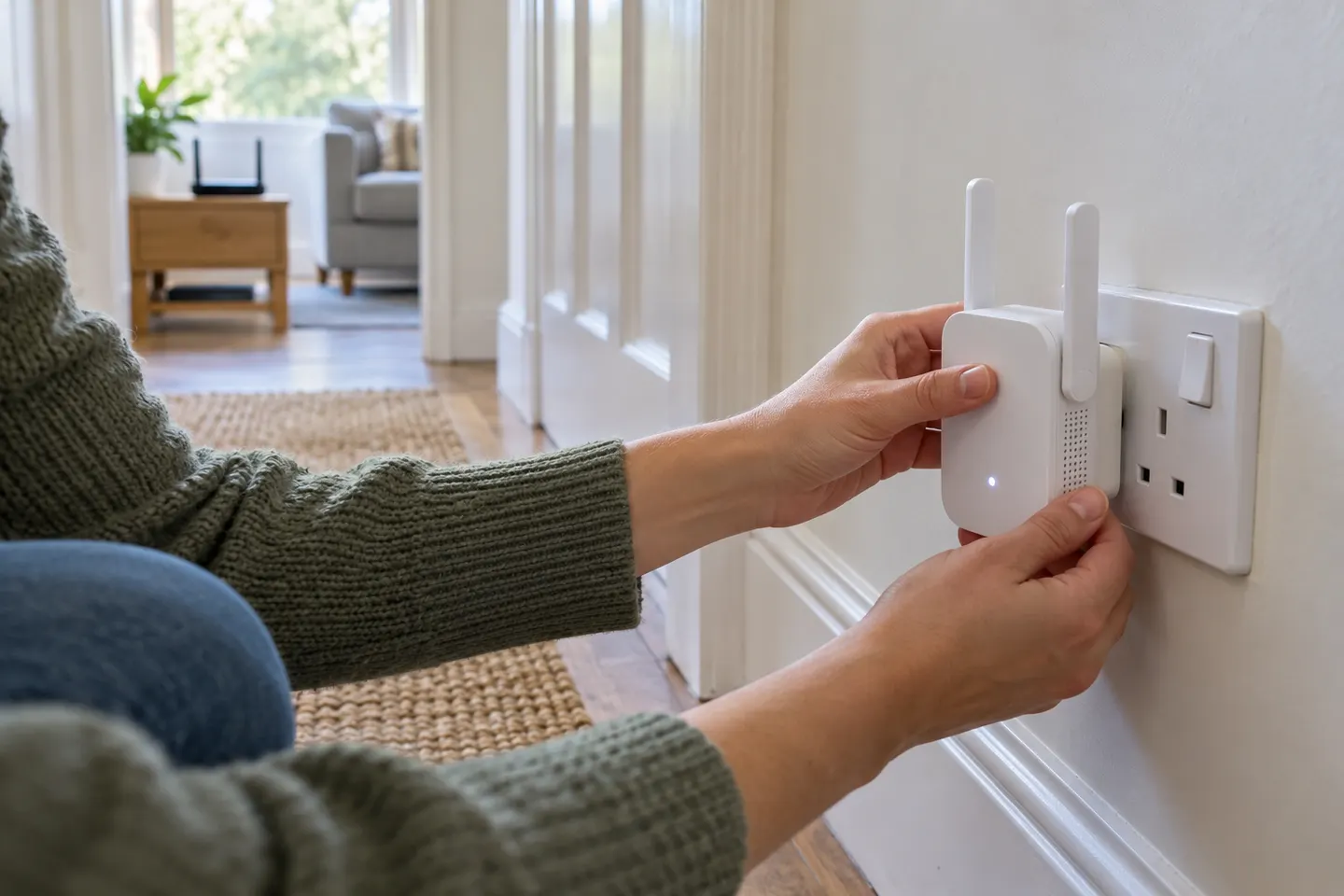
Our picks
Top picks
Official manufacturer image Official manufacturer image
NETGEAR EAX15
Check price on Amazon Official manufacturer image
TP-Link RE550
Check price on AmazonSetup and help
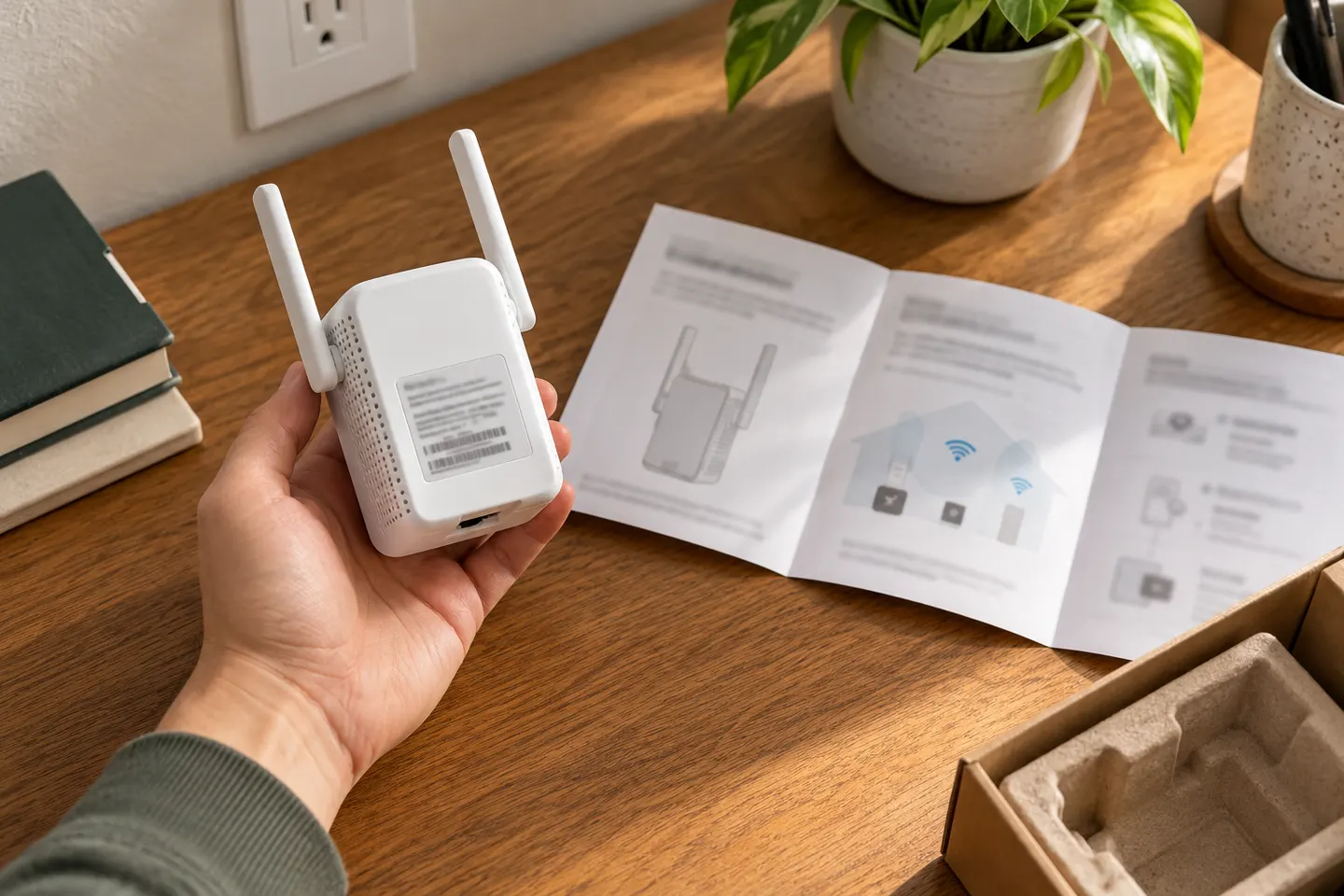 Macard set up
How-to guides
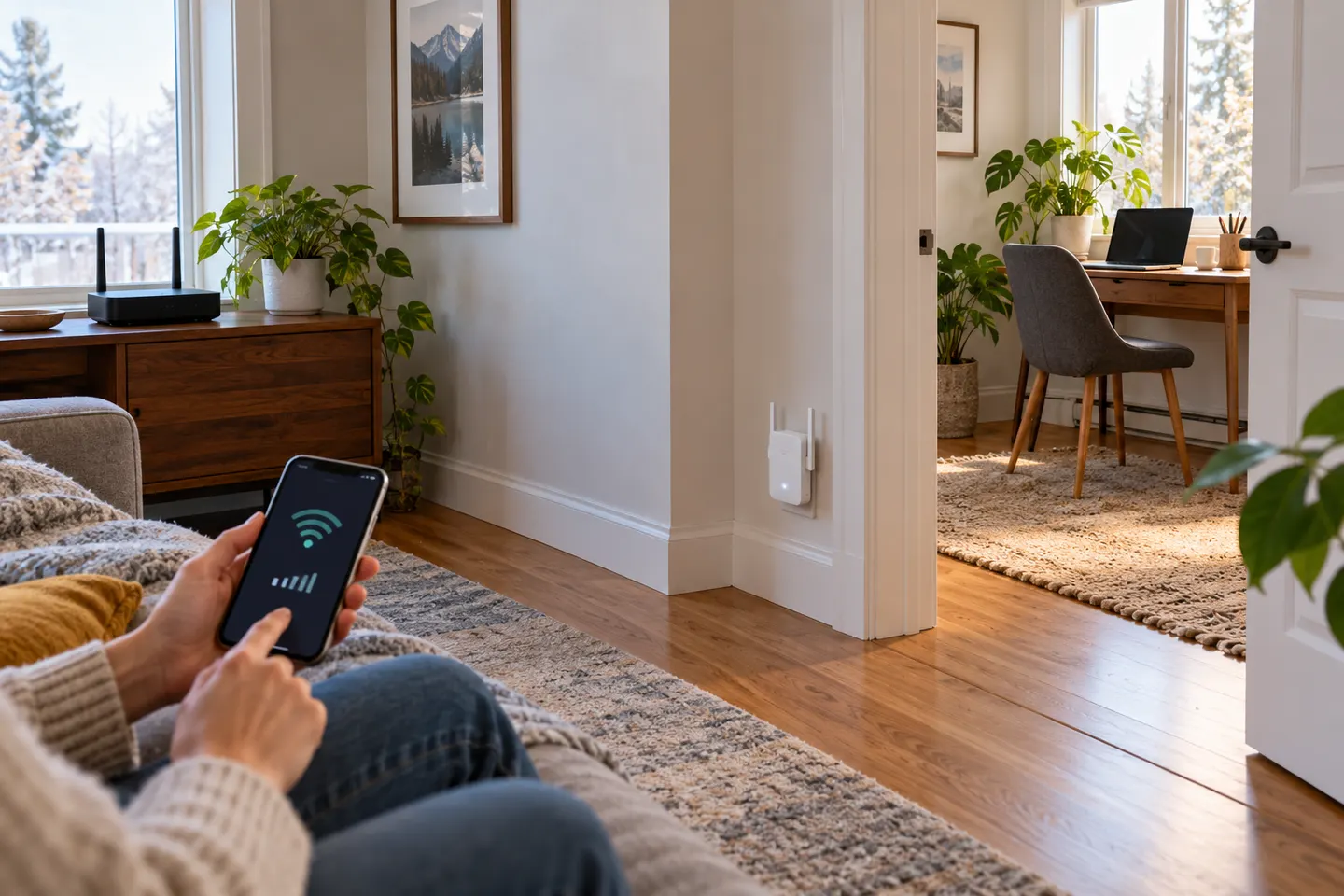 How to Set Up a NETGEAR WiFi Extender in Your Home
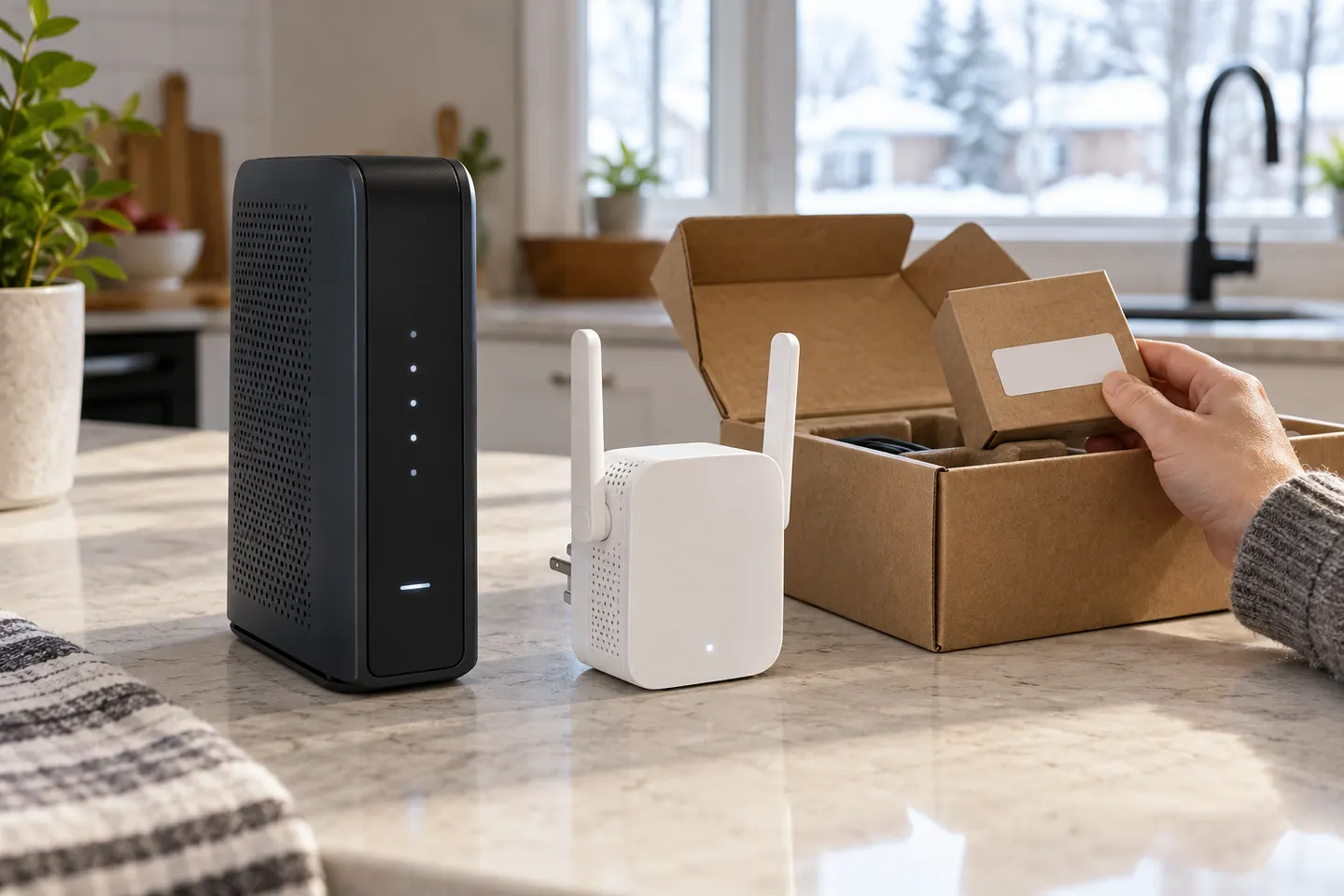 How to Set Up a TP-Link WiFi Extender
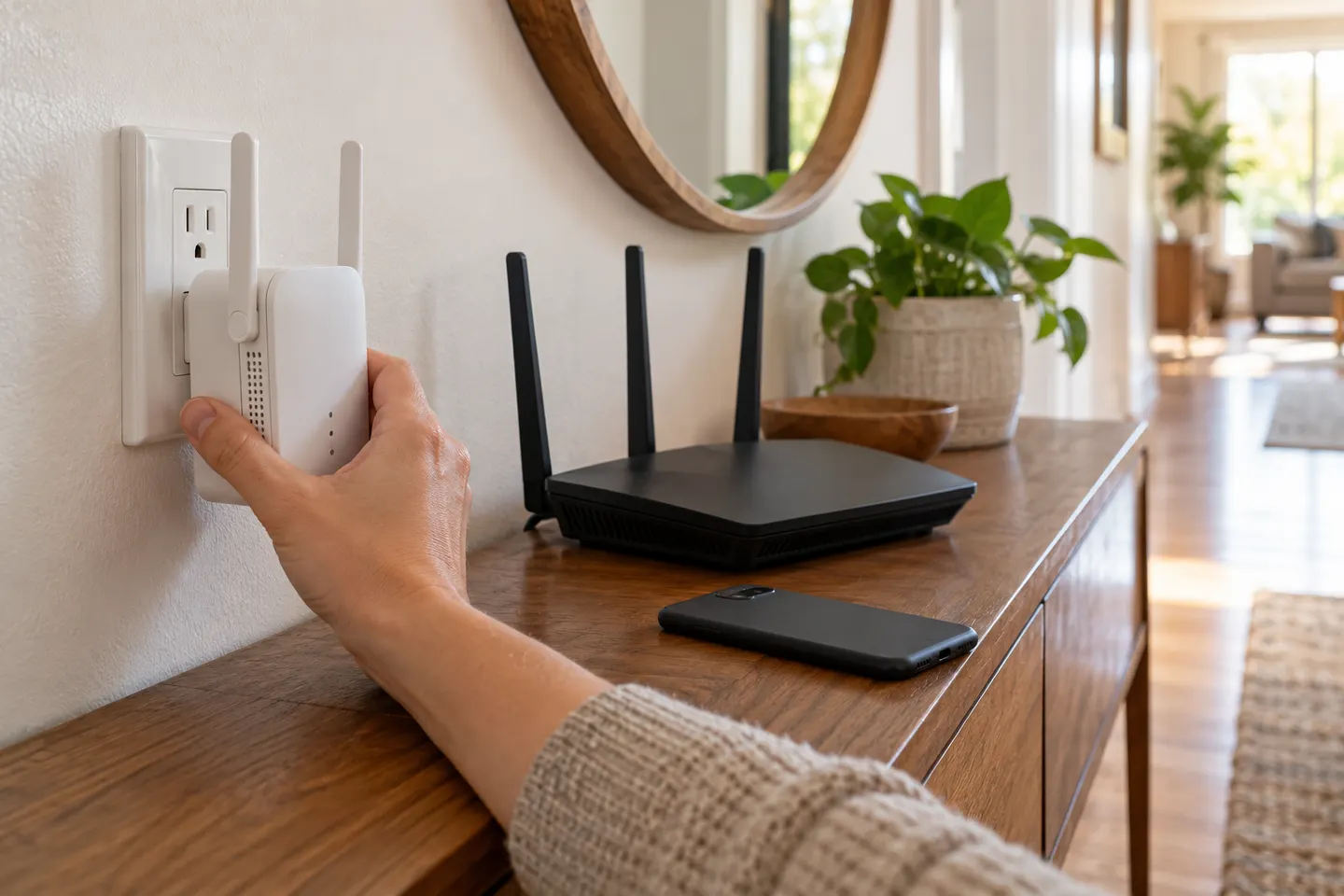 How to Hook Up a WiFi Extender to Your Router
Common questions
Questions before you buy
Do I need to reset an extender before setting it up?
Reset only when it is previously configured or the manufacturer troubleshooting flow instructs you to. A reset erases existing settings.
Should I connect the extender before moving it to another room?
Yes. Pair and confirm it near the router first, then move it to a location that can still receive a reliable signal.
How can I tell if the extender is positioned well?
Check the model's status indicator or management app and test the connection in the target room. If the extender reports a weak router link, move it closer.
What if my extender setup page will not open?
Connect to the extender's setup network and use the address or app specified in its manual. Check that mobile data or a VPN is not interfering with local setup if the maker advises this.