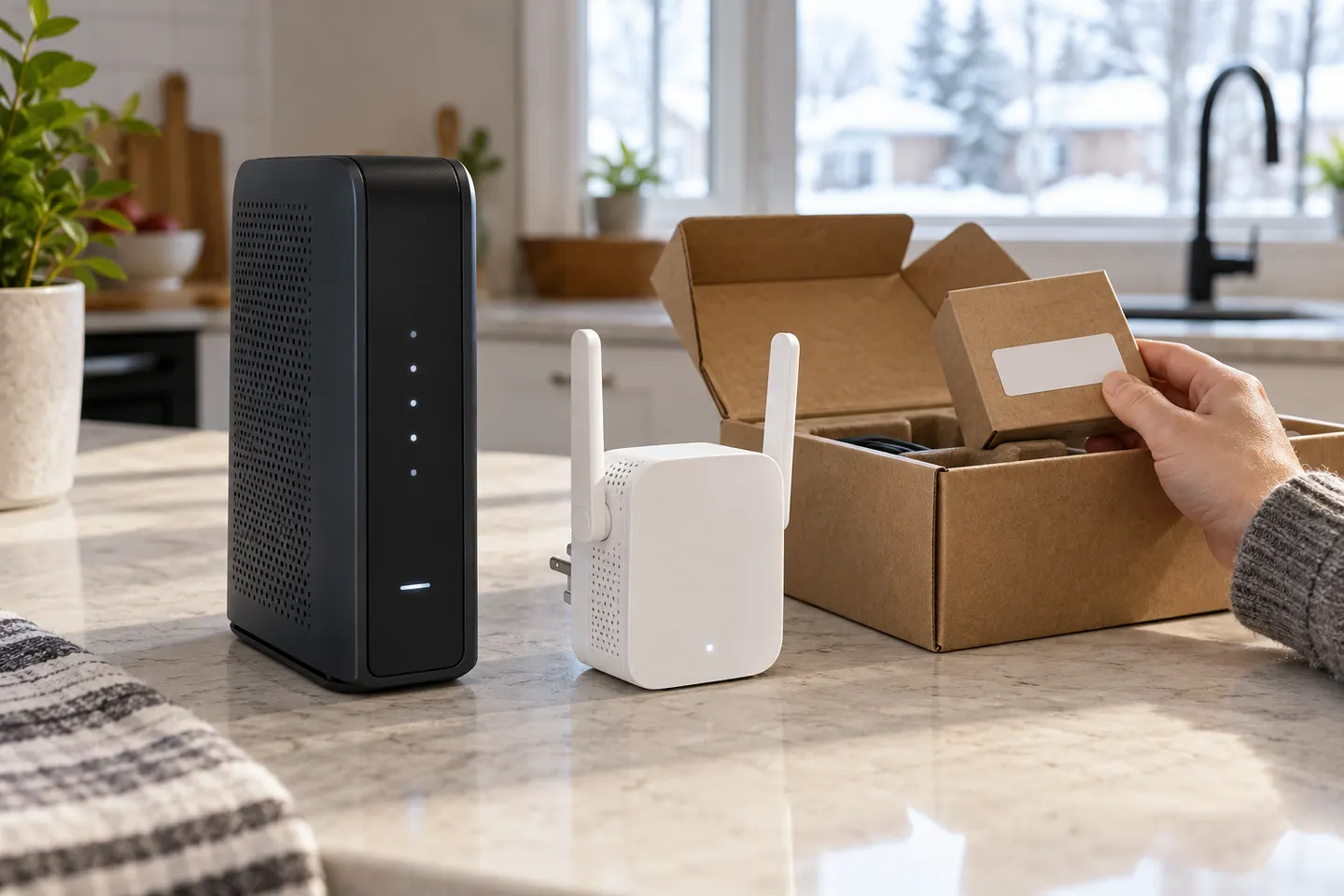
How to Set Up a TP-Link WiFi Extender
Use WPS for a quick pairing or the TP-Link Tether app for guided setup. Finish by moving the extender to a midpoint where it still receives a stable router signal.

 Best picksBest WiFi Extenders: Which Range Extender Should You Buy?
 Best picksGood Meat Thermometers for Every Kind of Cook
 Best picksBest Dash Cams for Cars in 2026
 Best picksBest Air Purifier for Bedroom in the US: Quiet Models Compared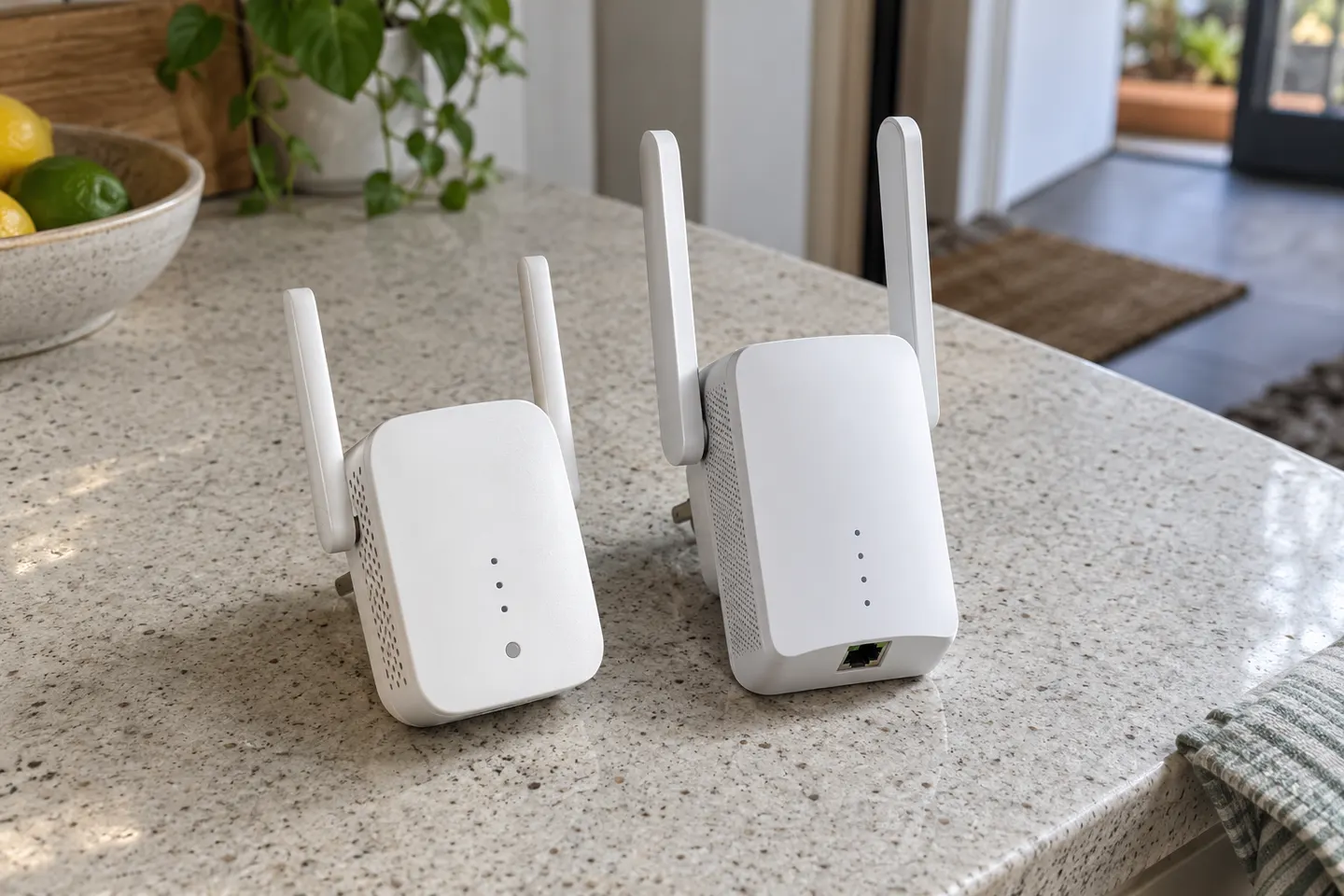
Start here
Use WPS for a quick pairing or the TP-Link Tether app for guided setup. Finish by moving the extender to a midpoint where it still receives a stable router signal.

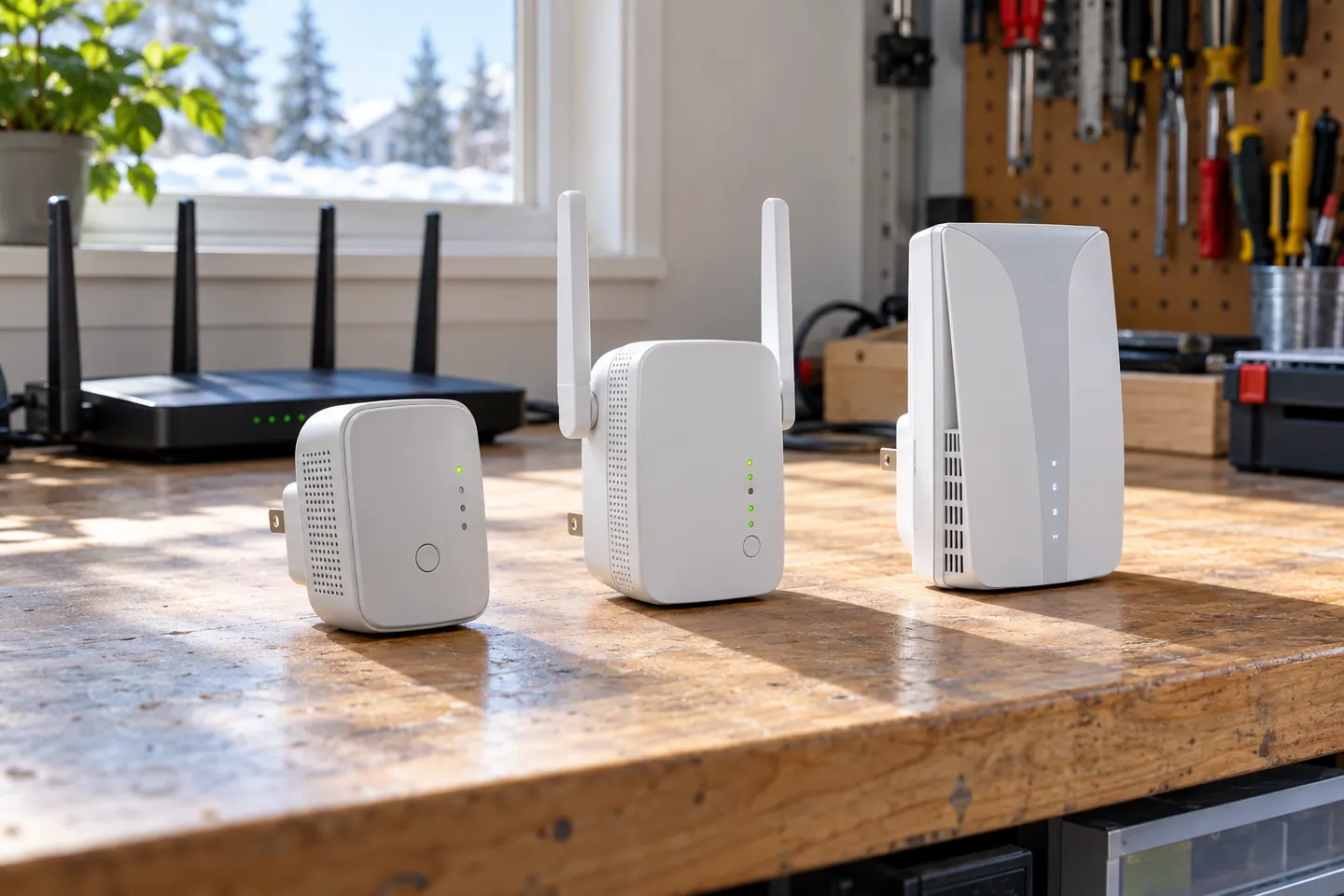
TP-Link offers WiFi 6 and WiFi 5 extenders with different port and mesh features. Check hardware version and router compatibility before choosing.
Our picks
Official manufacturer image Official manufacturer image
 Official manufacturer image
Common questions
D-Link lists models such as the DAP-1325 and DAP-1820 on its US site, although availability and support can vary by hardware version. Check the exact model and region before buying.
Many universal extenders are designed to join third-party Wi-Fi networks, but verify the exact security standard and setup method in the model manual.
“Booster” is commonly used informally for a range extender. The useful comparison is the device bands, Wi-Fi generation, Ethernet port and operating mode.
D-Link DAP-1325 is listed as an N300 Wi-Fi range extender with a Fast Ethernet LAN port. Confirm regional availability on the official product page.
 How to Set Up a TP-Link Wi-Fi Extender
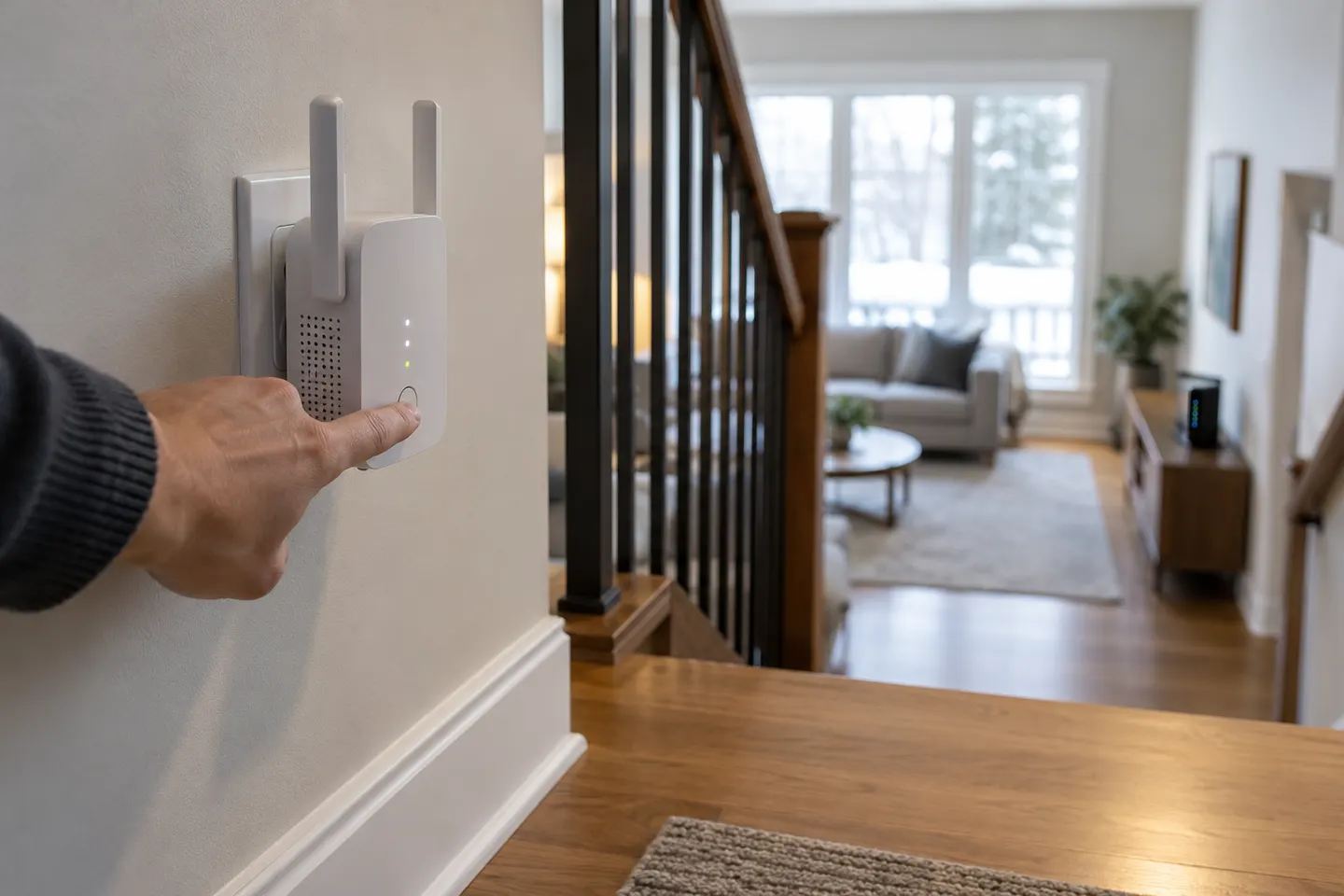 How to Configure a TP-Link WiFi Extender Step by…
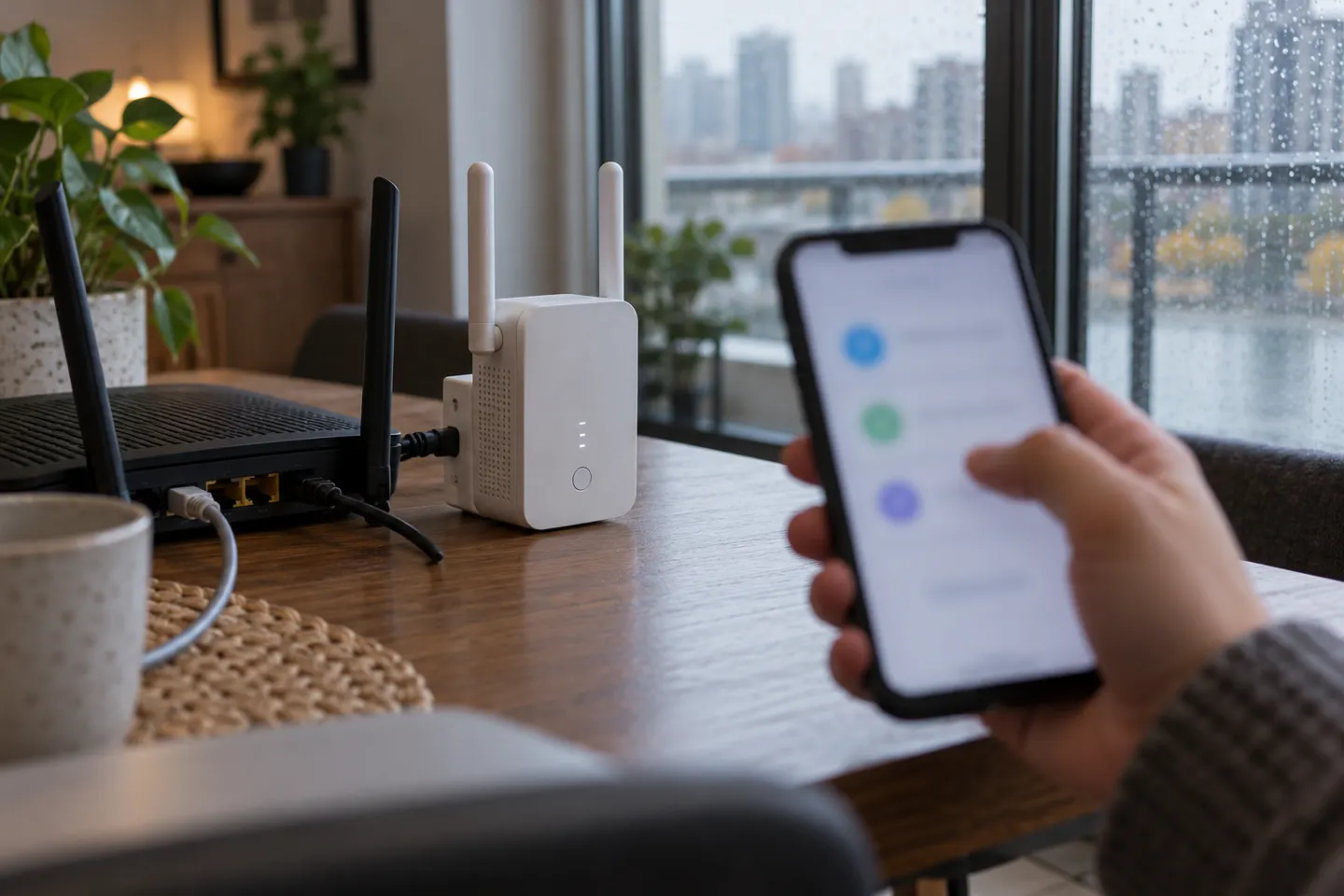 How to Connect a TP-Link WiFi Extender to Your…
 TP-Link WiFi Extenders