
Independent buying guidance · UK editionHow we work
Gearjury
All categories
All categories
Best picksBest Meat Thermometers in the UK for 2026
Best picksBest WiFi Extenders in the UK: Compare Five Practical Options
Best picksThe Best Dashcams in the UK for 2026
Best picksBest Air Purifiers in the UK for Different Rooms and Needs
United KingdomEnglish

Category hub

D-Link WiFi Range Extenders: Models and Setup

D-Link’s UK range includes compact N300 and dual-band AC models. Match the model number to your coverage need, then check its current support page for setup and firmware.

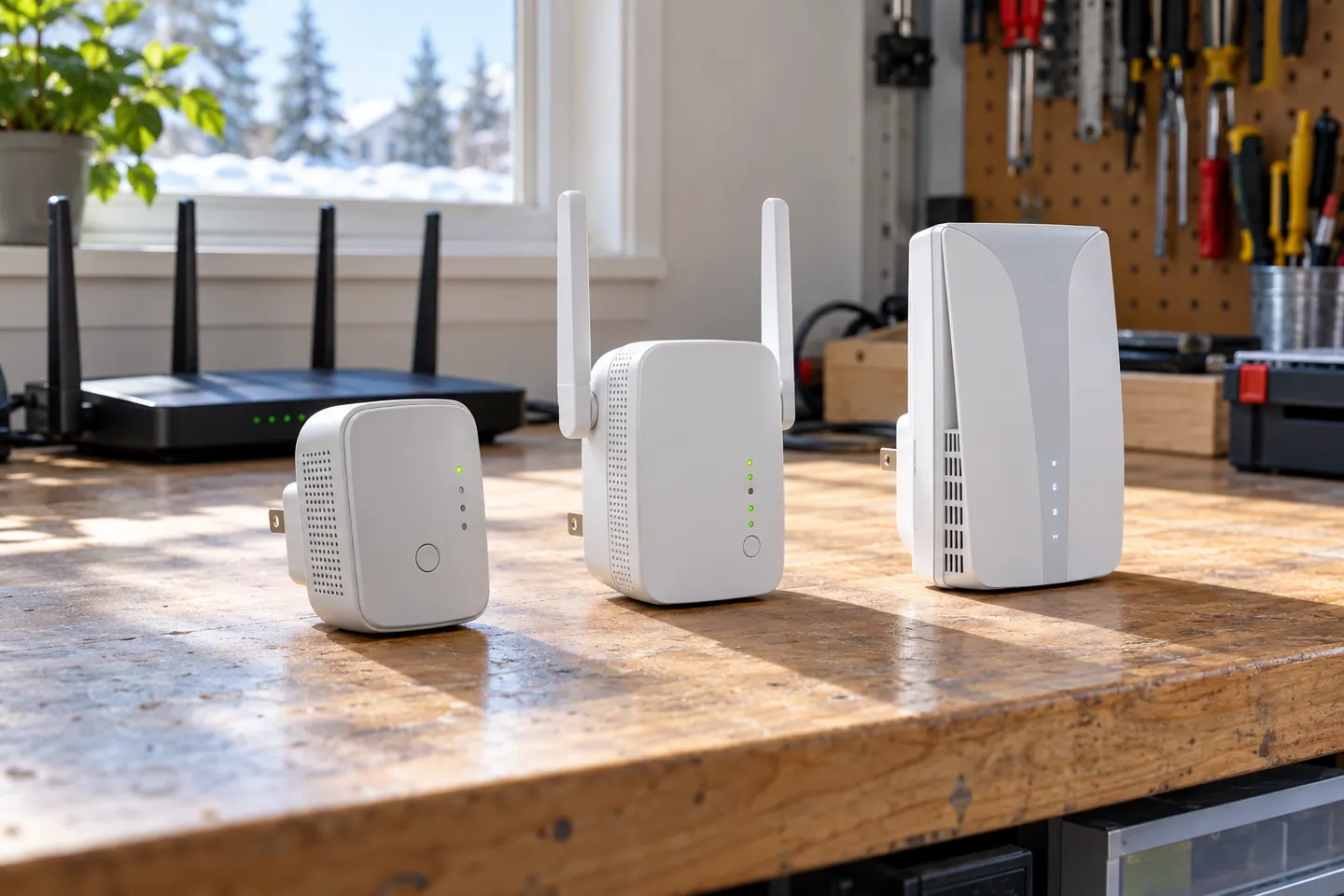
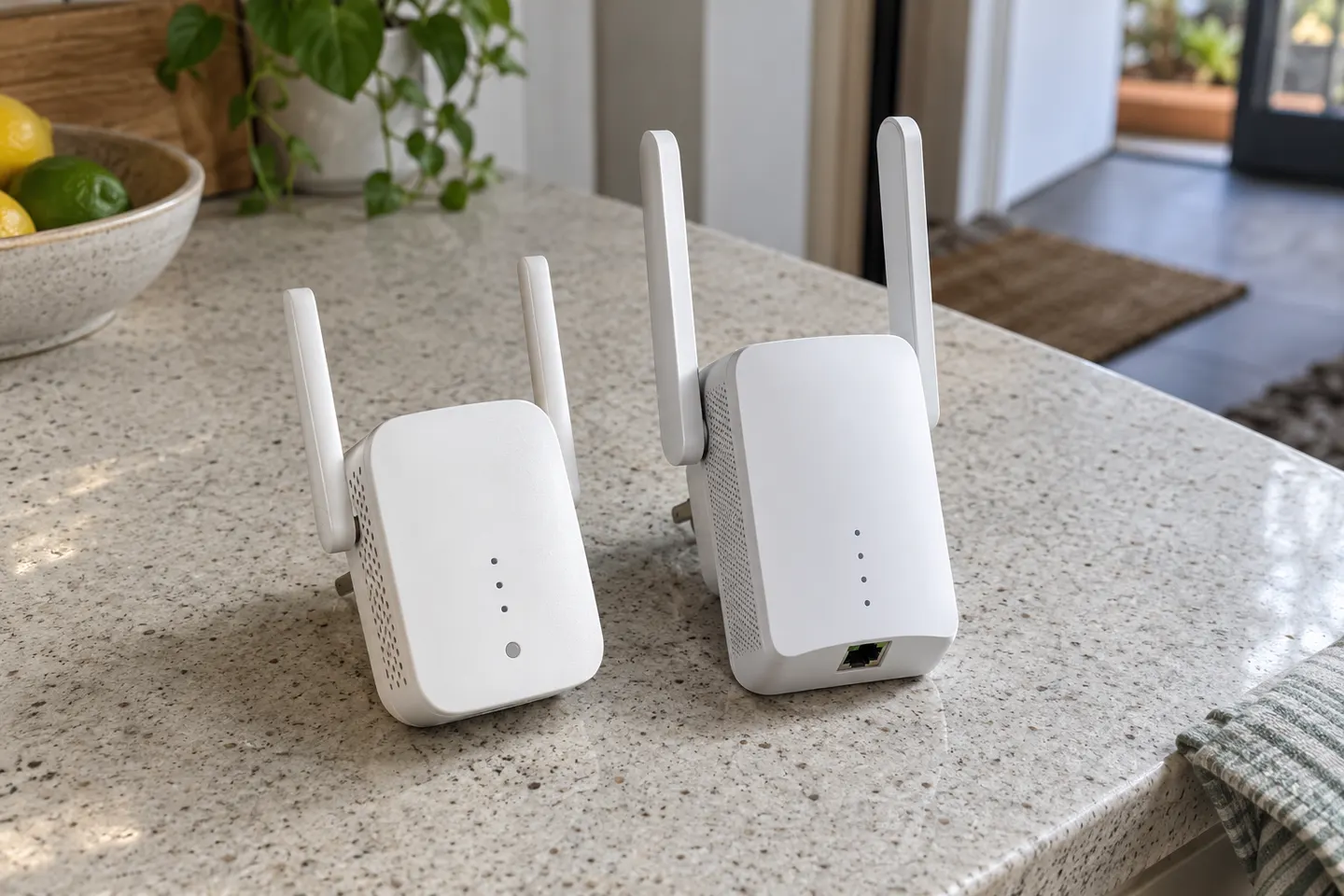
A D-Link WiFi extender can be a straightforward way to address a local weak-signal area, but the model matters. The DAP-1610 is an AC1200 dual-band range extender with an Ethernet port, while D-Link also lists the N300 DAP-1325. Compare the exact specification and support documentation rather than treating N300, AC1200 and AC1750 labels as guaranteed room coverage.

D-Link WiFi Range Extenders: Models and Setup

Start here

The essentials

How to Set Up a TP-Link WiFi Extender

How to Set Up a TP-Link WiFi Extender

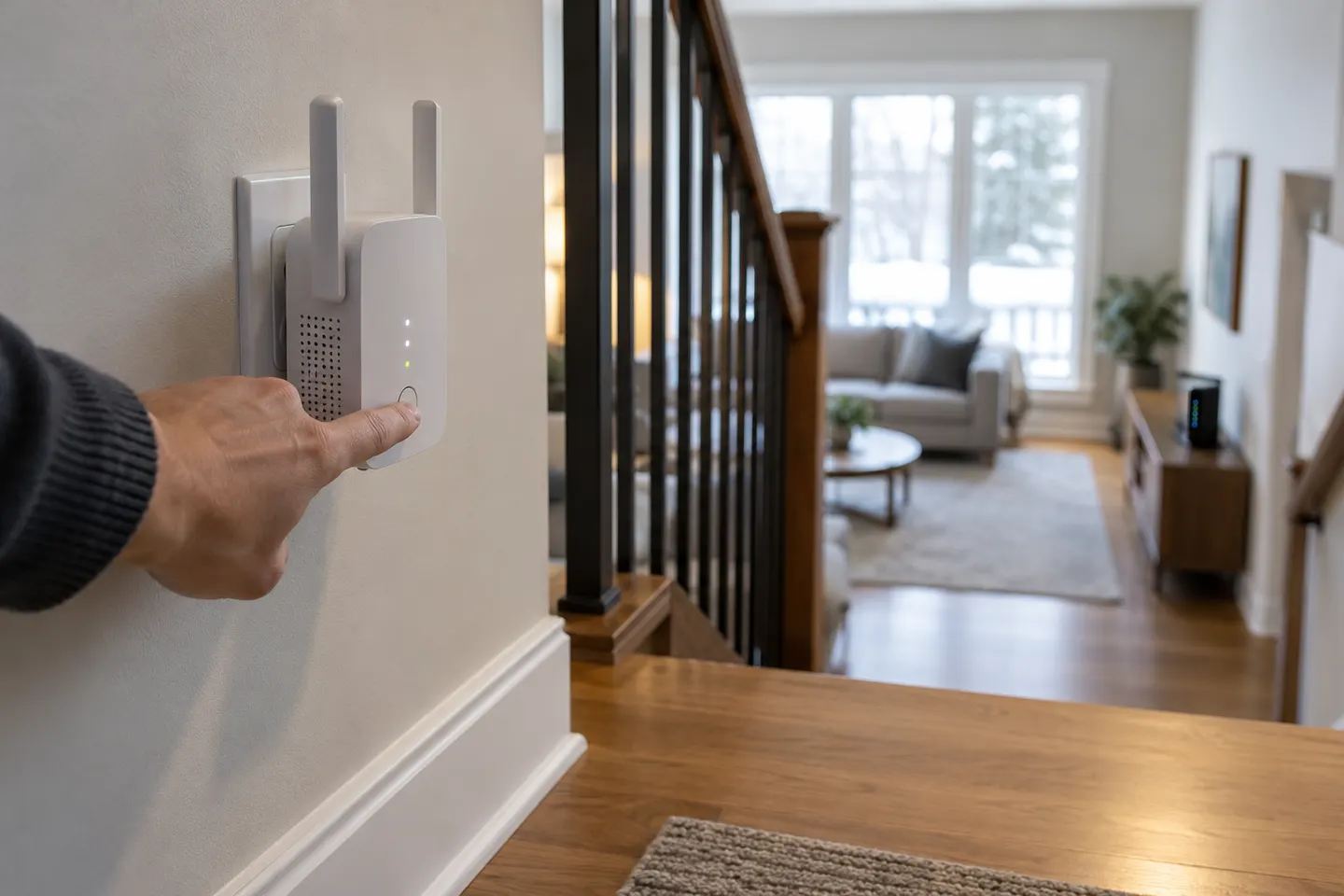
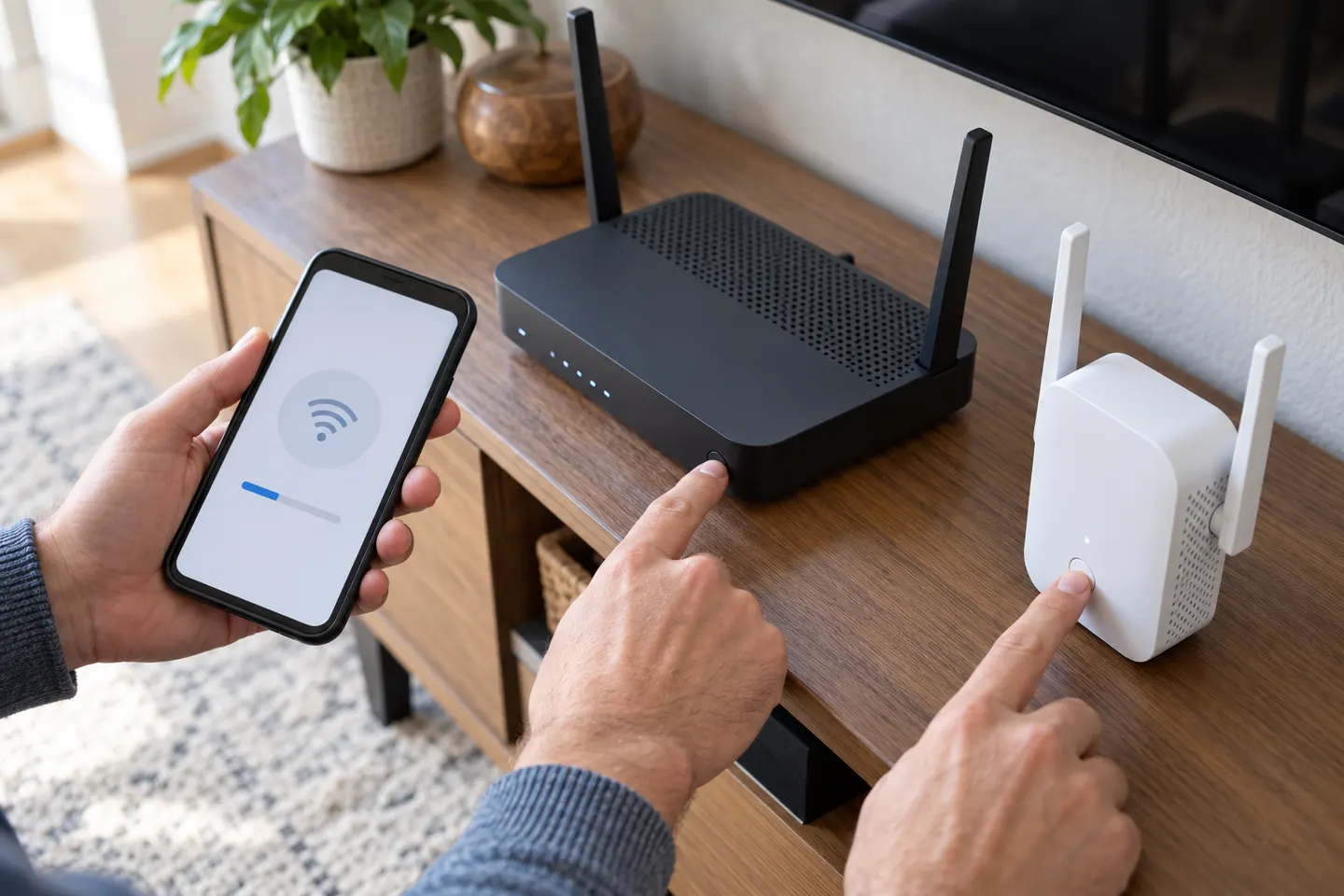
Start near the router, pair the extender using WPS or the Tether app where supported, then move it to a spot that still receives a good router signal. The exact buttons and screens depend on the model and hardware version.


Brands

1

How-to guides

5
Show all (5)

More topics

2

Common questions

Questions before you buy

What is the difference between the D-Link DAP-1325 and DAP-1610?

D-Link identifies the DAP-1325 as an N300 WiFi range extender and the DAP-1610 as a dual-band AC1200 model. Check their regional product and support pages for the full hardware details.

How do I set up a D-Link N300 WiFi range extender?

Use the quick installation guide for the exact DAP model. Follow its WPS or app-based pairing steps, wait for the connection indicator, then place the unit where it can still receive the router signal.

Does the D-Link DAP-1610 have an Ethernet port?

Yes. D-Link lists one Fast Ethernet LAN port on the DAP-1610. Its documented wireless modes include wireless client and wireless extender.

Is the D-Link DAP-1620 an AC1200 extender?

D-Link’s manual describes the DAP-1620 as an AC1200 WiFi range extender. Check the support page for your hardware revision and region before downloading firmware or instructions.