

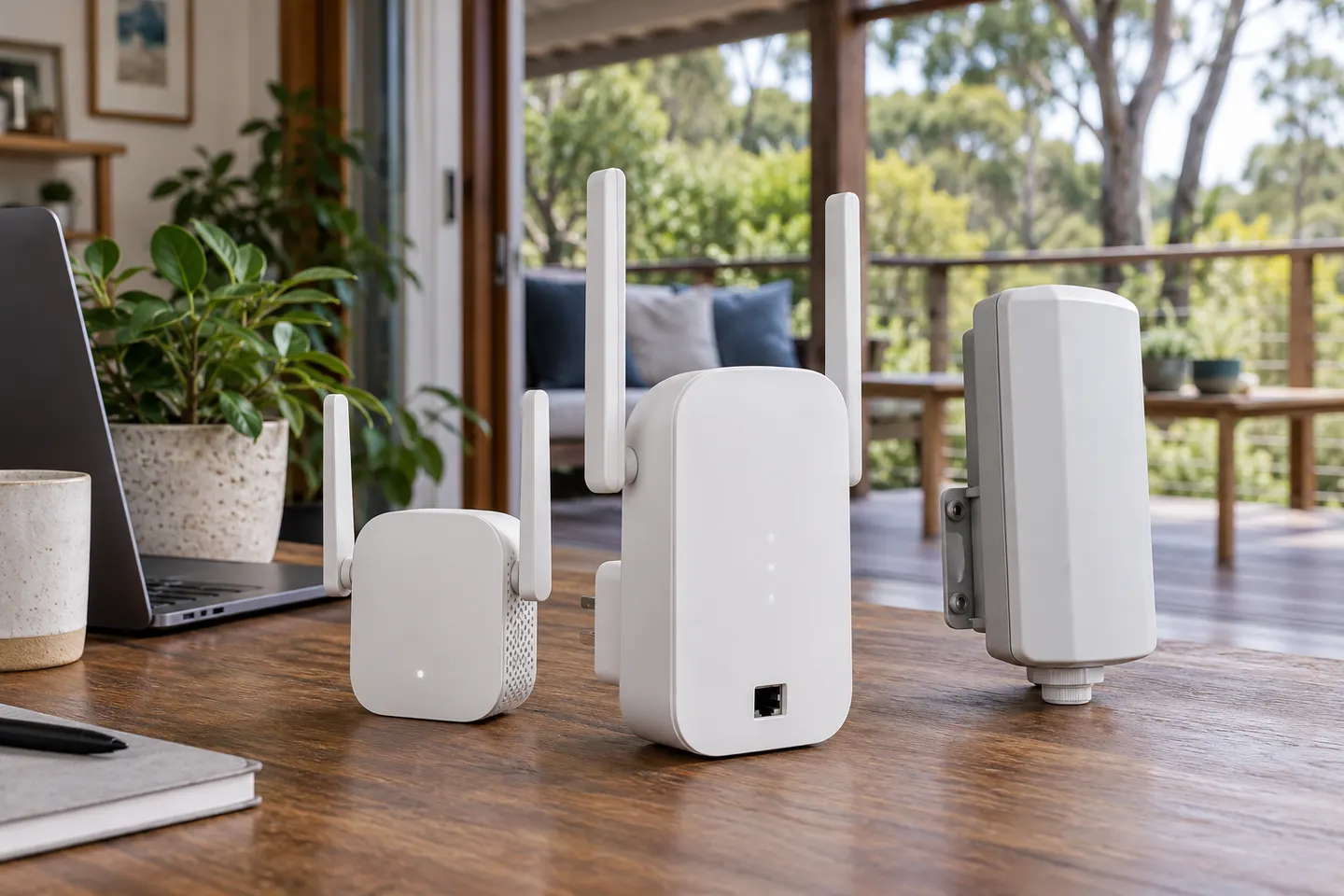


How to Set Up a TP-Link WiFi Extender with Your Router
Start beside your router, pair the extender with WPS or the Tether app, then move it to a halfway point where it still receives a strong signal.

Start here
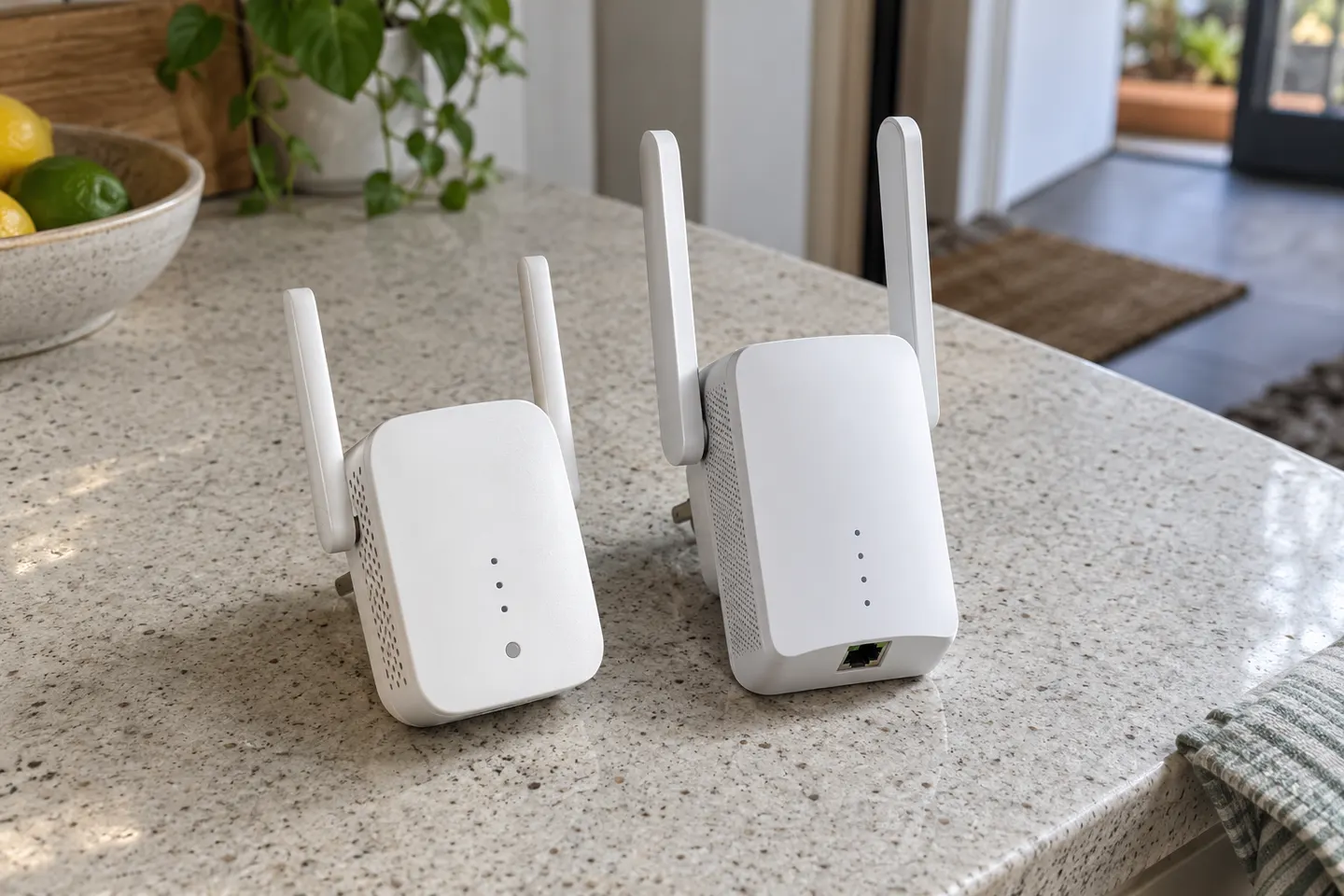
Start beside your router, pair the extender with WPS or the Tether app, then move it to a halfway point where it still receives a strong signal.
D-Link’s Australian support pages document legacy N300, AC1200 mesh and AX1800 Wi-Fi 6 extender models. Availability and features vary by hardware revision.
Our picks
 Official manufacturer image
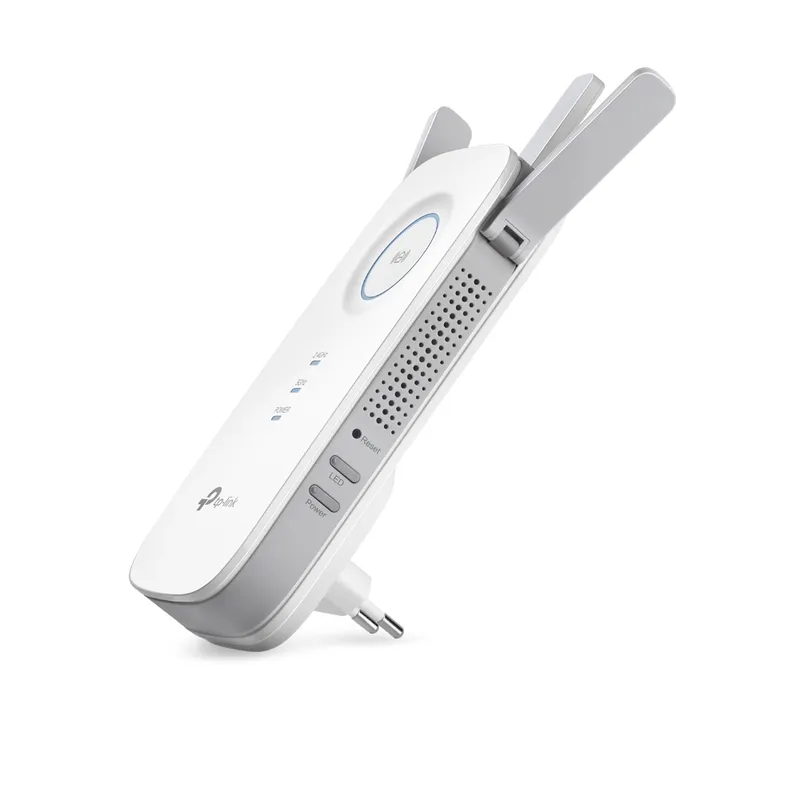 Official manufacturer image
 Official manufacturer image
Common questions
Compatibility depends on the extender and router standards and security settings. D-Link describes the DAP-1330 as a range extender, but check the exact model manual and router requirements before purchase.
D-Link identifies DAP-1330 as an N300 range extender and DAP-1610 as an AC1200 mesh Wi-Fi range extender. They belong to different wireless performance classes and should not be treated as equivalent.
Some D-Link models include an Ethernet port, but port speed and supported modes vary. Check the specification for your exact hardware revision.
Place it where the router signal remains stable and between the router and the weak-signal area. A repeater placed inside a dead zone may have little useful signal to relay.
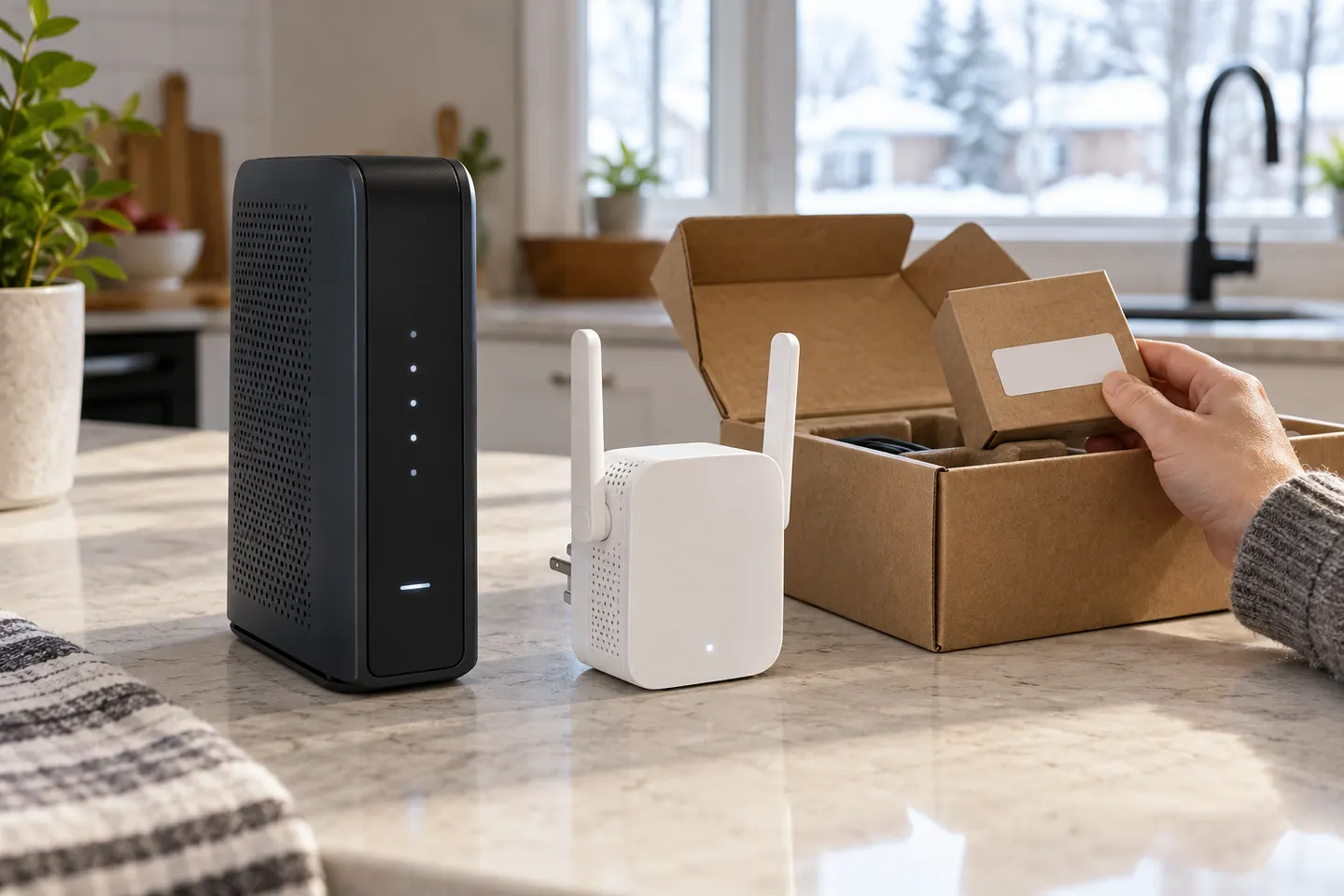 How to Set Up a TP-Link WiFi Extender Step by Step