




 Official manufacturer image
Our picks
Top picks
Official manufacturer image Official manufacturer image
NETGEAR EX6120
Check price on Amazon UK Official manufacturer image
TP-Link RE705X-Outdoor
Check price on Amazon UKHow-to guides
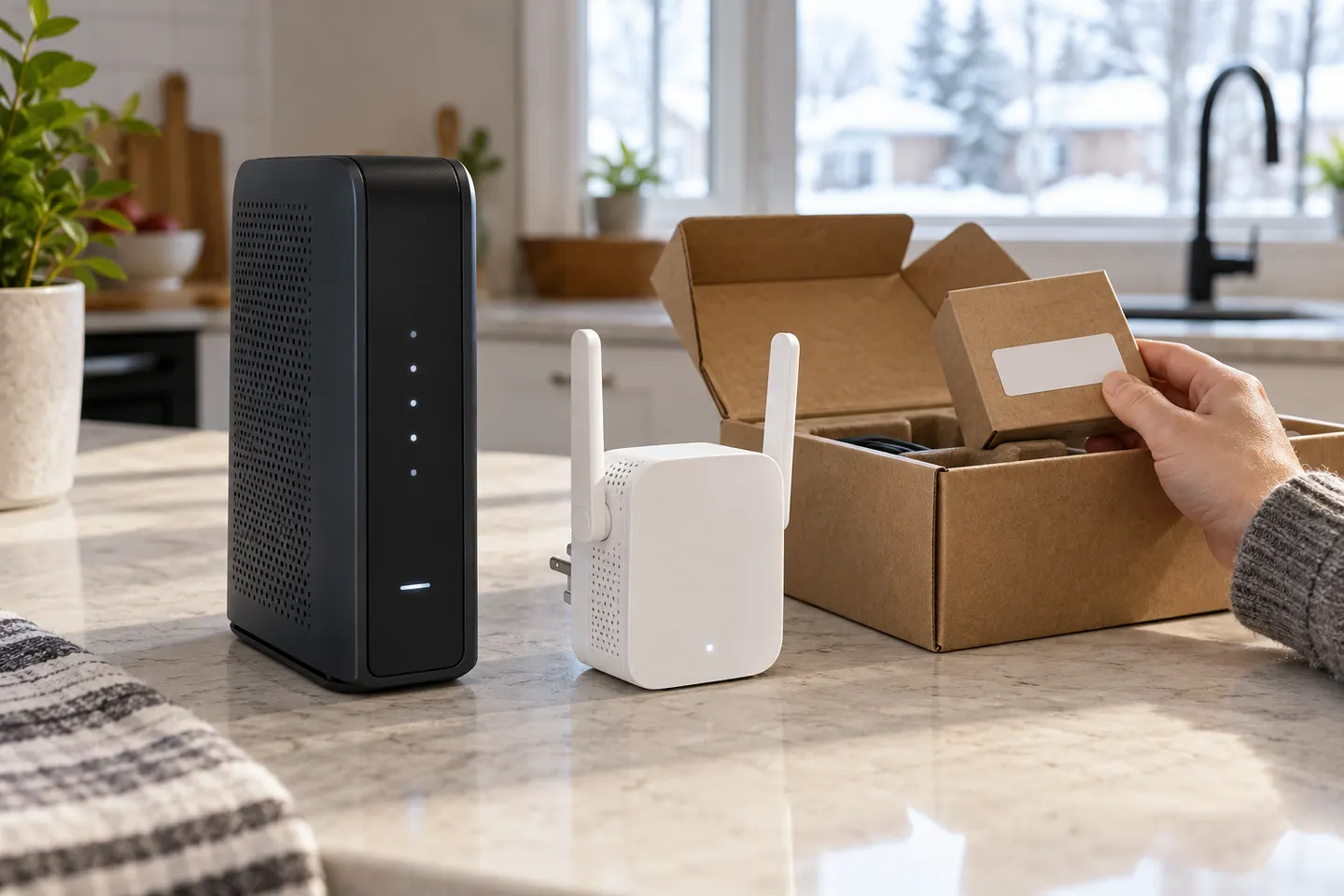 How to Set Up a TP-Link WiFi Extender for Better…
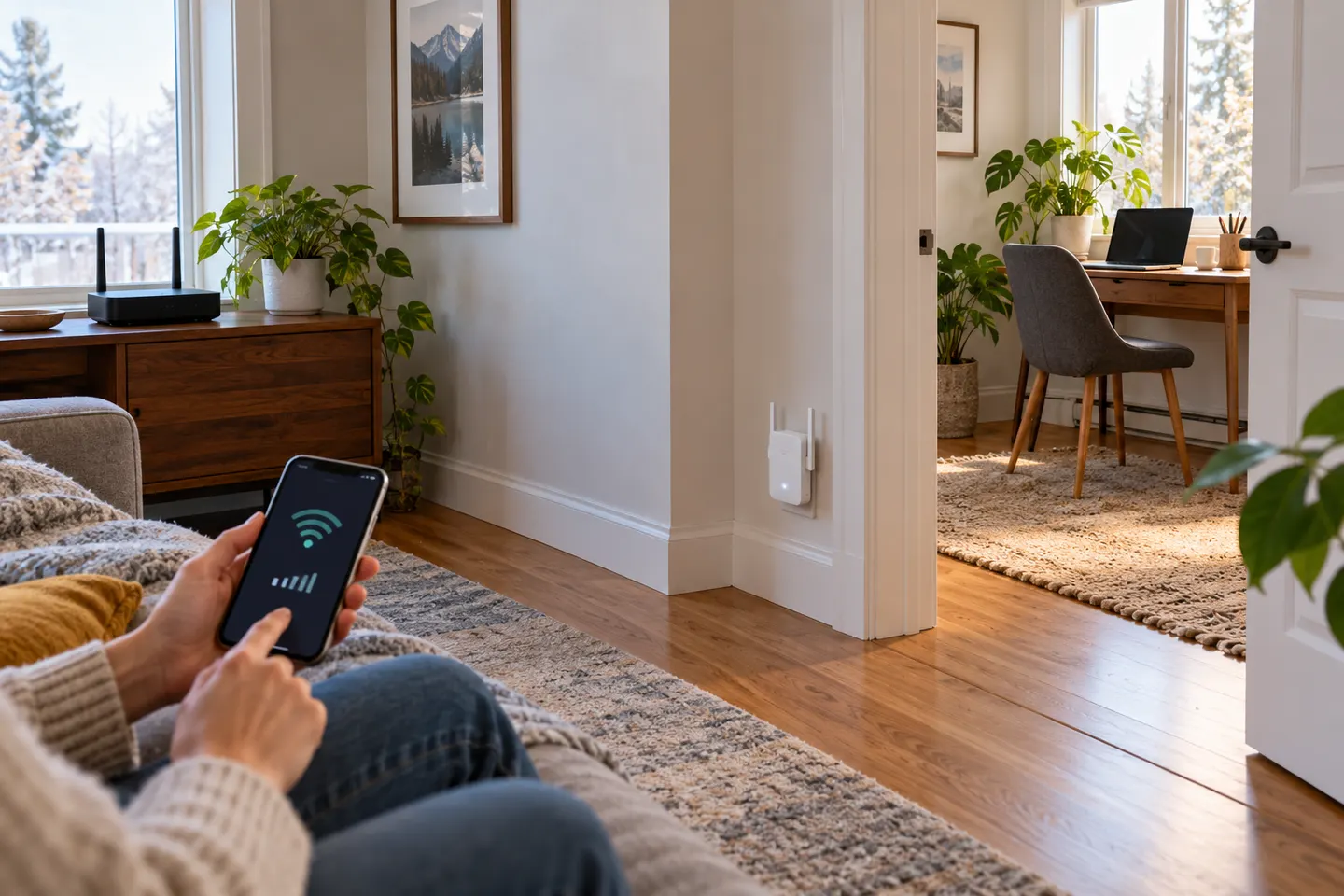 How to Set Up a NETGEAR WiFi Extender
More topics
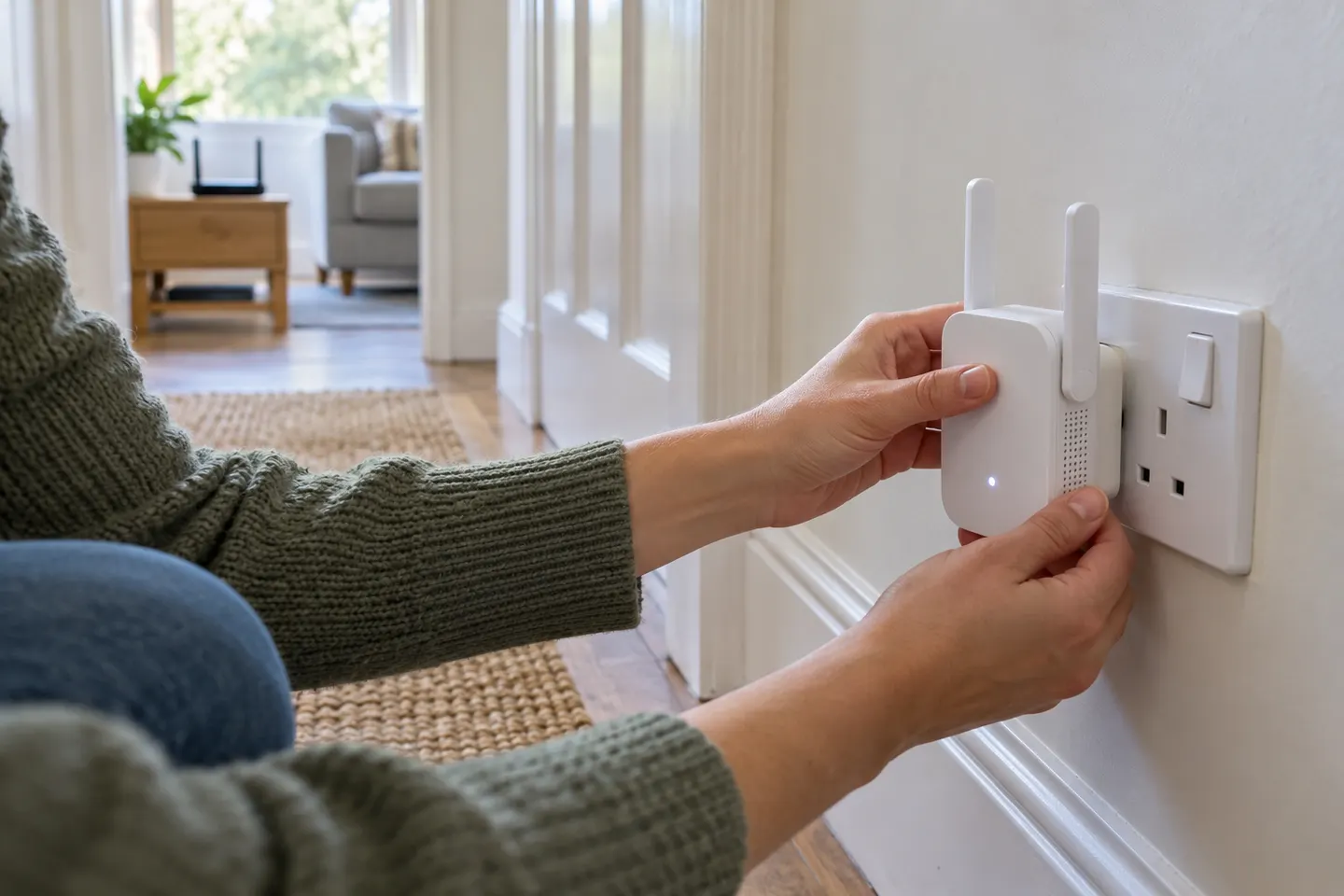 Setting Up a Wi-Fi Extender
Common questions
Questions before you buy
Can I set up a Wi-Fi extender without WPS?
Usually, if the model offers app or browser setup. Use its setup network and follow the manufacturer guide; button names and steps vary.
Where should I place a Wi-Fi extender after setup?
Place it between the router and weak area, where it still receives a sound router signal. Avoid hiding it behind furniture or placing it at the edge of coverage.
Why will my extender not connect to the router?
Check that the router is online, confirm the correct band and password, and retry setup close to the router. If pairing still fails, reset the extender using its manual.
Can I use a Wi-Fi extender in a garden room?
It may help if it receives a stable signal and is suitable for that location. Outdoor structures and walls can block Wi-Fi; exposed equipment needs an outdoor rating.