




 Official manufacturer image
Our picks
Top picks
Official manufacturer image Official manufacturer image
NETGEAR EAX15
Check price on Amazon Official manufacturer image
TP-Link RE550
Check price on AmazonBy type
Setup and help
How-to guides
 How to Set Up a Verizon WiFi Extender with Your…
 How to Setup a Verizon WiFi Extender with Your…
More topics
 Verizon WiFi Extenders
Common questions
Questions before you buy
What does a solid yellow light on a Verizon WiFi extender mean?
On the front status indicator documented in Verizon’s user guide, solid yellow means there is no internet connection. The rear left Ethernet indicator has a separate meaning, so identify the light’s location first.
Does solid yellow mean my Verizon extender is too far from the router?
Verizon’s guide associates a hard-blinking yellow front light with a weak backhaul signal when the extender is too far away. Solid yellow on that front indicator is listed as no internet connection.
What does the yellow Ethernet light mean on a Verizon extender?
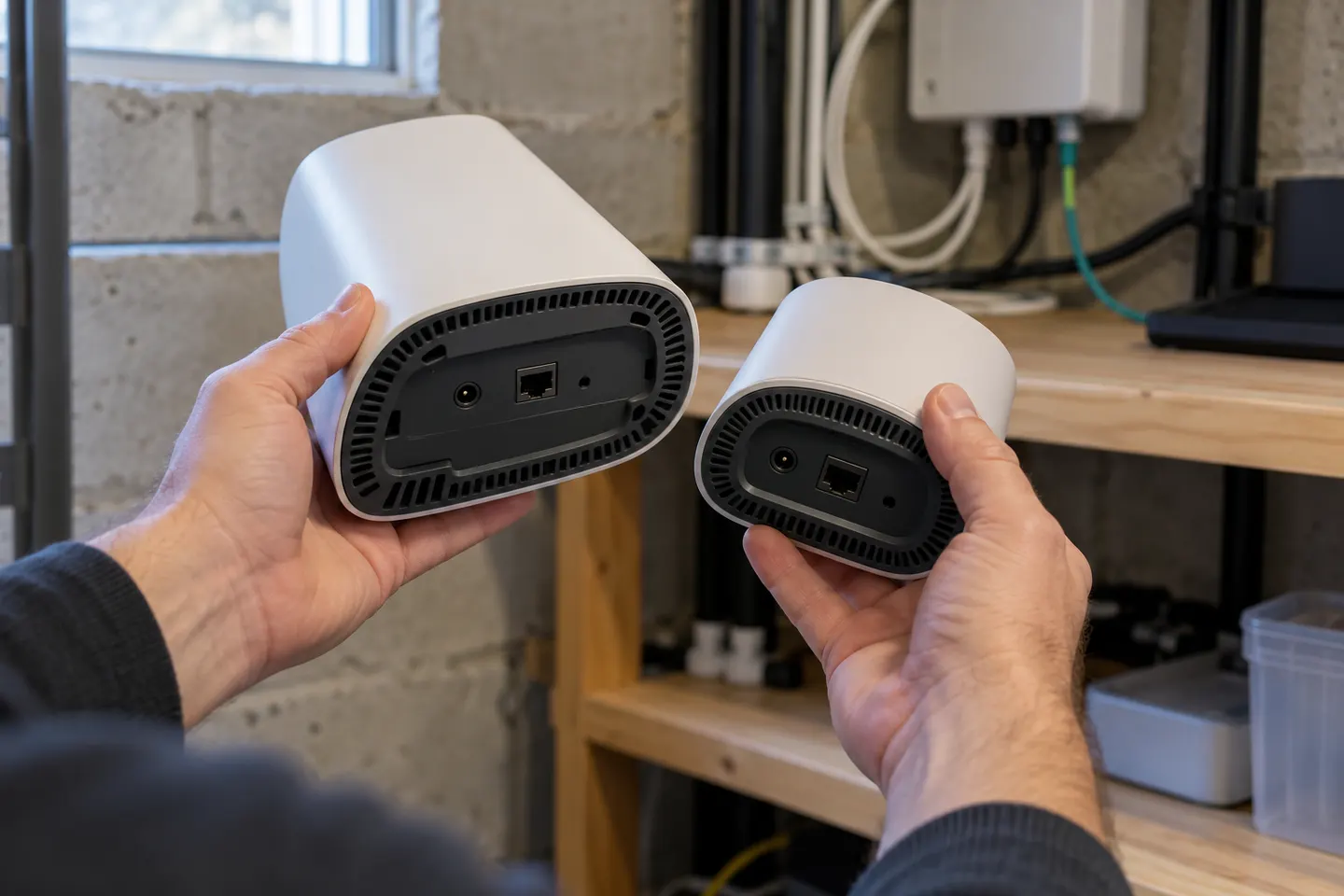
The guide says the rear left LED glows solid yellow when the Ethernet link is below 1 Gbps. That is different from the front status light.
How do I troubleshoot a yellow Verizon extender light?
Confirm whether the front or rear indicator is yellow, then check the corresponding router connection or Ethernet link. For a wireless setup, Verizon advises adjusting placement based on the status light and allowing time for the connection to settle.