




 Official manufacturer image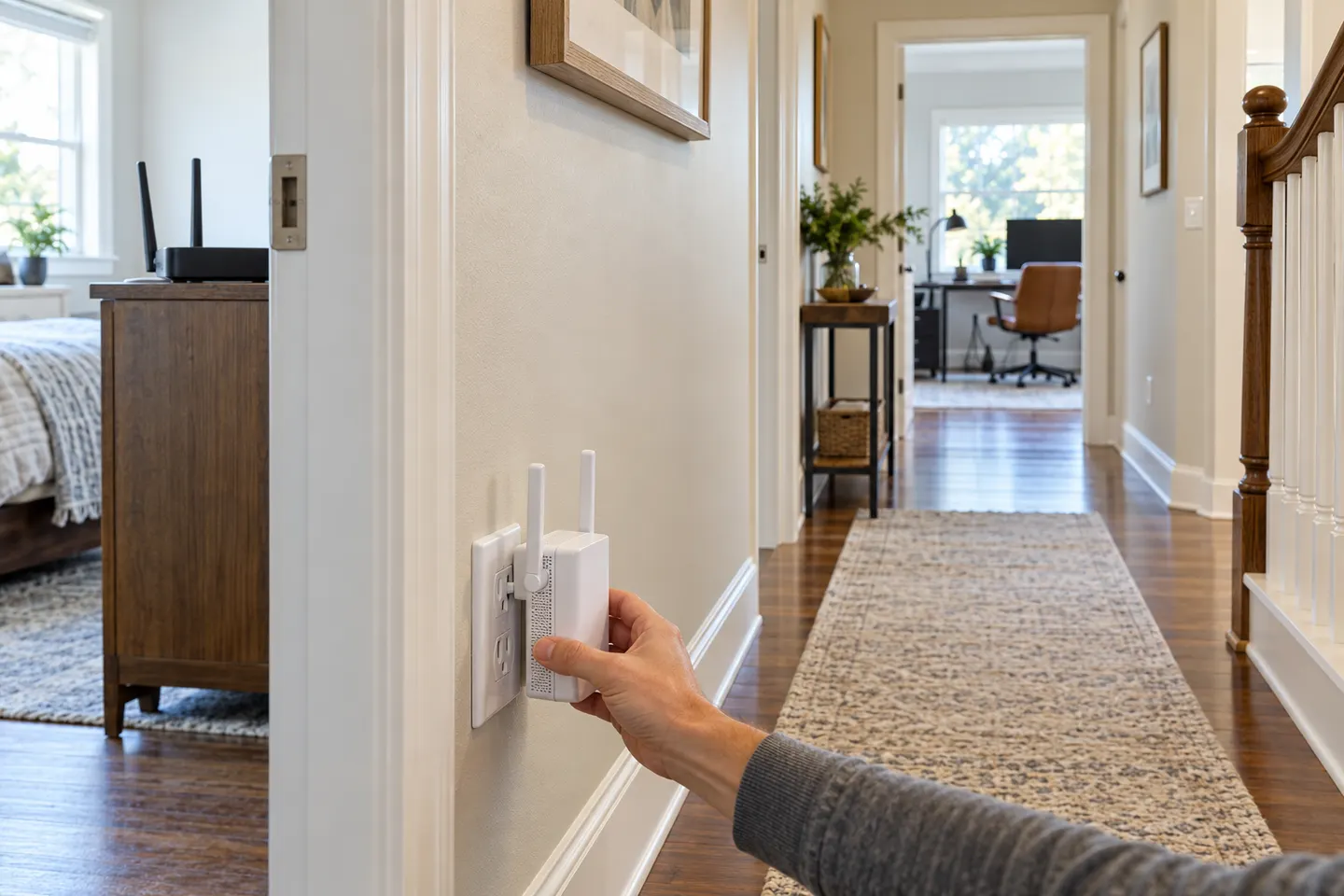
Our picks
Top picks
Official manufacturer image Official manufacturer image
NETGEAR EAX15
Check price on Amazon Official manufacturer image
TP-Link RE550
Check price on AmazonCommon questions
Questions before you buy
Will a Wi-Fi booster fix a weak signal?
It can extend a usable router signal into a nearby weak area. It cannot repeat reliably from a spot where the source connection is already unusable.
Where should I put a booster for a weak signal?
Place it roughly between the router and the affected area while remaining within the router’s effective range. Use the device’s signal indicator or app to confirm the link.
Why is my Wi-Fi weak in only one room?
Distance, walls, floors, appliances and router placement can reduce signal in particular rooms. Compare the connection near the router and in the problem area to distinguish coverage from an internet-service issue.
Should I buy a booster or a mesh system?
A booster may suit one isolated dead zone. Mesh is often easier to manage across multiple rooms or floors, while router replacement or a wired access point may suit a whole-home weak signal.