Independent buying guidance · Canada editionHow we work
Gearjury
All categories
All categories
Best picksThe Best Dash Cam Cameras for Different Drivers
Best picksBest WiFi Extenders in Canada for Different Home Networks
Best picksBest Meat Thermometers in Canada for 2026
Best picksBest Winter Gloves for Canadian Conditions (2026)
Best picksBest Headlamps: Compare Reliable Options for Canada
Best picksRadar Detector Best Picks for Canadian Drivers (2026)
Best picksBest Portable Air Coolers to Consider in 2026
Best picksBest cordless grass trimmers with a battery and charger
Best picksBest Air Purifier for Bedroom in the Canada: Quiet Models Compared
CanadaEnglish

Gearjury may earn a commission from qualifying purchases made through our links, at no extra cost to you.

Best picks

Best MicroSD Cards for Dash Cams in Canada

The Samsung PRO Endurance is our best all-round choice for most dash cams. SanDisk MAX ENDURANCE suits buyers prioritizing stated recording life, while Kingston High-Endurance is a practical Full HD option.

Quick answer

The best dash cam microSD card for most drivers is the Samsung PRO Endurance: its 128GB and 256GB versions combine V30 speed with published endurance figures and a five-year limited warranty. Choose SanDisk MAX ENDURANCE when stated recording life is the priority, SanDisk High Endurance when you need a 512GB option, or Kingston High-Endurance for straightforward Full HD recording. Always confirm your dash cam's maximum capacity before ordering.

01Samsung PRO EnduranceOfficial manufacturer image

Best for most dash cams

Samsung PRO Endurance

  • The 128GB and 256GB cards carry U3 and V30 ratings for sustained video capture.
  • Samsung states up to 140,160 hours of Full HD recording for the 256GB version under its specified conditions.

Drawback: Endurance, warranty and write speed vary by capacity, so the smallest card is not equivalent to the larger versions.

Check price on Amazon.caSponsored link · no live price shown
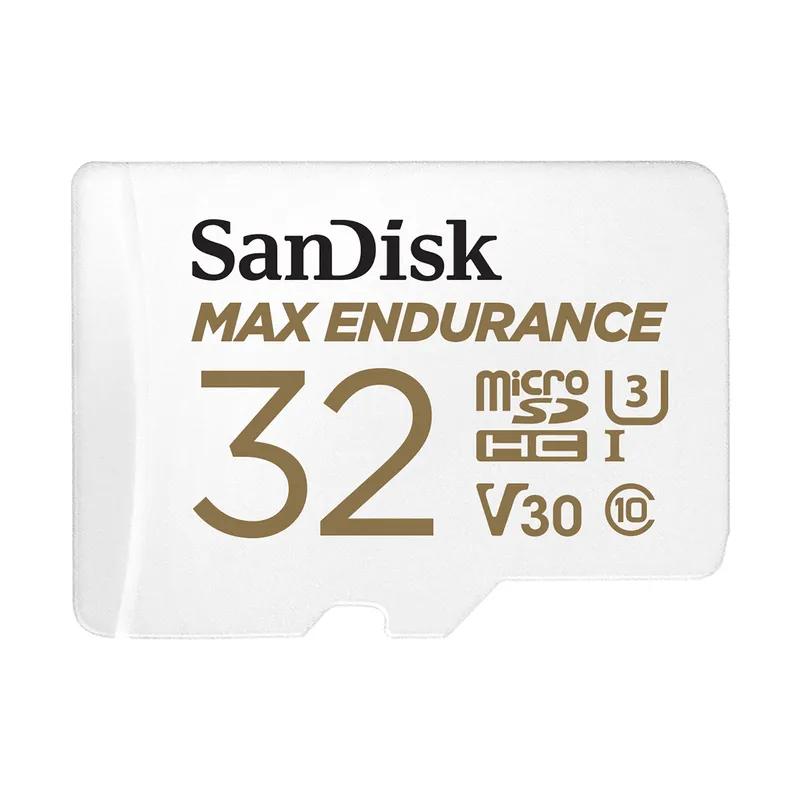
02SanDisk MAX ENDURANCEOfficial manufacturer image

Best for maximum stated endurance

SanDisk MAX ENDURANCE

  • SanDisk states up to 120,000 hours of Full HD recording for the 256GB card.
  • Its U3 and V30 ratings support compatible Full HD and 4K recording devices.

Drawback: The headline endurance figure applies to the largest capacity and Full HD recording; lower capacities and 4K use reduce it.

Check price on Amazon.caSponsored link · no live price shown
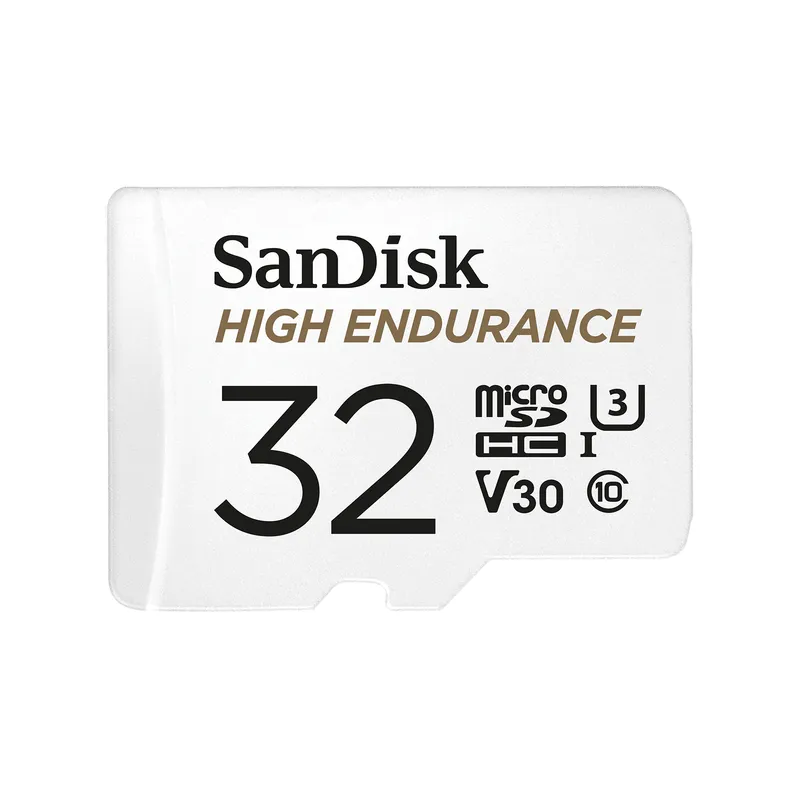
03SanDisk High EnduranceOfficial manufacturer image

Best for higher-capacity compatibility

SanDisk High Endurance

  • The range extends to 512GB, useful when a compatible camera records at a high bit rate or uses multiple channels.
  • SanDisk specifies U3 and V30 ratings plus read and write speeds up to 100MB/s and 40MB/s.

Drawback: Its stated recording endurance is lower than the MAX ENDURANCE range at comparable capacities.

Check price on Amazon.caSponsored link · no live price shown
04

Best for Full HD recording

Kingston High-Endurance microSD

  • Kingston specifies 24/7 Full HD recording and capacities from 32GB to 256GB.
  • The 128GB and 256GB versions reach stated write speeds up to 45MB/s.

Drawback: Its U1 and V10 classification is less reassuring for high-bit-rate 4K recording than a V30 card.

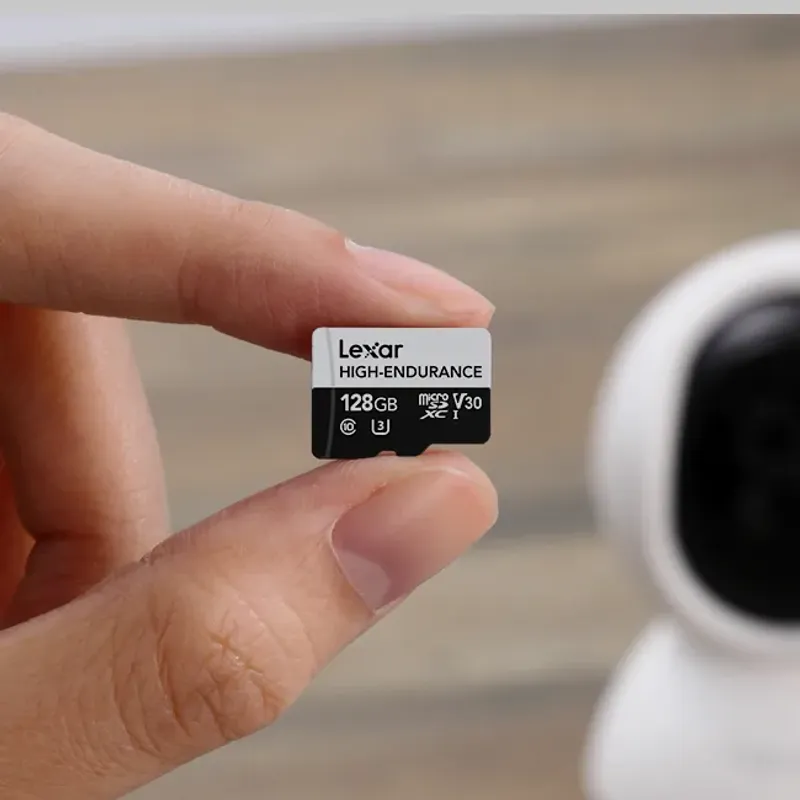
05Lexar High-Endurance microSDOfficial manufacturer image

Best for a simple three-capacity range

Lexar High-Endurance microSD

  • Lexar lists support for extended dash-cam monitoring in Full HD and 4K on compatible equipment.
  • The 128GB version is rated U3 and V30, with read speeds up to 100MB/s.

Drawback: The published range stops at 128GB, limiting recording time in cameras that support larger cards.

Check price on Amazon.caSponsored link · no live price shown
06

Best for older low-capacity dash cams

Transcend High Endurance microSDHC

  • Its 16GB and 32GB capacities can suit older cameras with restrictive card limits.
  • Transcend states up to 95MB/s read and 25MB/s write performance.

Drawback: The 32GB ceiling makes it unsuitable for many modern multi-camera or high-resolution systems.

Compare them side by side

Samsung PRO EnduranceOfficial manufacturer imageSamsung PRO EnduranceSanDisk MAX ENDURANCEOfficial manufacturer imageSanDisk MAX ENDURANCESanDisk High EnduranceOfficial manufacturer imageSanDisk High EnduranceKingston High-Endurance microSDLexar High-Endurance microSDOfficial manufacturer imageLexar High-Endurance microSDTranscend High Endurance microSDHC
Maximum listed capacity256GB256GB512GB256GB128GB32GB
Highest listed video speed classV30V30V30V10V30—
Maximum read speed100MB/s100MB/s100MB/s95MB/s100MB/s95MB/s
Maximum write speed40MB/s40MB/s40MB/s45MB/s—25MB/s
4K listed by manufacturerYesYesYes—Yes—
Best fitMost current dash camsLong recording lifeLarge supported capacityFull HD recordingUp to 128GBOlder low-capacity cameras
Check price on Amazon.caCheck price on Amazon.caCheck price on Amazon.caCheck price on Amazon.ca

Common questions

Questions before you buy

What is the best microSD card for a dash cam?

An endurance-rated card that matches the camera's supported capacity and required speed class is the safest choice. Samsung PRO Endurance is our all-round pick, but the correct capacity limit in your camera manual takes priority.

How much storage does a dash cam need?

It depends on resolution, bit rate, camera count and how much footage you want before loop recording overwrites old clips. Choose the largest capacity your specific dash cam officially supports rather than assuming a newer card will work.

Is a high-endurance microSD card necessary for a dash cam?

It is strongly preferable because dash cams repeatedly write and overwrite video, a heavier workload than occasional phone or camera use. High-endurance ranges are designed and warranted for continuous recording workloads.

Is V30 required for a 4K dash cam?

Follow the dash cam maker's requirement. V30 guarantees a minimum sequential write speed of 30MB/s, but camera bit rates differ and the card must also be a supported type and capacity.

How often should a dash cam memory card be formatted?

Use the interval stated by the dash cam manufacturer or the camera's own format reminder. Back up protected footage first and format the card inside the dash cam when instructed.

Why does my dash cam say the memory card is full?

Locked event files can accumulate and prevent normal loop recording, while file-system errors or an incompatible card can cause the same message. Save needed clips, then follow the camera manual's in-device formatting procedure.

Sources and how we chose