Independent buying guidance · Canada editionHow we work
Gearjury
All categories
All categories
Best picksThe Best Dash Cam Cameras for Different Drivers
Best picksBest WiFi Extenders in Canada for Different Home Networks
Best picksBest Meat Thermometers in Canada for 2026
Best picksBest Winter Gloves for Canadian Conditions (2026)
Best picksBest Headlamps: Compare Reliable Options for Canada
Best picksRadar Detector Best Picks for Canadian Drivers (2026)
Best picksBest Portable Air Coolers to Consider in 2026
Best picksBest cordless grass trimmers with a battery and charger
Best picksBest Air Purifier for Bedroom in the Canada: Quiet Models Compared
CanadaEnglish

Category hub

How to Install a Wi-Fi Extender and Improve Coverage

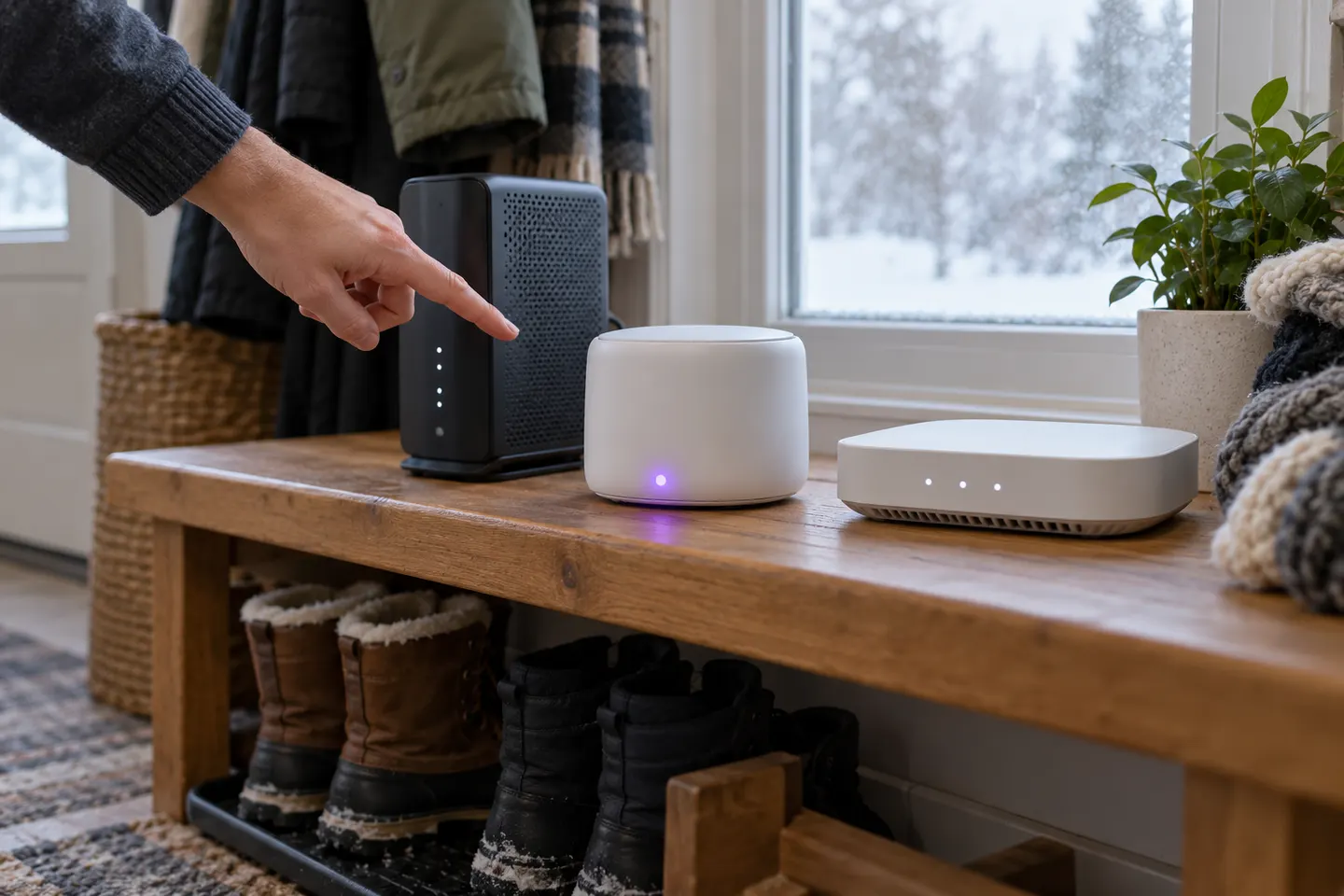
Set up the extender beside the router first; move it only after it joins the network.

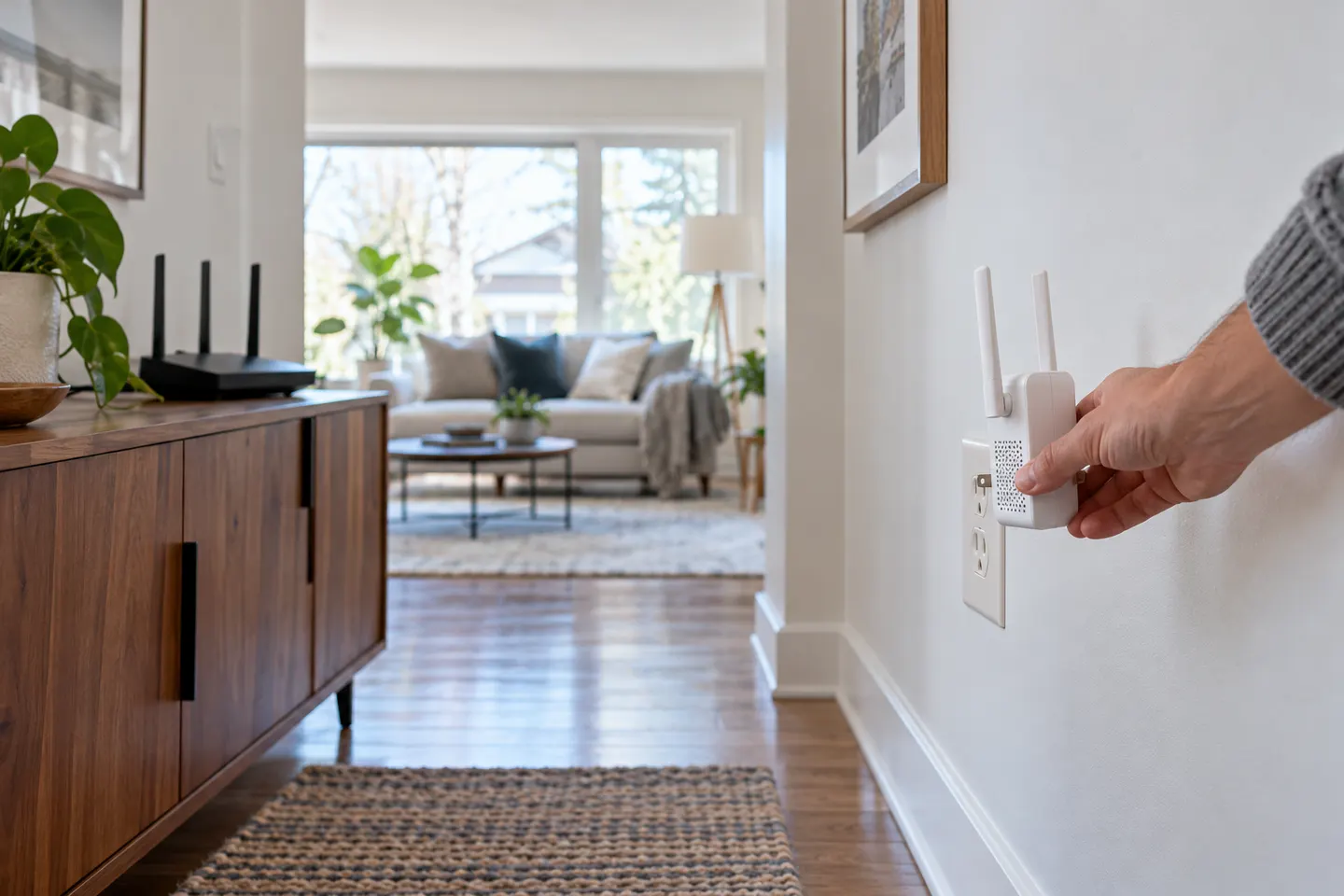
To install a Wi-Fi extender, use the model’s setup app or web interface and follow its pairing prompts. WPS is available on some routers and extenders, but the steps differ by model. Once paired, move the unit to an outlet between the router and weak-signal area; placing it inside the dead zone gives it little signal to repeat. Check the extender’s status light or app, then test the room with the device you actually use. A range extender may create a separate network name unless the model and router support unified roaming.

How to Install a Wi-Fi Extender and Improve Coverage

How-to guides

1

Common questions

Questions before you buy

Where should I plug in a Wi-Fi extender?

Begin near the router for setup, then place it where the router signal remains usable on the way to the weak area. Avoid cabinets, floors and sources of interference.

Can I install an extender without WPS?

Yes. Many models support setup through a phone app or browser configuration. Use instructions for the exact model.

Should my extender use the same Wi-Fi name?

That depends on its setup mode and router compatibility. Some products use a separate network name, and devices may not roam as expected.

Why does my extender show a weak signal after setup?

It may be too far from the router or obstructed. Move it closer, reconnect, and check its signal indicator before testing coverage again.