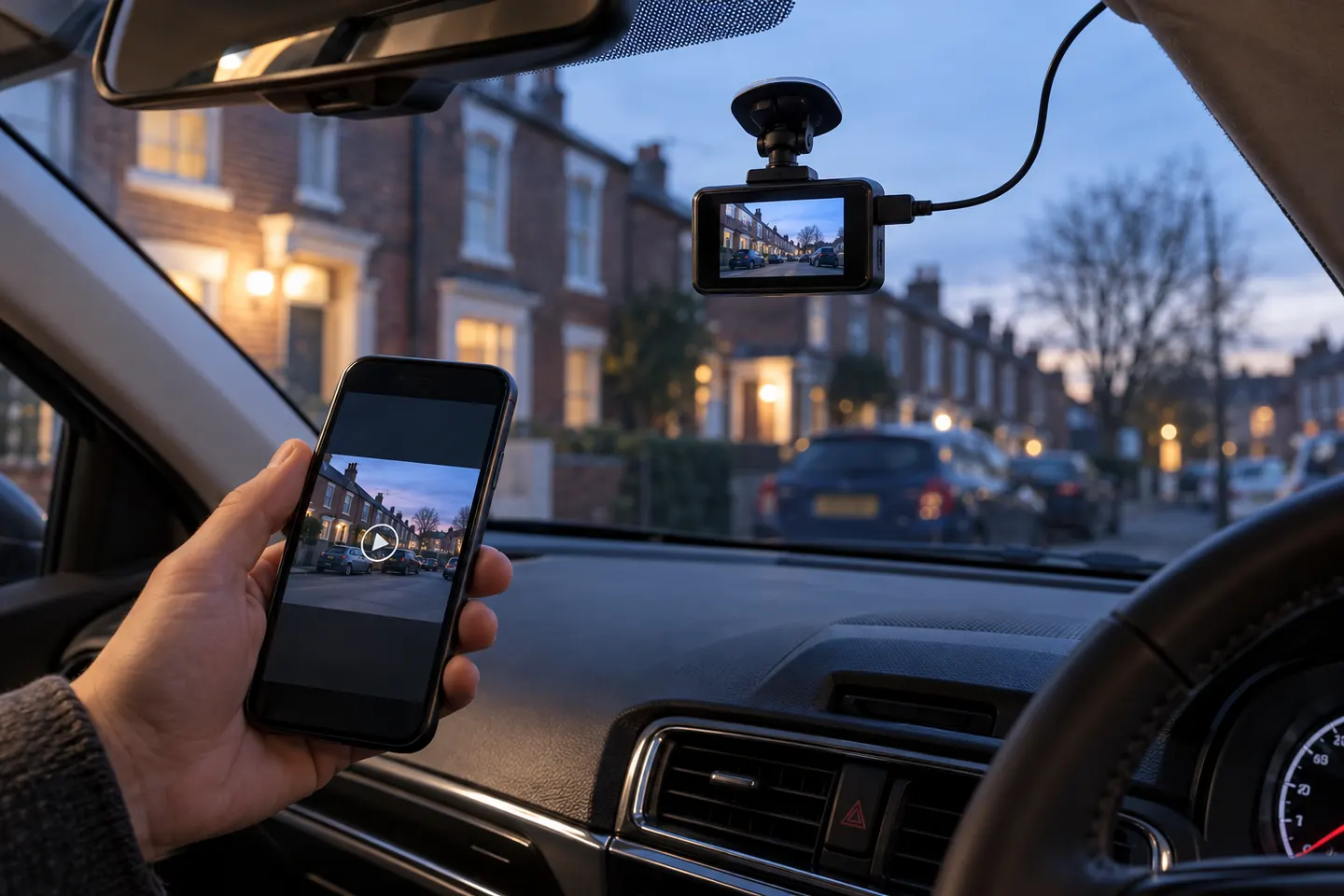
Gearjury may earn a commission when you buy through a retailer link. Our editorial choices are based on cited evidence.
Best picks
Best Wireless Front-and-Rear Dash Cams in Canada
The VIOFO A229 Pro 2CH is our best wireless dash cam front and rear pick for strong video specifications and dual-band Wi-Fi. Choose Thinkware U3000 for parking features or BlackVue DR970X-2CH Plus for cloud connectivity.
GGearjury editorial team · Updated October 15, 2026· 8 min
Quick answer
VIOFO A229 Pro 2CH leads for 4K front, 2K rear and dual-band Wi-Fi. Thinkware U3000 2CH is the parking-focused alternative, BlackVue DR970X-2CH Plus is built for connected use, VIOFO A229 Plus 2CH balances two 2K channels and Vantrue N4 Pro adds a cabin view.
VIOFO A229 Pro 2CH: Best overall wireless-connected front and rear system
Usually not. Wi-Fi connects the camera to a phone or cloud service, but both cameras need power and the rear unit commonly connects by cable to the front camera.
Can a wireless dash cam work without internet?
Local recording normally works without internet. Internet is needed for remote cloud functions, while direct camera-to-phone Wi-Fi may work locally.
Do wireless dash cams drain the car battery?
Wi-Fi itself is not the main issue; any camera left powered while parked consumes energy. Use the manufacturer's protected parking-power solution and appropriate cutoff settings.
Is 4K necessary for both front and rear cameras?
No. Higher resolution can preserve more detail, but sensor quality, exposure, lens, bitrate and lighting also matter. Balanced front-and-rear coverage may be more useful than a headline resolution alone.
The VIOFO A229 Pro 2CH is our broadest all-round choice for front-and-rear detail. Garmin Mini 3 suits a discreet setup, while Thinkware U3000 targets parking surveillance.
Start with the view you need: front-only for simple evidence, front-and-rear for broader coverage, or parking mode for protection while stopped.
Your privacy
We use cookies and similar technologies. Necessary ones keep the site working. With your permission we also use statistics cookies (Google Analytics and Microsoft Clarity) to understand which guides help readers. You can accept all, reject all or choose. You can change your choice at any time from "Cookie settings" at the bottom of every page. Cookie policy










 Official manufacturer image
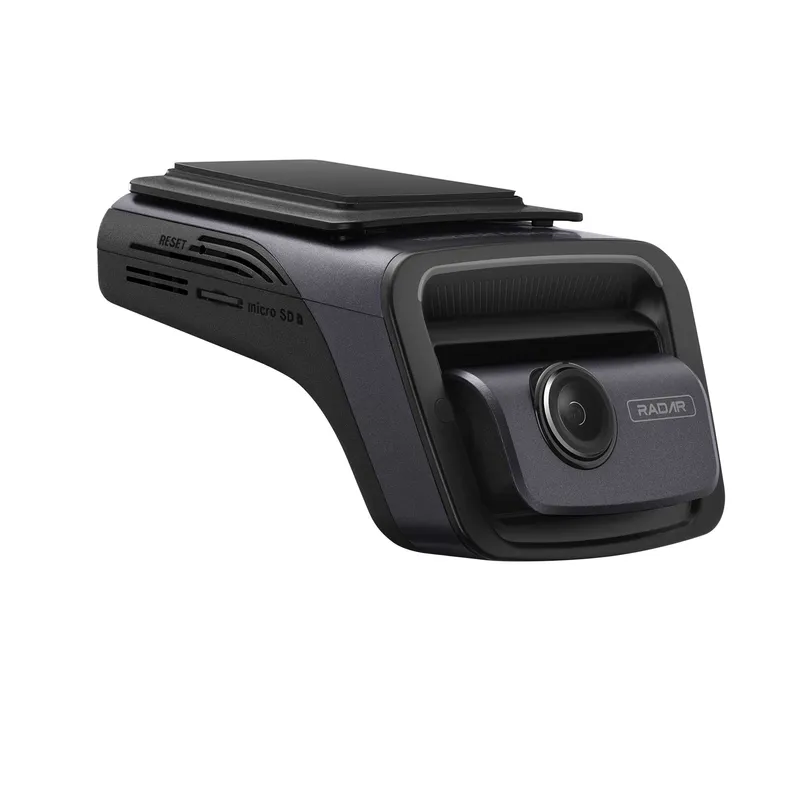 Official manufacturer image
 Official manufacturer image
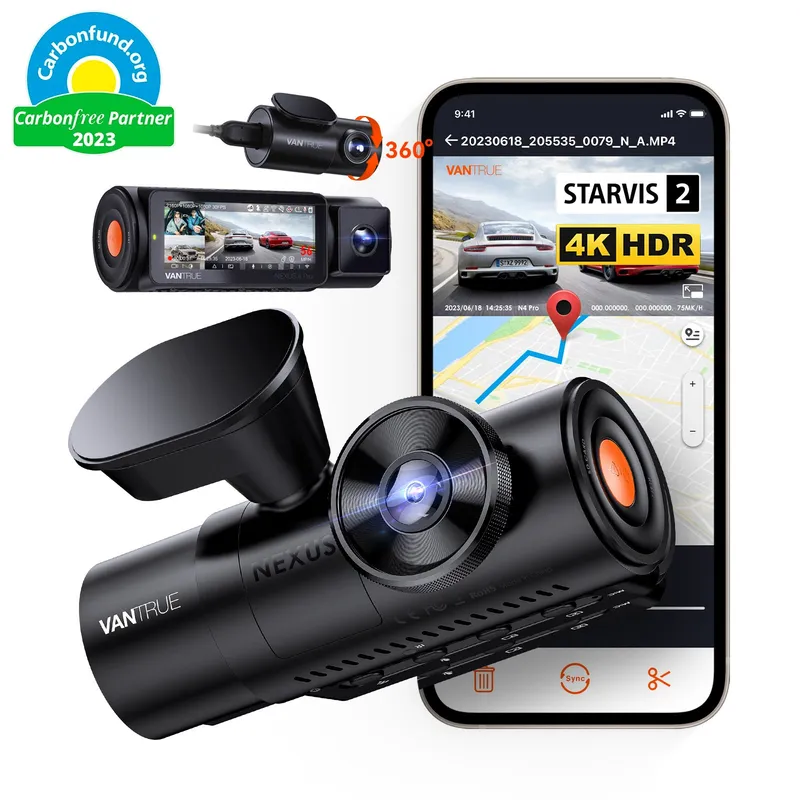 Official manufacturer image