









 Official manufacturer image
Our picks
Top picks
Official manufacturer image Official manufacturer image
Garmin Dash Cam Mini 3
Check price on Amazon.ca Official manufacturer image
Thinkware U3000
Check price on Amazon.caCommon questions
Questions before you buy
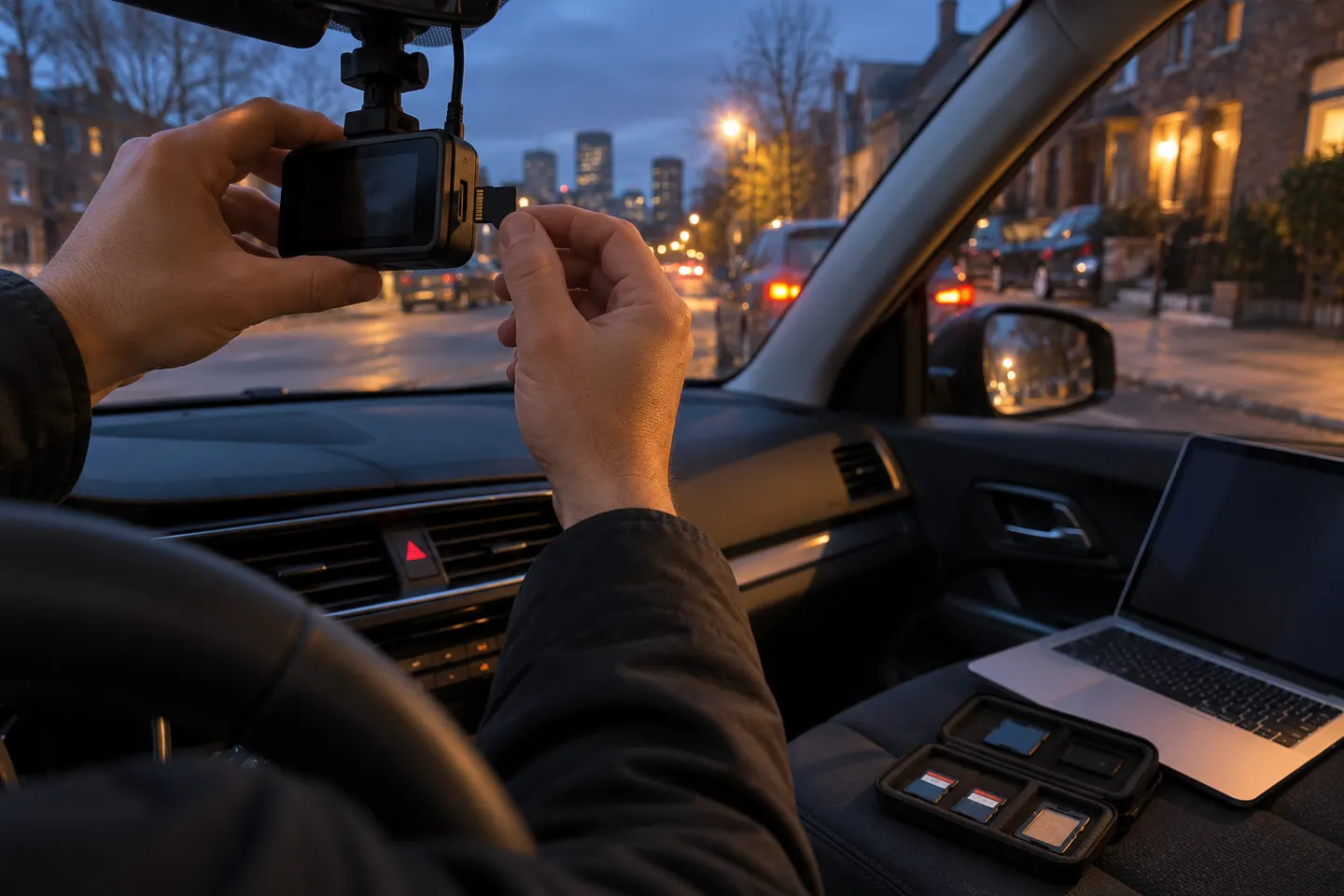
How do I save an incident caught on dash cam?
Use the camera's event-lock control if it is safe to do so, then copy the original file to two separate locations as soon as practical.
Can loop recording overwrite accident footage?
Yes, an unprotected clip can eventually be overwritten. Event locking helps, but you should still remove or copy the file promptly.
Should dash-cam footage show the date and time?
Accurate time data helps establish context. Check the camera clock after firmware updates, battery disconnection and daylight-saving changes.
Can I post dash-cam footage online in Canada?
Privacy, court and insurance considerations depend on the footage and province. Preserve the original and seek appropriate advice before public sharing.