









 Official manufacturer image
Our picks
Top picks
Official manufacturer image Official manufacturer image
Garmin Dash Cam Mini 3
Check price on Amazon.ca Official manufacturer image
Thinkware U3000
Check price on Amazon.caCommon questions
Questions before you buy
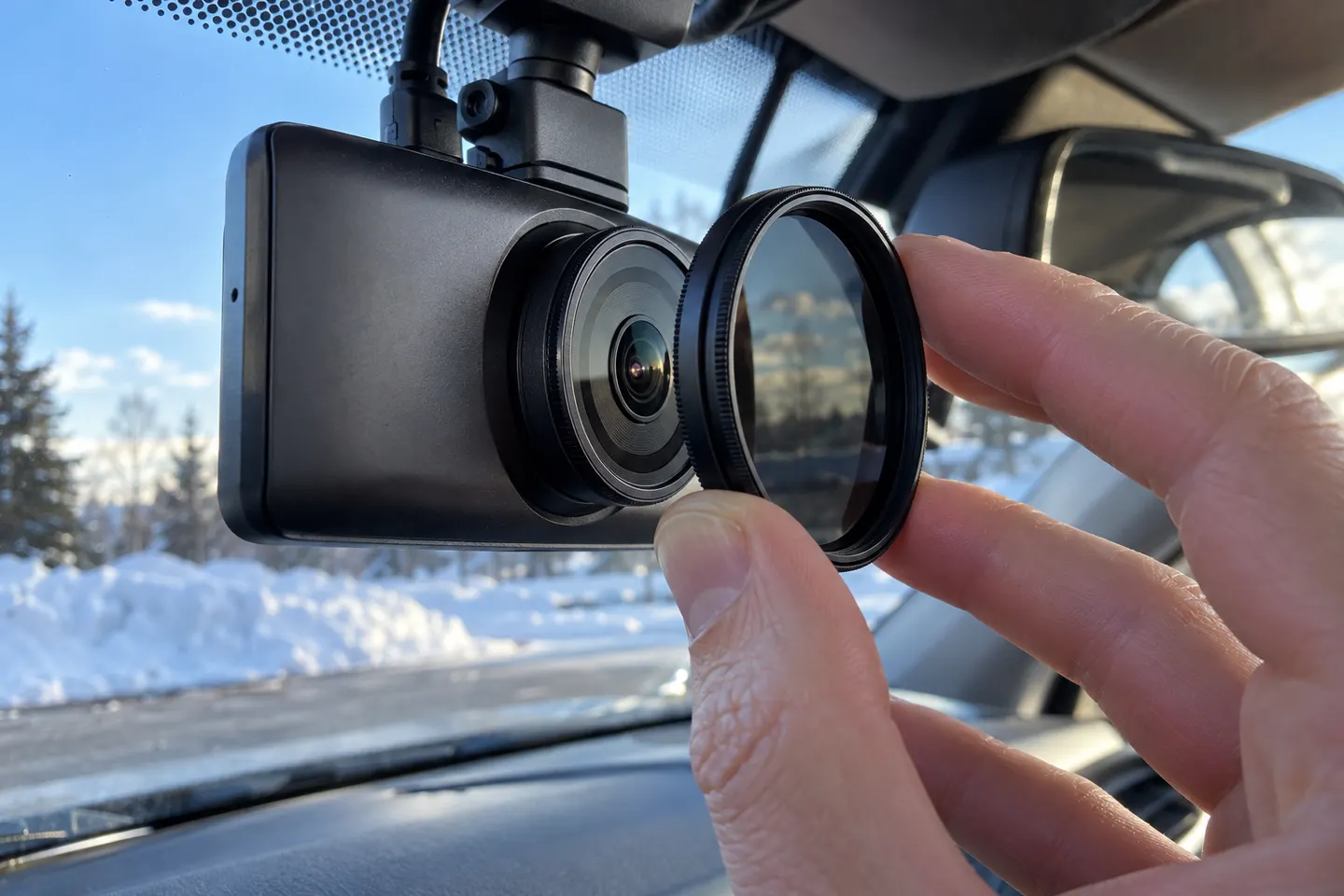
What does a CPL filter do on a dash cam?
It reduces certain polarized reflections, including some dashboard reflection on the windshield. It cannot remove every flare or reflection in every direction.
Does a dash cam CPL filter reduce night vision?
Any polarizing filter reduces some incoming light. A compatible, clean filter may still be useful, but compare night footage and remove it if the trade-off does not suit your driving.
Can one CPL filter fit any dash cam?
No. Match the accessory to the exact camera model or a manufacturer-confirmed compatibility list.
How do I adjust a dashcam polarising filter?
With the camera preview visible, rotate the filter while viewing dashboard reflections through the windshield. Stop at the best balance, then confirm the road image is unobstructed.