









 Official manufacturer image
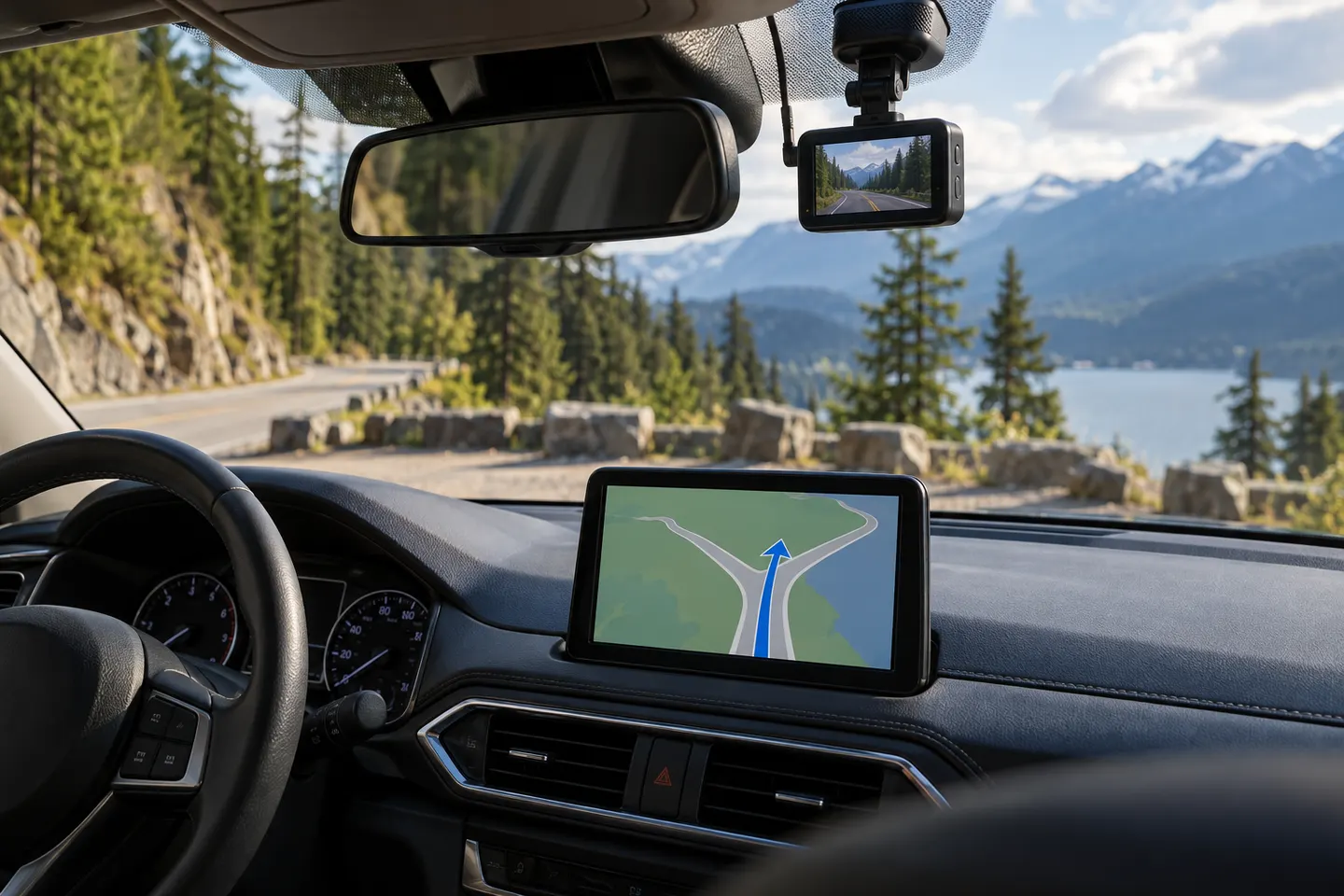
Our picks
Top picks
Official manufacturer image Official manufacturer image
Garmin Dash Cam Mini 3
Check price on Amazon.ca Official manufacturer image
Thinkware U3000
Check price on Amazon.caBy feature
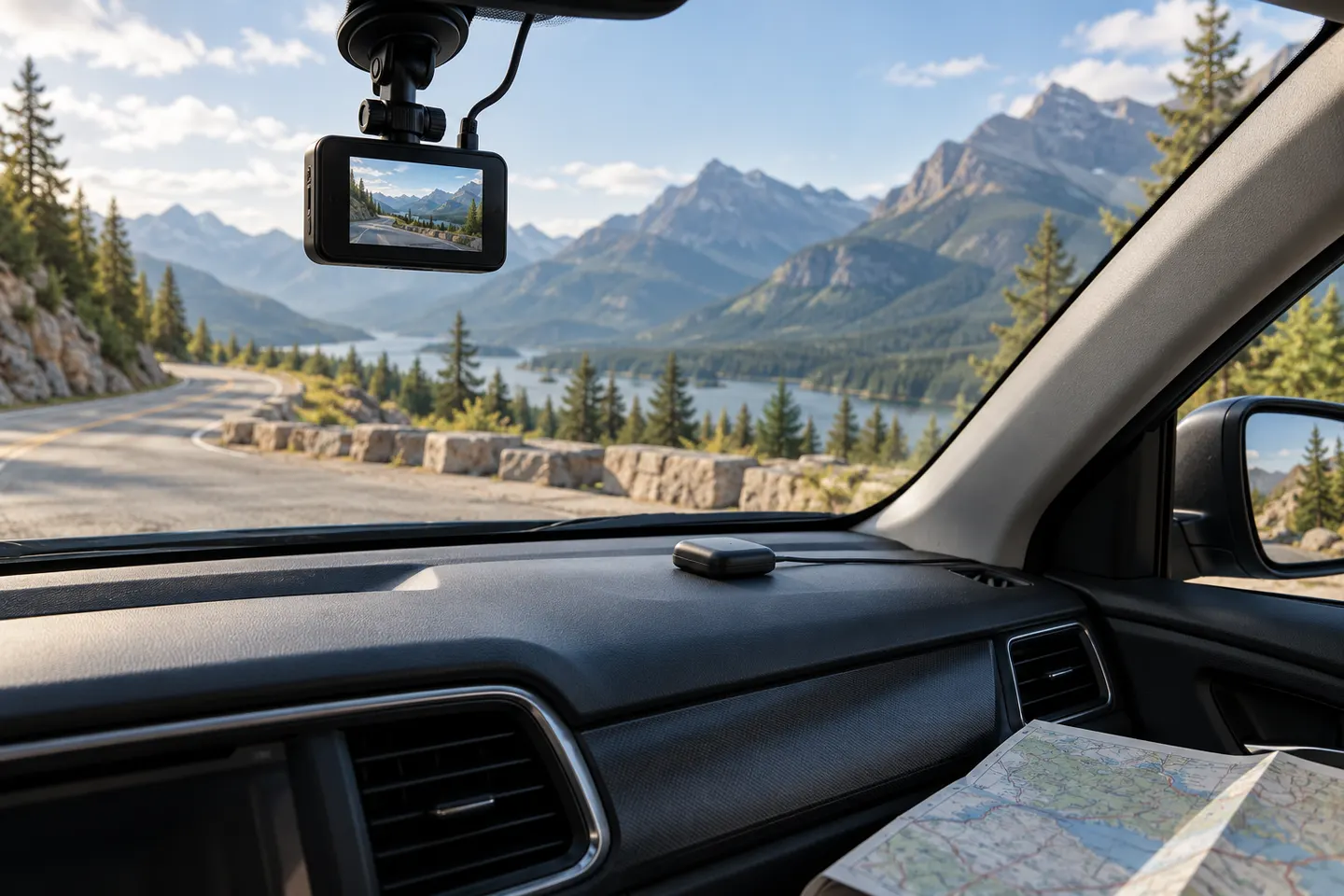 Gps
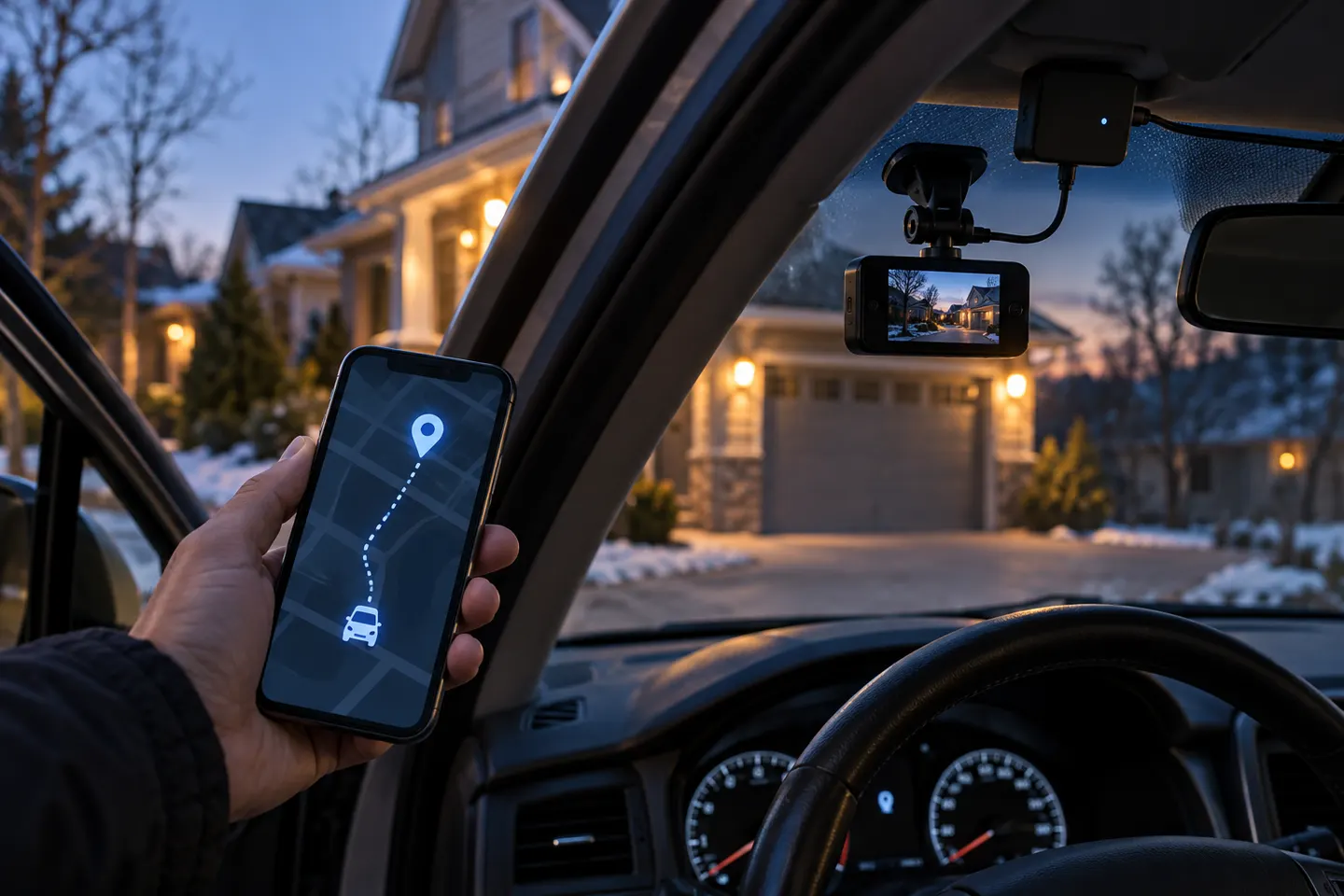 Gps tracker
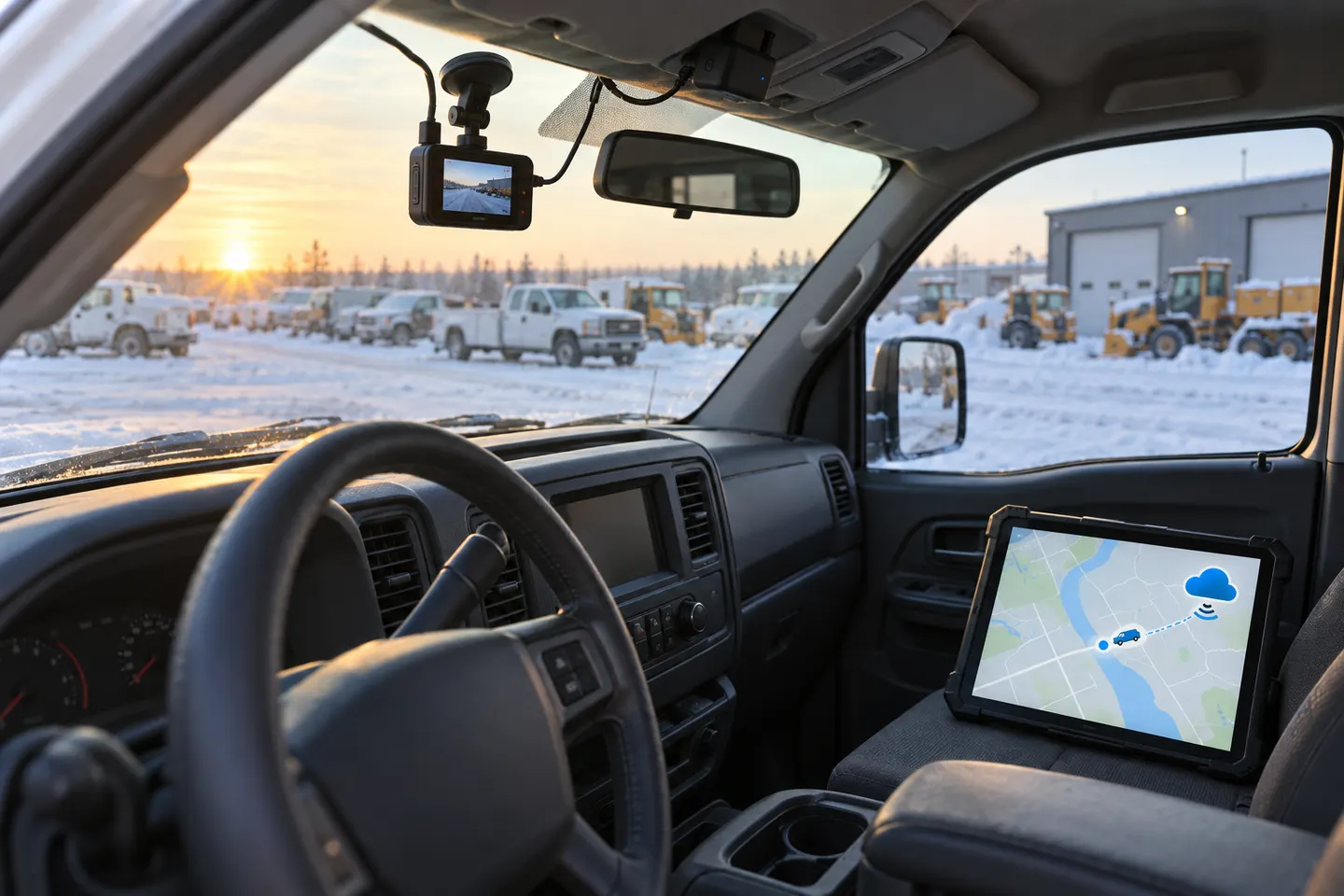 Gps tracking
Common questions
Questions before you buy
Does GPS on a dash cam provide navigation?
Usually not. On most dash cams, GPS records location, route and sometimes speed; turn-by-turn navigation must be explicitly listed as a feature.
Can one device navigate and record the road?
Yes. Dedicated combination devices exist, including Garmin's DriveCam line, but you should confirm Canadian map coverage and the exact recording functions of the model.
Does a GPS dash cam need cellular data?
Basic satellite positioning does not require cellular data. Live traffic, cloud video or connected services may need a paired phone, Wi-Fi or a subscription, depending on the device.
Where should a navigation dash cam be mounted?
The camera needs a clear forward view and the screen must not obstruct driving. Follow provincial rules, the vehicle manual and the mounting guidance supplied with the device.