Gearjury may earn a commission when you buy through a retailer link, at no extra cost to you.
Guide
Dash Cam 360 Degrees Coverage: What It Really Means
A 360-degree dash cam may use one panoramic cabin lens or several cameras; it does not always capture every exterior angle. Check the recorded views, blind spots and exported footage before choosing.
GGearjury editorial team · Updated October 15, 2026· 6 min
01
What does a 360-degree dash cam record?
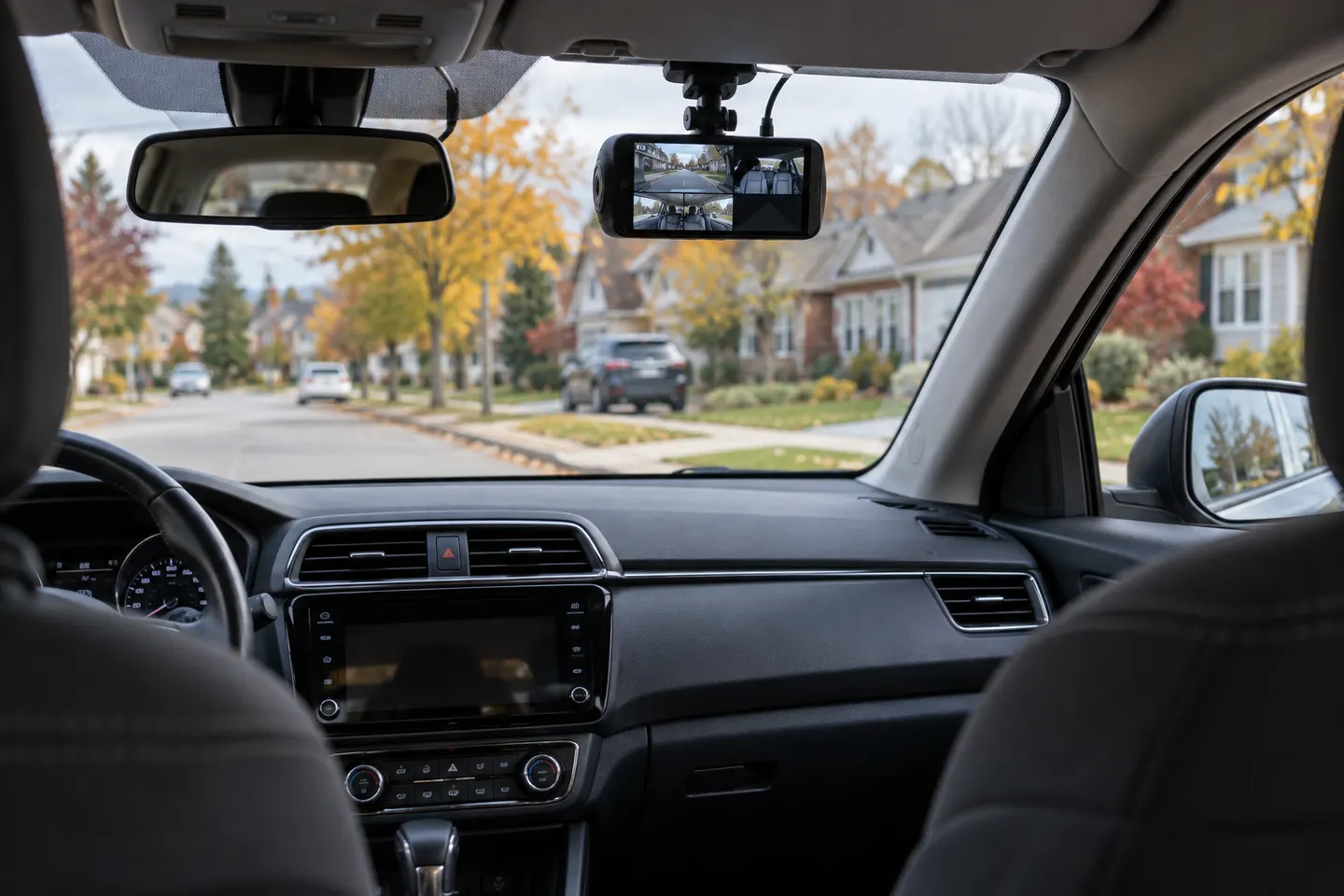
The phrase dash cam 360 degrees can describe a fisheye camera viewing the cabin, a rotating lens, or a multi-channel system covering several directions. Read the channel diagram and sample exports: a panoramic claim does not prove uninterrupted exterior coverage around the vehicle.
02
Choose the views you actually need
Front video covers the main driving scene, rear video adds following traffic, and an infrared cabin camera can record occupants in darkness. Side coverage usually needs additional cameras or a true panoramic lens, and pillars can still create blind spots.
03
Compare resolution per channel
Multi-channel systems divide processing and storage across more video streams. Check the resolution and frame rate for every channel when all cameras are connected, not only the headline specification for the front lens.
04
Plan storage and power
More channels produce more files and shorten the time before loop recording overwrites older clips. Confirm supported card capacity, endurance-card guidance and the hardwire requirements for parking surveillance.
05
Position cameras without creating hazards
Keep the driver's view clear, avoid factory sensor housings and route leads away from airbags. Cabin recording also raises privacy questions, so tell passengers and follow the rules that apply where you drive.
06
Review footage before relying on the setup
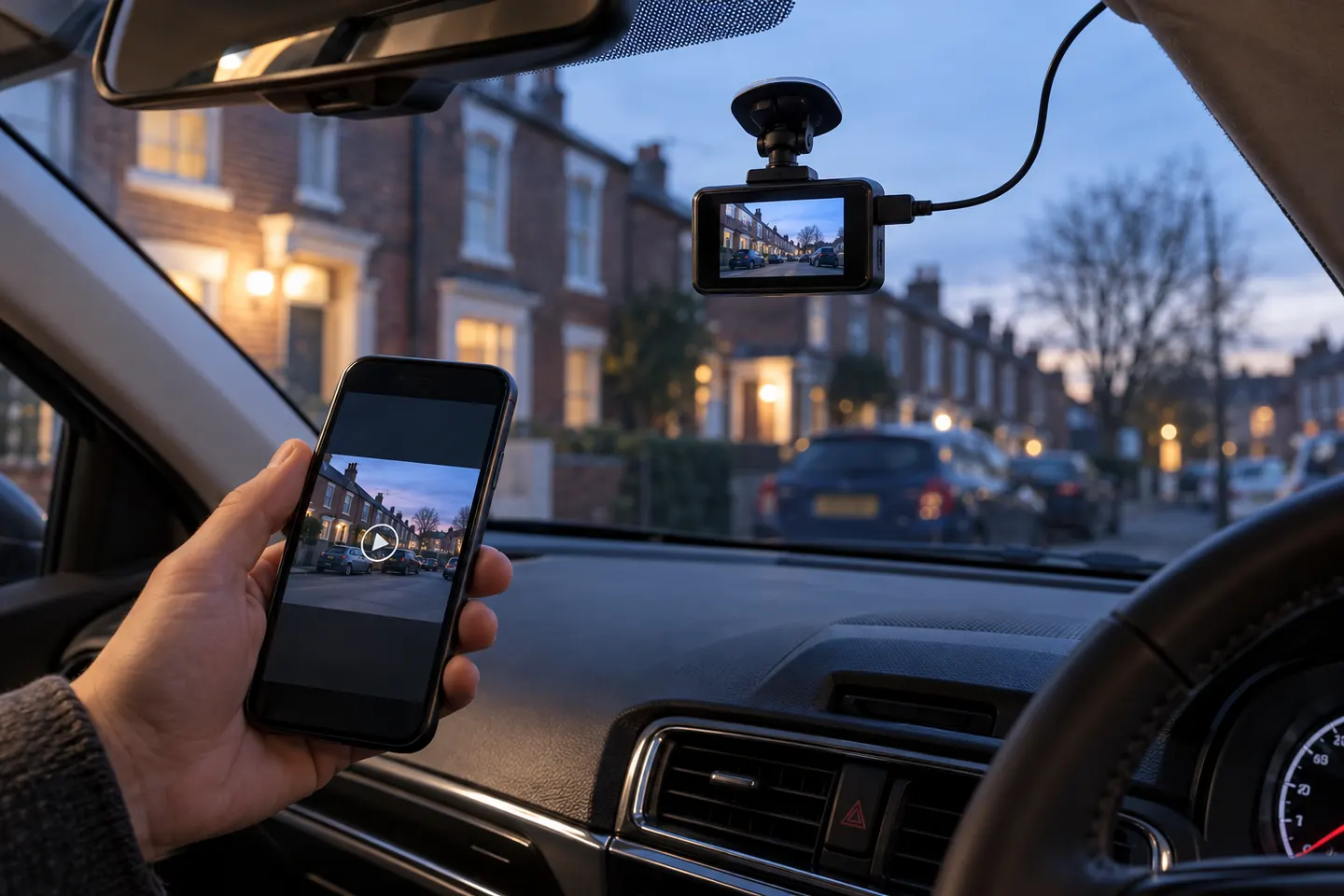
After installation, export daytime and night clips from every channel. Confirm timestamps, orientation and overlap, then adjust only while parked.
Common questions
Questions before you buy
Does a 360 dash cam see outside all sides of the car?
Not necessarily. Some capture a panoramic cabin view while others combine front, rear and side channels; vehicle pillars and camera placement can leave gaps.
Is a 360-degree dash cam good for parking?
It can add useful viewpoints, but parking coverage depends on power, trigger behaviour and where each lens points. A compatible hardwire setup may be required.
How many cameras are needed for full car coverage?
There is no universal number because lens angle, mounting position and vehicle shape differ. Judge the actual channel layout and sample footage, not the camera count alone.
Can a 360 dash cam record passengers?
A cabin-facing or panoramic interior lens can. Consider passenger notice, audio settings and applicable privacy rules before recording.
The VIOFO A229 Pro 2CH is our broadest all-round choice for front-and-rear detail. Garmin Mini 3 suits a discreet setup, while Thinkware U3000 targets parking surveillance.
Start with the view you need: front-only for simple evidence, front-and-rear for broader coverage, or parking mode for protection while stopped.
Your privacy
We use cookies and similar technologies. Necessary ones keep the site working. With your permission we also use statistics cookies (Google Analytics and Microsoft Clarity) to understand which guides help readers. You can accept all, reject all or choose. You can change your choice at any time from "Cookie settings" at the bottom of every page. Cookie policy