Does a dashcam record all the time?
A typical dashcam starts when it receives ignition power and keeps making short sequential files until power stops. This is continuous loop recording, not permanent storage of every minute.

 Best picksThe Best Dash Cam Cameras for Different Drivers
 Best picksBest WiFi Extenders in Canada for Different Home Networks
 Best picksBest Meat Thermometers in Canada for 2026
 Best picksBest Winter Gloves for Canadian Conditions (2026)
 Best picksBest Headlamps: Compare Reliable Options for Canada
 Best picksRadar Detector Best Picks for Canadian Drivers (2026)
 Best picksBest Portable Air Coolers to Consider in 2026
 Best picksBest cordless grass trimmers with a battery and charger
 Best picksBest Air Purifier for Bedroom in the Canada: Quiet Models Compared
Gearjury may receive a commission from purchases through qualifying retailer links.
Guide
Most dashcams record continuously in short loops while powered, then overwrite the oldest ordinary clips. Recording after you park requires a supported parking mode and a suitable power source.
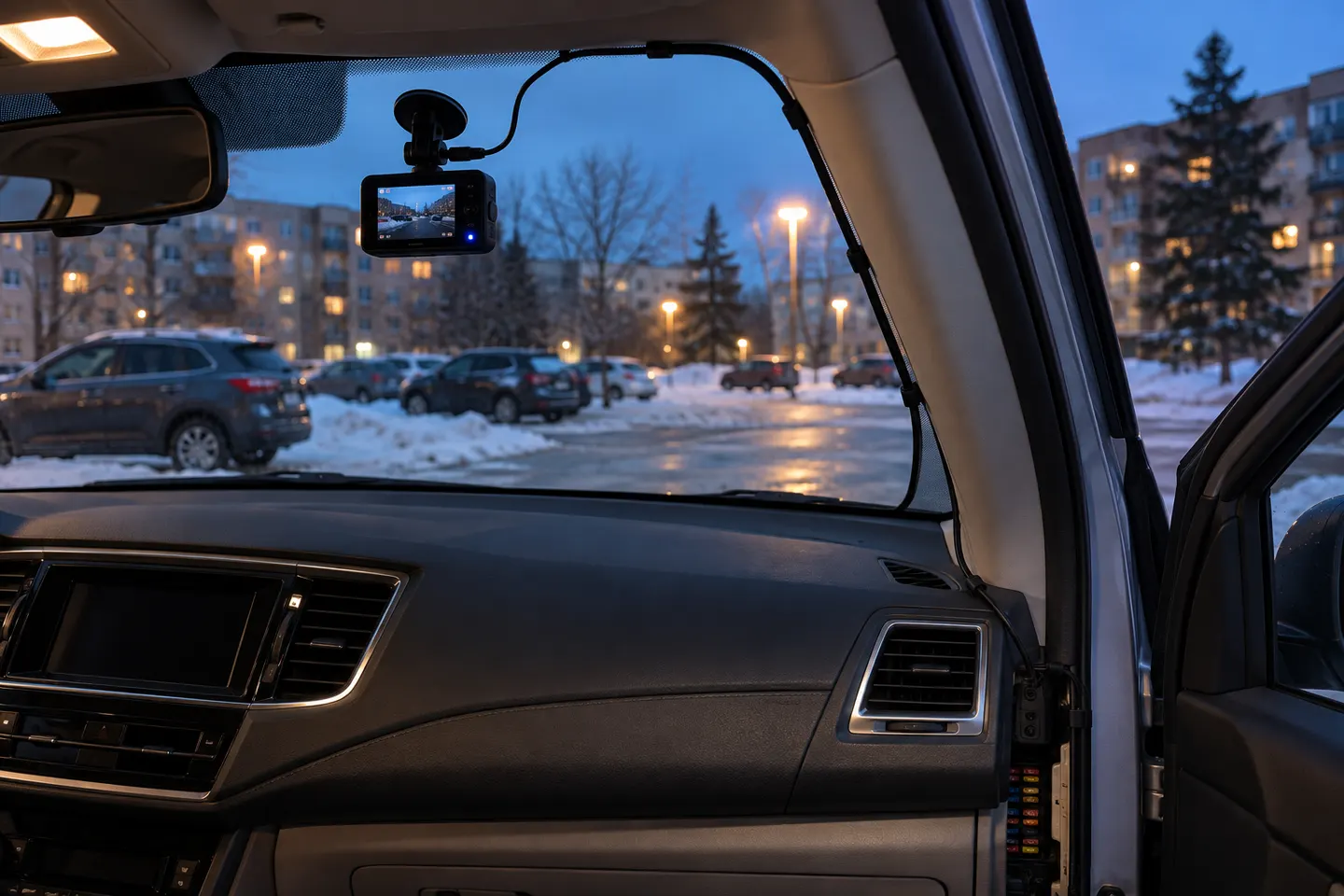
A typical dashcam starts when it receives ignition power and keeps making short sequential files until power stops. This is continuous loop recording, not permanent storage of every minute.
When the card fills, the camera replaces the oldest unprotected clip. Incident files may be locked after a sensor trigger or button press, but a card crowded with protected files can eventually stop normal recording.
A camera plugged into an ignition-switched outlet usually shuts down soon after the vehicle. A dashcam that records all the time while parked needs a supported hardwire kit, dedicated battery pack or another approved supply.
Parking mode may save only motion or impact events, record at a reduced frame rate, or buffer video around a trigger. It is rarely identical to full-rate driving footage.
Tesla Dashcam can record driving footage to a properly configured USB drive when enabled, while Sentry Mode monitors selected events when parked. Saved availability depends on settings, storage and vehicle software; consult the current owner manual for your model.
Review the status indicator before a trip, play back a recent file, keep the date correct and format or replace the card on the schedule recommended by the camera maker. A powered screen does not by itself prove clips are being saved.
Common questions
When enabled and supplied with suitable USB storage, Tesla Dashcam records while driving, but clips can be overwritten unless saved. Parked monitoring is handled through Sentry Mode settings.
Only if the model supports parking mode and still receives approved power after shutdown.
Retention depends on resolution, bitrate, number of cameras and card capacity. Loop recording replaces the oldest ordinary files as space is needed.
Yes. Card faults, incorrect settings, overheating or lost power can interrupt recording, so periodic playback checks are important.
No. They remain subject to card failure, manual formatting and storage limits; copy important footage promptly to another device.
Keep exploring
The VIOFO A229 Pro 2CH is our broadest all-round choice for front-and-rear detail. Garmin Mini 3 suits a discreet setup, while Thinkware U3000 targets parking surveillance.
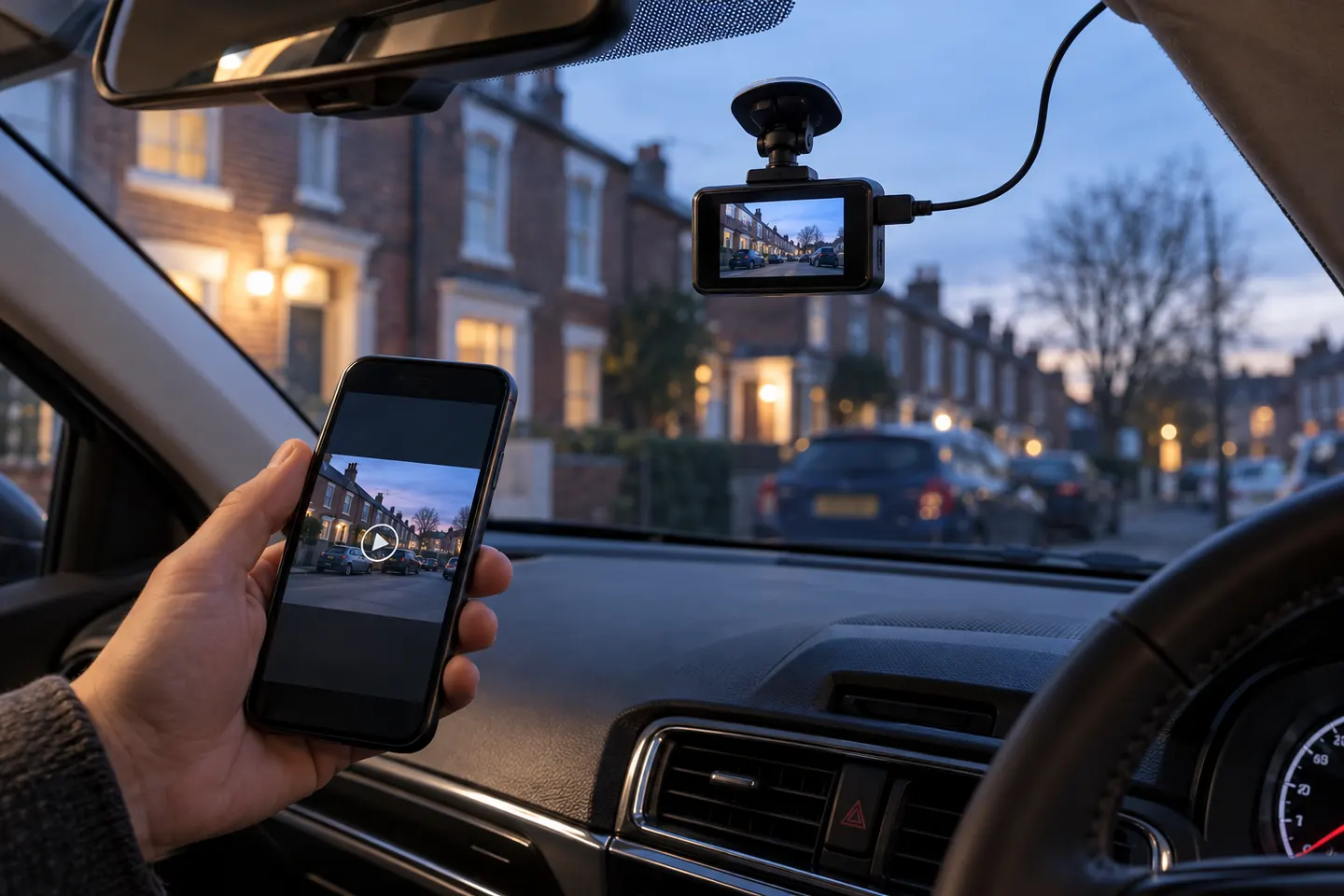
A wireless dash cam normally uses Wi-Fi or LTE to move footage or connect remotely. It still needs power, and a rear camera often still needs a cable.

Start with the view you need: front-only for simple evidence, front-and-rear for broader coverage, or parking mode for protection while stopped.

Mini 3 is the smallest choice; X110 adds GPS and a screen, X210 raises resolution, and X310 is the 4K touchscreen option.