How does a dash cam start recording?
Most dashcams receive power when the vehicle starts and begin recording automatically. A front lens captures the road, while dual-channel systems synchronize a rear or cabin camera with the same journey.

 Best picksBest Meat Thermometers in Canada for 2026
 Best picksBest WiFi Extenders in Canada for Different Home Networks
 Best picksThe Best Dash Cam Cameras for Different Drivers
 Best picksRadar Detector Best Picks for Canadian Drivers (2026)
 Best picksBest Air Purifier for Bedroom in the Canada: Quiet Models Compared
Gearjury may earn a commission when you buy through a retailer link. Our editorial conclusions remain independent.
Guide
A dashcam starts with vehicle power, records short video files to storage and overwrites the oldest ordinary clips when the card fills. Protected events are handled separately.
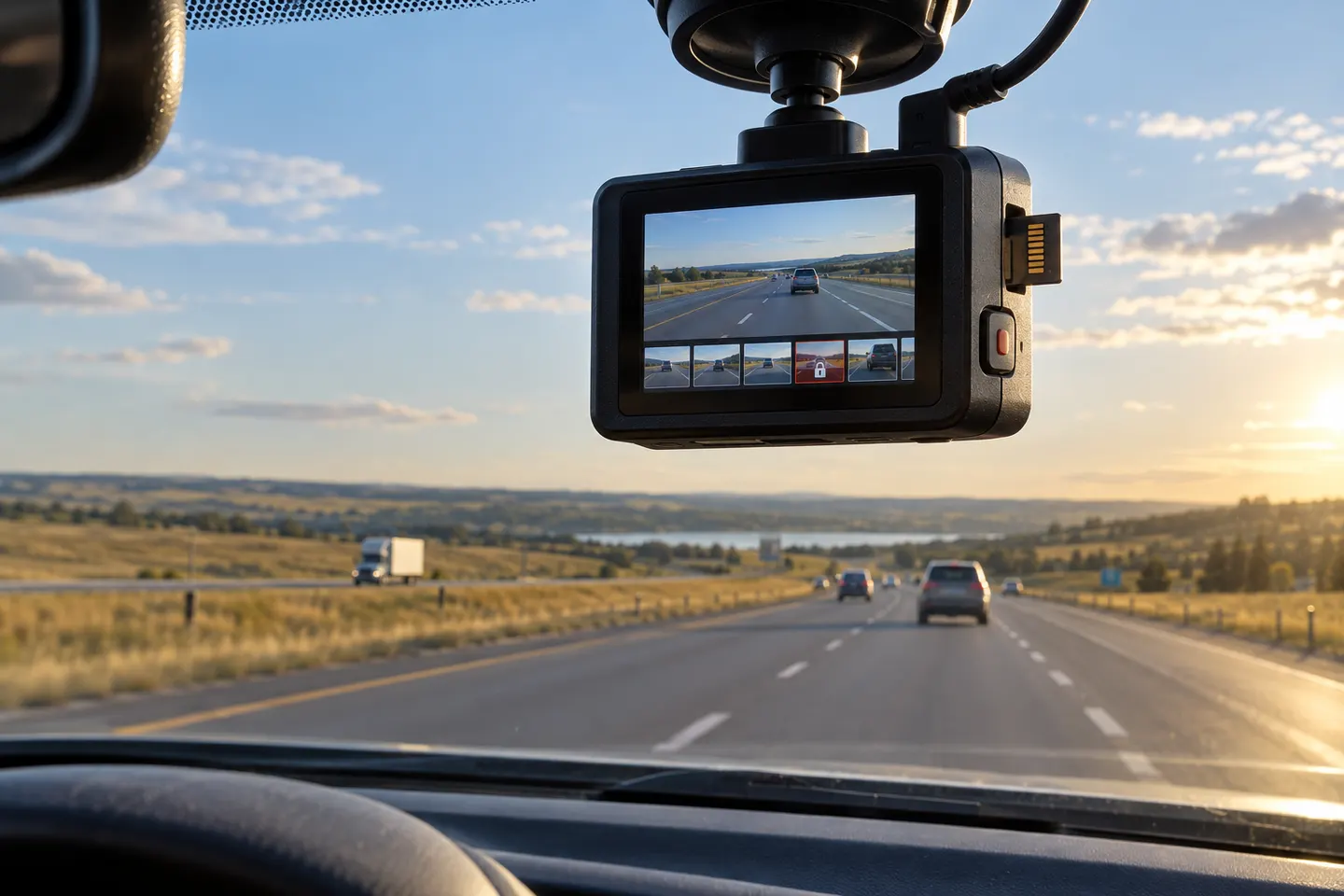
Most dashcams receive power when the vehicle starts and begin recording automatically. A front lens captures the road, while dual-channel systems synchronize a rear or cabin camera with the same journey.
The camera saves video in short files. When ordinary storage fills, it overwrites the oldest unprotected files, so a healthy card can keep recording without manual deletion.
A built-in motion sensor called a G-sensor can detect abrupt force and mark the current clip, while the driver can usually save a file manually. Sensitivity should be adjusted if potholes protect too many clips.
Parking mode uses continuous power from a compatible hardwire kit or battery pack. Depending on the model, it may record motion, impacts, a low-frame-rate stream or buffered video around an event.
GPS can associate position, time or speed data with footage. Wi‑Fi usually creates a short-range link to a phone for setup and downloads; remote viewing needs a separate internet connection and may require a plan.
Use the camera screen, its app or a card reader according to the manual. For an important incident, copy the original file promptly and preserve surrounding clips rather than editing the only copy.
Common questions
Tesla uses the vehicle's external cameras and USB storage for Dashcam clips on supported vehicles. Features and controls vary by software and model, so follow the current owner's manual.
Several wide-angle cameras around the vehicle are calibrated, corrected and stitched into a synthetic overhead view. It is a parking aid, not an actual camera suspended above the car.
It normally records while powered and may loop over old ordinary files. Recording while parked requires a supported mode and continuous power.
Many cameras use a removable microSD card; others also use internal or cloud storage. Capacity, overwrite rules and subscriptions depend on the model.
Keep exploring
The VIOFO A229 Pro 2CH is our broadest all-round choice for front-and-rear detail. Garmin Mini 3 suits a discreet setup, while Thinkware U3000 targets parking surveillance.

Mini 3 is the smallest choice; X110 adds GPS and a screen, X210 raises resolution, and X310 is the 4K touchscreen option.
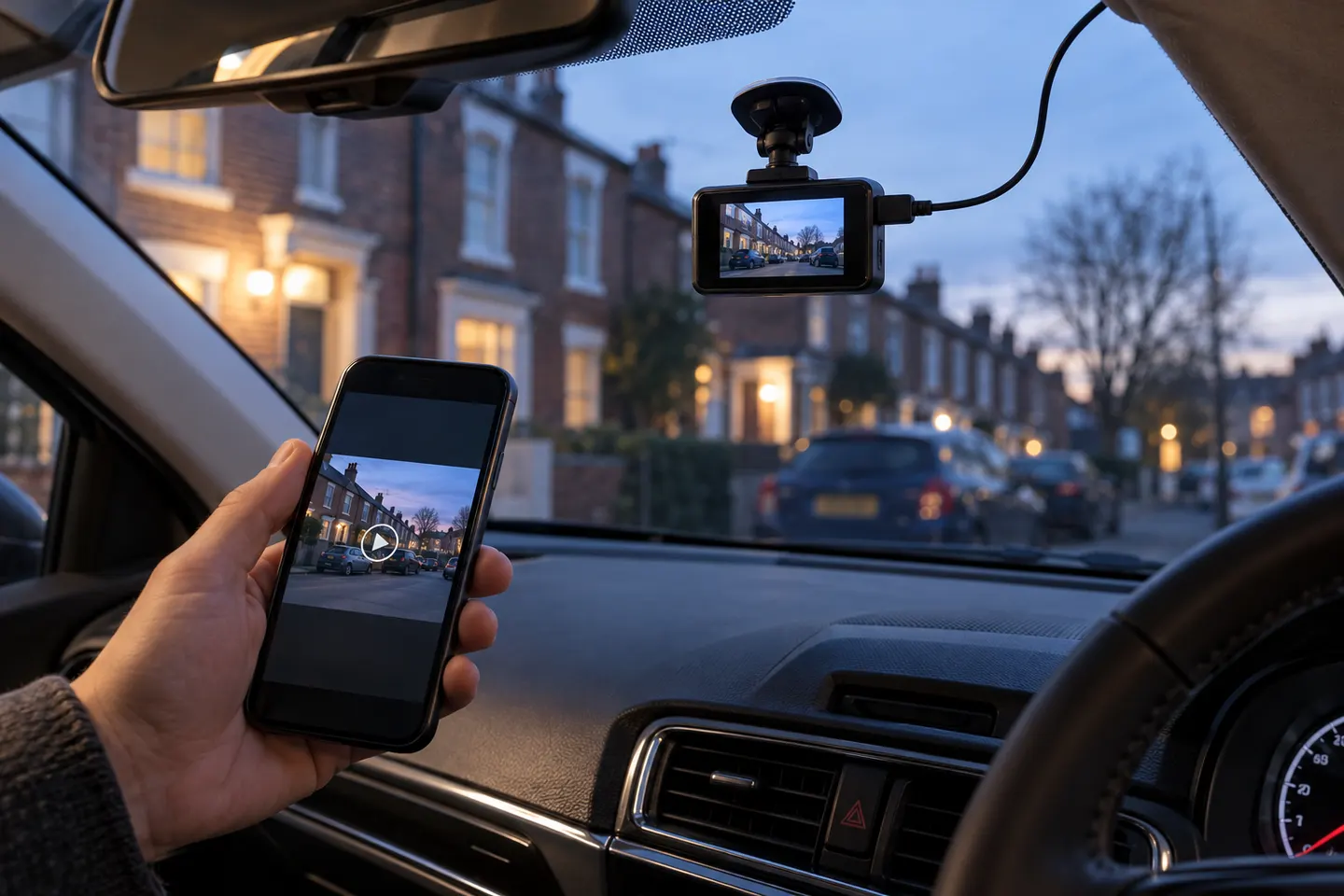
A wireless dash cam normally uses Wi-Fi or LTE to move footage or connect remotely. It still needs power, and a rear camera often still needs a cable.

Start with the view you need: front-only for simple evidence, front-and-rear for broader coverage, or parking mode for protection while stopped.