Gearjury may earn a commission when you buy through a retailer link. Our editorial conclusions remain independent.
Guide
How Do You Install a Dash Cam Safely?
Mount it high behind the rear-view mirror without blocking your sightline, route the cable away from airbags and controls, then confirm the saved footage before driving.
GGearjury editorial team · Updated October 15, 2026· 7 min
01
Where should a dash cam be mounted?
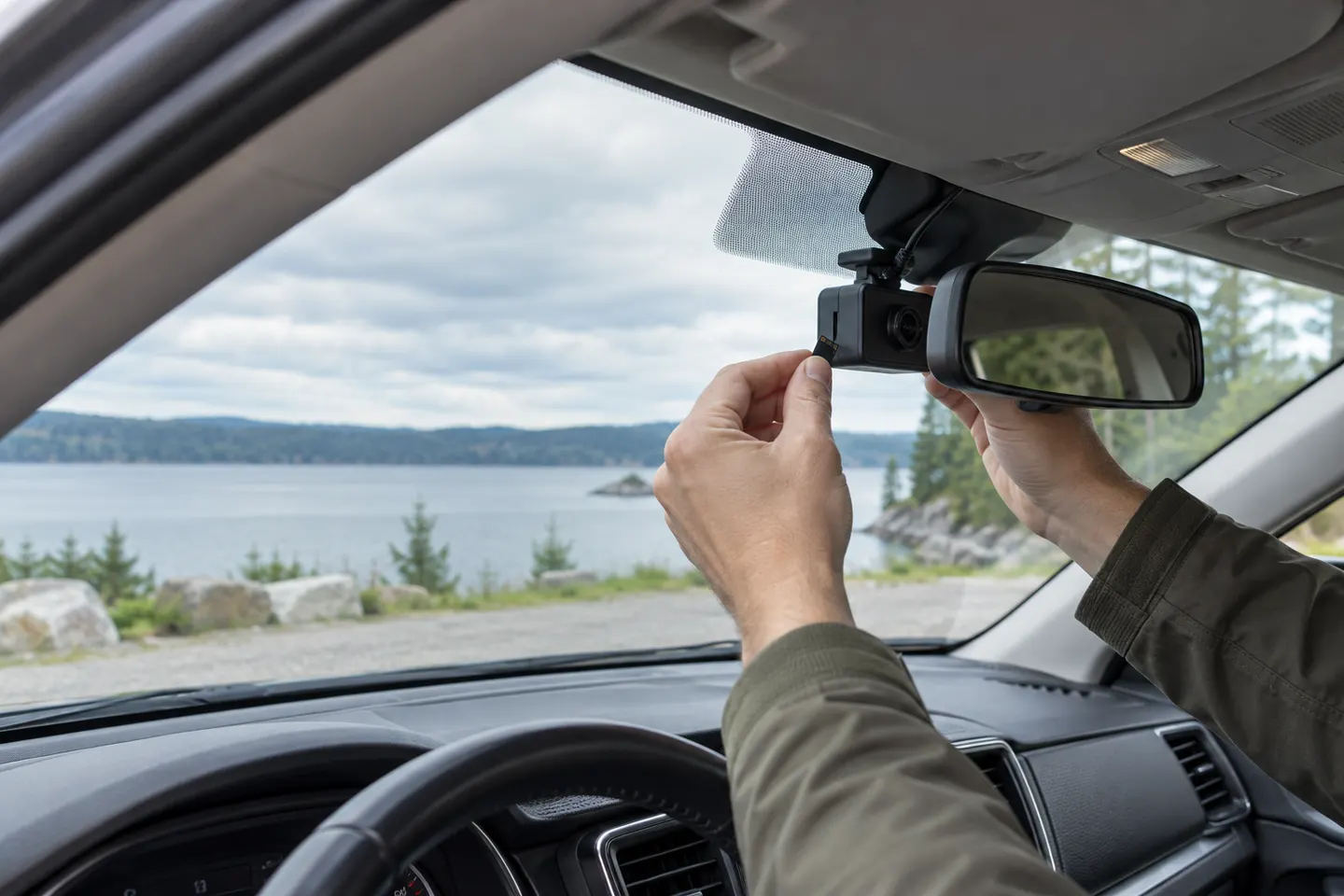
Sit in the normal driving position and choose a high spot, usually behind the rear-view mirror, where the camera sees the road but does not obstruct your view. Clean and dry the glass, keep clear of sensor housings and check provincial rules.
02
Set the lens before fixing the mount
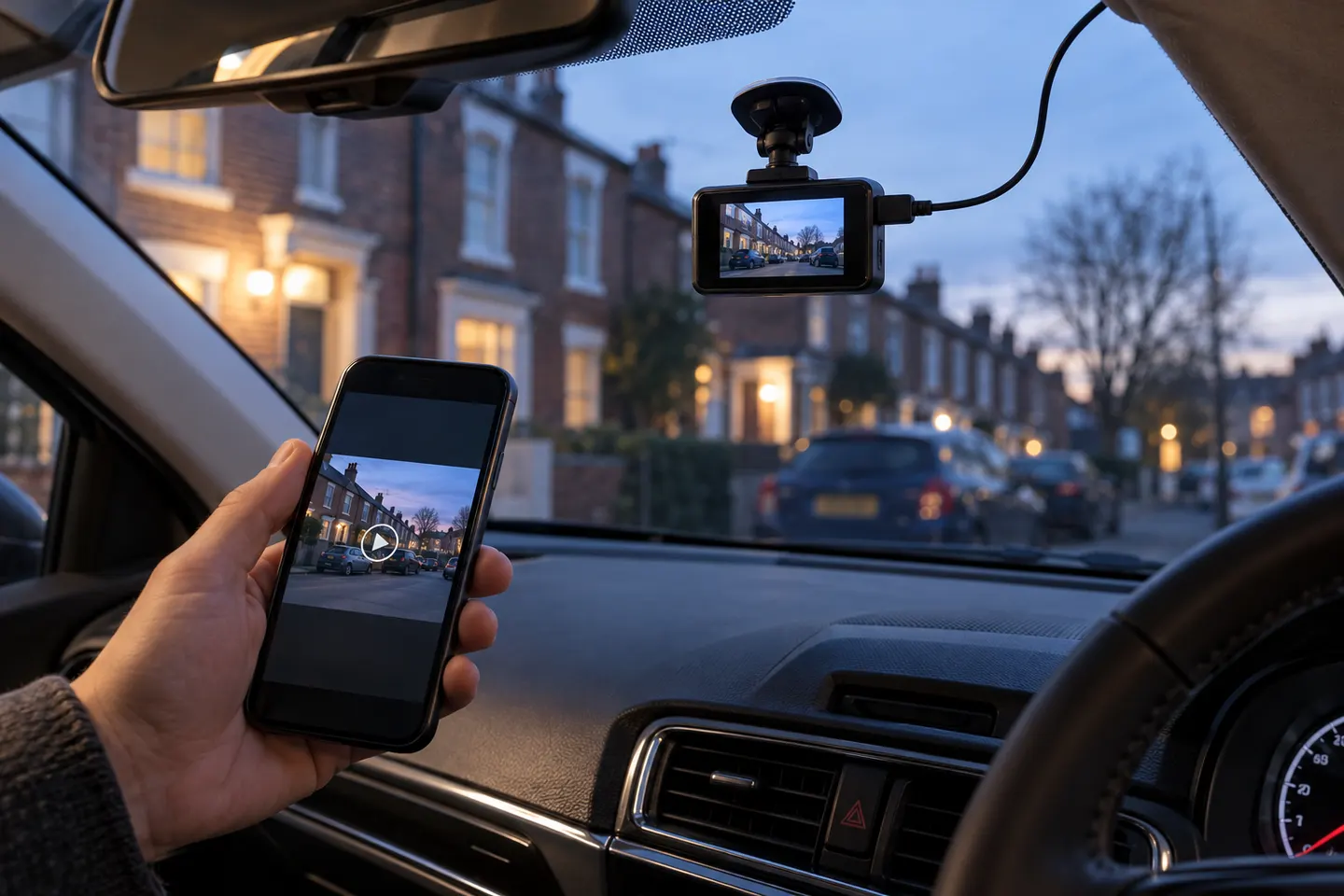
Power the camera temporarily and use its screen or app to frame the horizon. Include enough road for context without filling the picture with dashboard or sky, then attach the mount exactly as instructed.
03
Route the power cable without crossing an airbag
Run the cable along safe trim edges and secure slack. Never tuck a cable across a curtain airbag, steering control, pedal or moving seat mechanism; consult the vehicle manual when the airbag path is unclear.
04
Choose accessory power or professional hardwiring
A supplied vehicle adapter is the simplest option and normally powers recording when the socket is live. Parking mode may need a compatible hardwire kit or battery pack with voltage protection; fuse work is a job for a competent installer.
05
Install and align the rear camera
Place a rear camera where the wiper clears the glass when possible. Check that a heated window element, spoiler or tint does not spoil the view, and route its cable without interfering with hatch hinges or airbags.
06
Format storage and verify a real recording
Insert a manufacturer-compatible high-endurance memory card, format it in the camera and set the correct time. Record a short stationary clip, play it back and confirm both camera views and audio preference before driving.
Common questions
Questions before you buy
Can dashcam footage be used against you?
Yes. Relevant footage may help or harm the person who recorded it, depending on what it shows and the legal process. Preserve original files and obtain legal advice for a serious incident.
Can you use an action camera as a dashcam?
It can record a drive, but many action cameras lack automatic ignition recording, loop-file protection and heat management intended for parked vehicles. A purpose-built dash cam is usually more practical.
Do dash cams need to be professionally installed?
A plug-in front camera is often a straightforward owner installation. Hardwiring, hidden rear-camera cables or uncertain airbag routing favour professional installation.
Does a dash cam work when the car is off?
Only when the camera has a supported parking mode and a suitable continuous power source. An ordinary ignition-switched socket usually turns off with the vehicle.
The VIOFO A229 Pro 2CH is our broadest all-round choice for front-and-rear detail. Garmin Mini 3 suits a discreet setup, while Thinkware U3000 targets parking surveillance.
Start with the view you need: front-only for simple evidence, front-and-rear for broader coverage, or parking mode for protection while stopped.
Your privacy
We use cookies and similar technologies. Necessary ones keep the site working. With your permission we also use statistics cookies (Google Analytics and Microsoft Clarity) to understand which guides help readers. You can accept all, reject all or choose. You can change your choice at any time from "Cookie settings" at the bottom of every page. Cookie policy