









 Official manufacturer image
Our picks
Top picks
Official manufacturer image Official manufacturer image
Garmin Dash Cam Mini 3
Check price on Amazon.ca Official manufacturer image
Thinkware U3000
Check price on Amazon.caBy feature
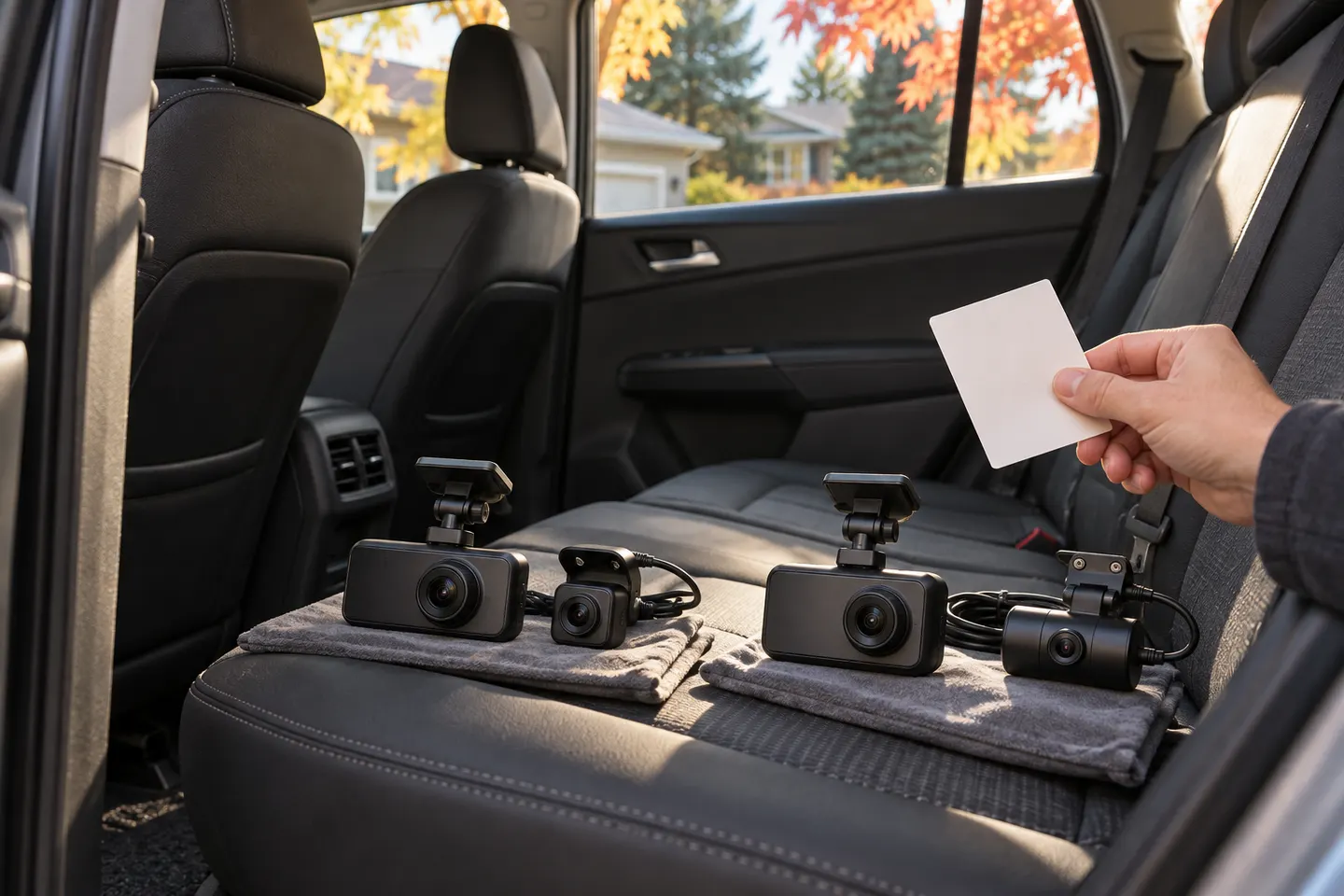 Reload dual
Common questions
Questions before you buy
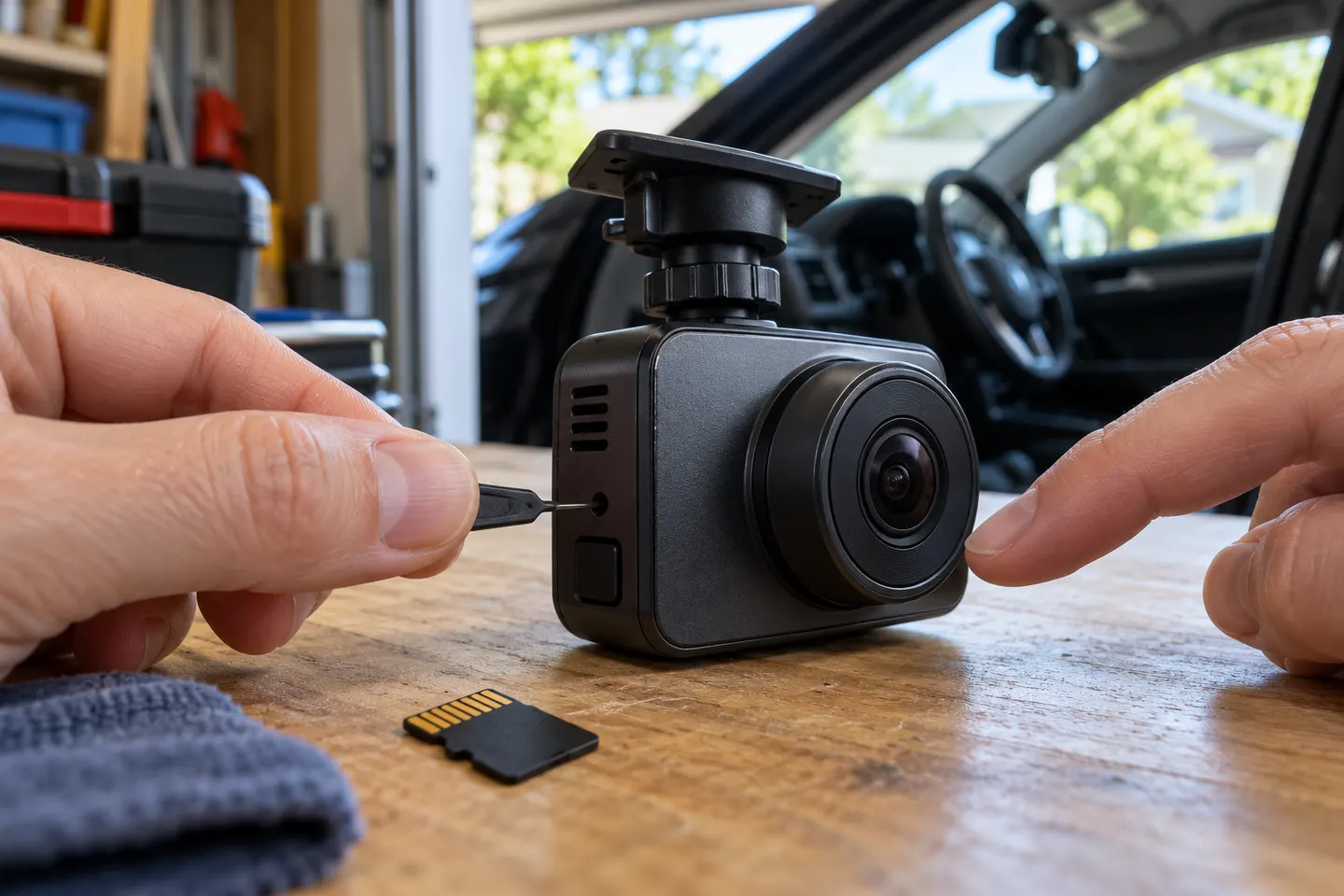
How do I reload a dash cam?
Save any needed footage first, switch the camera off, reseat the memory card and follow the manufacturer's restart or reset instructions. If recording still fails, format a compatible card in the camera rather than on a computer.
Why does my dash cam stop recording when the card is full?
Loop recording normally overwrites the oldest unlocked clips. A full card can persist when too many files are protected, the card is corrupted or the loop-recording setting is disabled.
Should I format a memory card before reloading my dash cam?
Yes, if the camera maker recommends it and you have already copied important footage. Formatting in the dash cam creates the file system the device expects and clears locked files.
Will resetting a dash cam delete recordings?
A settings reset and a card format are different actions. A reset may restore camera settings, while formatting erases recordings; check the manual for your exact model before proceeding.
Can I use any microSD card when restarting loop recording?
No. Use a capacity, format and speed class supported by the camera, preferably a high-endurance card intended for repeated video writing.