Independent buying guidance · Canada editionHow we work
Gearjury
All categories
All categories
Best picksThe Best Dash Cam Cameras for Different Drivers
Best picksBest WiFi Extenders in Canada for Different Home Networks
Best picksBest Meat Thermometers in Canada for 2026
Best picksBest Winter Gloves for Canadian Conditions (2026)
Best picksBest Headlamps: Compare Reliable Options for Canada
Best picksRadar Detector Best Picks for Canadian Drivers (2026)
Best picksBest Portable Air Coolers to Consider in 2026
Best picksBest cordless grass trimmers with a battery and charger
Best picksBest Air Purifier for Bedroom in the Canada: Quiet Models Compared
CanadaEnglish

Category hub

2.4 GHz Wi-Fi Extender: How to Choose the Right Band

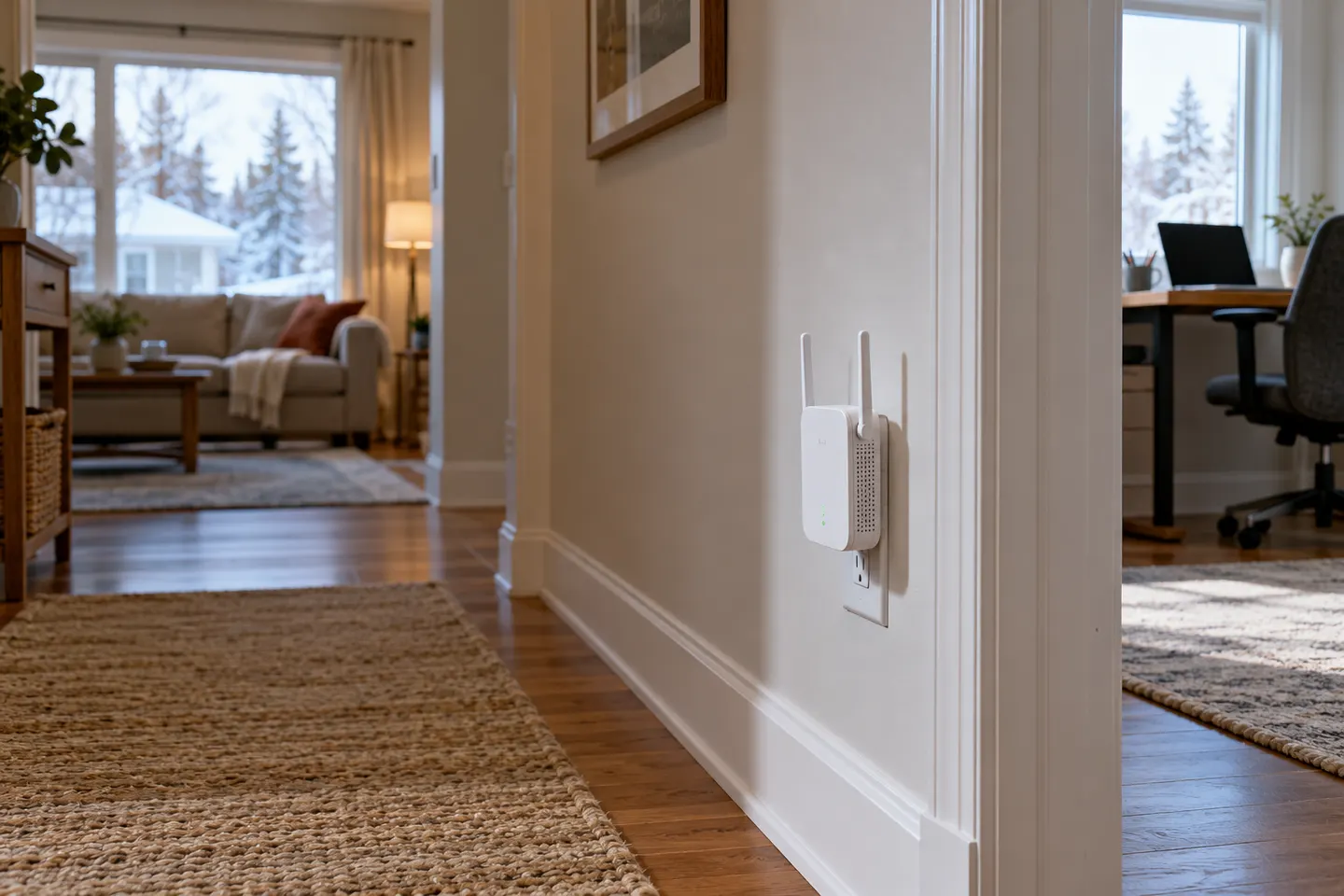
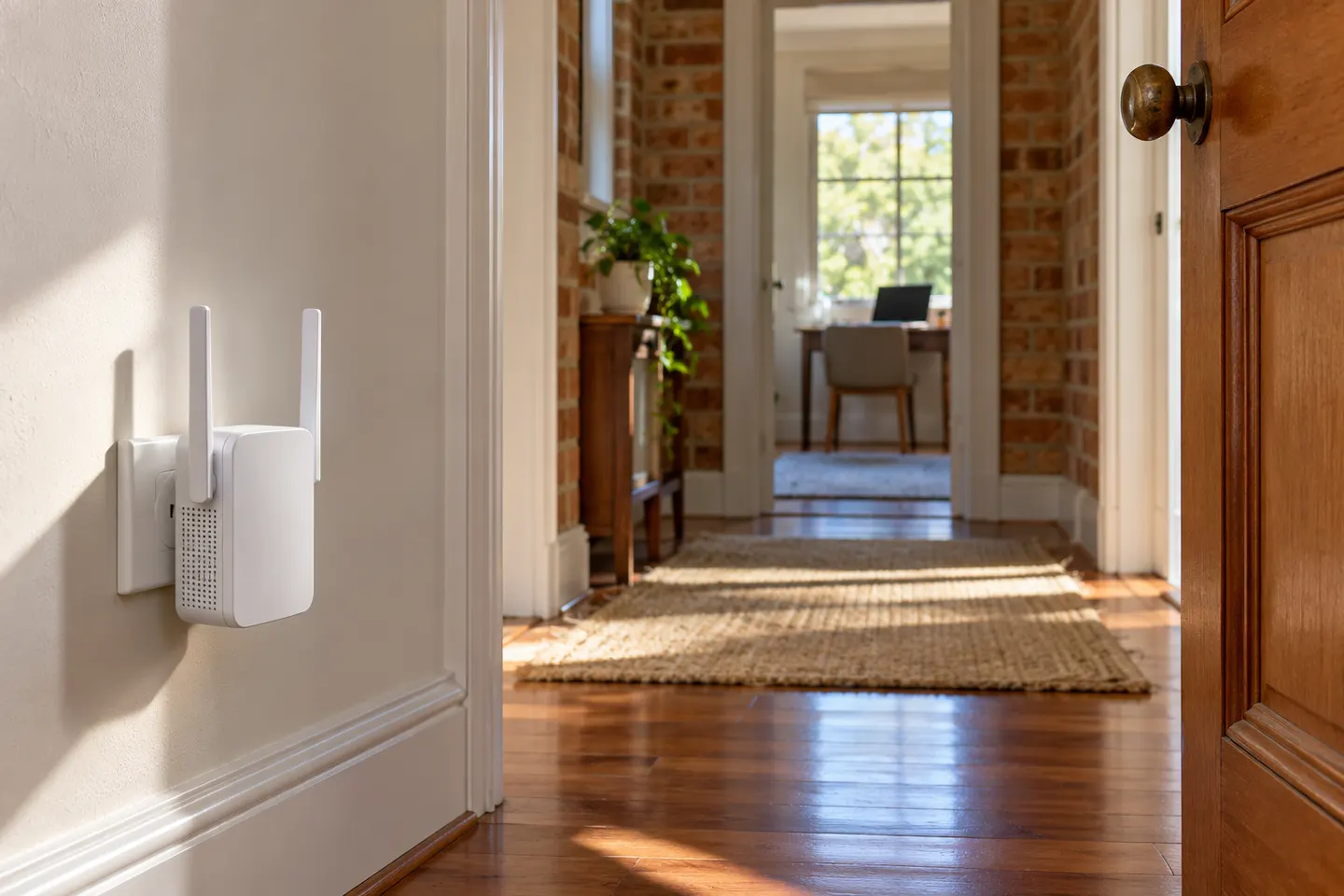
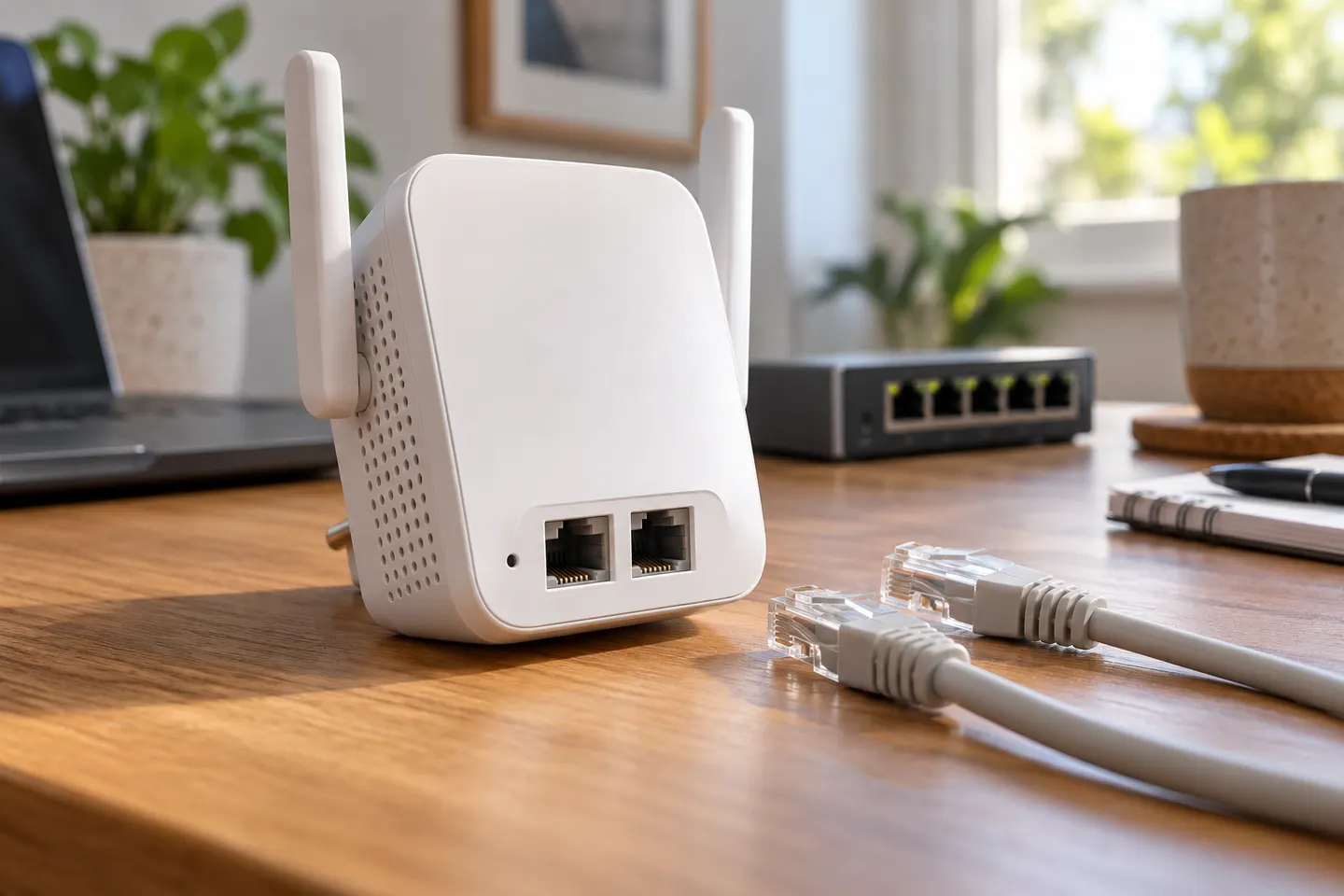
A 2.4 GHz Wi-Fi extender is relevant when your router or devices rely on that band, or when the signal must travel farther through the home. Compare single-band and dual-band boosters by standards, security and setup method.

The “Wi-Fi booster 2.4 or 5” choice is about reach and capacity. 2.4GHz often reaches farther; 5GHz typically offers more throughput nearby. Dual-band extenders can serve both, although backhaul and interference still affect results.

2.4 GHz Wi-Fi Extender: How to Choose the Right Band

By type

2

Common questions

Questions before you buy

Should I choose a 2.4 GHz or 5 GHz Wi-Fi booster?

Choose for distance, obstacles and device support. 2.4GHz usually favours reach; 5GHz can offer higher link rates at shorter range.

Will a 2.4 GHz extender work with a 5 GHz router?

Only if the router also provides compatible 2.4GHz Wi-Fi or the extender supports the needed band.

Is dual-band better than 2.4 GHz only?

It offers flexibility for mixed devices, but does not guarantee better real-world speed.

Can an extender use different bands for router and devices?

Some support cross-band operation, but behavior varies. Check the model’s published specs.