









 Official manufacturer image

Our picks
Top picks
Official manufacturer image Official manufacturer image
NETGEAR EAX15
Check price on Amazon.ca Official manufacturer image
TP-Link RE605X
Check price on Amazon.caMore topics
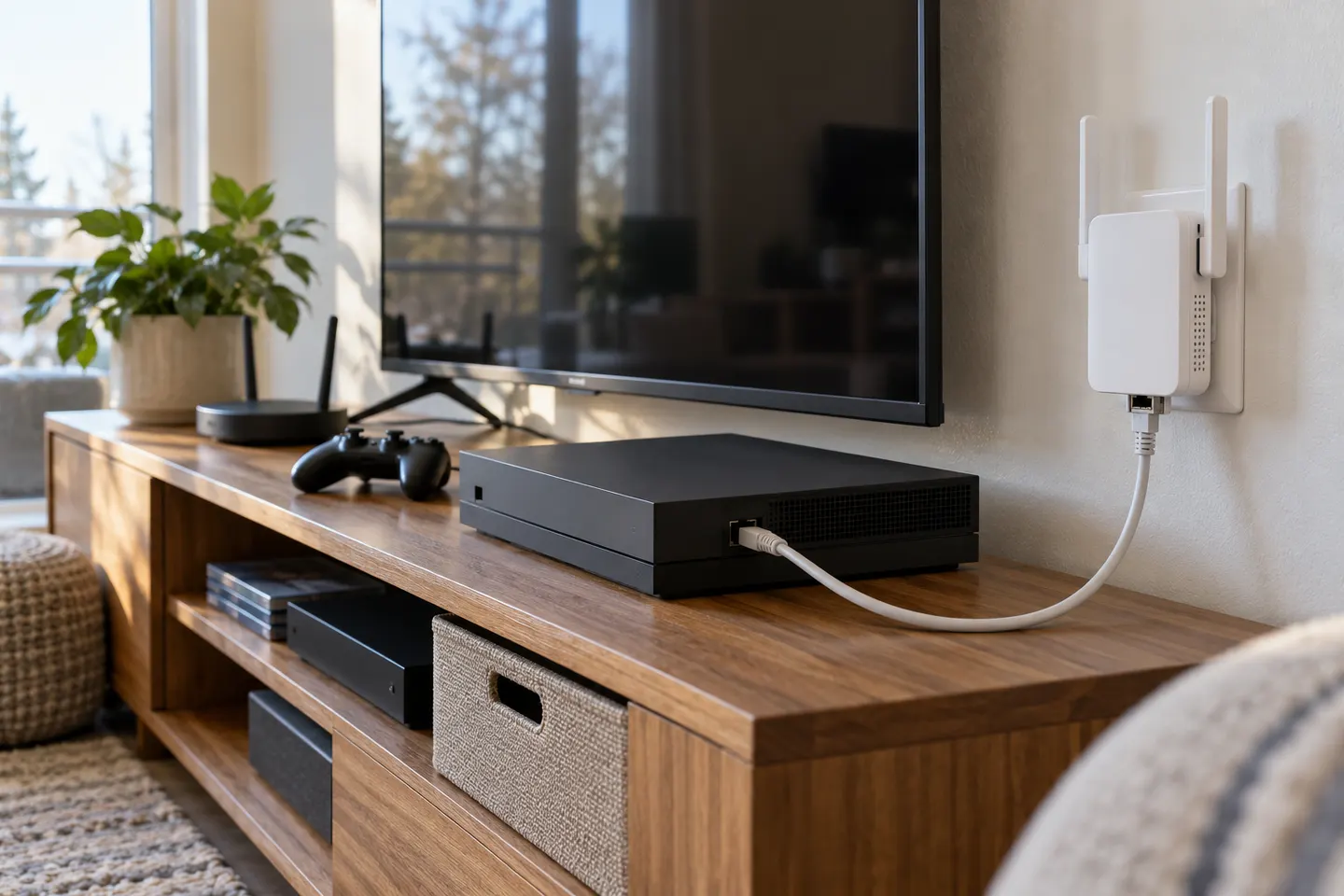 AC1750 WiFi Range Extenders
Common questions
Questions before you buy
What does AC1750 mean on the TP-Link RE450?
AC1750 is the product’s combined theoretical wireless rate class across its two bands. TP-Link specifies up to 450 Mbps on 2.4 GHz and 1,300 Mbps on 5 GHz; actual throughput depends on the router, client devices and surroundings.
Is the TP-Link RE450 a dual-band Wi-Fi range extender?
Yes. TP-Link lists support for both 2.4 GHz and 5 GHz Wi-Fi. Confirm that the extender’s hardware version and firmware are appropriate for your router and region.
What is the difference between TP-Link RE450 V2 and newer hardware versions?
They are hardware revisions of the RE450, and their available downloads and documentation can differ. Check the version printed on your device and select that exact version on TP-Link Canada’s support page before installing firmware or using a manual.
Where should I place the RE450 for a stronger connection?
Place it between the router and the weak-signal area, where it can still receive a reliable signal from the router. TP-Link’s signal indicator is intended to help find a suitable location; walls and interference can affect the result.
Where can I find the TP-Link AC1750 Wi-Fi range extender RE450 manual?
TP-Link Canada provides RE450 manuals and setup resources through its download page. Select the hardware revision matching your unit, since instructions and firmware can vary by version.
Can I connect a wired device to the RE450?
The manufacturer’s RE450 specification lists one gigabit Ethernet port. It can provide a wired connection for a compatible device, subject to the extender’s setup and network configuration.