Independent buying guidance · Canada editionHow we work
Gearjury
All categories
All categories
Best picksThe Best Dash Cam Cameras for Different Drivers
Best picksBest WiFi Extenders in Canada for Different Home Networks
Best picksBest Meat Thermometers in Canada for 2026
Best picksBest Winter Gloves for Canadian Conditions (2026)
Best picksBest Headlamps: Compare Reliable Options for Canada
Best picksRadar Detector Best Picks for Canadian Drivers (2026)
Best picksBest Portable Air Coolers to Consider in 2026
Best picksBest cordless grass trimmers with a battery and charger
Best picksBest Air Purifier for Bedroom in the Canada: Quiet Models Compared
CanadaEnglish

Category hub

How to Choose a Wi-Fi Extender for a Basement

Basement coverage depends on the signal reaching through floors and walls. Test placement and consider wired access points where possible.

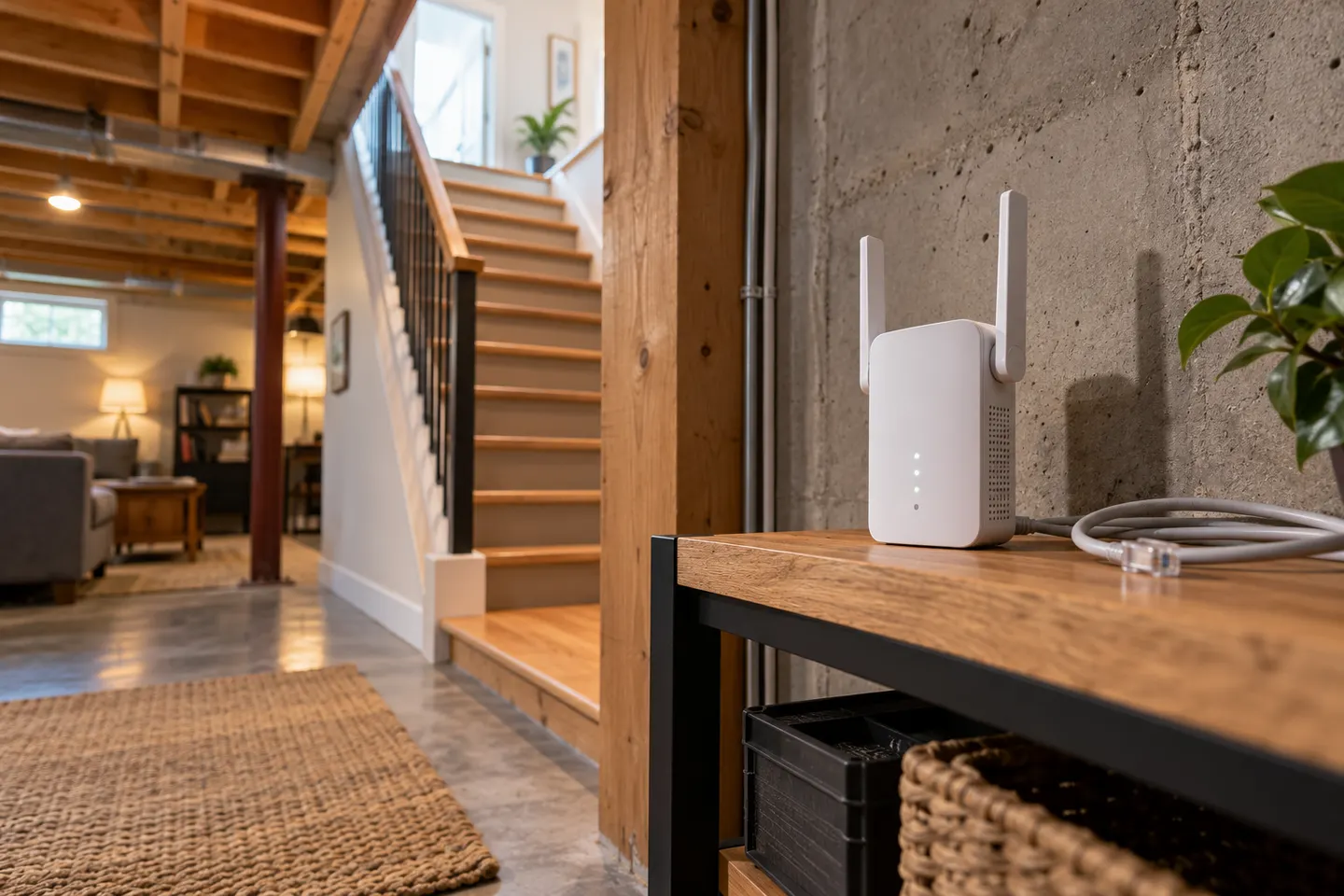
A Wi-Fi extender for a basement can fill a coverage gap when a usable signal reaches the lower floor. Concrete, ductwork and floor construction can weaken reception, so test near the stairs or ceiling before buying. A booster may suit a modest gap; a wired access point or mesh node with wired backhaul can be a better fit for a large basement or several rooms. Compare placement flexibility and Ethernet support.

How to Choose a Wi-Fi Extender for a Basement

Common questions

Questions before you buy

Will a Wi-Fi extender work in a basement?

It can if the router signal reaches the extender location. Heavy materials and distance may make a wireless relay unreliable.

Where should a basement Wi-Fi booster go?

Try an intermediate spot near the stairwell or where the router signal remains stable, then check coverage in the target room.

Is mesh better than an extender for a basement?

Mesh can coordinate coverage across several nodes, while a basic extender relays an existing signal. A wired backhaul or access point may be strongest where cabling is practical.

Can I use Ethernet for basement Wi-Fi?

Yes, a wired access point can provide a direct network link if you can run Ethernet and the equipment supports access-point mode.