Independent buying guidance · Canada editionHow we work
Gearjury
All categories
All categories
Best picksThe Best Dash Cam Cameras for Different Drivers
Best picksBest WiFi Extenders in Canada for Different Home Networks
Best picksBest Meat Thermometers in Canada for 2026
Best picksBest Winter Gloves for Canadian Conditions (2026)
Best picksBest Headlamps: Compare Reliable Options for Canada
Best picksRadar Detector Best Picks for Canadian Drivers (2026)
Best picksBest Portable Air Coolers to Consider in 2026
Best picksBest cordless grass trimmers with a battery and charger
Best picksBest Air Purifier for Bedroom in the Canada: Quiet Models Compared
CanadaEnglish

Gearjury may earn a commission from qualifying retailer links. Editorial conclusions use cited evidence.

Best picks

Best WiFi Extender App for Android: Setup Tools Compared

TP-Link Tether supports setup and management for compatible extenders on Android. NETGEAR offers its Nighthawk app for supported models; an app cannot increase radio range by itself.

Quick answer

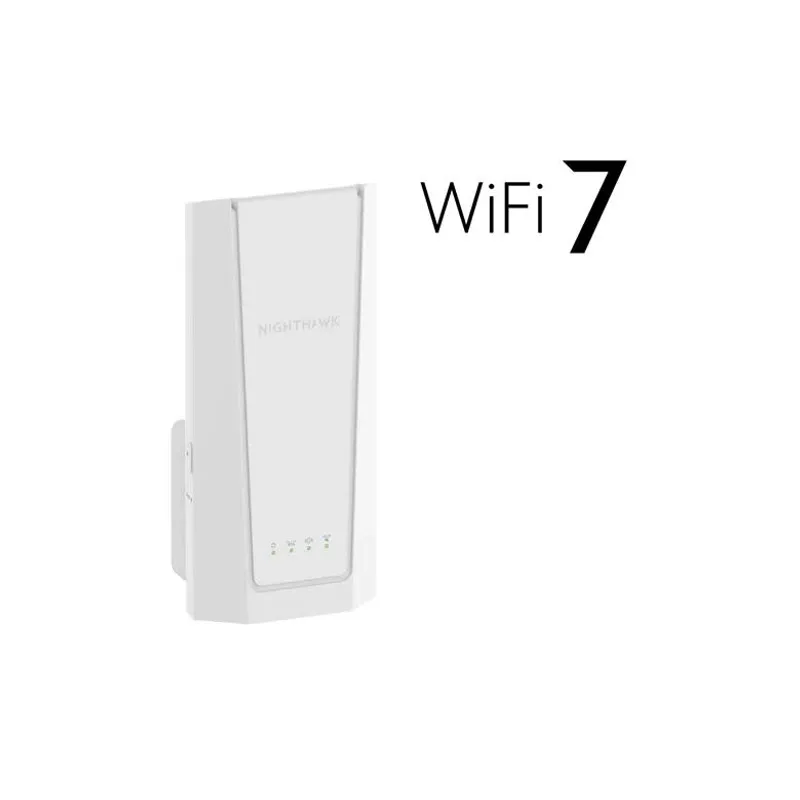
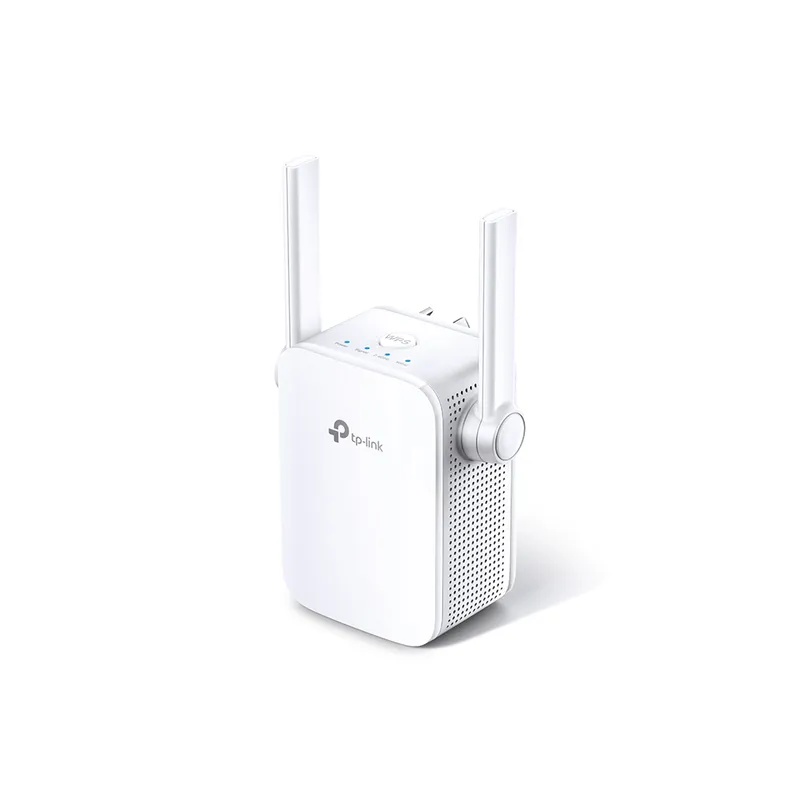
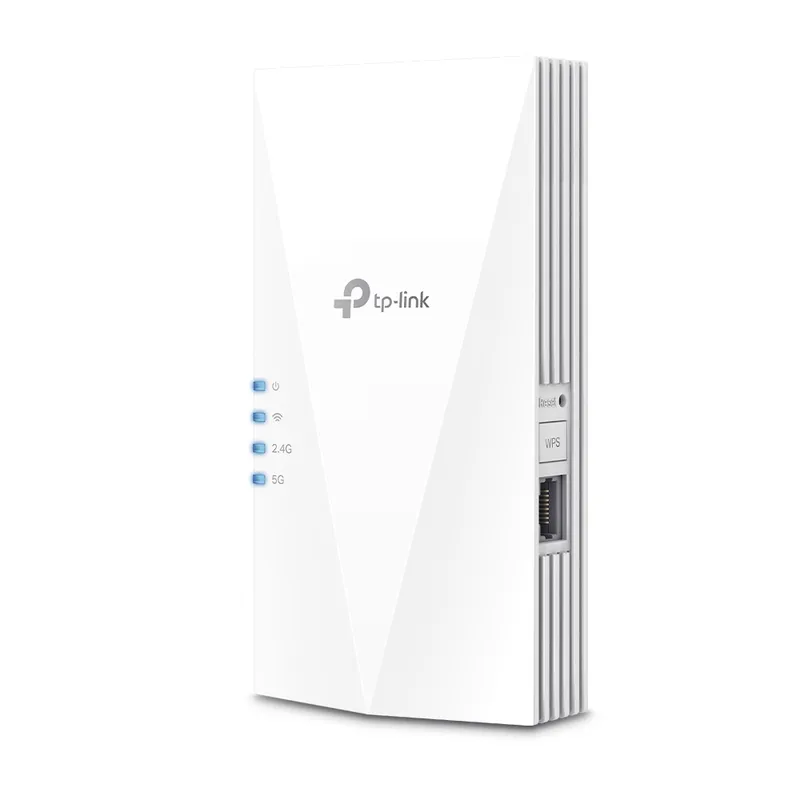
TP-Link Tether is the clearest fit for Android users choosing TP-Link RE600X or RE505X. NETGEAR Nighthawk supports setup for compatible extenders such as EXS27. Compare the hardware first: apps configure devices, while the extender does the actual relaying.

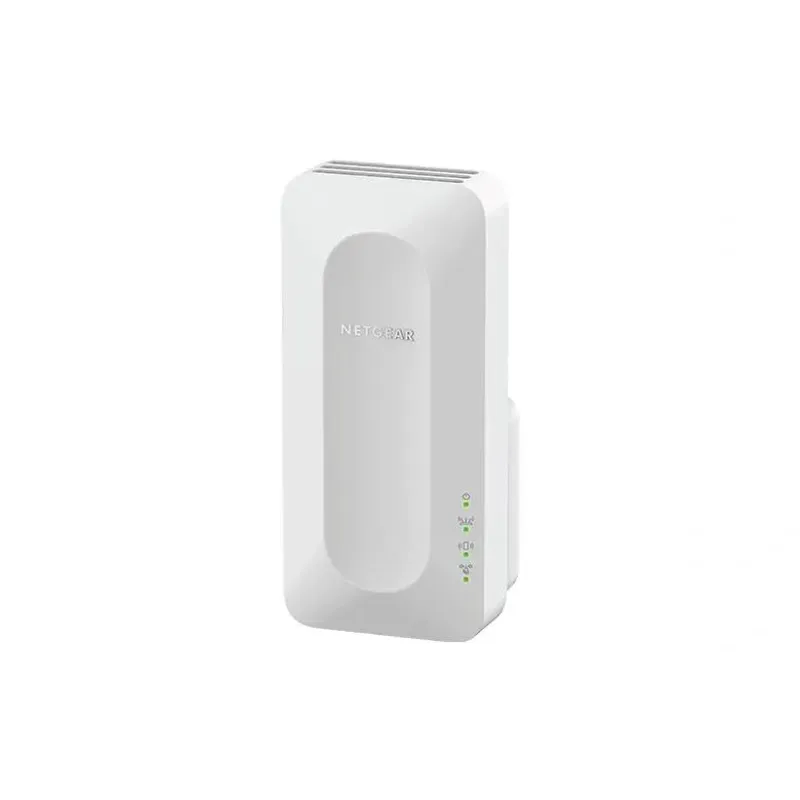
04NETGEAR EAX12Official manufacturer image

WiFi 6 with app management

NETGEAR EAX12

  • NETGEAR lists its Nighthawk app for setup and management.
  • The model includes a Gigabit Ethernet port.

Drawback: An app cannot improve coverage if the extender is placed outside router range.

Check price on Amazon.caSponsored link · no live price shown
Compare them side by side

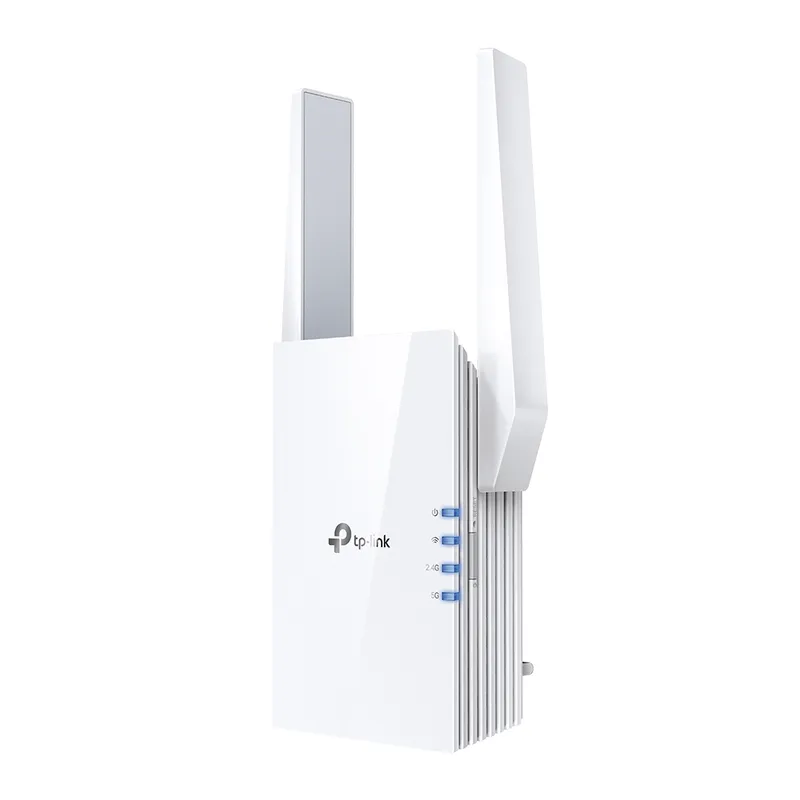
TP-Link RE600XOfficial manufacturer imageTP-Link RE600XTP-Link RE505XOfficial manufacturer imageTP-Link RE505XNETGEAR EXS27Official manufacturer imageNETGEAR EXS27
Setup appTP-Link TetherTP-Link TetherNETGEAR Nighthawk
Setup alternativeWPSWPSWPS
WiFi generationWiFi 6WiFi 6WiFi 7
EthernetGigabitGigabit2.5 GbE
Check price on Amazon.caCheck price on Amazon.caCheck price on Amazon.ca

Common questions

Questions before you buy

Can an Android app boost WiFi signal by itself?

An app cannot add radio coverage on its own. Use it to configure a compatible router or extender, then place the hardware where it receives a stable signal.

Which Android app should I use for a TP-Link extender?

TP-Link identifies Tether as its app for setting up and managing supported routers and extenders on Android and iOS. Check the support page for your exact hardware version.

Does NETGEAR have an Android app for extenders?

NETGEAR lists the Nighthawk app as a setup option for compatible extenders. Verify the model's current support page and app listing before setup.

Should I download a free WiFi booster APK?

Prefer the app distributed through the device maker's official support page or official app store. A generic booster app cannot replace an extender or change the router's physical coverage.

Sources and how we chose