Independent buying guidance · Canada editionHow we work
Gearjury
All categories
All categories
Best picksThe Best Dash Cam Cameras for Different Drivers
Best picksBest WiFi Extenders in Canada for Different Home Networks
Best picksBest Meat Thermometers in Canada for 2026
Best picksBest Winter Gloves for Canadian Conditions (2026)
Best picksBest Headlamps: Compare Reliable Options for Canada
Best picksRadar Detector Best Picks for Canadian Drivers (2026)
Best picksBest Portable Air Coolers to Consider in 2026
Best picksBest cordless grass trimmers with a battery and charger
Best picksBest Air Purifier for Bedroom in the Canada: Quiet Models Compared
CanadaEnglish

Category hub

Brostrend Wi-Fi Extenders and AC1200 Range Options

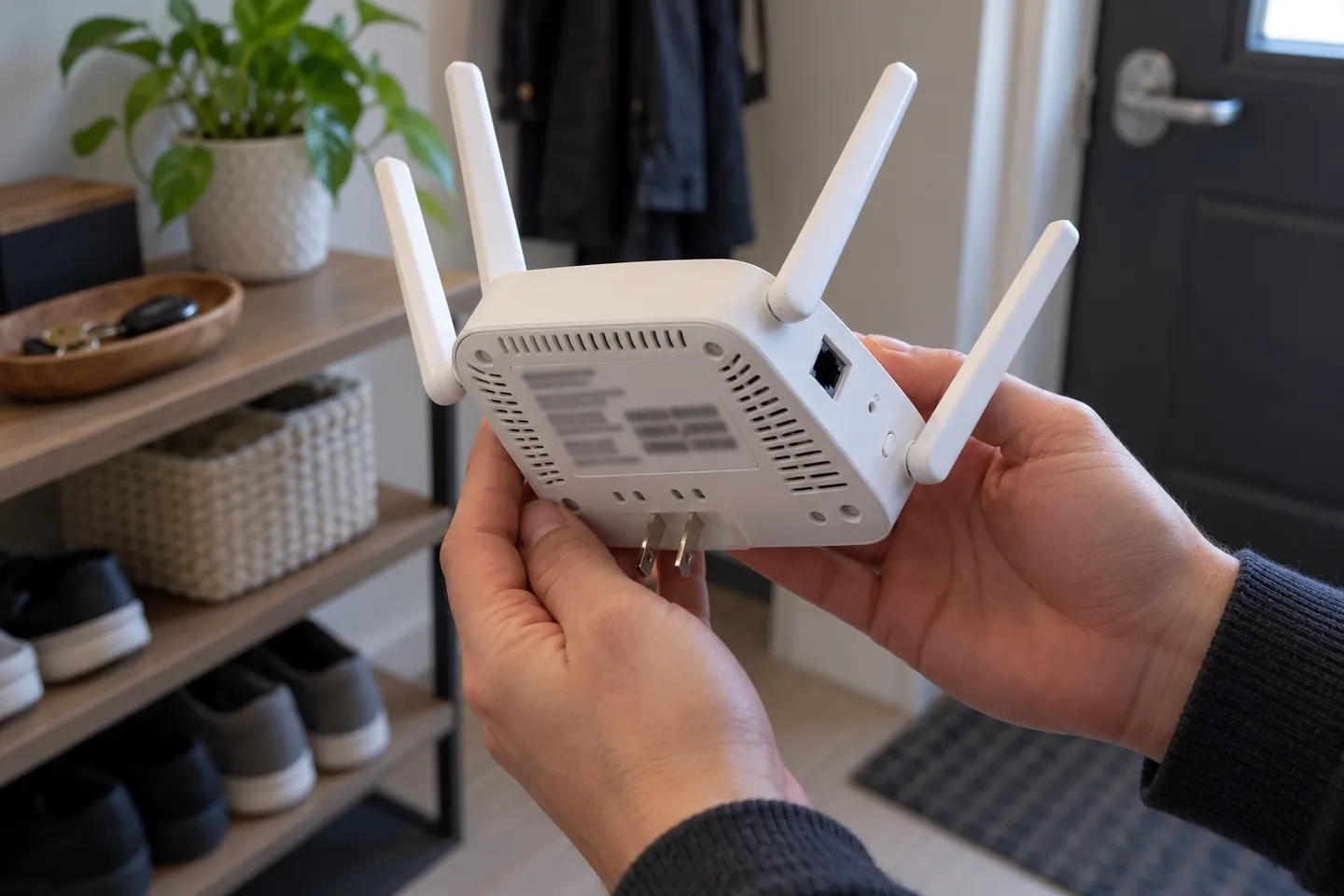
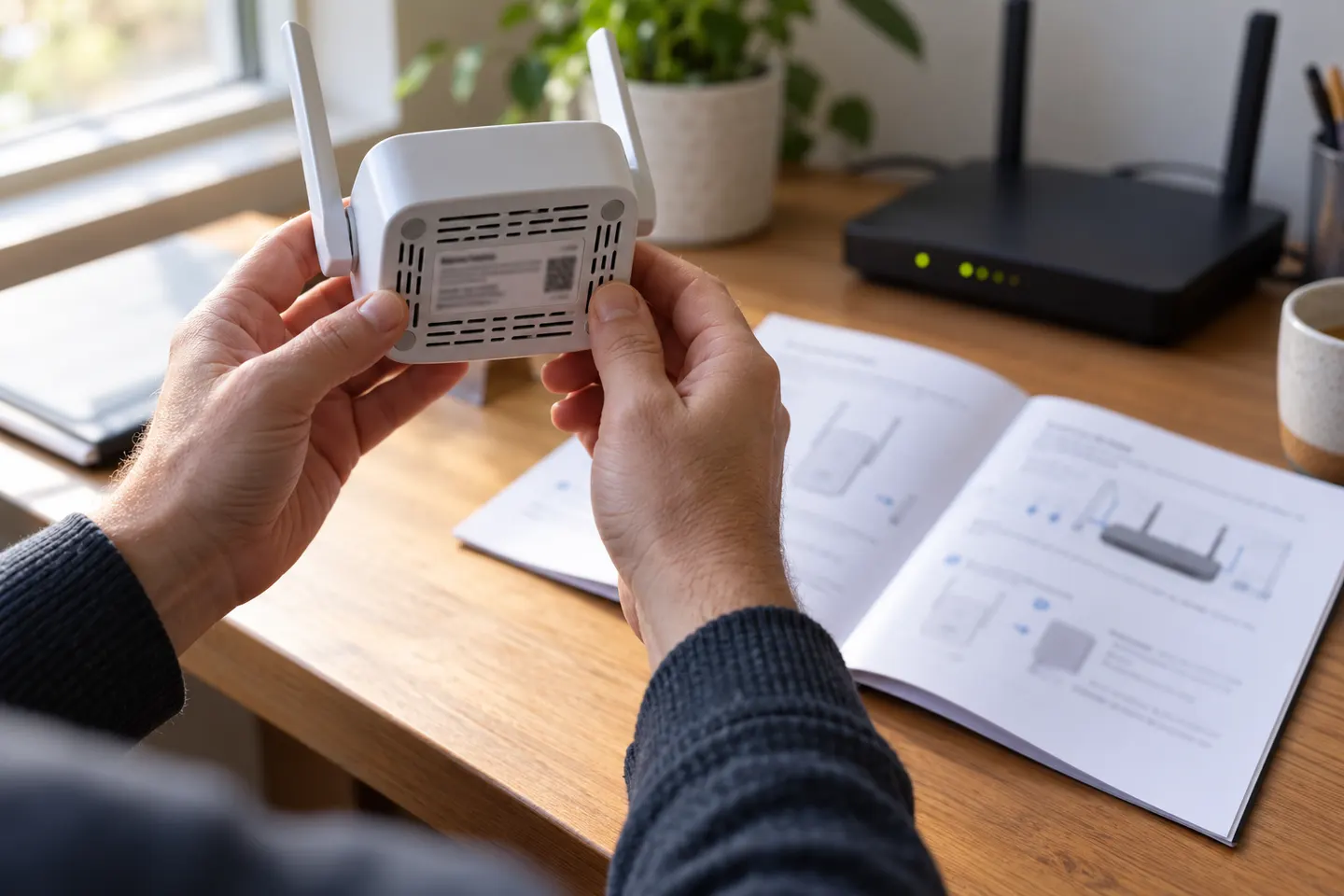
Match the model number on the listing to its manual; AC1200 alone does not identify its ports or setup mode.

Brostrend Wi-Fi extender searches often include AC1200 range extender models. AC1200 is a combined theoretical class across bands, not a promise of a single device’s internet speed. Before choosing a Brostrend unit, confirm the complete model number, whether it supports 2.4 GHz and 5 GHz, installation method and whether an Ethernet port is included. Check the manufacturer support page for firmware, manuals and reset steps. If documentation for the exact model is unavailable, do not infer features from the AC label alone.

Brostrend Wi-Fi Extenders and AC1200 Range Options

Setup and help

2

Common questions

Questions before you buy

What does AC1200 mean on a Brostrend extender?

It identifies a nominal combined Wi-Fi class across bands, not guaranteed throughput to one device. Real speed depends on the router, client, signal and network conditions.

How do I set up a Brostrend AC1200 extender?

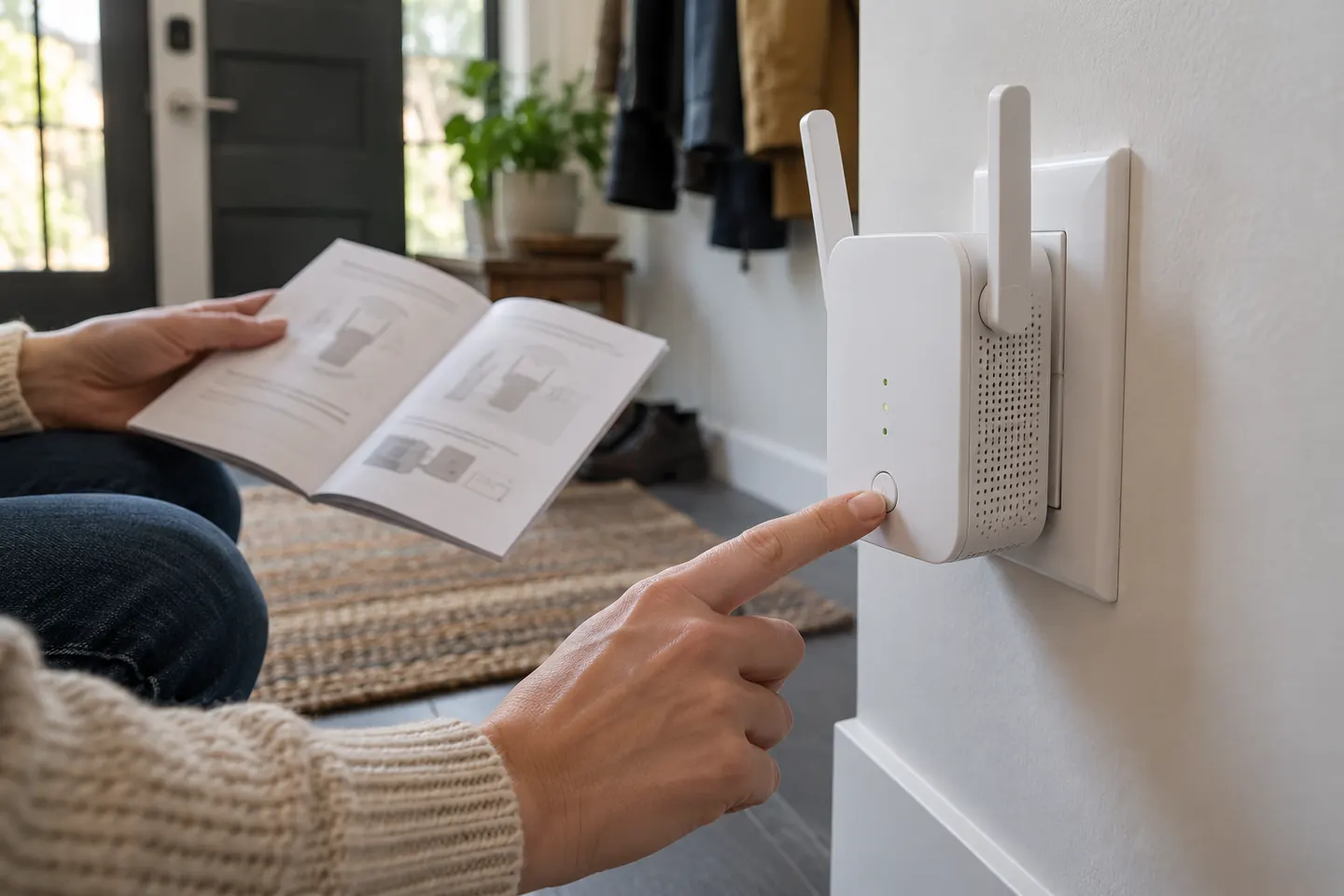
Use the setup procedure for the exact Brostrend model, such as its app, browser page or WPS where supported. Do not assume instructions are identical across products.

Can a Brostrend extender use 5 GHz Wi-Fi?

Check the exact model specifications. AC1200 products are commonly dual-band, but verify supported bands and modes on the model’s documentation.

Where should an AC1200 extender go?

Place it between the router and the coverage gap, where it can still receive a reliable router signal. Confirm placement through the device indicator or setup app.