









 Official manufacturer image
Our picks
Top picks
Official manufacturer image Official manufacturer image
NETGEAR EAX15
Check price on Amazon.ca Official manufacturer image
TP-Link RE605X
Check price on Amazon.caBy type
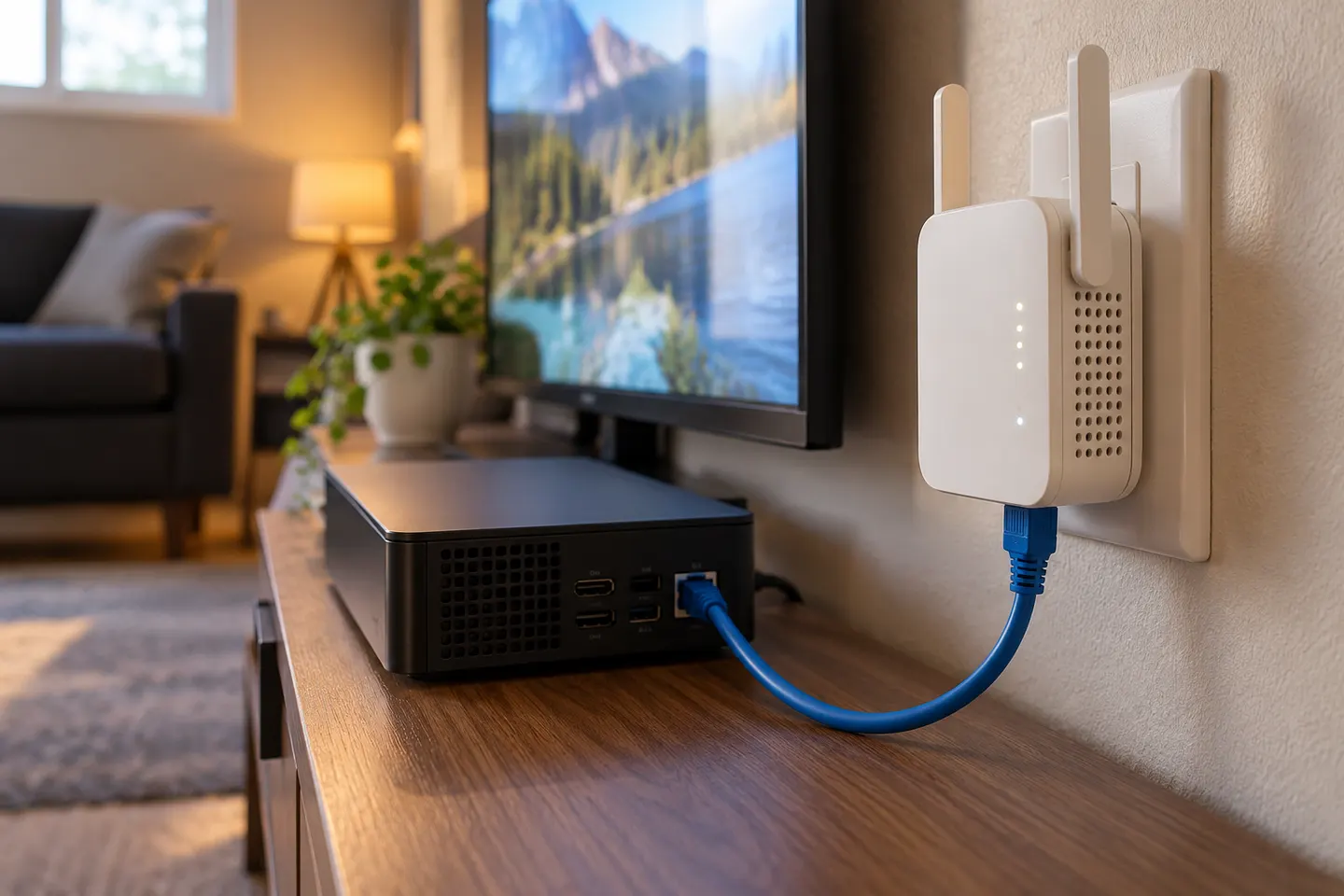 Ethernet ports
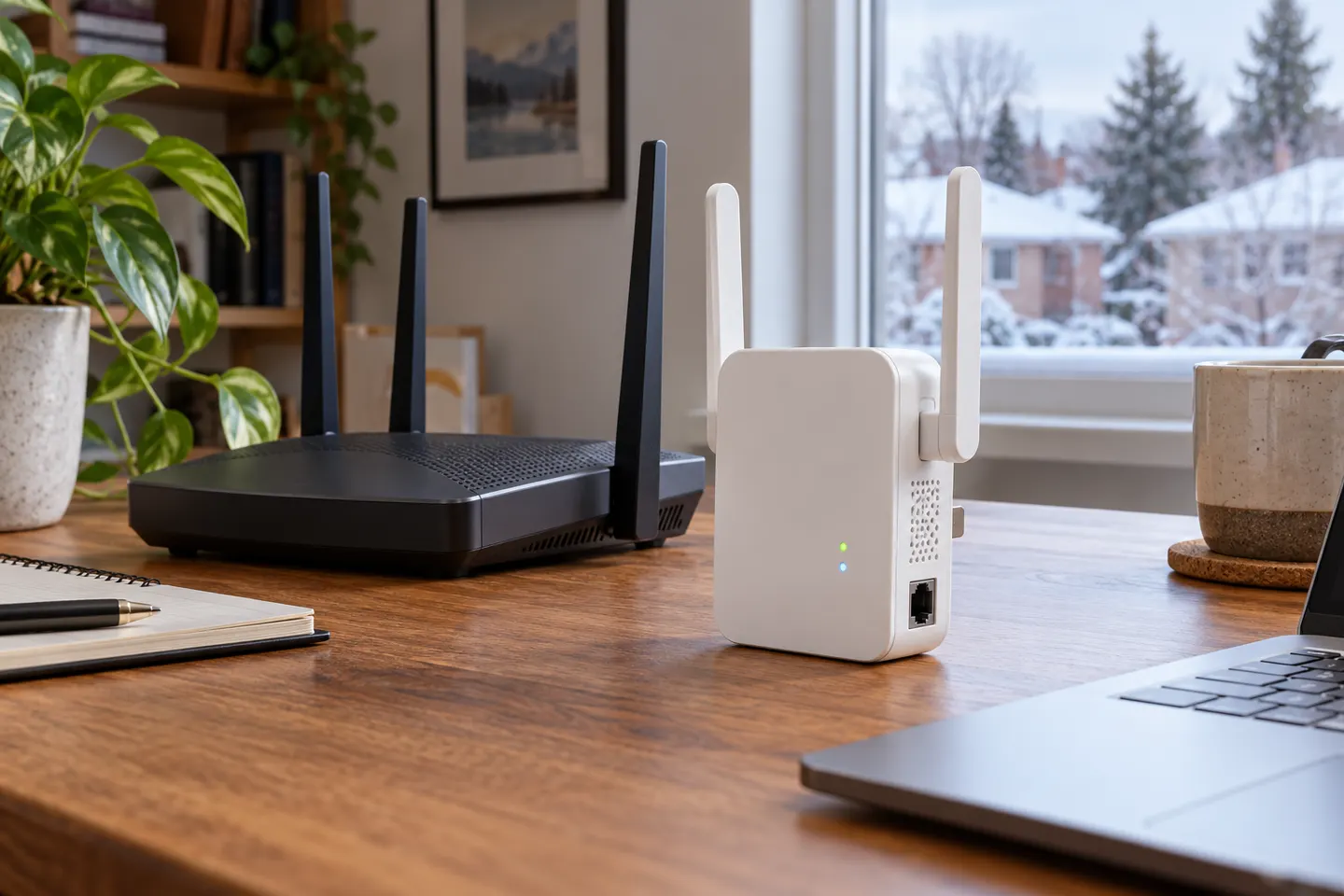 Ethernet
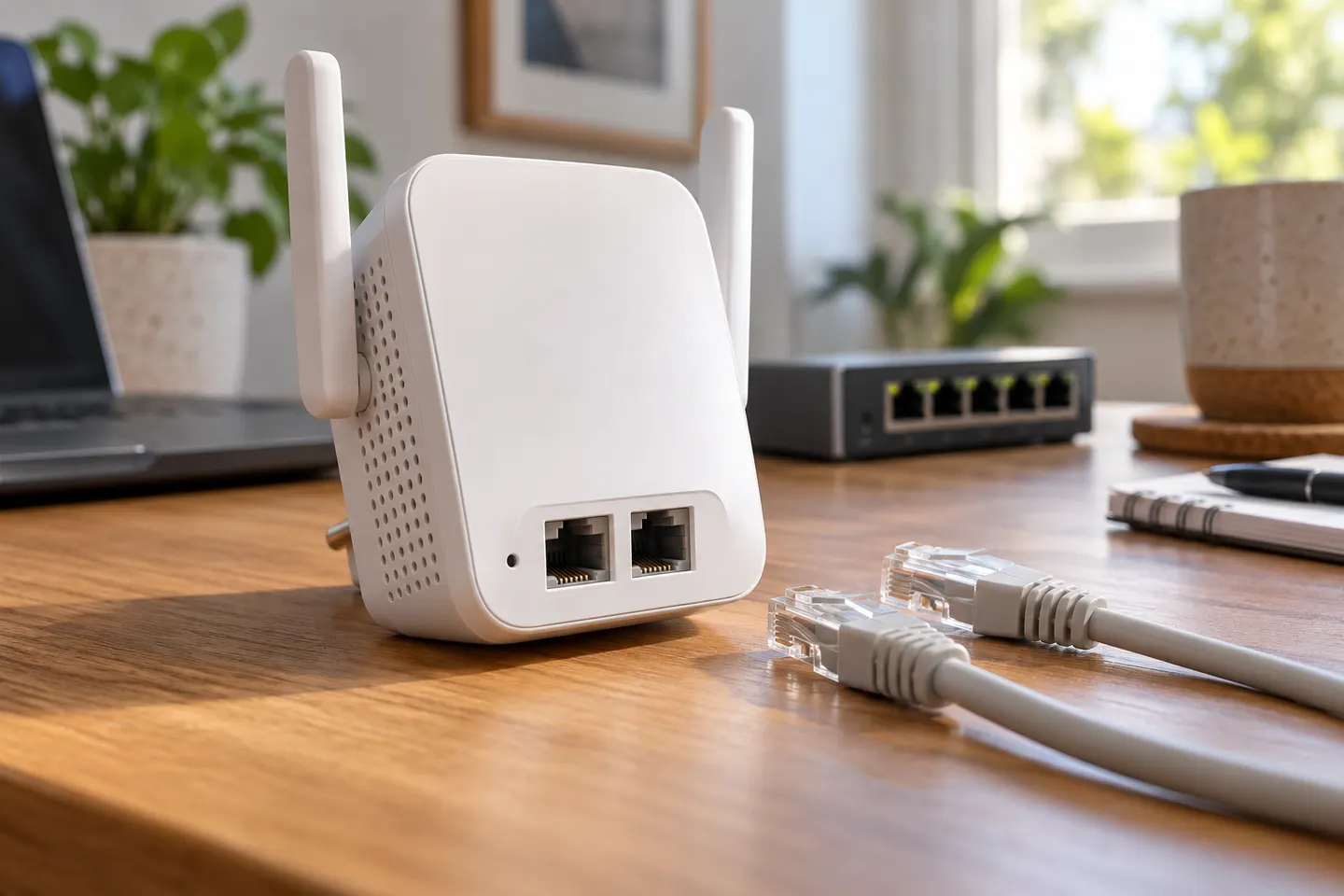 2 ethernet ports
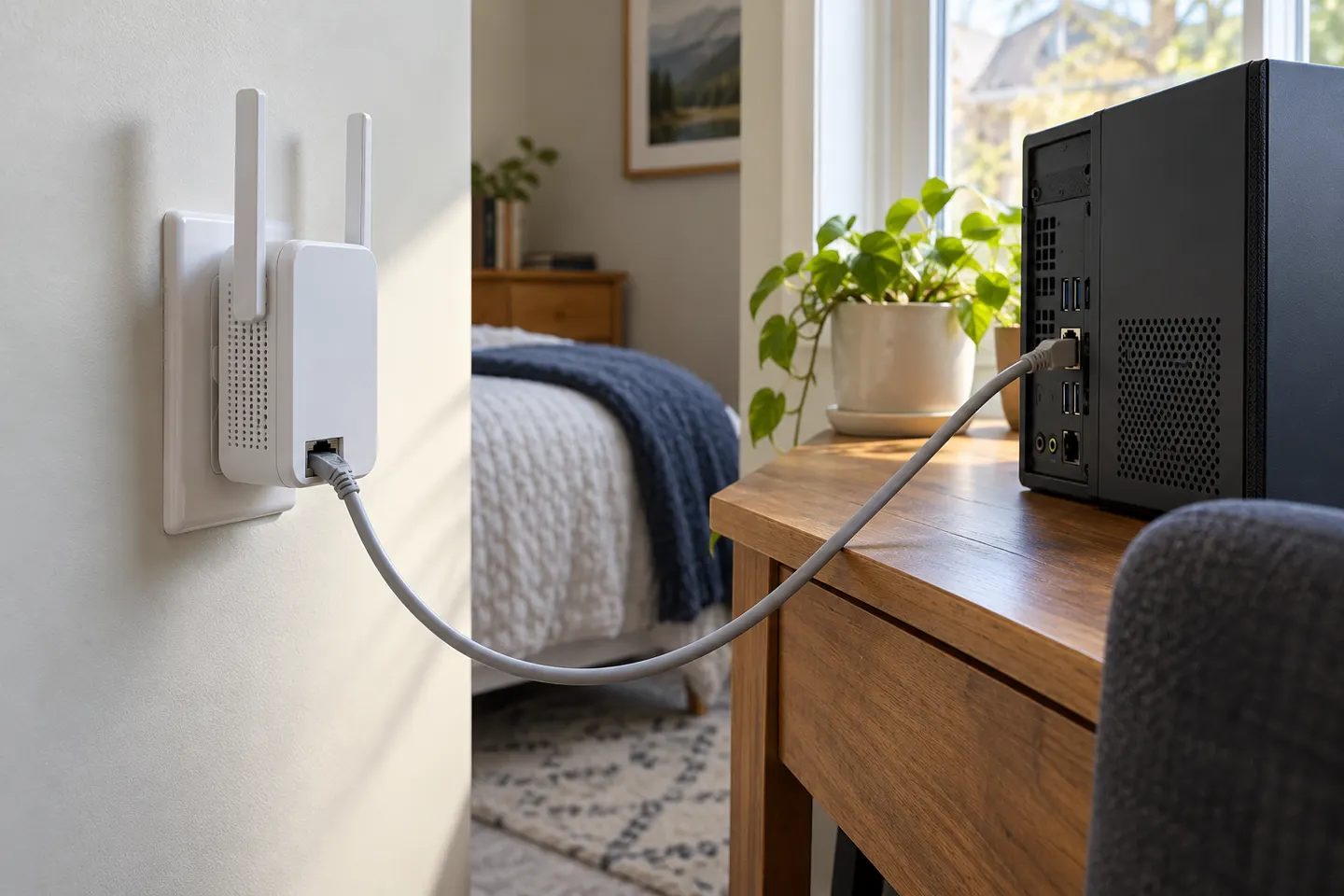
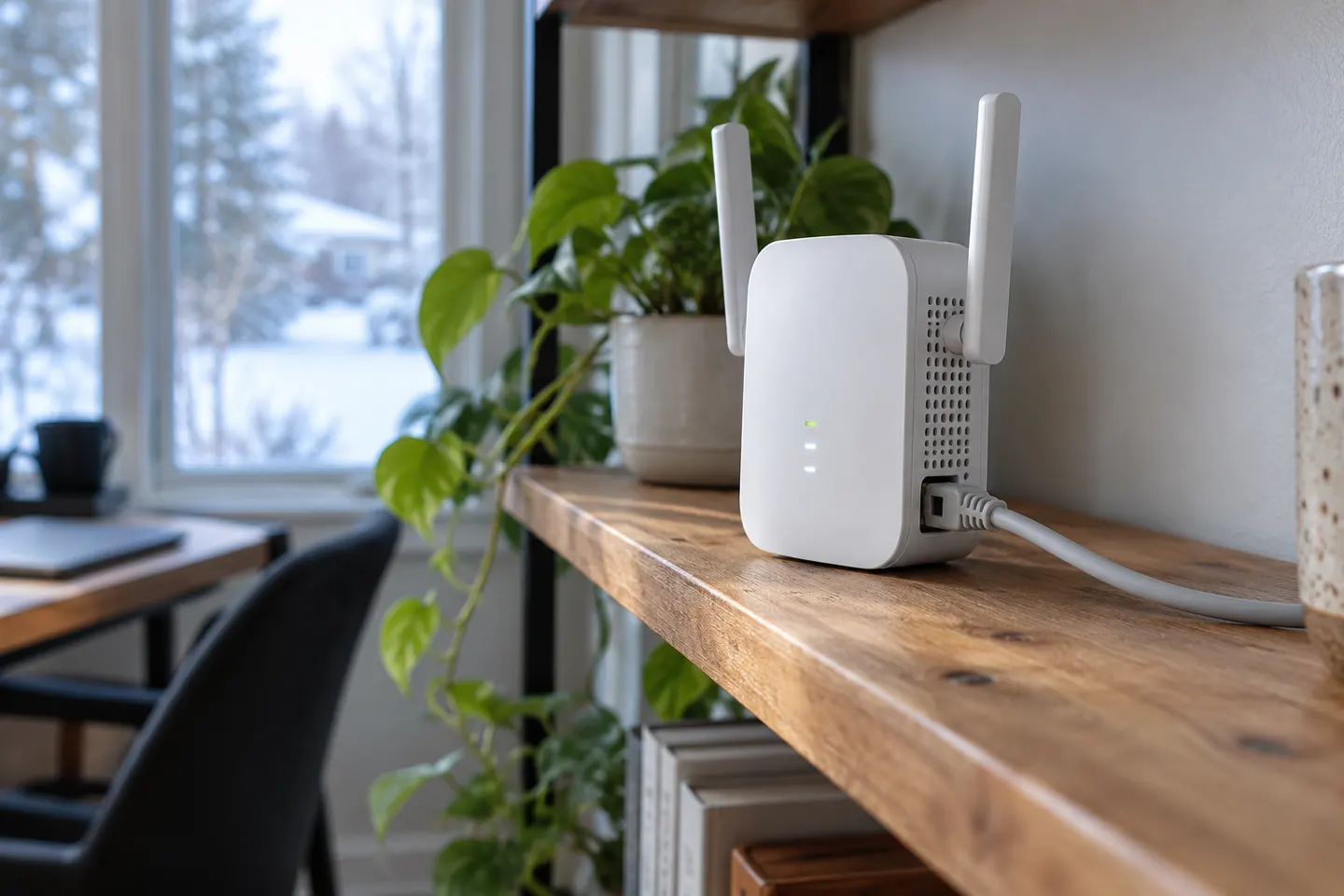 Using ethernet cable
More topics
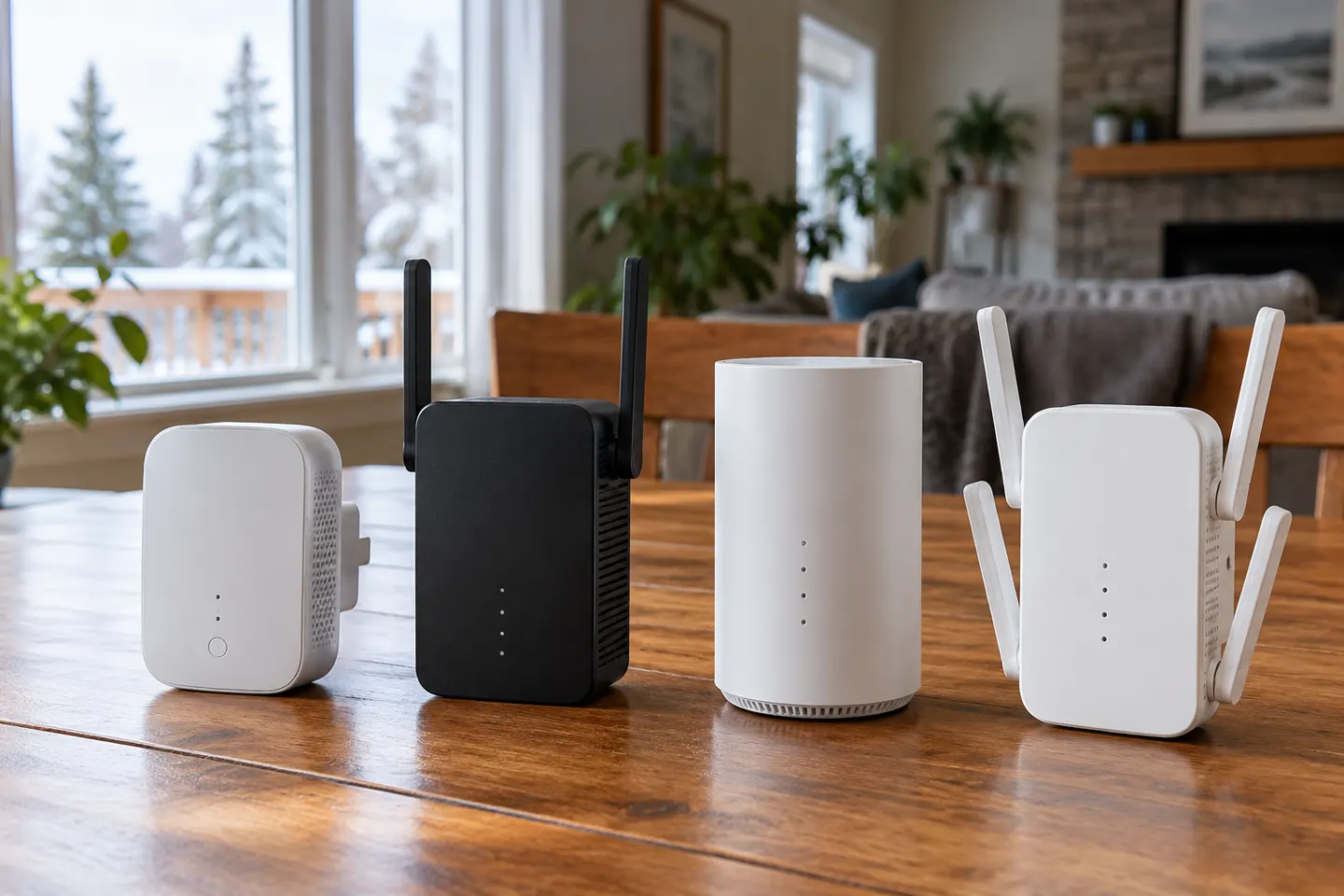 Wi-Fi Cable Extenders
Common questions
Questions before you buy
Can I connect a WiFi extender to my router with an Ethernet cable?
Yes, if the extender supports access point mode. In that setup, the Ethernet cable carries the network from the router to the extender, which then creates a WiFi access point; follow the model’s instructions for enabling that mode.
Can I use an Ethernet cable from a WiFi extender to a device?
Some extenders have an Ethernet port for a wired client, but port functions vary by model and mode. Check the manual to confirm whether the port supports the device connection you want.
Is a WiFi booster or Ethernet cable better?
A direct Ethernet run to the device gives it a wired connection, while a booster can extend wireless access where running cable is impractical. If you can wire an access point to the router near the coverage gap, that is a different setup from repeating WiFi wirelessly.
Does every WiFi extender with an Ethernet port support access point mode?
No. TP-Link says only range extenders with an Ethernet port support access point mode, and notes that some models may still lack that mode. Check the individual product documentation before buying.
What does a WiFi extender Ethernet cable do in access point mode?
It provides the wired link between the router or network jack and the extender. The extender then broadcasts WiFi from that connection rather than receiving the router’s WiFi signal as a repeater.