Gearjury may earn a commission from qualifying retailer links. Editorial information is based on cited sources.
Guide
How Much WiFi Extender Do I Need for My Home?
Size the solution to the weak areas and the signal available where each extender can sit. Start with your layout and connection needs, not a claimed coverage maximum.
GGearjury editorial team · Updated October 15, 2026· 5 min
01
How much WiFi extender do I need?
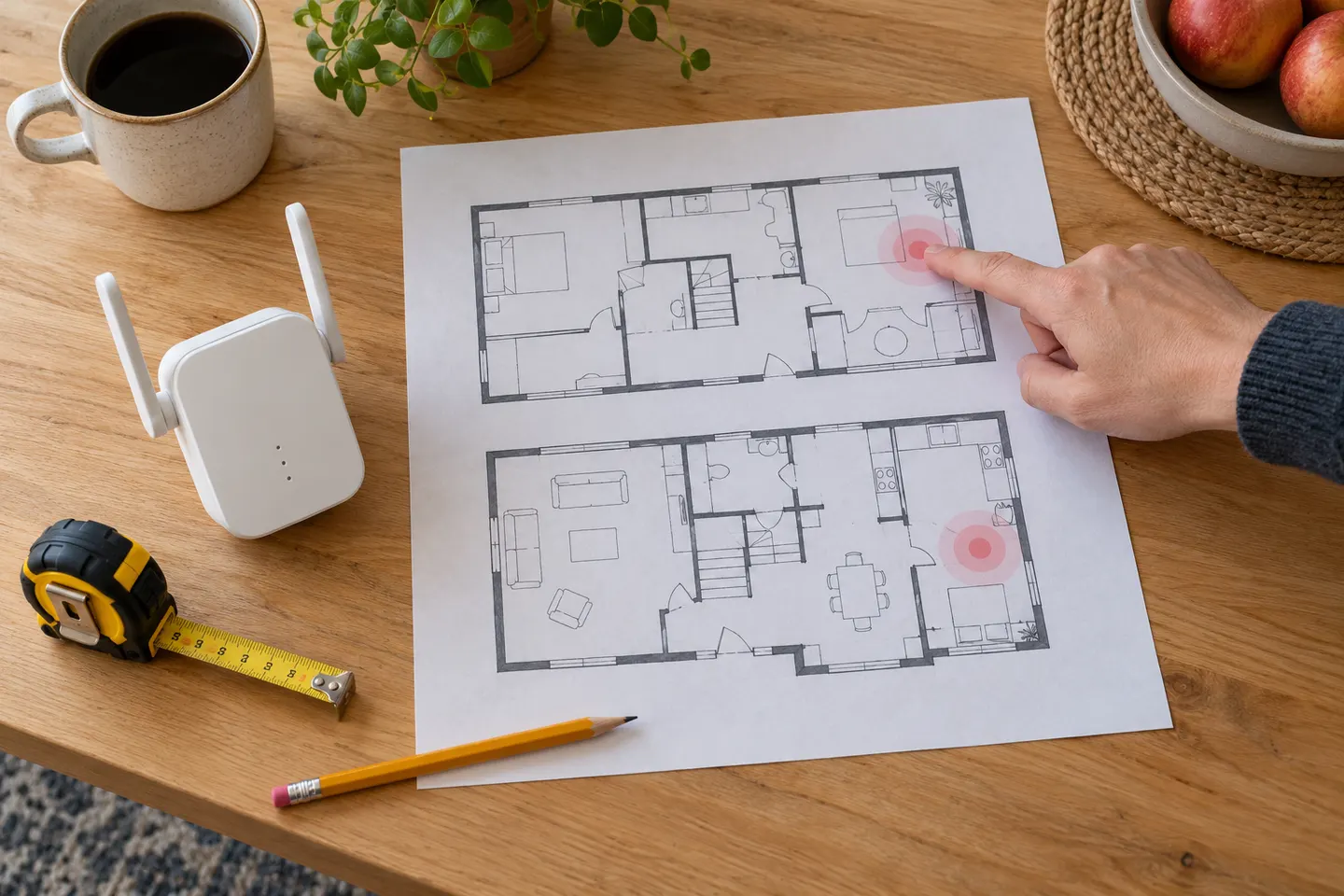
List the rooms and devices that lose connection, then note distance, floors and major walls between them and the router. One local dead zone may need one extender; several separated areas may call for mesh or wired access points.
02
Measure the signal where the extender will go
An extender needs a usable connection back to the router. Test likely locations before choosing hardware; placing a device inside the dead zone usually leaves it with a weak backhaul.
03
Compare coverage claims carefully
Coverage figures depend on test conditions and do not account for every floor plan or wall. Use them as a rough comparison, then consider bands, antennas, mesh compatibility and placement indicators.
04
Choose a single extender, mesh or access point
A plug-in extender can be enough for one nearby room. Mesh can coordinate multiple nodes across the home, while an Ethernet-fed access point avoids wireless backhaul when cabling is available.
05
Leave room for devices and wired needs
Check the number and speed of Ethernet ports if consoles, TVs or computers will be wired. Verify router WiFi generation, security support and mesh compatibility.
06
Plan a realistic installation
Configure the equipment using its manual, then test coverage at normal device locations. If performance is still poor, adjust placement or consider a wired link instead of adding extenders without checking backhaul.
Common questions
Questions before you buy
How much WiFi extender do I need?
Choose based on the rooms that need coverage and the strength of the router signal at the extender location. One nearby dead zone may need one unit; multiple floors or a detached building may need a different network design.
How many extenders can I use in one home?
There is no universal number. Additional wireless hops can reduce capacity and complicate roaming, so compare mesh equipment or wired access points when coverage needs are broad.
How do I know what size WiFi extender to buy?
Map the coverage area, identify obstructions and compare supported bands and mesh features. Treat maximum coverage claims as manufacturer estimates rather than guaranteed room sizes.
Is a more powerful WiFi extender always better?
Not necessarily. A powerful extender placed where it receives a poor router signal still has a weak backhaul. Correct placement and compatibility matter as much as headline radio class.
How much does a WiFi extender cost?
Costs vary by model and retailer, so compare current listings for devices that meet your coverage and compatibility needs. This guide focuses on sizing the solution rather than quoting changing prices.
A WiFi extender can carry an existing router’s signal into a weak-coverage area. Start with compatibility and placement, then compare a standalone repeater with a provider mesh system.
The TP-Link RE705X is a strong feature-led starting point, with WiFi 6, AX3000 class and a Gigabit port. Consider NETGEAR EAX15 for mesh-style WiFi 6 or simpler plug-in models for a basic dead zone.
TP-Link’s Canadian range includes WiFi 7, WiFi 6 and older dual-band extenders. Match the model to your router, desired features and available placement.
Your privacy
We use cookies and similar technologies. Necessary ones keep the site working. With your permission we also use statistics cookies (Google Analytics and Microsoft Clarity) to understand which guides help readers. You can accept all, reject all or choose. You can change your choice at any time from "Cookie settings" at the bottom of every page. Cookie policy