









 Official manufacturer image

Our picks
Top picks
Official manufacturer image Official manufacturer image
NETGEAR EAX15
Check price on Amazon.ca Official manufacturer image
TP-Link RE605X
Check price on Amazon.caBy type
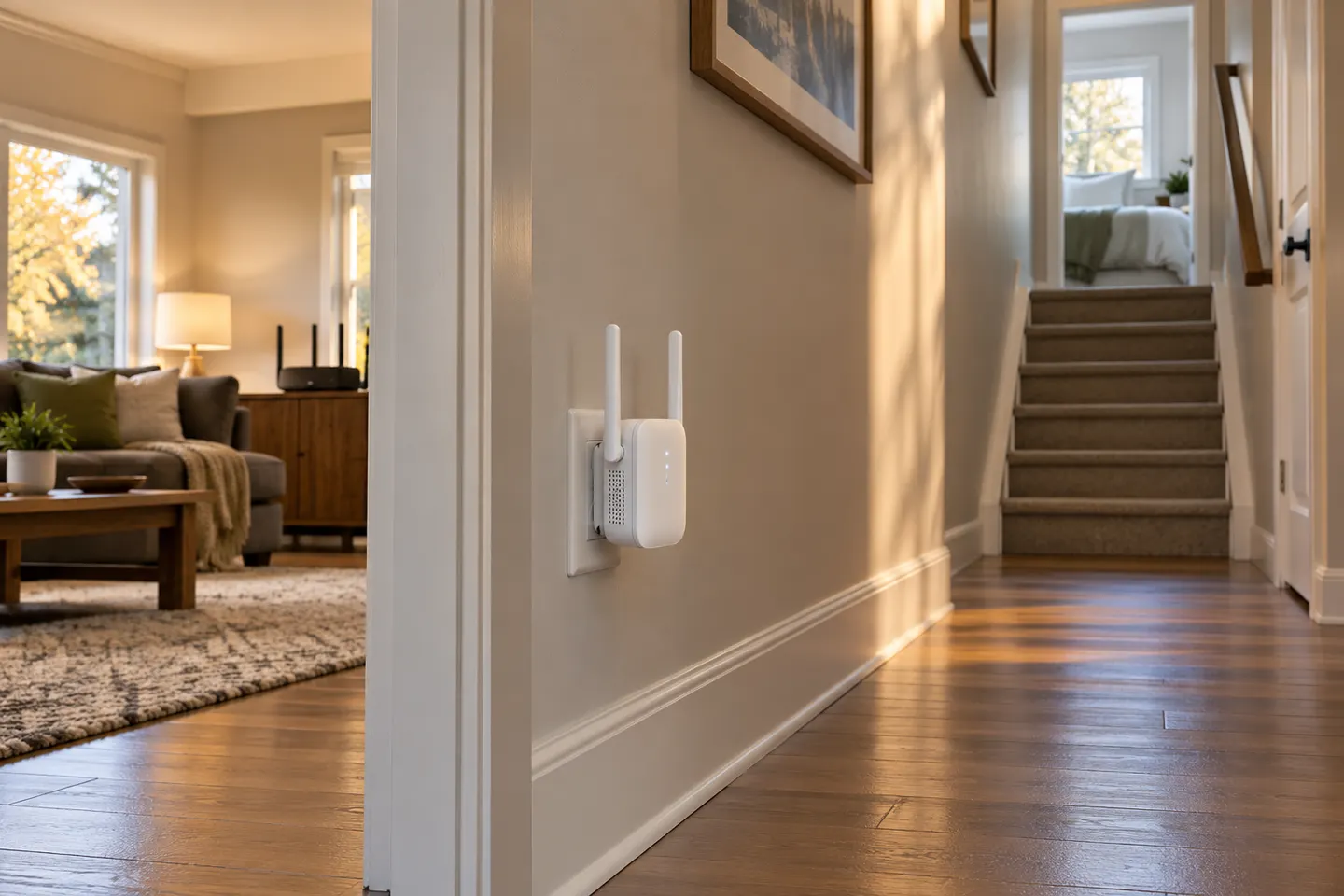 Plug
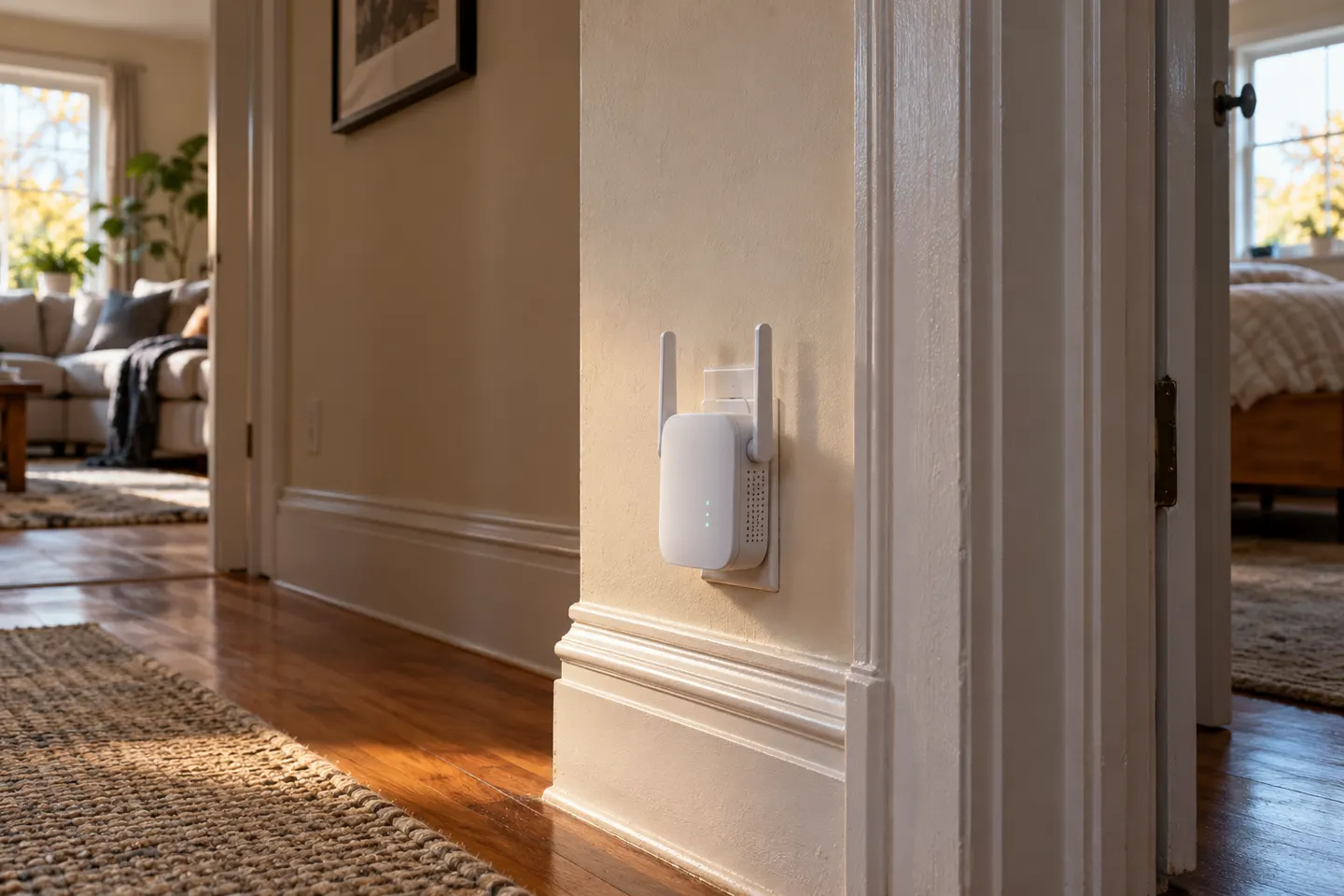 Wall plug
Common questions
Questions before you buy
What is a plug-in Wi-Fi extender?
It is a wireless range extender built to plug into a wall outlet and relay a router’s Wi-Fi into nearby areas. Its placement and the signal it receives from the router affect the result.
Are plug-in Wi-Fi boosters easy to set up?
Many models offer WPS pairing or a companion app, but the steps vary by model. Check the manufacturer’s setup instructions and confirm the extender is connected before relocating it.
Should I choose a plug-in extender with Ethernet?
An Ethernet port can connect a nearby wired device or support access point mode on models that provide it. Check the specific model’s documentation because the port’s role varies.
Where should a wall-plug Wi-Fi extender go?
Choose an outlet between the router and the area with weak coverage, where the extender can still receive a steady router signal. Avoid placing it behind furniture or near sources of interference.