





 Official manufacturer image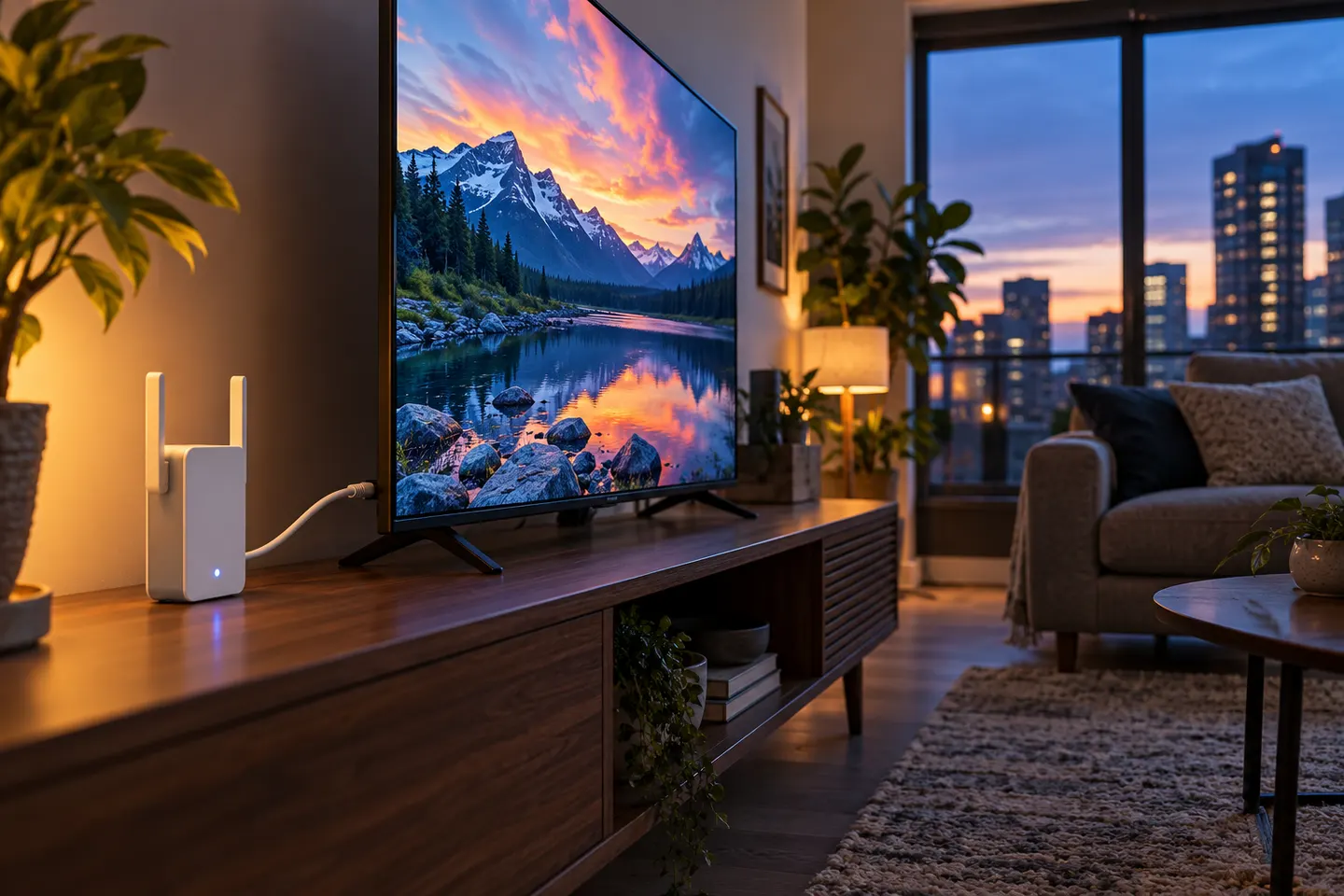
Our picks
Top picks
Official manufacturer image Official manufacturer image
NETGEAR EAX15
Check price on Amazon.ca Official manufacturer image
TP-Link RE605X
Check price on Amazon.caCommon questions
Questions before you buy
Can I use a WiFi extender with a smart TV?
Usually, if the TV connects to a standard WiFi network or has an Ethernet port. Check the television's network options and the extender's setup instructions before buying.
Is Ethernet from an extender better for a TV?
A wired connection can avoid the TV's own WiFi reception being the limiting link. The extender still needs a stable connection to the router, so place it where the router signal is usable.
Will a WiFi booster stop buffering on my TV?
It may help when weak WiFi coverage is the cause. Buffering can also come from internet congestion, the streaming service, or the router connection, so check those before adding equipment.
Where should I put a WiFi extender for streaming TV?
Put it between the router and TV room, in a spot that still receives a good router signal. Avoid hiding it behind the TV or inside a cabinet, where obstructions can weaken the link.