




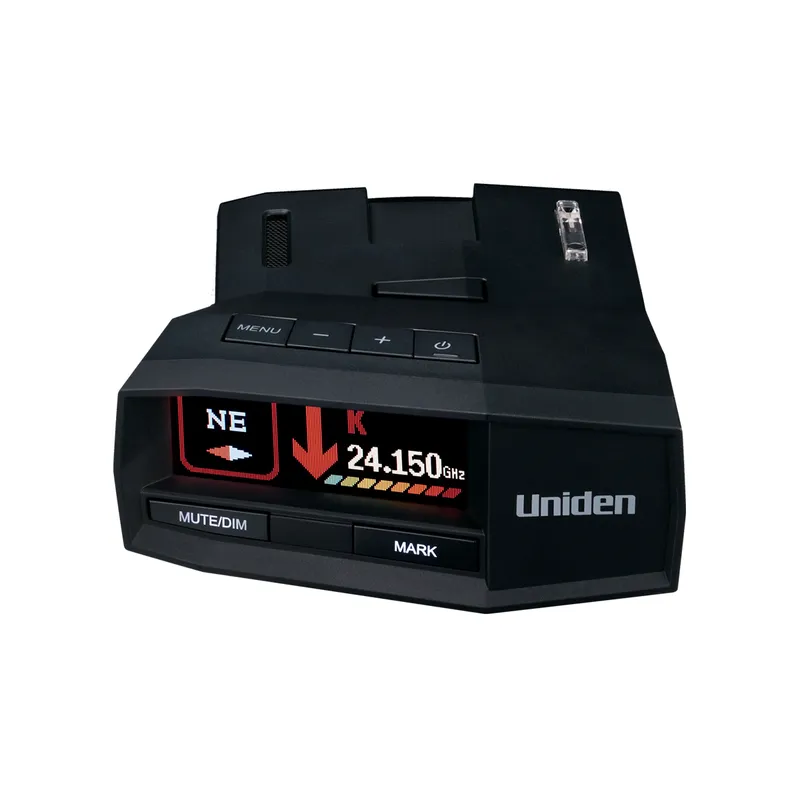
 Official manufacturer image
Our picks
Top picks
Official manufacturer image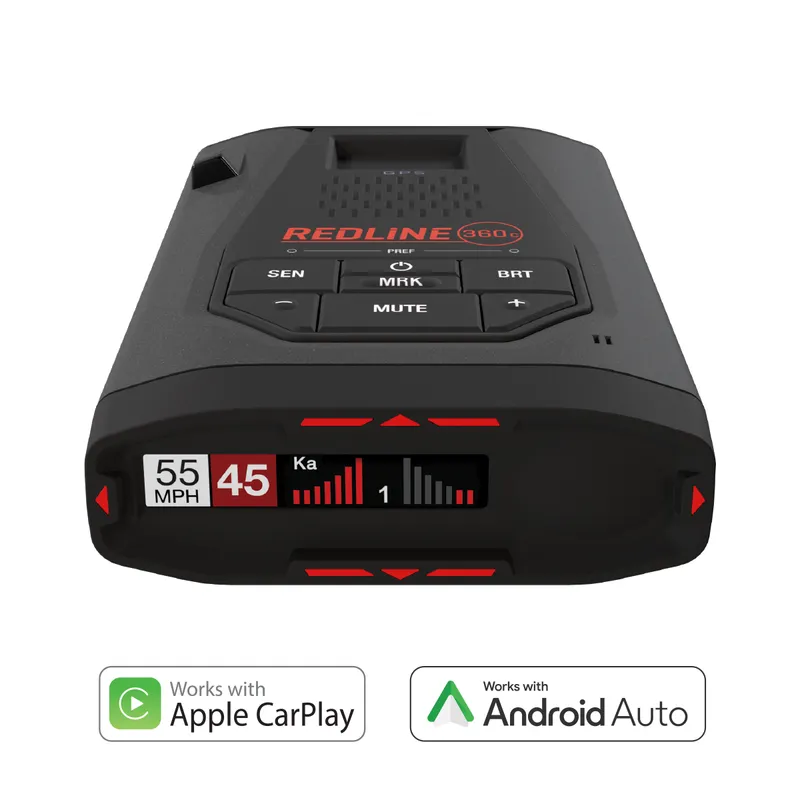 Official manufacturer image
Escort Redline 360c
Check price on Amazon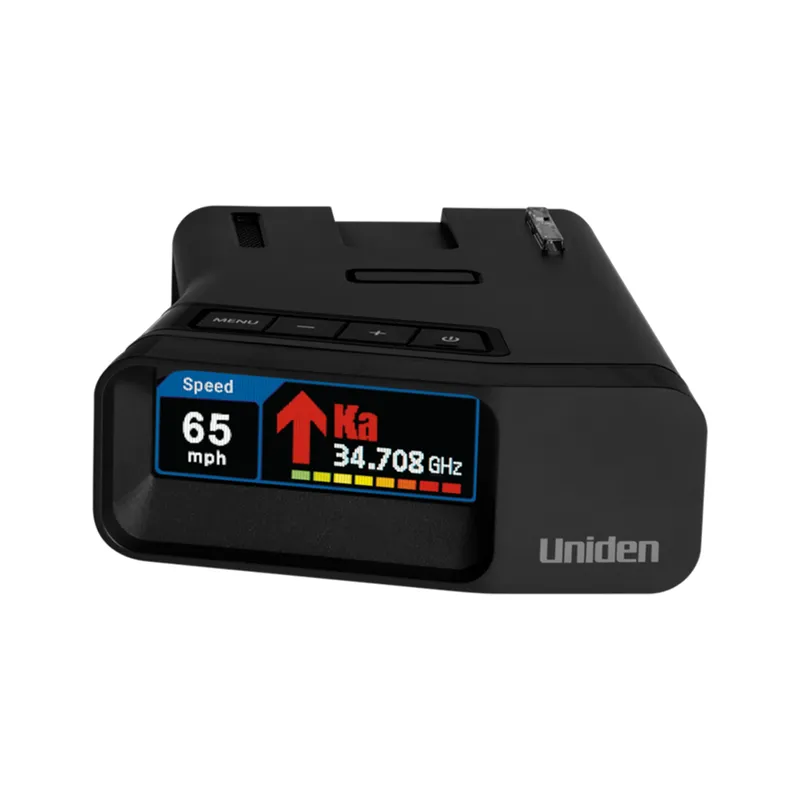 Official manufacturer image
Uniden R7
Check price on AmazonBy type
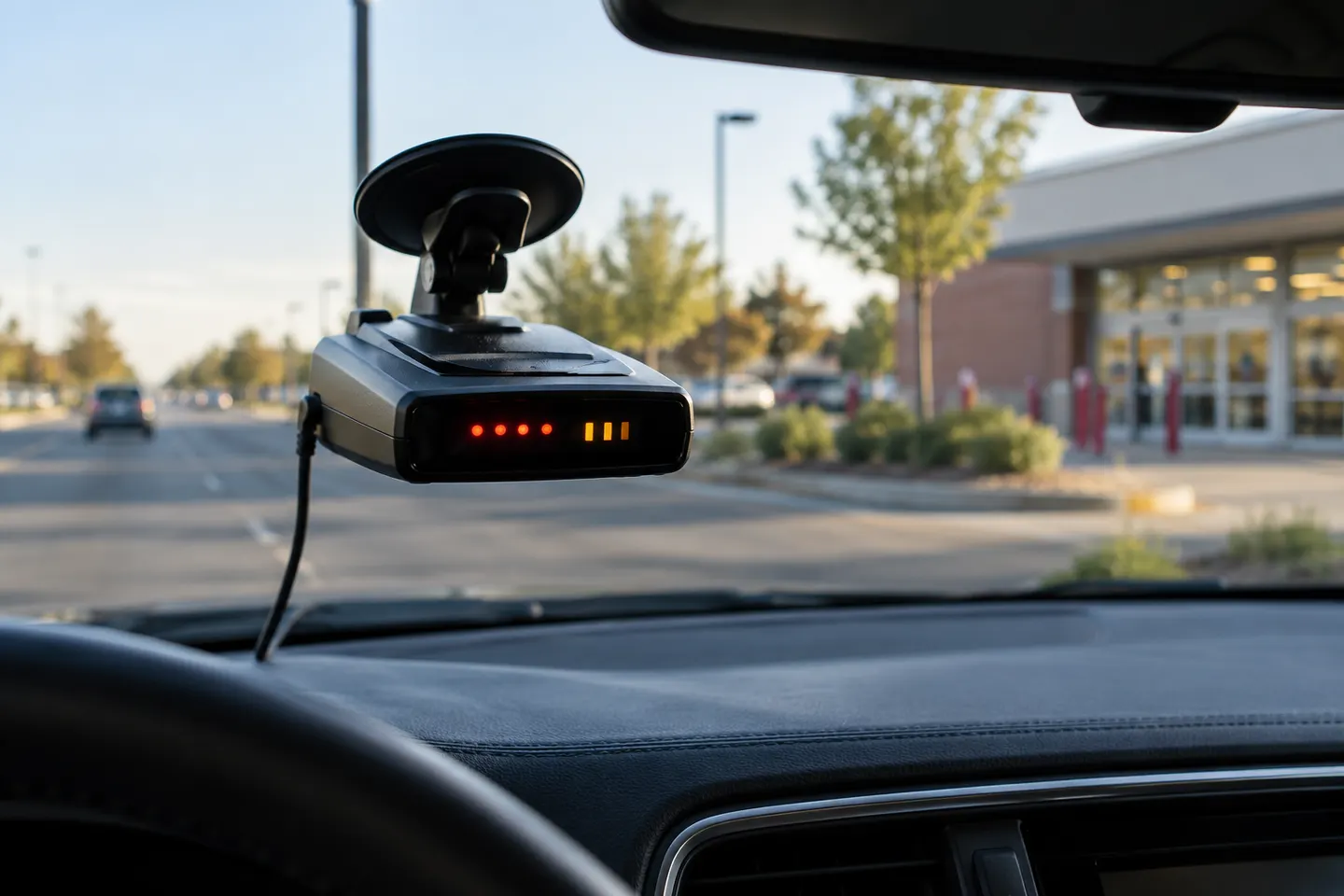 K alert
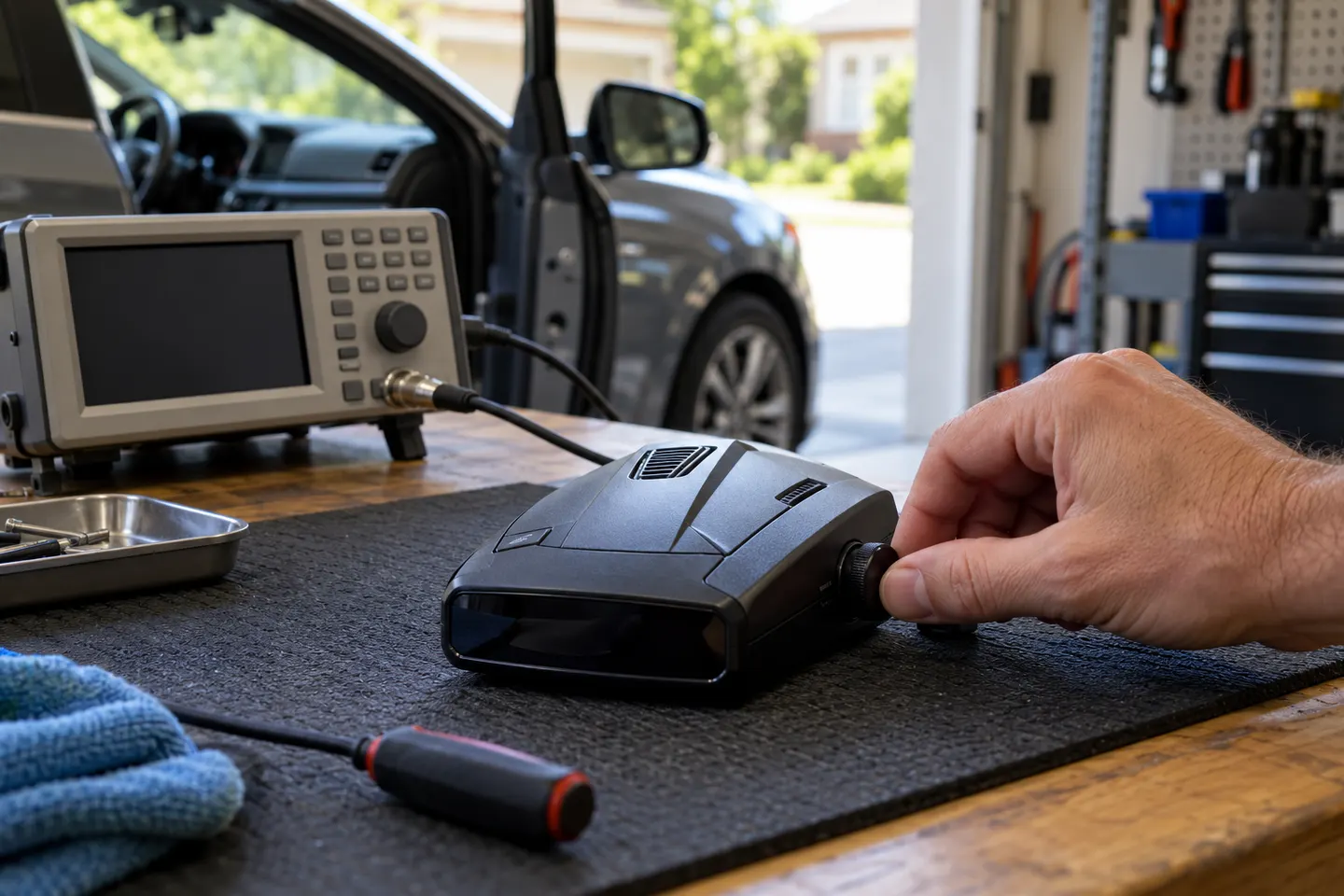 X band
 Ka alert
How-to guides
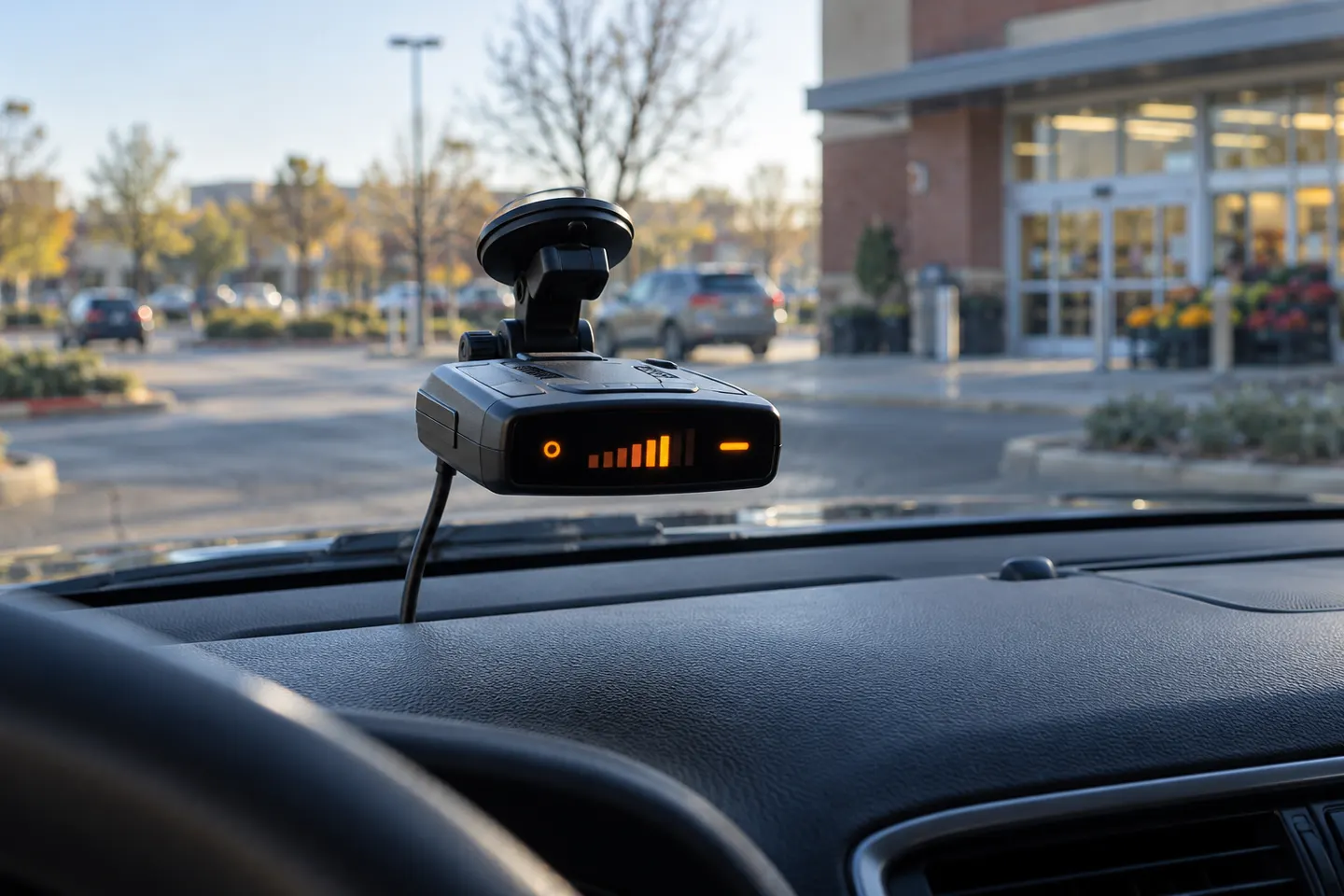 What Does the X Alert Mean on a Radar Detector?
 What Does X Band Mean on a Radar Detector?
Common questions
Questions before you buy
What is an X alert on a radar detector?
It is a warning that the detector has received a signal it classifies as X band. The label alone does not establish whether the source is police radar or another device.
Why does my radar detector keep alerting to X?
Repeated alerts can occur where electronic equipment produces signals in the band, or where a relevant radar source is present. Compare the locations and consult your model’s manual before changing settings.
Is X alert the same as K or Ka alert?
No. X, K and Ka are separate frequency bands. The band indicator tells you which category the detector reports, and published frequency boundaries vary by model and region.
Can I ignore an X-band warning?
Do not assume the source is harmless from the label alone. Stay attentive, follow traffic laws and use the detector manual and local information to understand alerts in your area.
Can I disable X-band detection?
Some detectors let users change band settings, but disabling X removes alerts for signals in that band. Check regional enforcement guidance and your device manual before making the change.