




 Official manufacturer image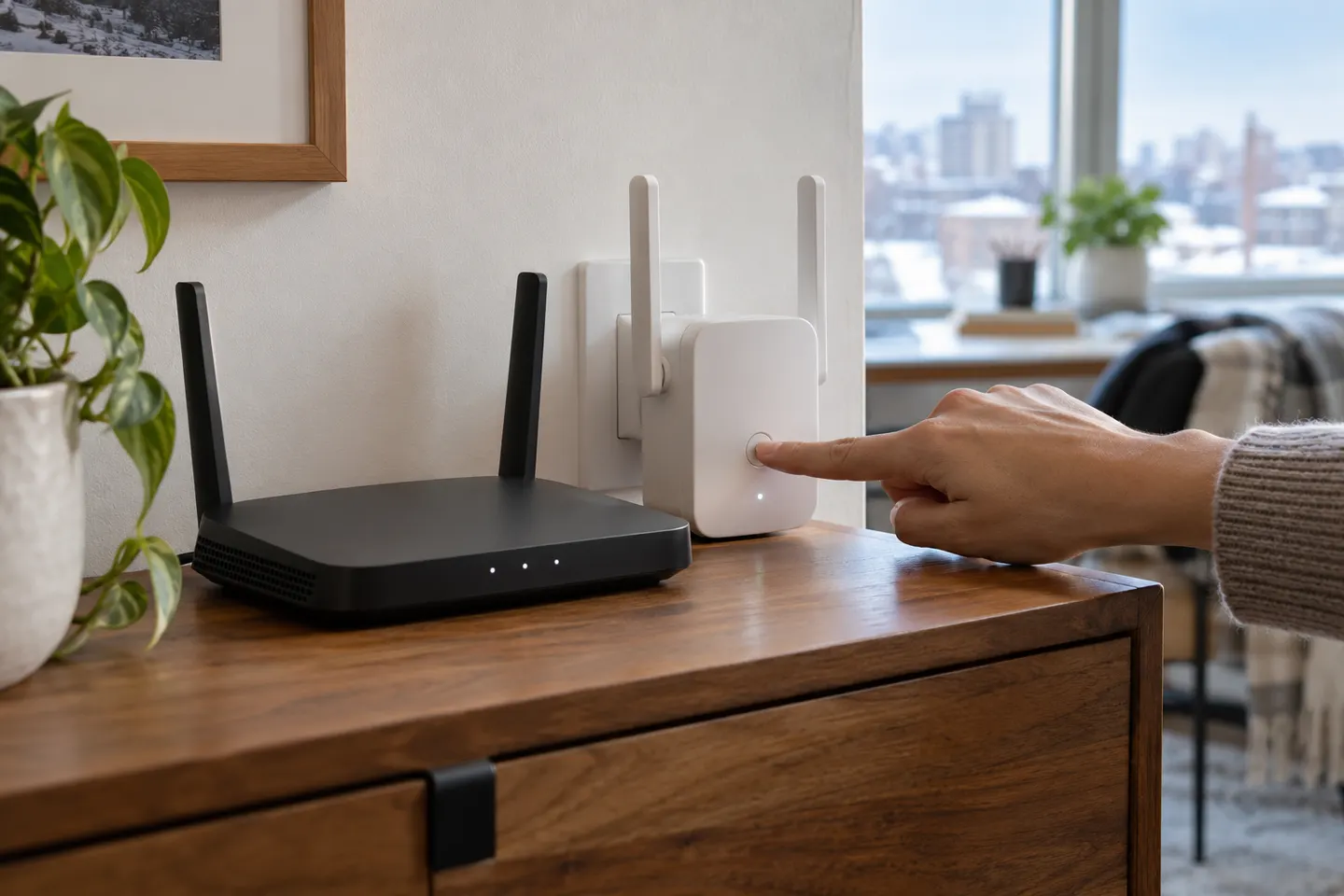
Our picks
Top picks
Official manufacturer image Official manufacturer image
NETGEAR EX6120
Check price on Amazon UK Official manufacturer image
TP-Link RE705X-Outdoor
Check price on Amazon UKHow-to guides
 How to Set Up a TP-Link WiFi Extender
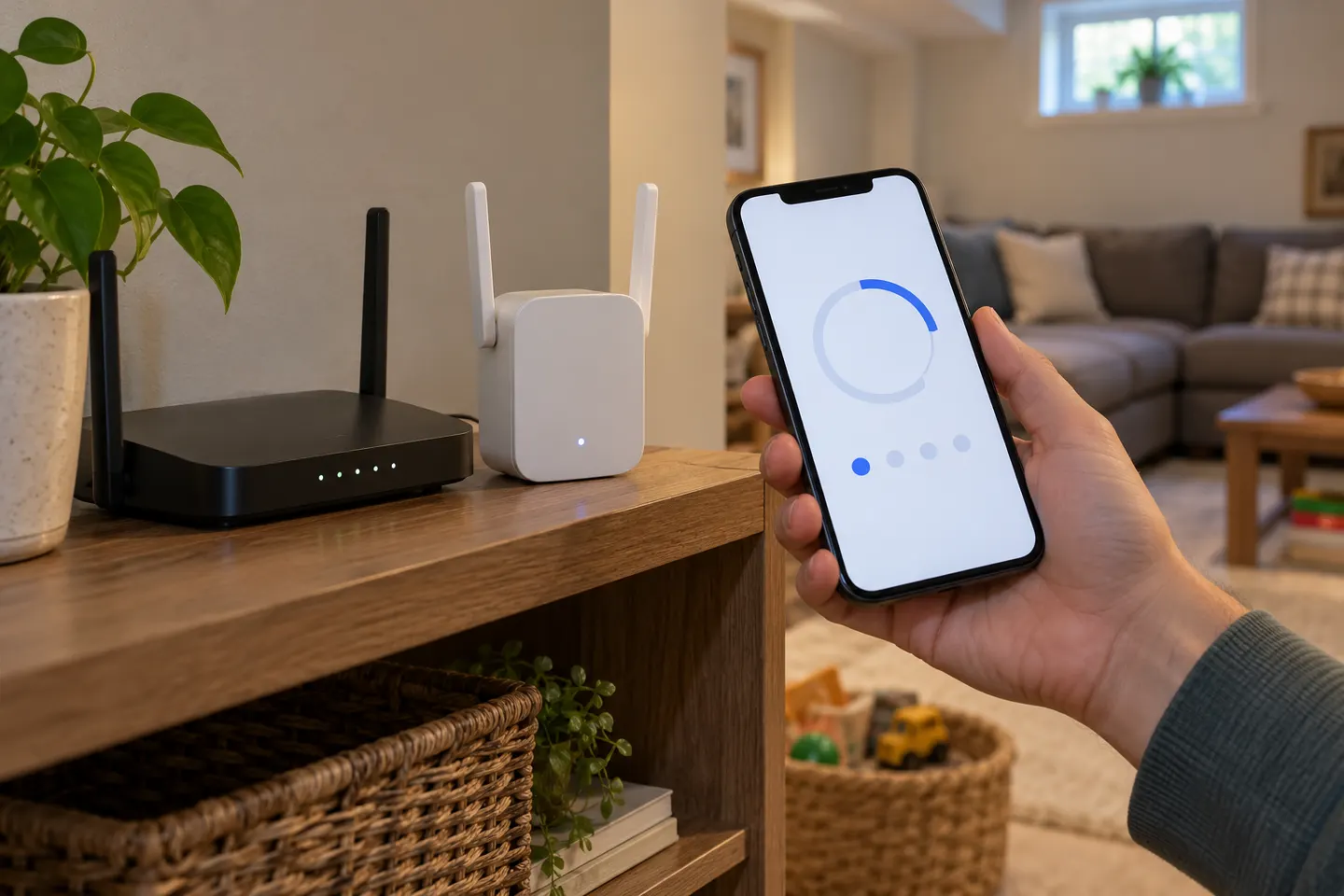 How to Set Up a NETGEAR WiFi Extender at Home
Common questions
Questions before you buy
How do I set up a WiFi extender for the first time?
Plug it in near the router, follow the manufacturer’s WPS, app or web setup, and enter the router’s WiFi credentials if requested. Move it to a suitable midway location only after the connection indicator confirms pairing.
Can I set up a WiFi booster without an app?
Usually, if the model supports WPS or browser-based configuration. Check the manual for the exact setup path; some models rely on an app for particular features but still offer another initial connection method.
Where should I place a range extender after setup?
Choose a location between the router and dead zone where the extender still receives a good router signal. Use a model’s signal light or app when available, then test the target room.
Why is my extender connected but there is no internet?
It may have joined the wrong WiFi network, received an incorrect password, or be too far from the router for a stable link. Recheck the connection status, retry setup near the router and consult the manufacturer’s troubleshooting guide.