




 Official manufacturer image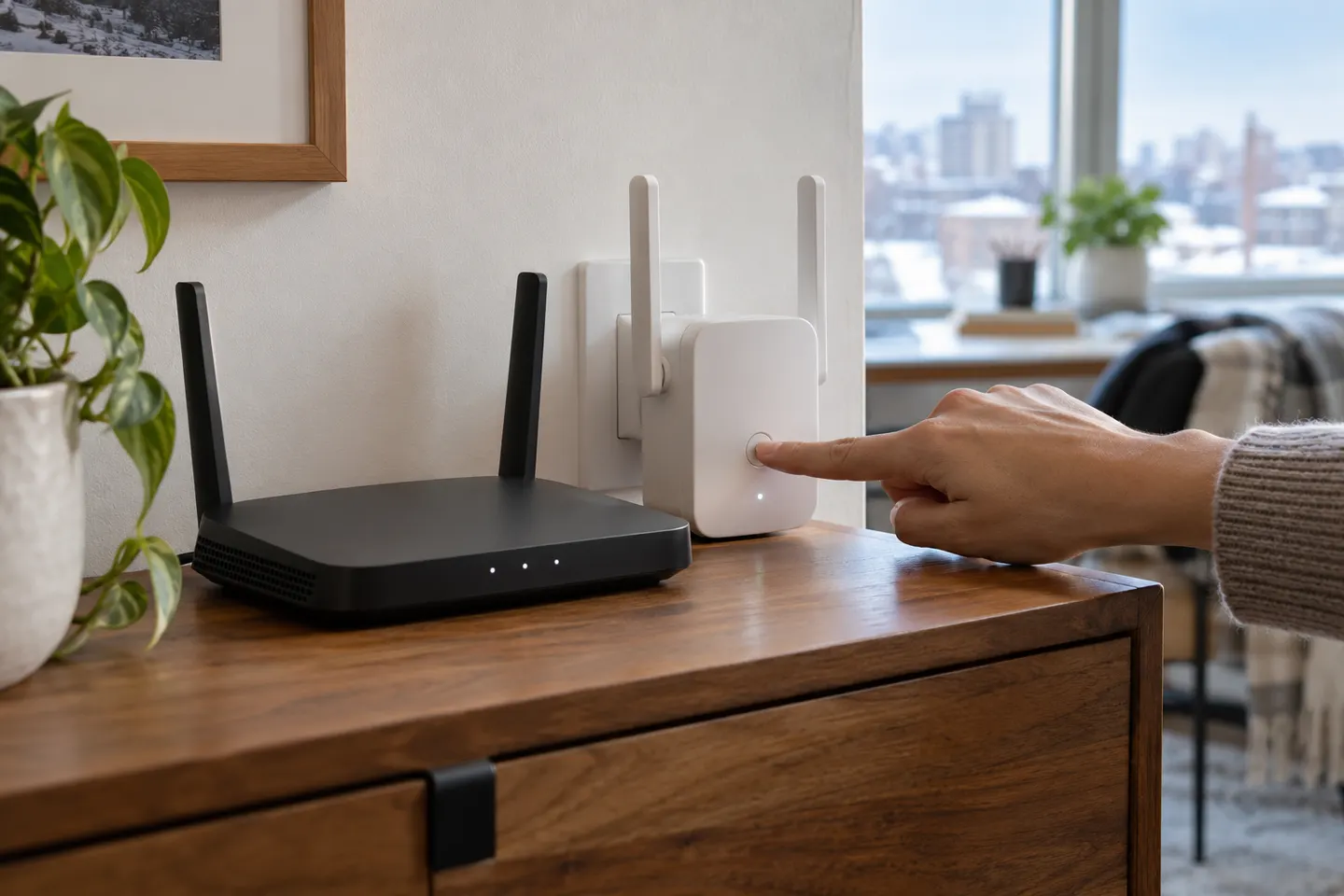
Our picks
Top picks
Official manufacturer image Official manufacturer image
TP-Link RE705X-Outdoor
Check price on Amazon AU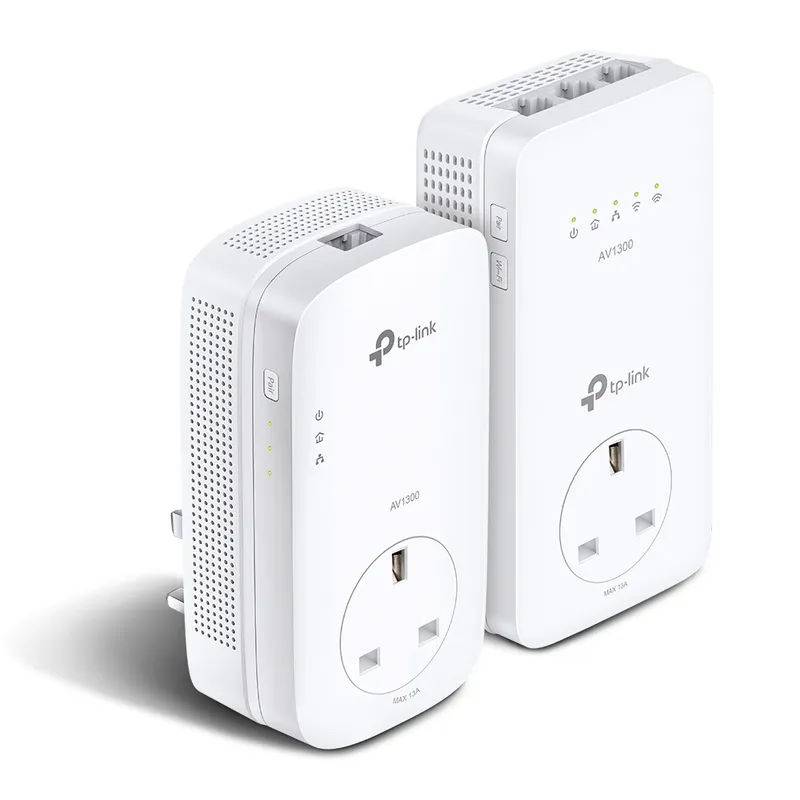 Official manufacturer image
TP-Link TL-WPA8631P KIT
Check price on Amazon AUHow-to guides
 How to Set Up a TP-Link WiFi Extender with Your…
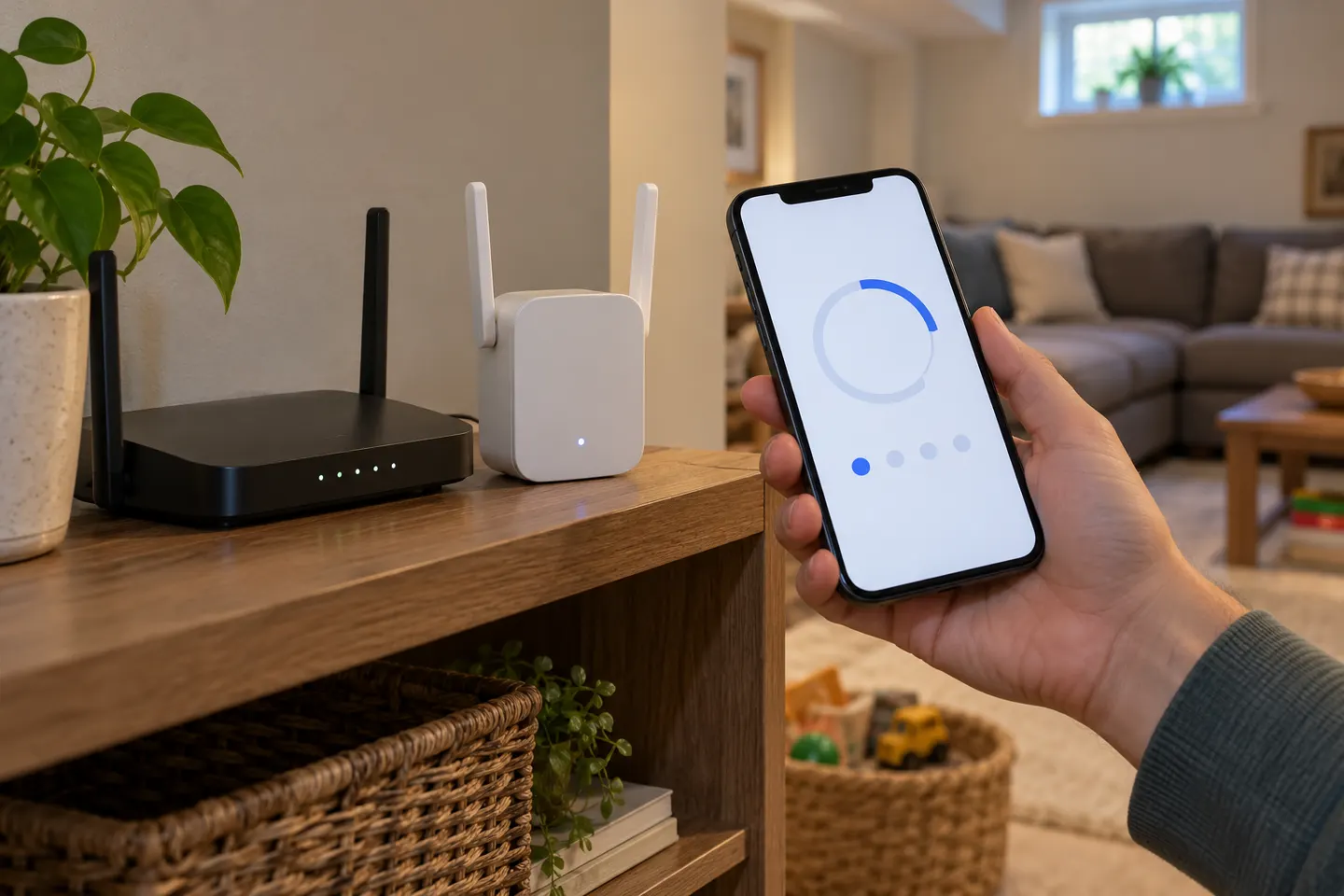 How to Set Up a NETGEAR WiFi Extender at Home
Common questions
Questions before you buy
How do I set up a Wi-Fi extender?
Use the maker app, web interface or WPS instructions for your exact model. Pair it near the router first, then relocate it to a position with a usable signal.
Why will my extender not connect to the router?
Check the password, supported Wi-Fi bands and distance from the router. If pairing still fails, restart both devices and follow the maker setup guide.
Should an extender use the same Wi-Fi name as the router?
Some extenders copy the router name; others let you choose a separate one. Mesh-compatible systems may support one name and roaming when both devices support it.
Can I set up an extender without WPS?
Often yes. Many manufacturers provide app or browser setup when WPS is unavailable; follow the instructions for your model.