Gearjury may earn a commission from qualifying retailer links. Our advice is editorially independent.
Guide
Does a WiFi Extender Work for Weak Home Coverage?
A WiFi extender can bring a usable connection into an area the router barely reaches, provided the extender itself gets a stable signal. It extends coverage, not the speed of your internet plan.
GGearjury editorial team · Updated 18 October 2026· 4 min
01
What a WiFi range extender actually does
A range extender receives WiFi from your router and rebroadcasts it from another location. That can help devices connect in a spot beyond the router’s comfortable reach, but the extender depends on the quality of its own link back to the router.
02
When a WiFi range extender works well
It is most useful when one room or corner has weak reception and there is a midway outlet where the router signal remains stable. Place the unit where it can hear the router and still serve the problem area, then test the connection where you use your devices.
03
Why an extender may not improve the connection
If the router connection is already slow, the extender cannot repair that underlying service issue. Thick walls, interference, a poor placement, incompatible bands or an overloaded network can also leave performance disappointing.
04
Do WiFi boosters work differently?
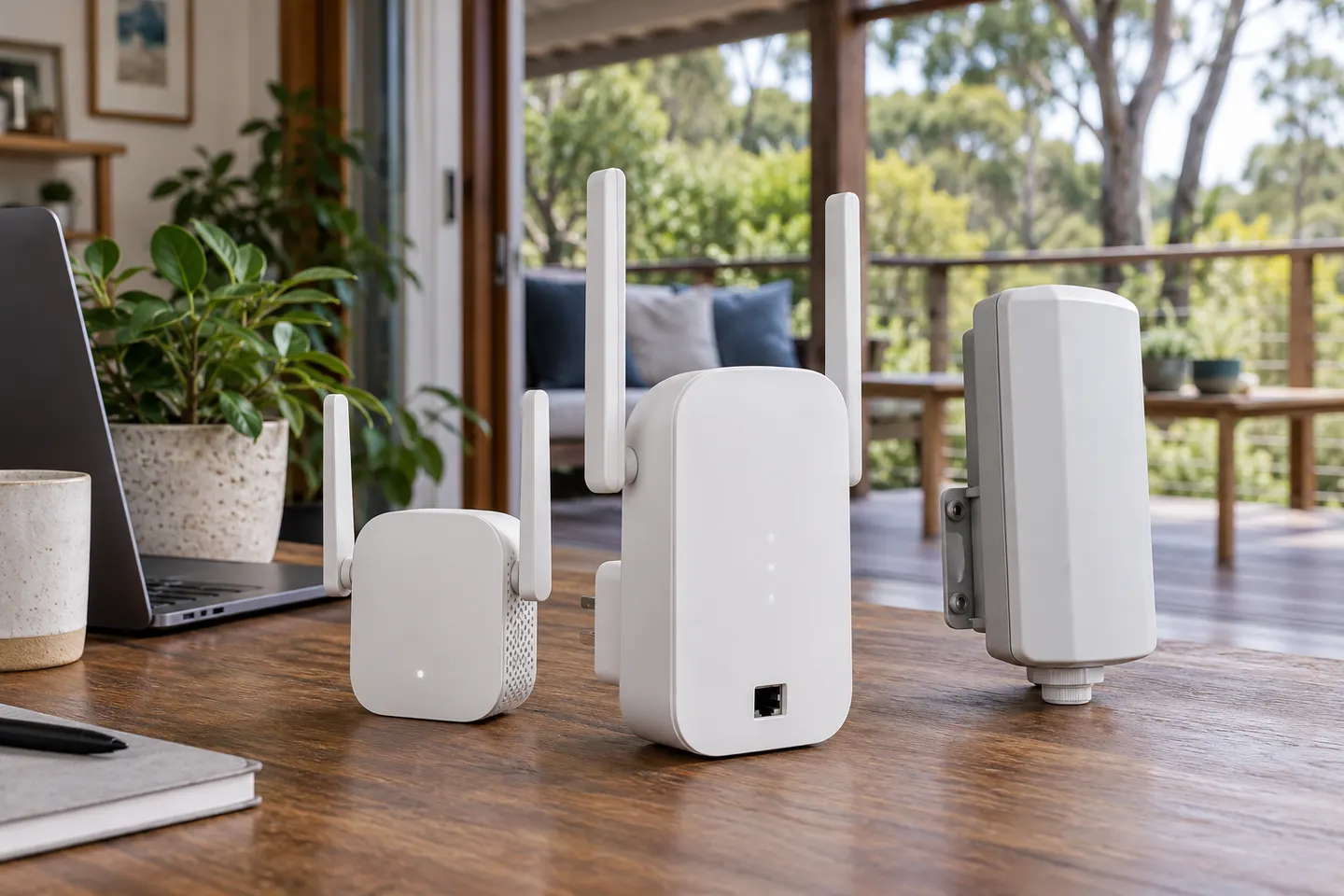
In consumer listings, “WiFi booster” often describes the same kind of wireless range extender. The name alone does not tell you how it connects. Look for whether the unit uses a wireless backhaul, an Ethernet cable, or a mesh connection to the router.
05
Extender, mesh or wired access point?
A single extender can address a local dead spot. Mesh is designed to coordinate multiple nodes across a wider home, while a wired access point uses Ethernet for its connection to the router. Choose based on the layout and whether running cable is practical.
06
A simple way to judge the result
Check the router connection first, place the extender midway, and compare signal and everyday tasks in the target room before and after. Repeat the check at different times if the network is busy; a signal icon alone does not measure internet speed.
Common questions
Questions before you buy
Does a WiFi extender work through walls?
It can pass a WiFi signal through some walls, but building materials and distance reduce signal strength. Put it where the router signal is still usable rather than behind the obstruction in the dead zone.
Does a WiFi range extender work with any router?
Many extenders support common WiFi standards and work across router brands, but band, security and setup compatibility can vary. Check both manufacturers’ requirements before choosing a model.
Does a WiFi extender make internet faster?
It can improve the connection in a weak-coverage area, but it does not raise the speed supplied by your internet plan. Its wireless link to the router may also constrain performance.
Will a WiFi booster work for gaming or video calls?
It may help if poor coverage is the main problem and the extender has a stable router link. For latency-sensitive use, test the actual room; an Ethernet-connected access point may be a better fit when cabling is possible.
Where should I put a WiFi extender?
Start between the router and the weak-signal area, where the extender still receives a dependable connection. Use the device indicators and test from the room you want to cover.
We use cookies and similar technologies. Necessary ones keep the site working. With your permission we also use statistics cookies (Google Analytics and Microsoft Clarity) to understand which guides help readers. You can accept all, reject all or choose. You can change your choice at any time from "Cookie settings" at the bottom of every page. Cookie policy