



 Official manufacturer image
Our picks
Top picks
Official manufacturer image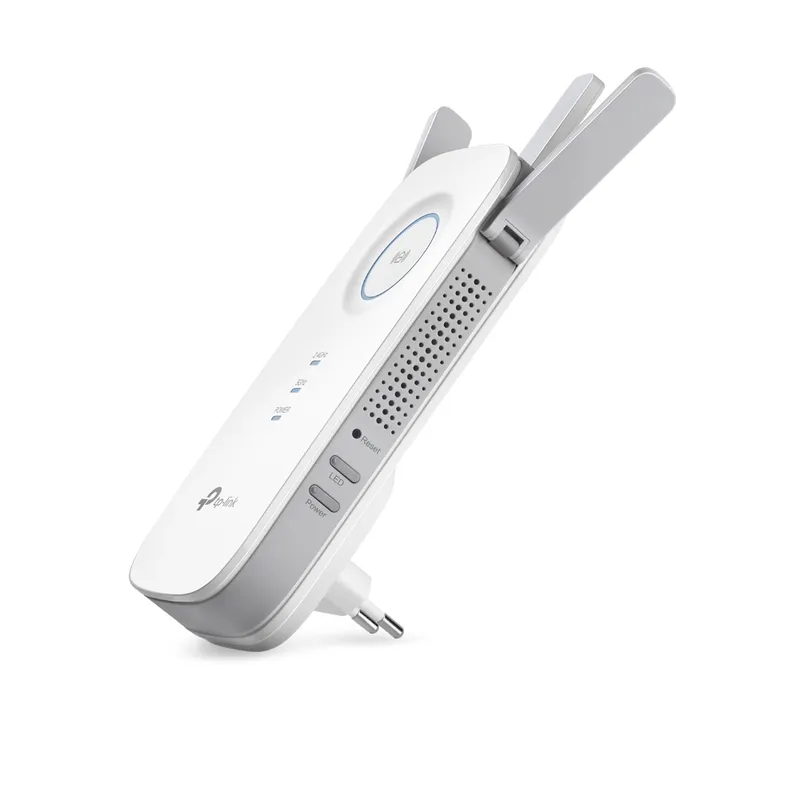 Official manufacturer image
TP-Link RE450
Check price on Amazon AU Official manufacturer image
TP-Link RE705X-Outdoor
Check price on Amazon AUCommon questions
Questions before you buy
Can an Ethernet port on an extender make a wired device wireless?
Yes. Many range extenders can act as a wireless adapter, connecting an Ethernet-only device to the WiFi network. Confirm that the exact model supports this mode.
Can I connect an Ethernet cable from my router to a WiFi extender?
If the extender supports access point mode, Ethernet from the router can feed it and it can broadcast WiFi. Follow the model’s instructions for selecting AP mode and configuring the network.
Is Gigabit Ethernet important on a WiFi extender?
It can matter for wired devices or access point backhaul, especially on a faster home connection. The actual transfer rate also depends on the WiFi link, router, cabling and connected device.
Does every WiFi extender have Ethernet?
No. Port availability differs by model, and some compact extenders have no port. Check the manufacturer’s specification rather than assuming a port from the product category.