Independent buying guidance · Australia editionHow we work
Gearjury
All categories
All categories
Best picksThe Best Meat Thermometer for Every Kind of Cook
Best picksBest Dash Cam in Australia: Five Models Compared
Best picksBest WiFi Extenders in Australia: Which Type Should You Buy?
Best picksBest air purifier for bedroom in Australia: five models compared
AustraliaEnglish

Category hub

Wi-Fi Extenders: Compare Range, Mesh and Booster Options in Australia

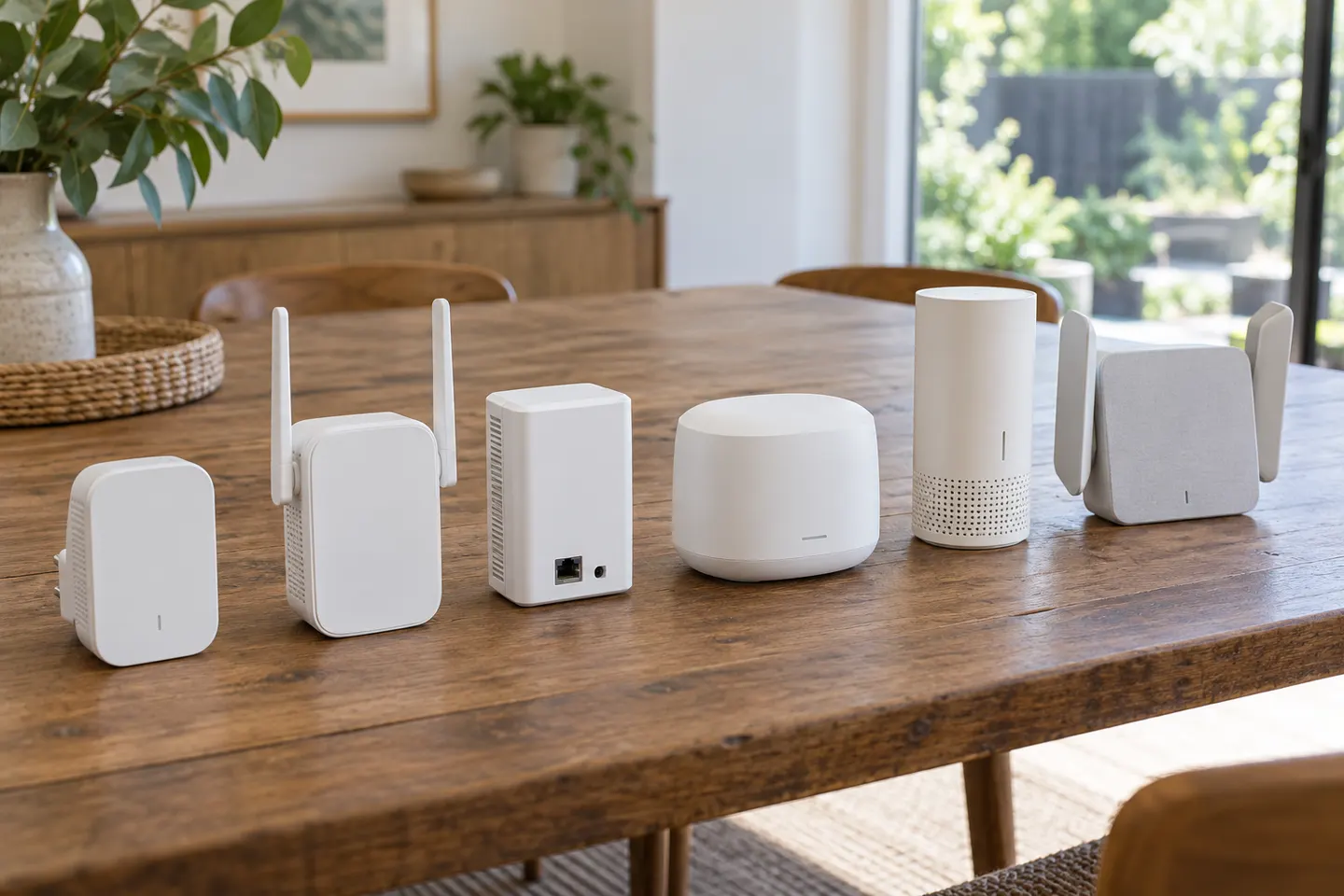
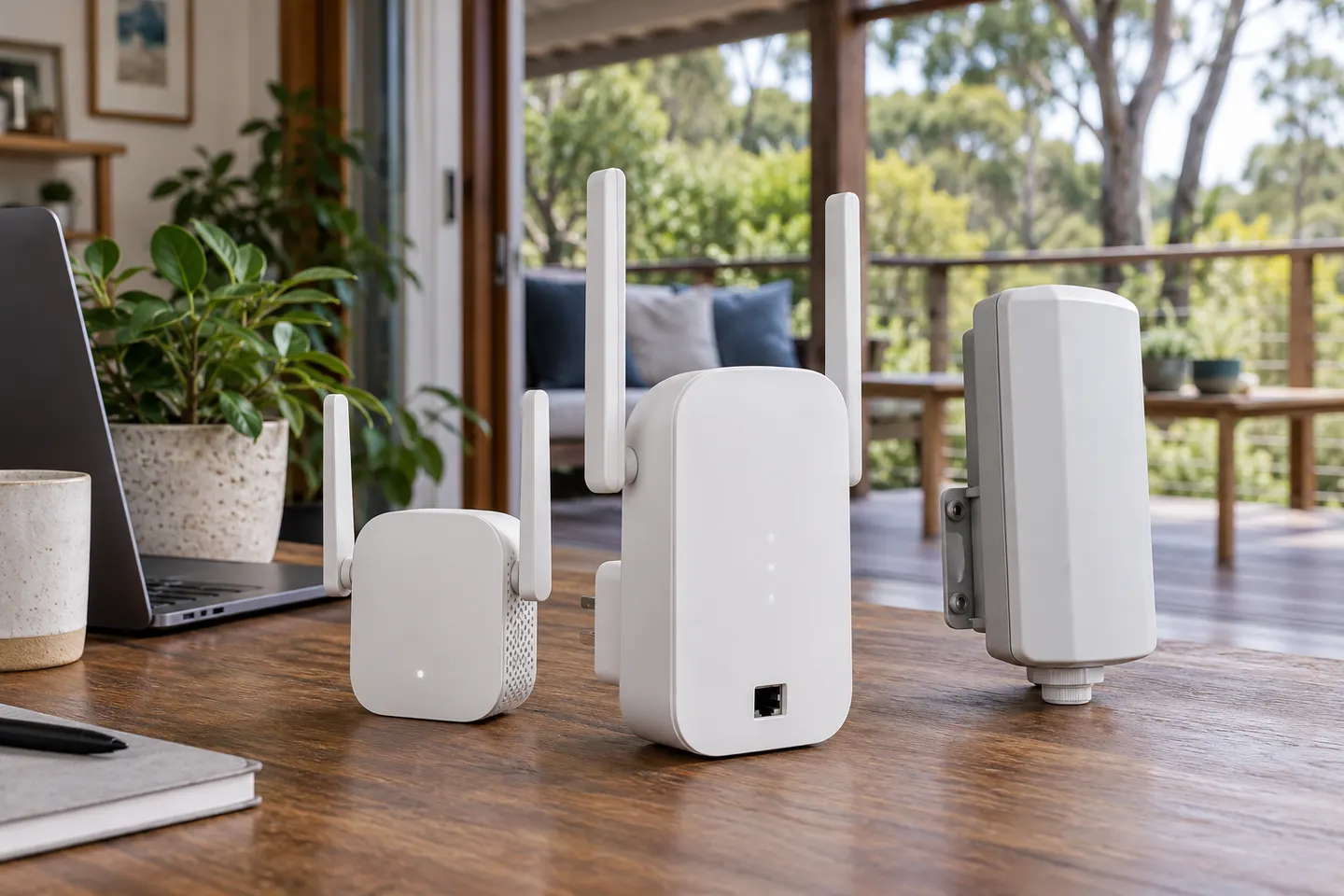
A Wi-Fi extender can help reach a weak-signal room when positioned within range of your router. Compare plug-in repeaters, mesh-compatible models, outdoor units and powerline kits by how they connect.

A Wi-Fi extender is useful when one part of your home falls outside reliable router coverage. The best option depends on the signal reaching the device, the layout between rooms and whether you want a simple repeater or a coordinated mesh network.

Wi-Fi Extenders: Compare Range, Mesh and Booster Options in Australia

Start here

New to this? Start with these

Best WiFi Extenders in Australia: Which Type Should You Buy?

Best WiFi Extenders in Australia: Which Type Should You Buy?

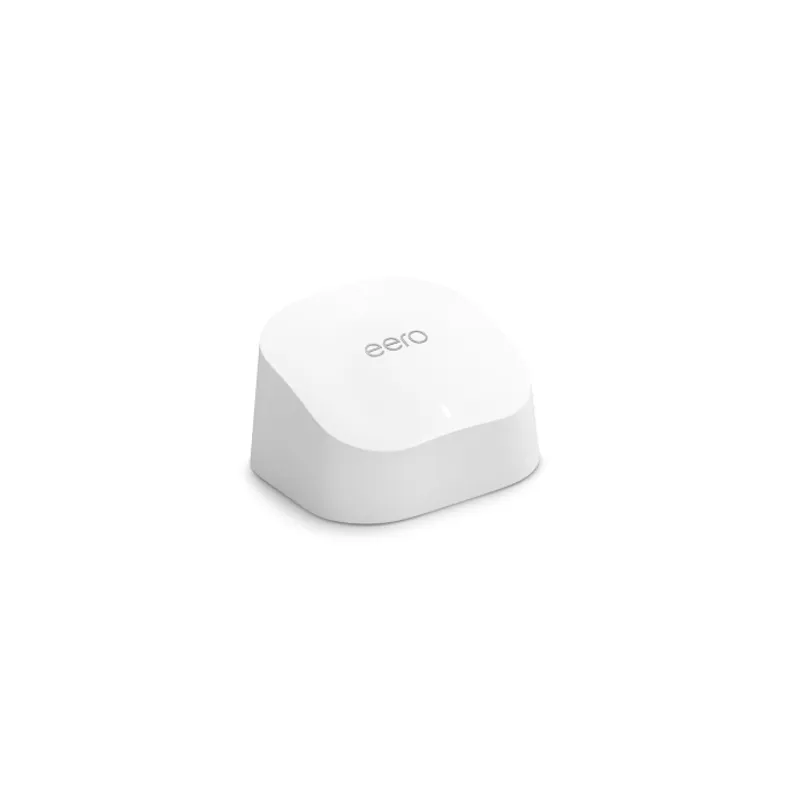
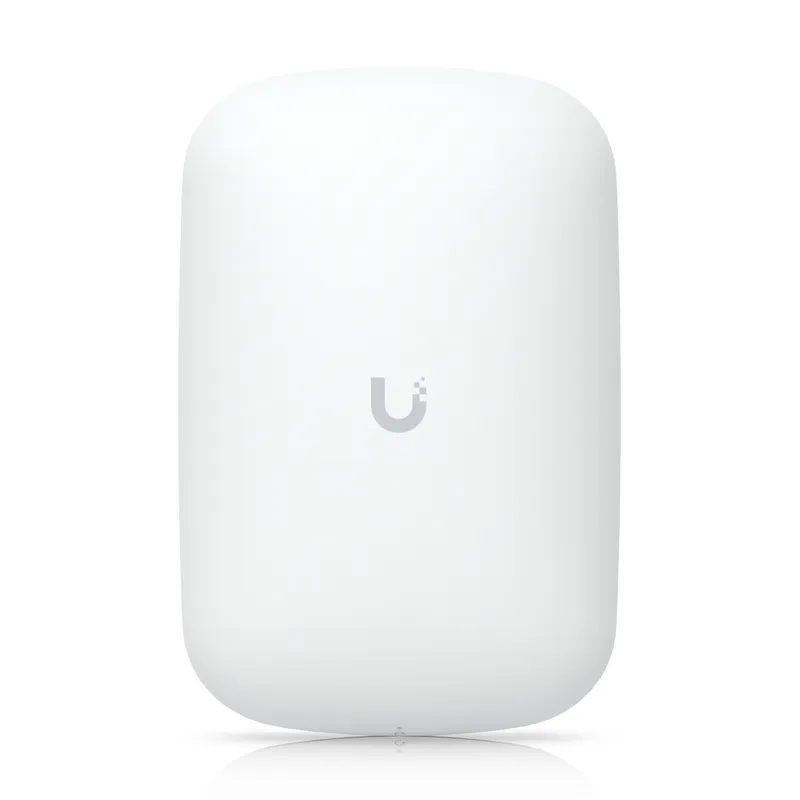
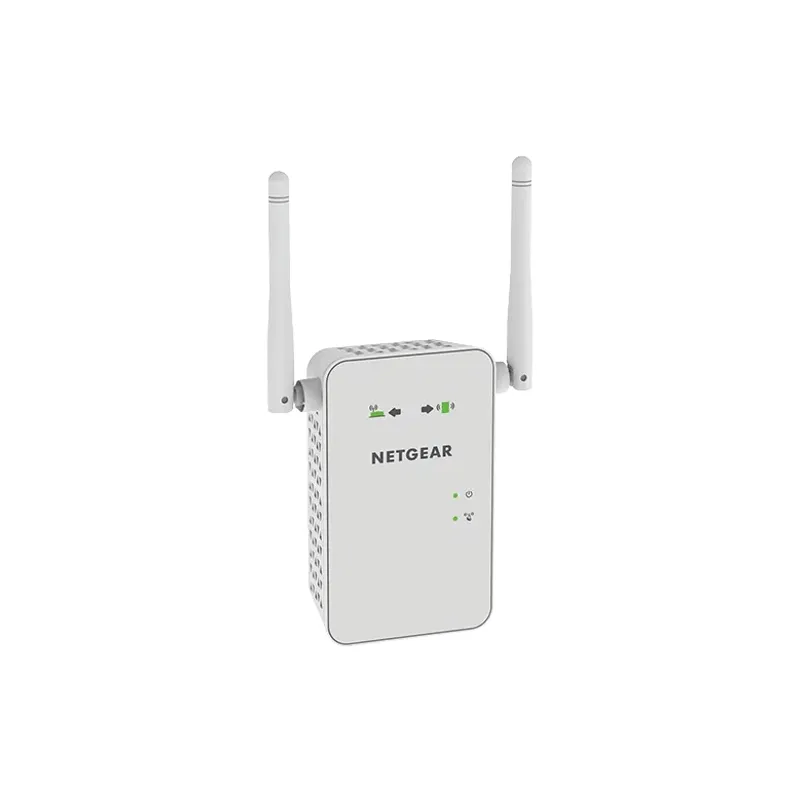
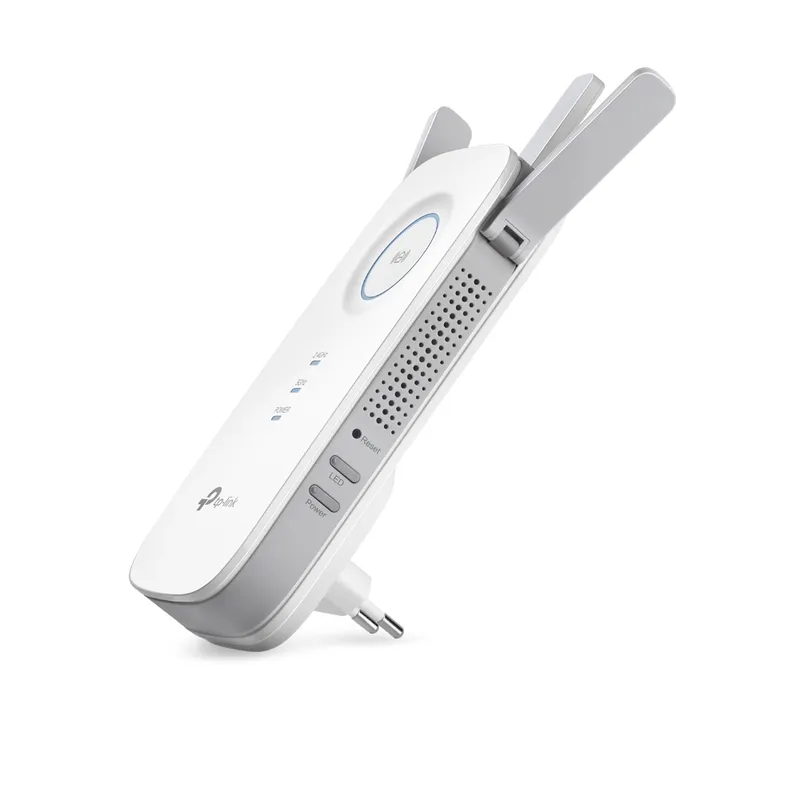
For most homes needing a single coverage fix, the TP-Link RE705X offers a useful mix of Wi-Fi 6, a Gigabit port and access point mode. Choose a basic AC model for lighter needs, an outdoor-rated option for exposed areas, or a managed system for UniFi or eero networks.


By place and use

2

By type

4

Brands

7
Show all (7)

How-to guides

13
Show all (13)

More topics

19
Show all (19)

Best picks

Our best-of lists

Best WiFi Extenders in Australia: Which Type Should You Buy?

Best WiFi Extenders in Australia: Which Type Should You Buy?

For most homes needing a single coverage fix, the TP-Link RE705X offers a useful mix of Wi-Fi 6, a Gigabit port and access point mode. Choose a basic AC model for lighter needs, an outdoor-rated option for exposed areas, or a managed system for UniFi or eero networks.
Head to head

Comparisons

WiFi Extender Versus Booster: What Is the Difference?

WiFi Extender Versus Booster: What Is the Difference?

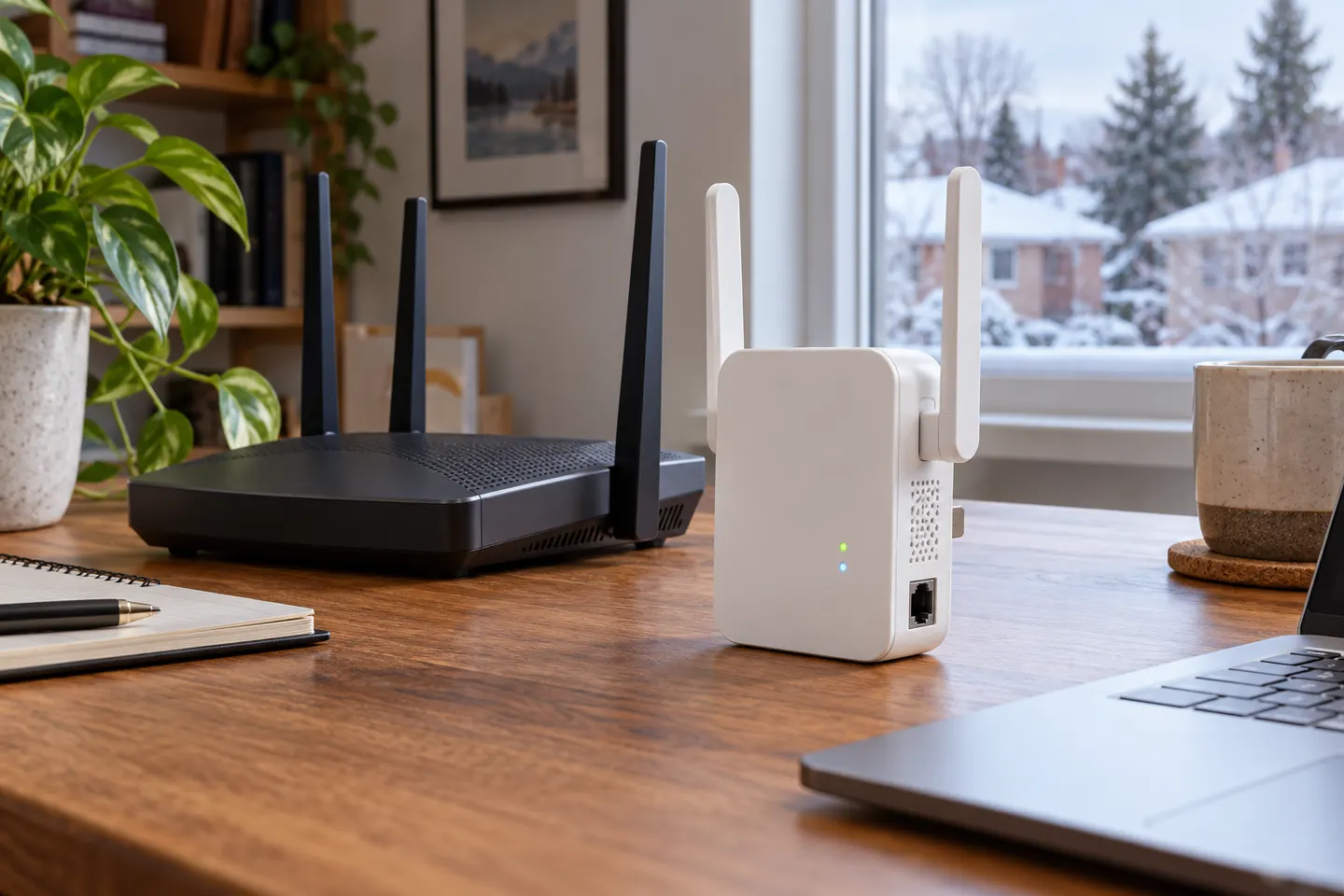
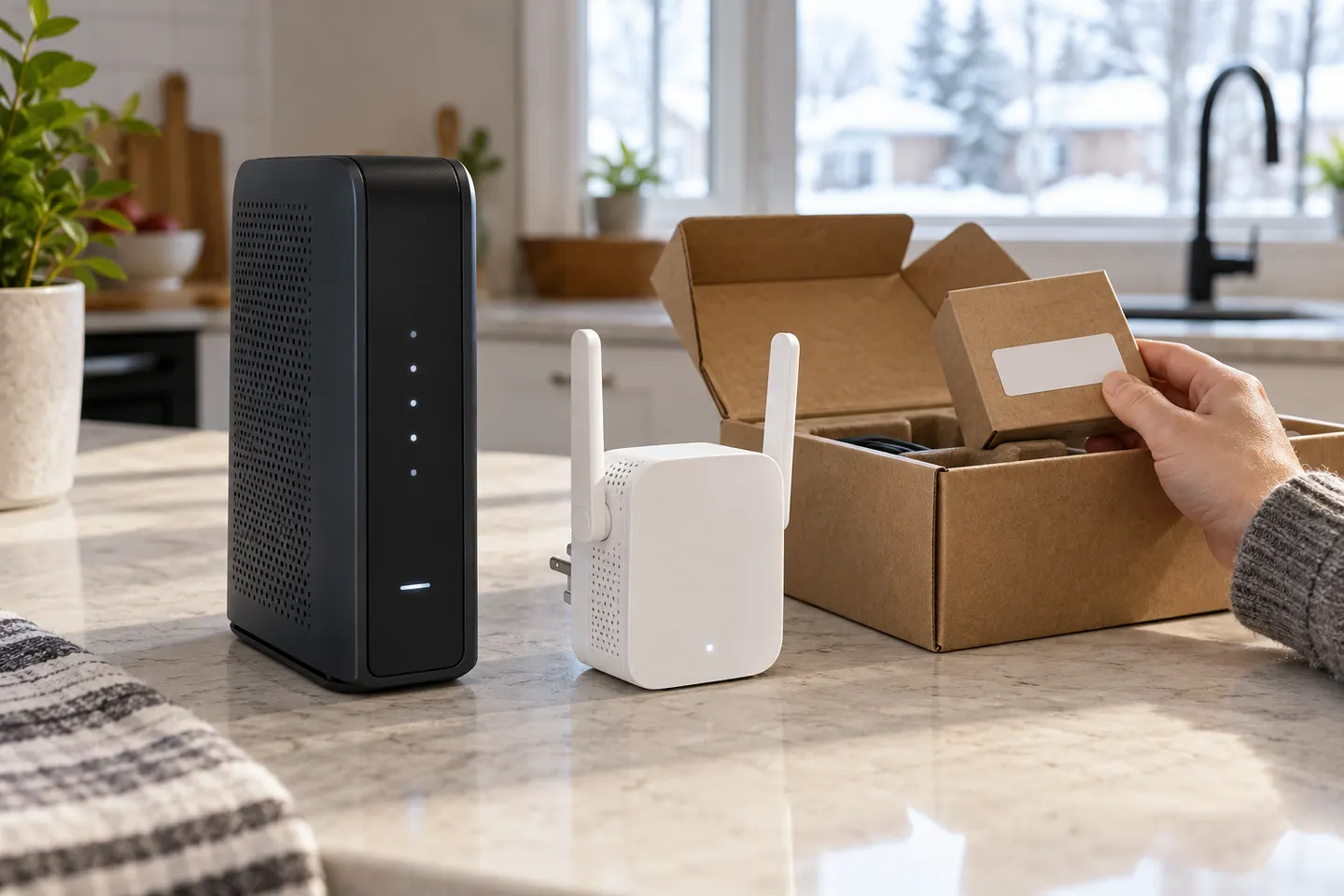
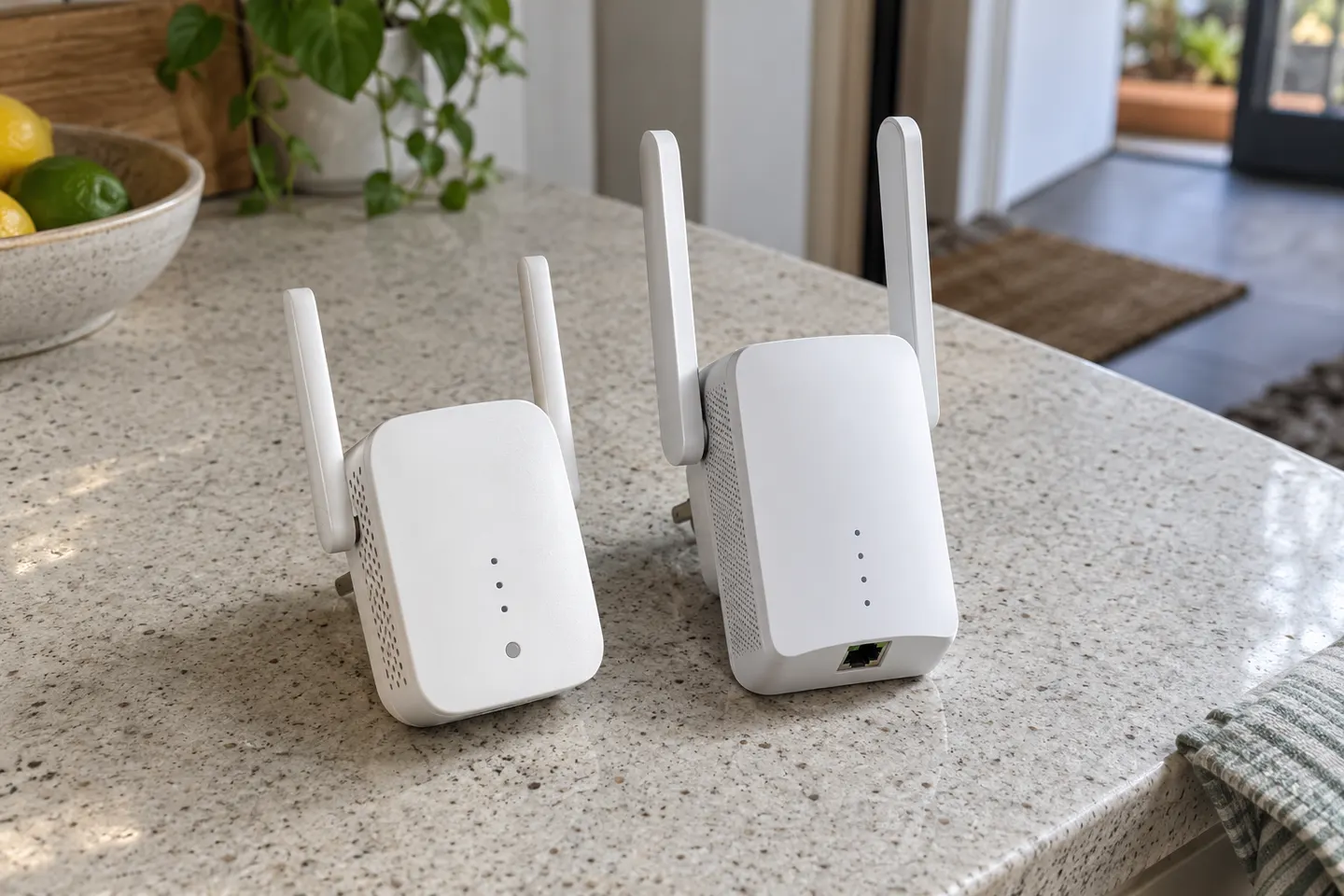
In everyday product listings, “booster” often means a WiFi range extender. Check the device’s actual connection method: a wireless repeater, wired access point and mesh system solve coverage gaps in different ways.

Common questions

Questions before you buy

Where can I find a Wi-Fi booster?

Start with the network equipment maker or your internet provider. Check the exact model and modem compatibility before ordering; a booster may be tied to a provider’s own service.

Do I need a Wi-Fi booster?

Consider one when a particular room has weak Wi-Fi after you have tried moving the router to a central, open position. A booster can extend coverage, but it cannot repair a slow broadband connection.

What is a Wi-Fi booster guide useful for?

Use a guide to compare extender, mesh and powerline approaches, then check placement, router compatibility, Wi-Fi generation and Ethernet ports against your home layout.

What is better, a Wi-Fi extender or booster?

The terms are often used for the same kind of device. Compare how each product connects to your router and whether it creates a shared mesh network or a separate Wi-Fi name.

Where should I put a Wi-Fi booster?

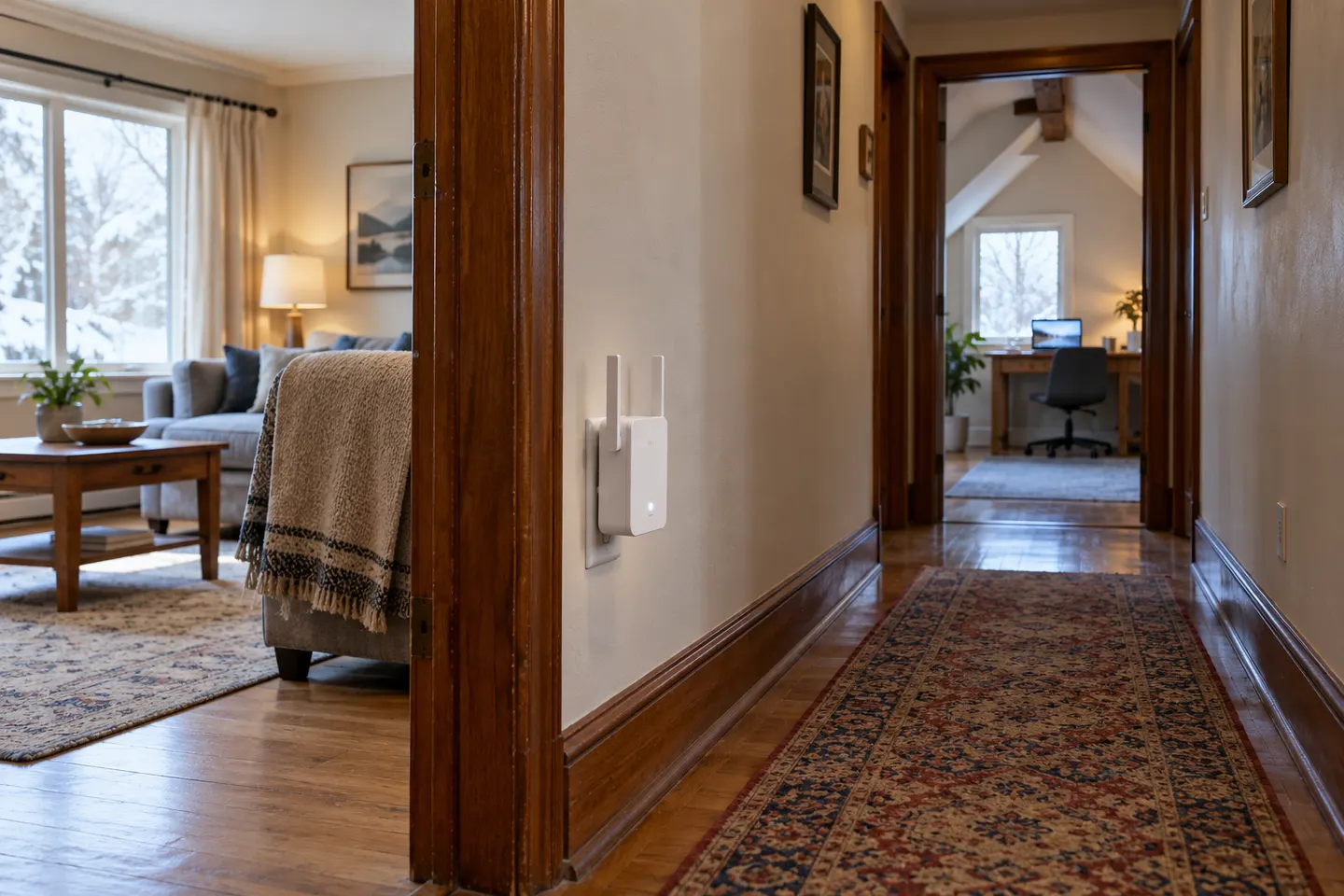
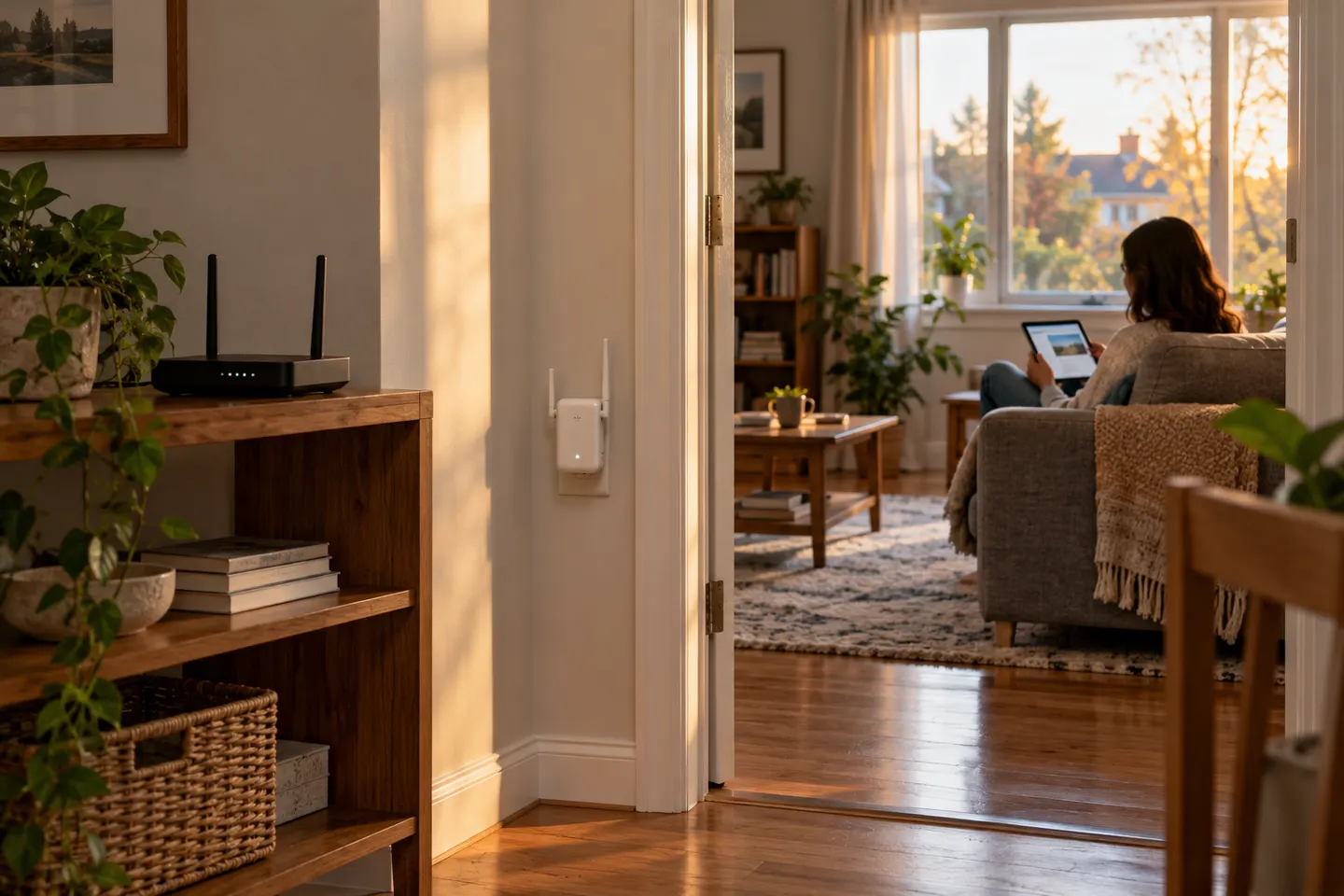
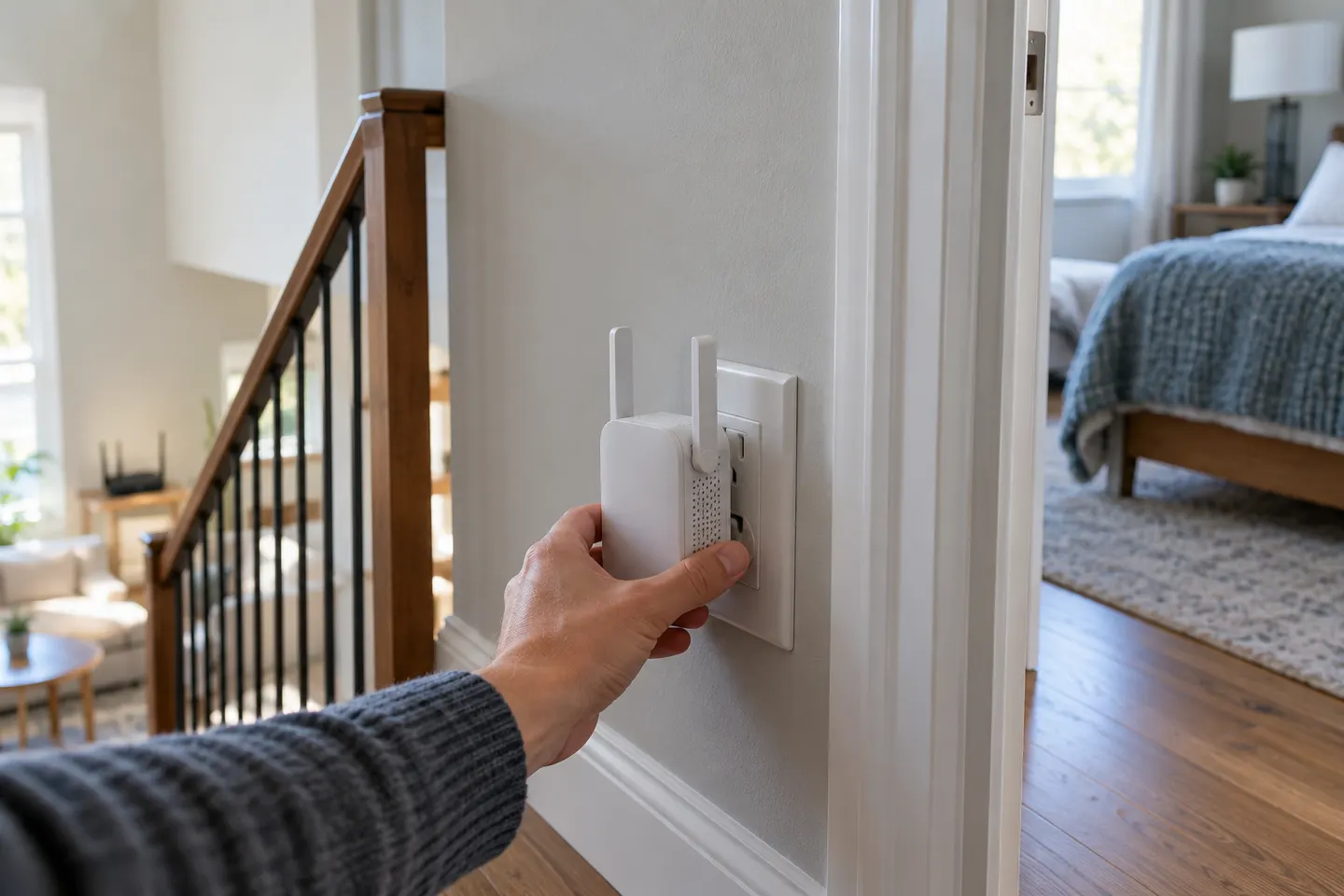
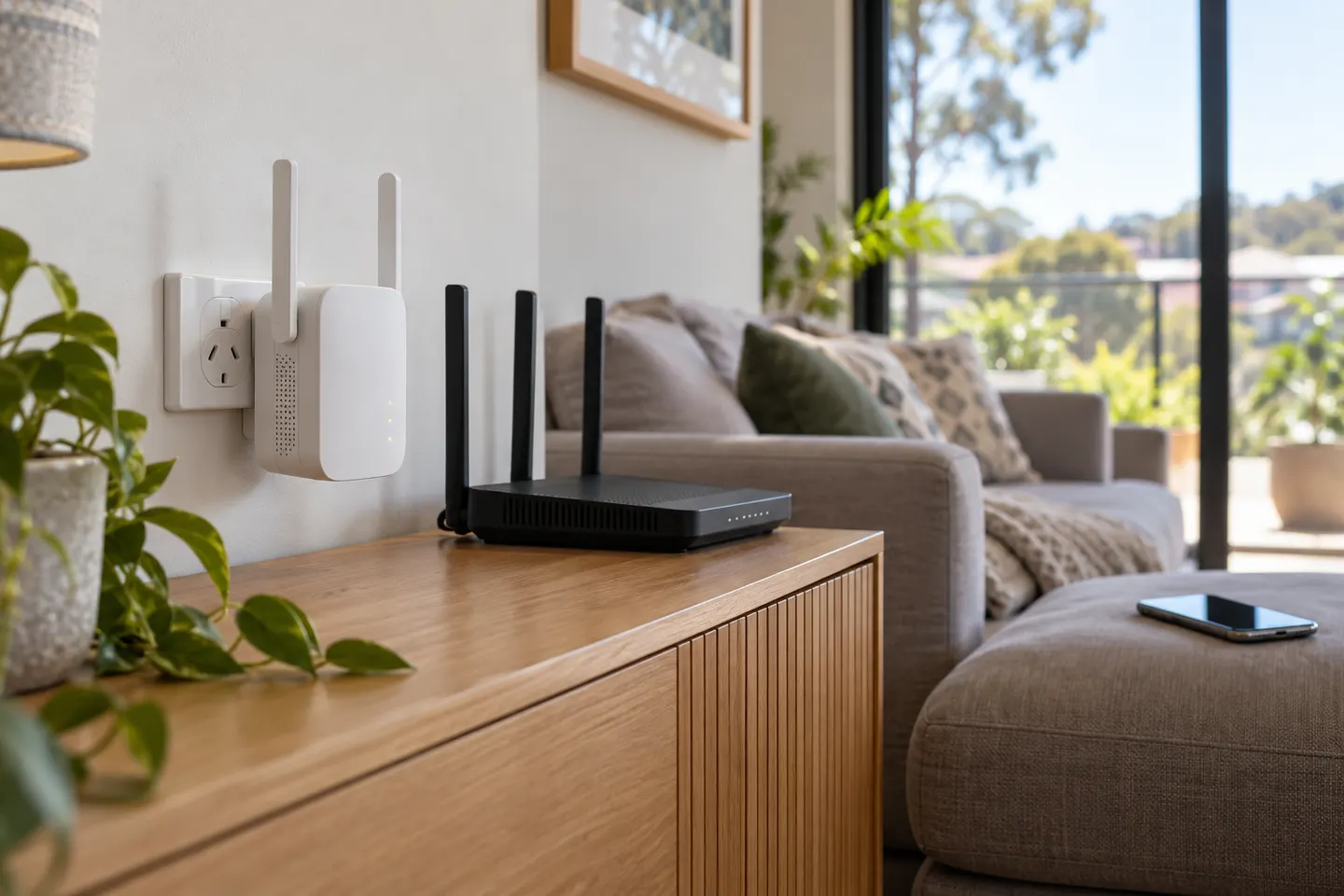
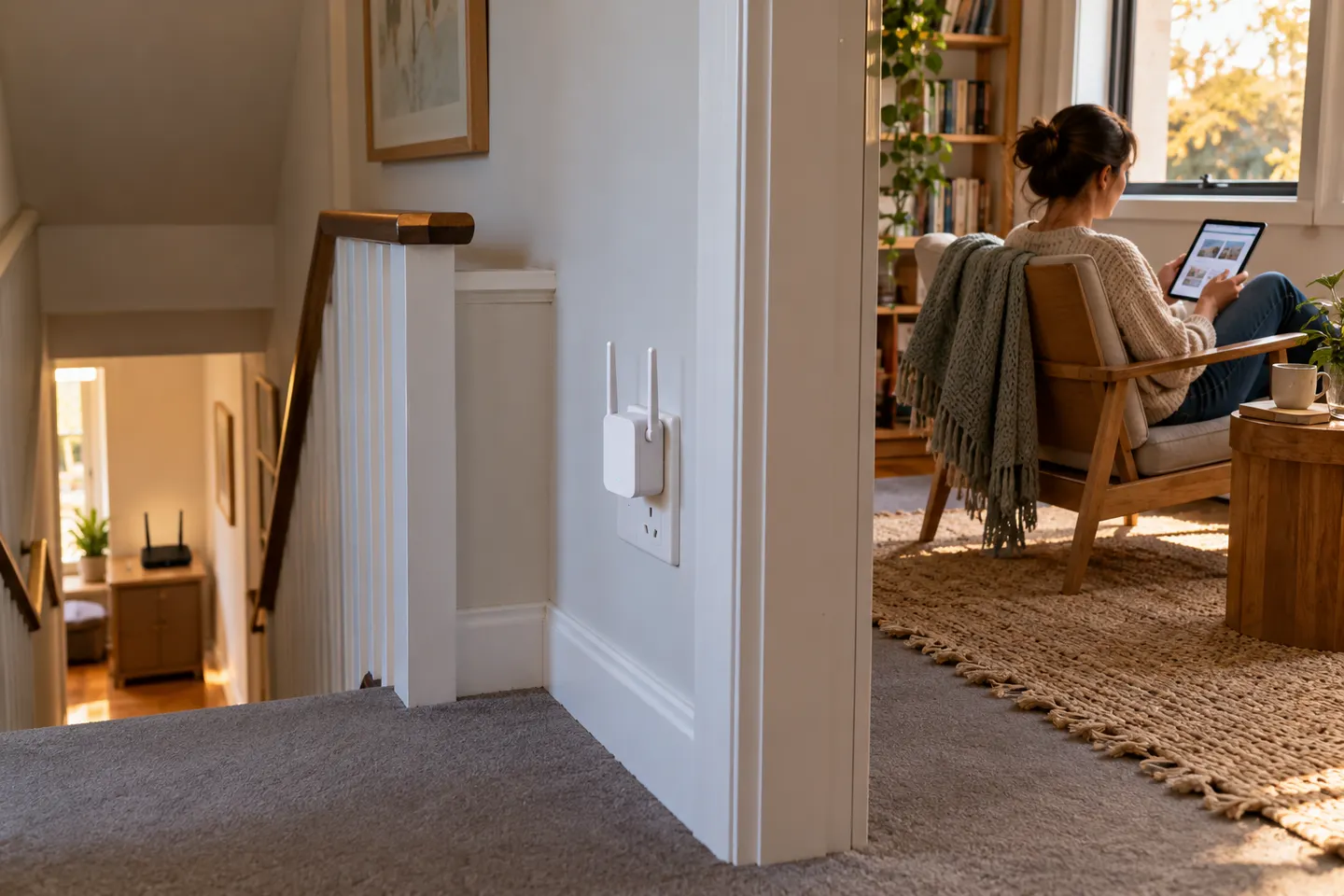
Place it where it still receives a reliable signal from the router, usually between the router and the weak-coverage area. Avoid hiding it behind furniture or thick walls.

Is a Wi-Fi booster effective?

It can improve coverage where the router signal still reaches the booster. Results depend on distance, walls, interference and the speed available from the main router.

Is it safe to have a Wi-Fi booster in a bedroom?

Follow the manufacturer’s placement, ventilation and electrical-safety instructions. Keep the device unobstructed and away from heat or moisture; consult local health guidance if you have a specific exposure concern.