

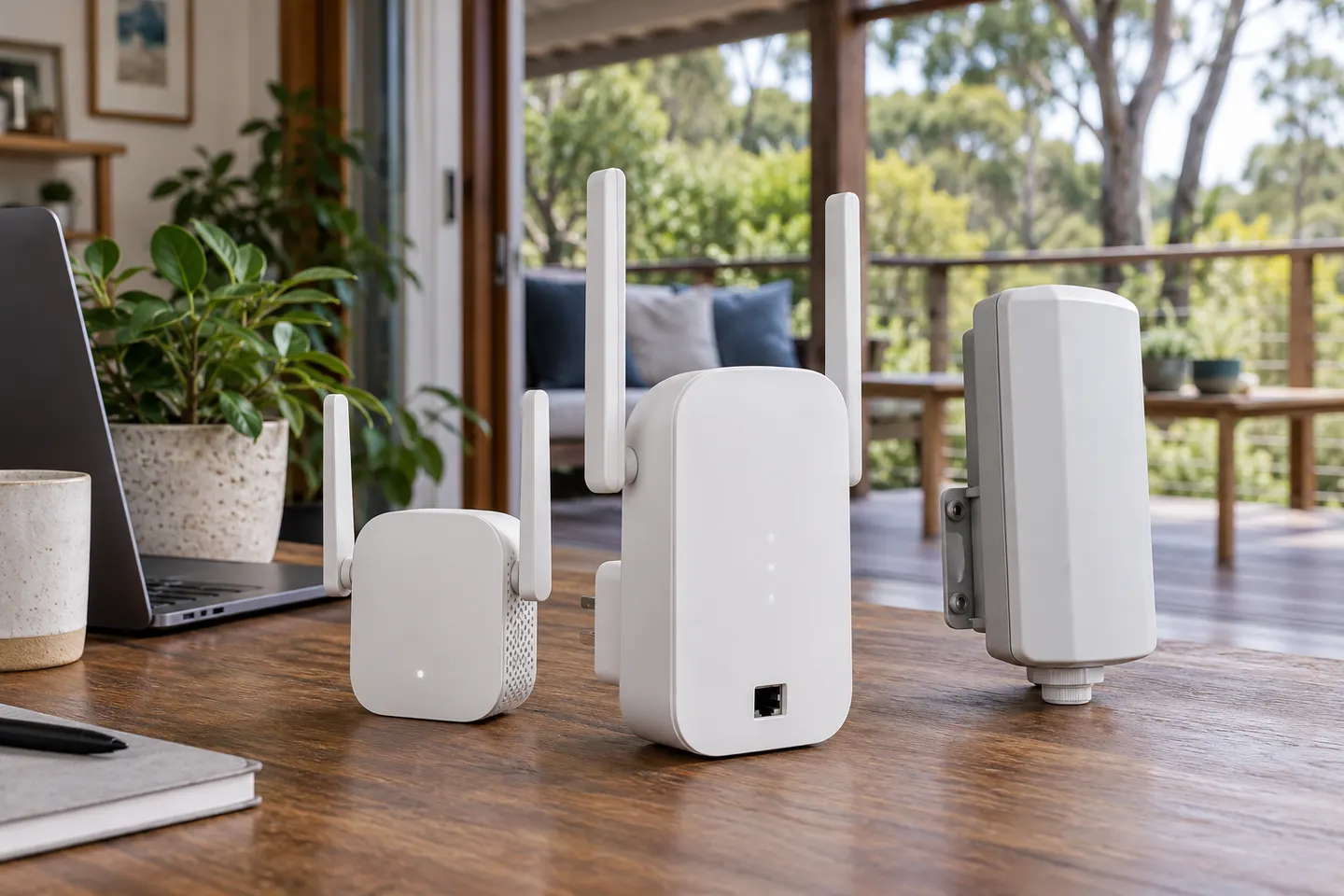

Check the extender and router instructions
Confirm the extender supports your router's WiFi bands and security settings. Find its reset, WPS and status indicators before starting, and keep the model guide nearby because button sequences vary.

Gearjury may earn a commission when you buy through retailer links. This does not affect our editorial guidance.
Guide
Set up the extender near your router first, connect it using the method supported by the model, then move it to a midway position with a reliable router signal.
Confirm the extender supports your router's WiFi bands and security settings. Find its reset, WPS and status indicators before starting, and keep the model guide nearby because button sequences vary.
Plug in the extender near the router for initial pairing. This avoids trying to configure it from a location where the router signal is already too weak.
Press WPS on the extender and then on the router as directed by their manuals. Wait for the connection indicator or setup confirmation. If WPS is unavailable or unsupported by your security mode, use the maker's app or browser assistant.
Join the extender's temporary setup network, open the setup address or app named in its documentation, and select your home network. Enter its password carefully, then save the configuration and wait for confirmation.
Move the extender to a socket where it can still receive a good router signal and is nearer the area that needs coverage. Avoid cupboards, floor-level obstructions and locations behind large appliances.
Follow the extender instructions for its network name; some models reuse the router name while others create a separate one. Check coverage where you need it and move the unit if the router link is weak.
Common questions
Connect a phone or computer to the extender setup network and use the manufacturer app or browser setup page. Select your router network, enter its password and follow the model-specific prompts.
Begin setup close to the router, then place the extender between the router and the weak-signal area where it still receives a reliable connection.
That depends on the model and your preference. Follow its setup options; a shared name can make device switching simpler, while a distinct name helps you identify which access point a device is using.
Check the router password, supported band and security mode, then retry near the router. If pairing still fails, reset the extender and use its official app or browser setup instructions.