Gearjury may earn a commission from qualifying retailer links. Our explanations are based on published specifications and cited guidance.
Guide
Is a Liquid Cooler Better Than an Air Cooler for Your PC?
Neither type wins for every build. Choose based on your processor’s heat output, case clearance, noise preferences and willingness to maintain a pump and radiator.
GGearjury editorial team · Updated October 23, 2026· 5 min
01
How air and liquid CPU coolers remove heat
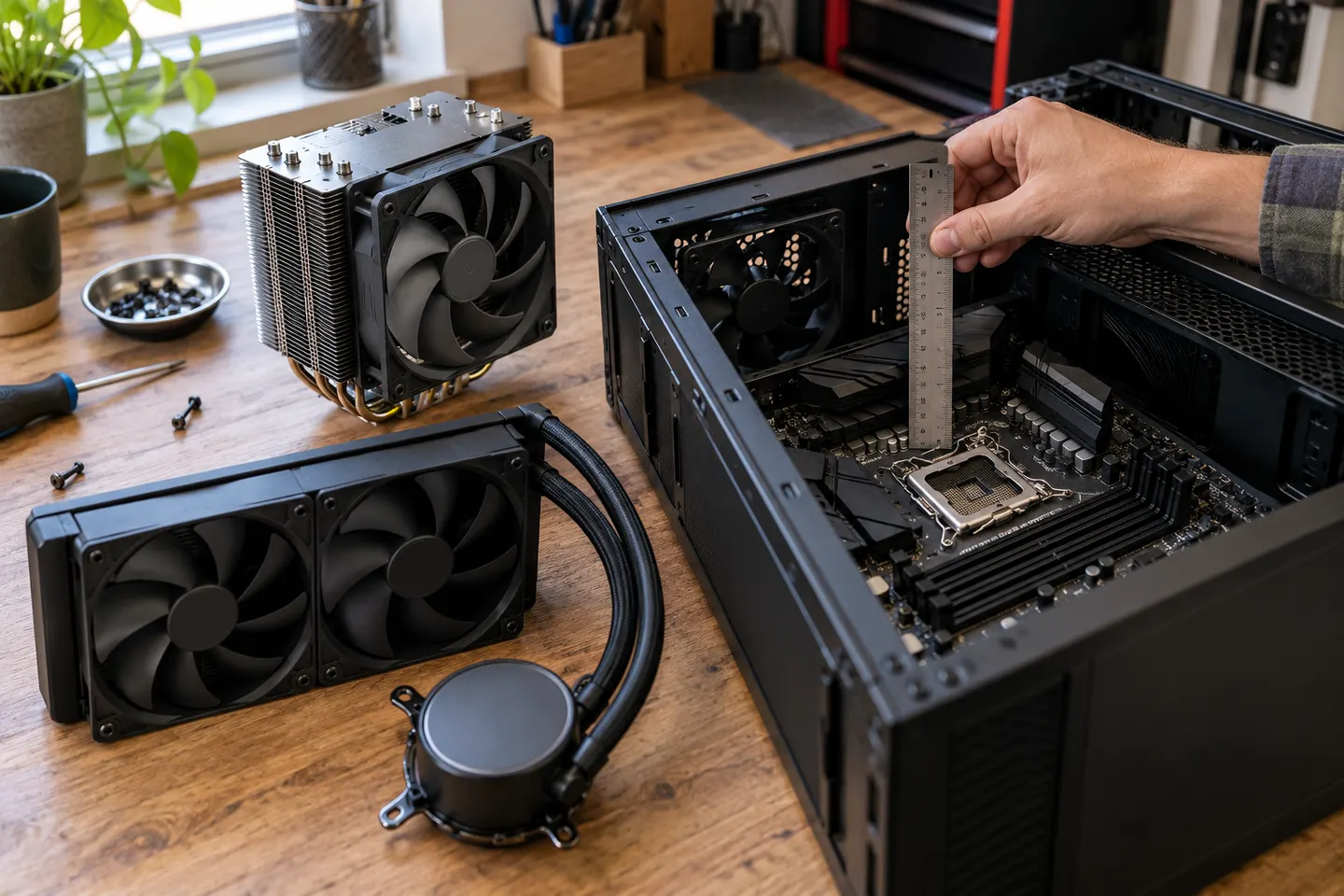
Both designs move heat away from the CPU into a heatsink or radiator, where fans transfer it to the case air. An air cooler uses a heatsink and heat pipes directly; an all-in-one liquid cooler circulates coolant through a pump, tubing and radiator. The case still needs a way to exhaust that heat.
02
When a liquid cooler makes sense
A radiator can be useful when a high-heat processor or a compact build needs a particular layout, or when you prefer the appearance of a radiator-mounted cooling system. Check radiator thickness, fan clearance, socket support and the case’s approved mounting positions before buying.
03
When an air cooler is the better fit
A suitable tower cooler is a straightforward choice for many systems: it has no pump or coolant loop and can be simpler to install and maintain. Confirm the cooler’s height against the case limit and check memory and motherboard clearance.
04
Air cooler or fan: which is better?
For a desktop CPU, a case fan alone does not replace the processor cooler. The CPU cooler transfers heat from the chip, while case fans move warm air out and fresh air in. A balanced airflow path supports either cooler type.
05
Compare noise, reliability and upkeep
Noise depends on fan speed, radiator or heatsink design, case airflow and CPU load. Liquid systems add pump noise and another component that can fail; air systems rely mainly on fans, which are easier to access. Read the warranty and installation instructions for the exact model rather than assuming one category is always quieter or more reliable.
06
Is an air cooler better than AC?
For a computer, “air cooler” usually means a CPU heatsink, while AC means room air conditioning. They do different jobs: the CPU cooler removes heat from the processor, and room AC lowers room temperature. A cooler room can help system temperatures, but it does not replace a properly installed CPU cooler.
Common questions
Questions before you buy
Is a liquid cooler better than an air cooler for gaming?
Not automatically. Match the cooler to the processor’s heat output and your case; a well-sized air cooler can suit many gaming systems, while some builds benefit from a compatible radiator.
Does a liquid CPU cooler cool better?
Some liquid coolers can dissipate substantial heat, but results depend on the exact cooler, processor, fan settings and case airflow. Compare independent tests for the same processor and noise level when available.
Is an air cooler or fan better for a PC?
They are complementary: a CPU air cooler removes heat from the processor, and case fans move air through the chassis. A case fan alone is not a substitute for a CPU cooler.
Is an air cooler better than AC?
They serve different purposes. A CPU air cooler cools the processor, whereas air conditioning cools the room; one cannot replace the other.
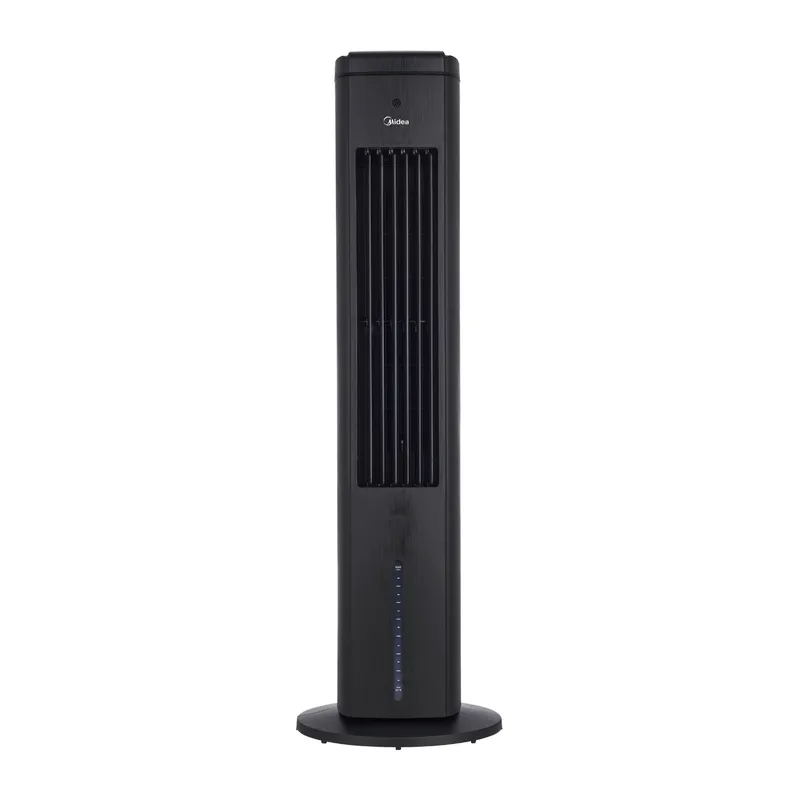
For a Canadian home, begin with Midea’s locally listed evaporative unit, then consider a personal fan or purifier fan if added moisture is a poor fit.
Midea Canada lists a direct-cooling evaporative unit. Its product details make it possible to compare controls and dimensions, while humidity and room ventilation remain key to fit.
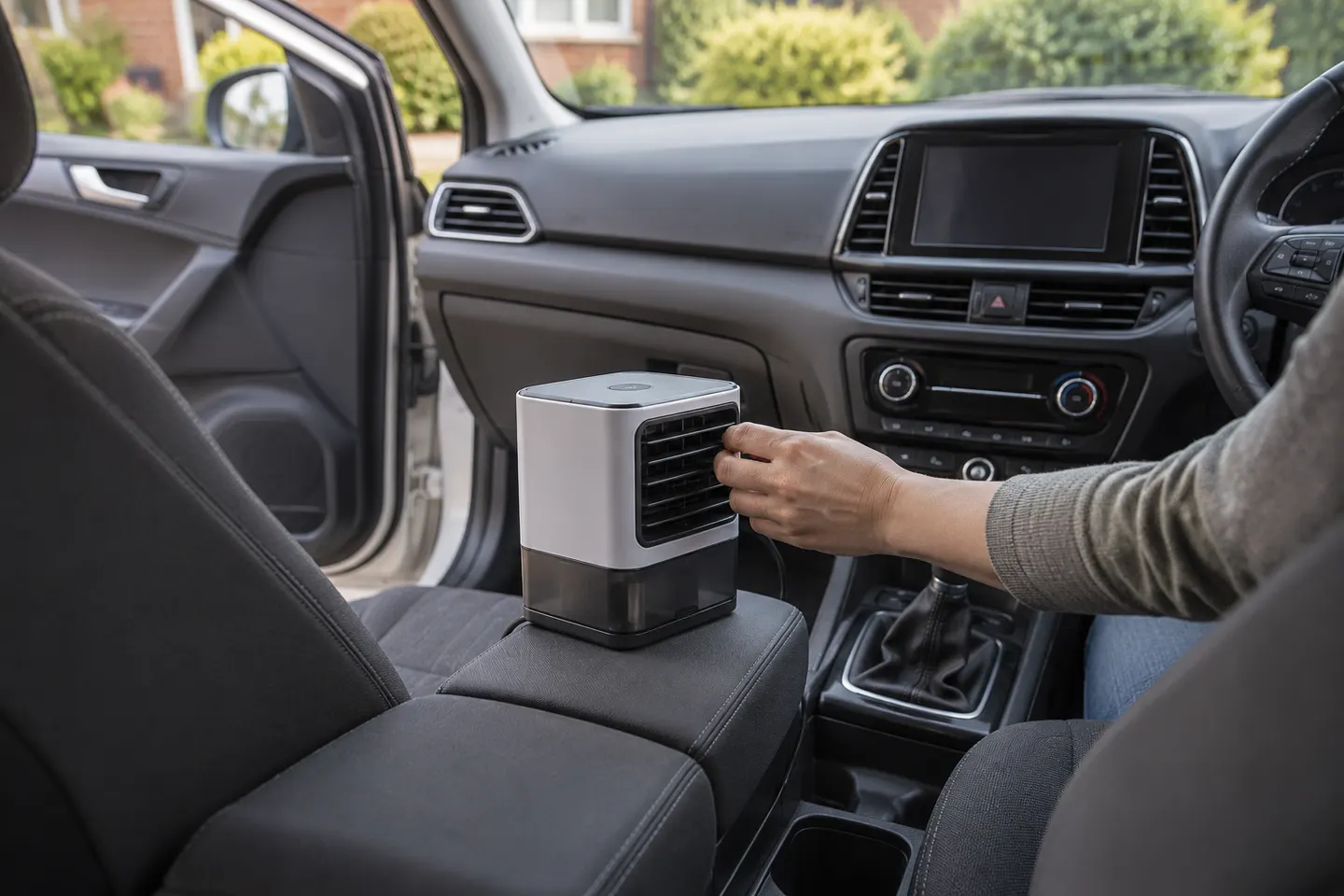
A true evaporative cooler needs water, ventilation and a suitable power source. For most vehicles, a compact fan is easier to use than a household cooler.
A portable air cooler can mean an evaporative unit or simply a fan marketed for personal cooling. Start by matching the technology to your room and climate.
Your privacy
We use cookies and similar technologies. Necessary ones keep the site working. With your permission we also use statistics cookies (Google Analytics and Microsoft Clarity) to understand which guides help readers. You can accept all, reject all or choose. You can change your choice at any time from "Cookie settings" at the bottom of every page. Cookie policy