









 Official manufacturer image
Our picks
Top picks
Official manufacturer image Official manufacturer image
Garmin Dash Cam Mini 3
Check price on Amazon.ca Official manufacturer image
Thinkware U3000
Check price on Amazon.caCommon questions
Questions before you buy
Can Bluetooth transfer dash-cam video?
A product could use Bluetooth for small data, but many dash cams rely on Wi-Fi for video preview and file transfer because it offers higher throughput. Check the model's manual.
Does a Bluetooth dashcam need Wi-Fi too?
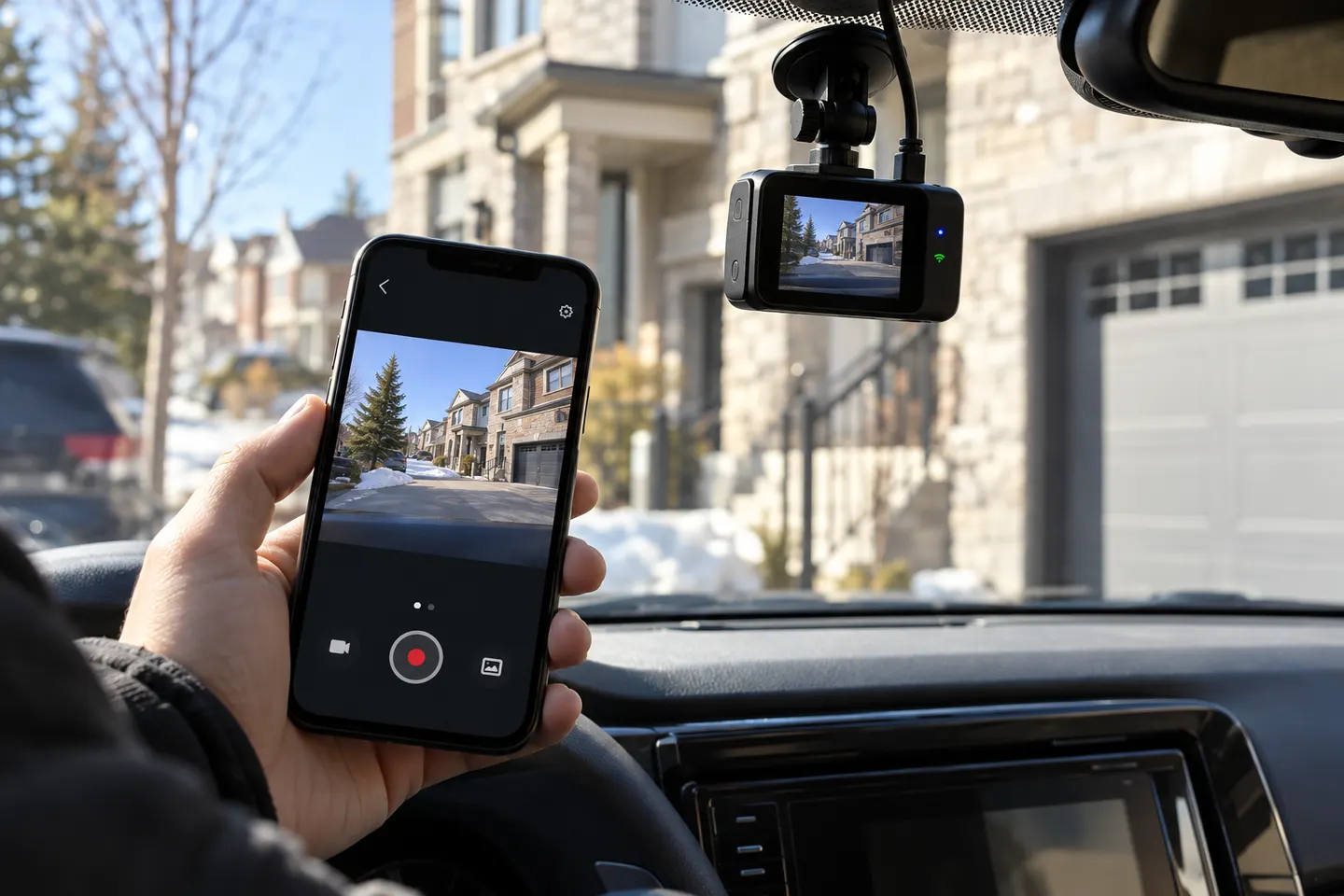
Often it does for footage access or live view. Bluetooth may start or manage the connection while the camera creates a local Wi-Fi link to the phone.
Can I watch a Bluetooth car camera from far away?
Not through ordinary short-range Bluetooth. Remote viewing requires a supported internet connection, suitable power and the manufacturer's cloud or remote-access service.
Why will my phone pair but not show dash-cam footage?
The Bluetooth step may be complete while the Wi-Fi connection, permissions or app setup is not. Follow the official pairing sequence and confirm phone compatibility.