Independent buying guidance · Australia editionHow we work
Gearjury
All categories
All categories
Best picksBest Dash Cam in Australia: Five Models Compared
Best picksBest Wi-Fi Extenders in Australia for Different Homes
Best picksThe Best Meat Thermometer for Every Kind of Cook
Best picksBest Headlamp Torches for Different Uses in 2026
Best picksBest Portable Air Coolers to Consider in Australia (2026)
Best picksBest Winter Gloves for Everyday Wear and Outdoor Use
Best picksBest Cordless String Trimmers for Australian Gardens (2026)
Best picksBest air purifier for bedroom in Australia: five models compared
AustraliaEnglish

Category hub

Bluetooth Dash Cams and Wireless Car Cameras

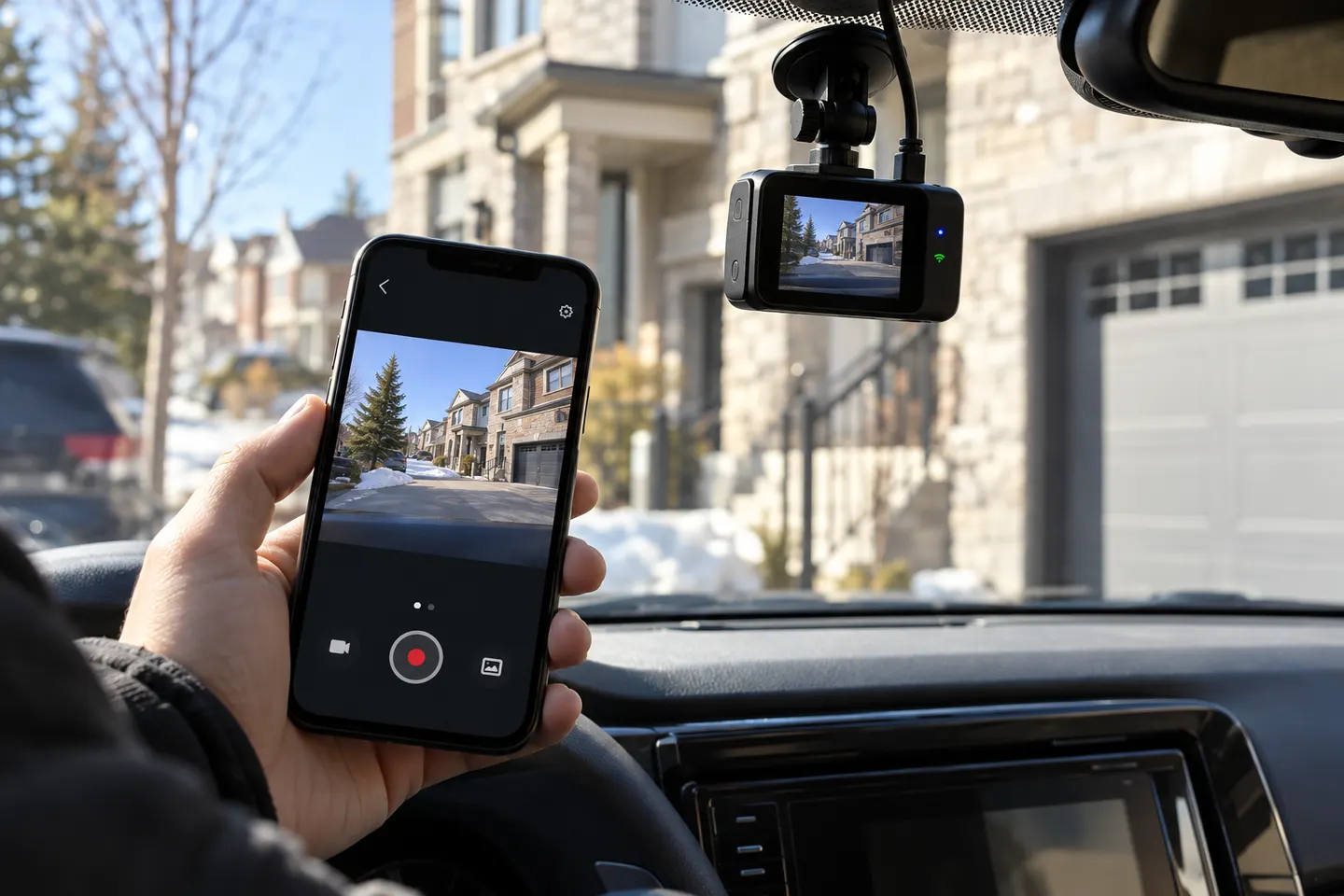
Bluetooth usually helps a phone discover or configure a camera; video transfer often relies on Wi-Fi. Check the exact workflow rather than treating “wireless” as cable-free operation.

A Bluetooth dash cam sounds cable-free, but the label describes phone connectivity, not power. Many cameras use Bluetooth for initial pairing and a local Wi-Fi link for previews, settings or downloading clips. A Bluetooth car camera still needs a power lead, and a rear camera generally needs power or a connecting cable too.

Bluetooth Dash Cams and Wireless Car Cameras

Common questions

Questions before you buy

What does Bluetooth do on a dash cam?

It can assist discovery, pairing or low-energy communication with the companion app. The maker may use Wi-Fi for larger video files.

Can Bluetooth send dash cam video to my phone?

The app may begin the process over Bluetooth, but many systems switch to Wi-Fi for video transfer because it carries data faster.

Is a Bluetooth dashcam completely wireless?

No. The camera still requires power, and multi-camera systems may require a physical rear cable.

Will a connected dash cam use mobile data?

Local camera Wi-Fi does not inherently use internet data. Cloud upload, remote viewing or app services may, depending on the system.