









 Official manufacturer image
Our picks
Top picks
Official manufacturer image Official manufacturer image
Garmin Dash Cam Mini 3
Check price on Amazon.ca Official manufacturer image
Thinkware U3000
Check price on Amazon.caCommon questions
Questions before you buy
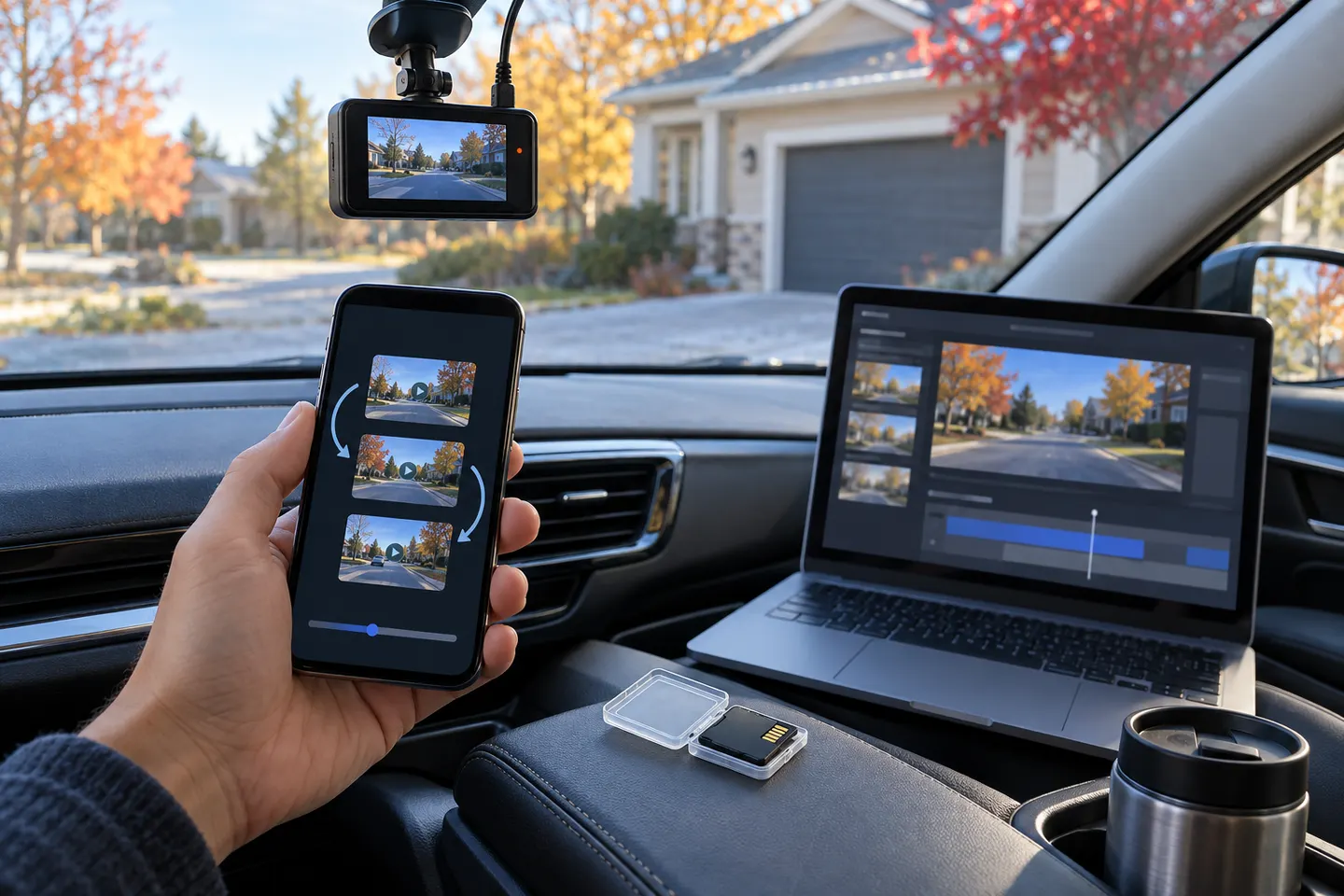
How do I turn dash-cam video into a GIF?
Save the original clip, make a working copy, select a short segment and export it with a trusted editor. Review the result frame by frame before sharing.
Does a GIF keep dash-cam audio?
No. Standard GIF files do not include an audio track, so preserve the original video if sound or spoken context matters.
Why is my car-camera GIF blurry?
GIF uses a limited colour palette and sharing sites may resize the file. A short MP4 clip is usually better when fine detail is important.
Should I blur licence plates in a dashcam GIF?
Consider the purpose, audience and applicable privacy rules before posting. Blurring identifying details can reduce unnecessary exposure, but keep an untouched original separately.