








 Official manufacturer image
Our picks
Top picks
Official manufacturer image Official manufacturer image
VIOFO A229 Plus 2CH
Check price on Amazon AU Official manufacturer image
Garmin Dash Cam Mini 3
Check price on Amazon AUCommon questions
Questions before you buy
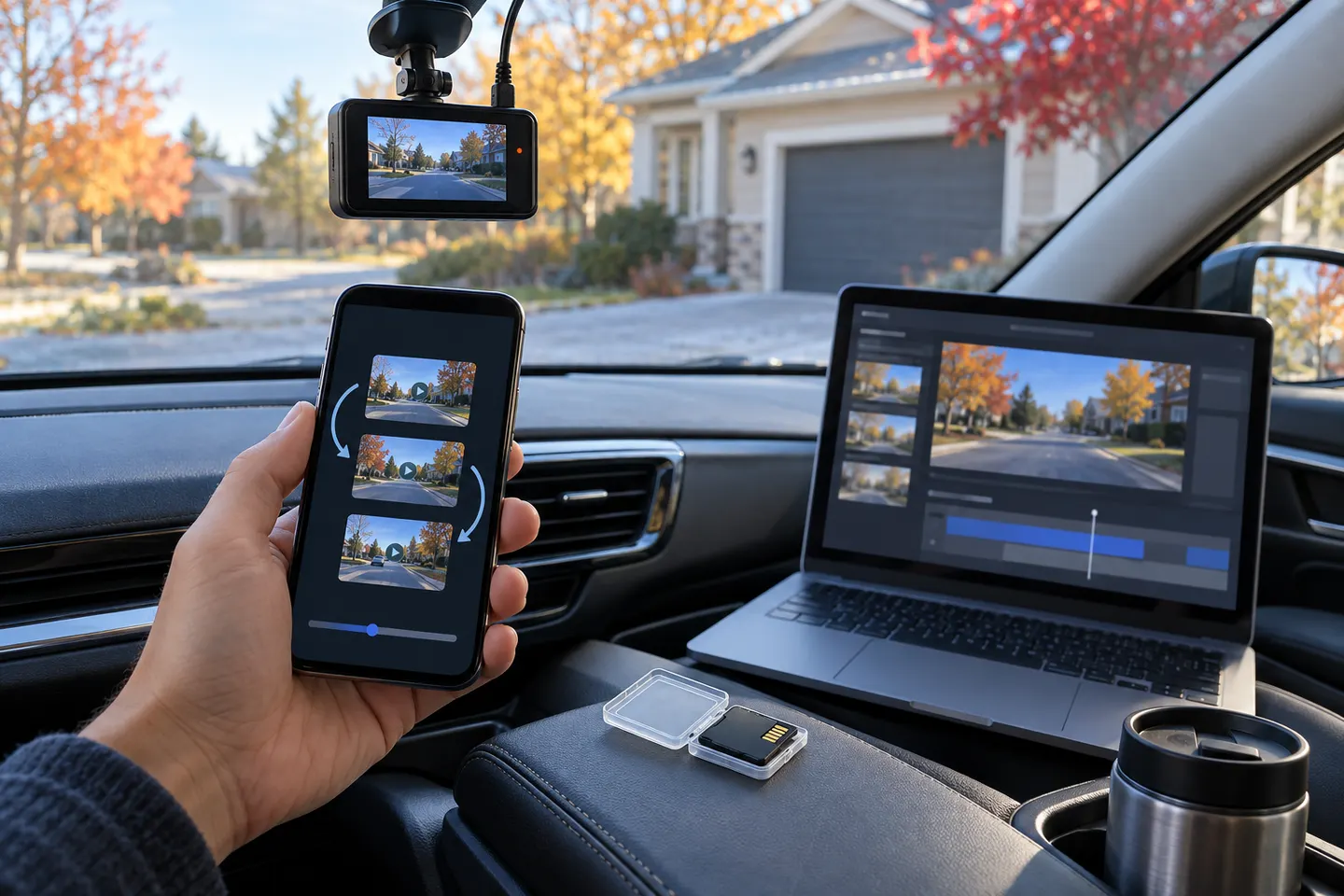
How do I turn dashcam footage into a GIF?
Export the clip from the camera or its official app, trim a short copy and convert that copy with a trusted editor. Preserve the full original file separately.
Why does my car camera GIF look blurry?
GIF has a limited colour palette and is often heavily compressed. Use a short crop, avoid repeated resizing and consider sharing a video clip when detail matters.
Should I blur number plates in a dashcam GIF?
Review privacy and platform rules before publishing. Blurring plates, faces and location details reduces unnecessary identification, but keep an unedited original if the footage may be evidence.
Can a GIF keep dashcam audio?
No. Standard GIF files do not carry audio; export a video format if sound is relevant.
Is a converted GIF suitable for an insurance claim?
Provide the original camera file when possible. A GIF removes audio, timing detail and image information, so it is better used for illustration than as the sole record.