Gearjury may earn a commission from qualifying retailer purchases.
Guide
How to Wire a Dash Cam Safely and Neatly
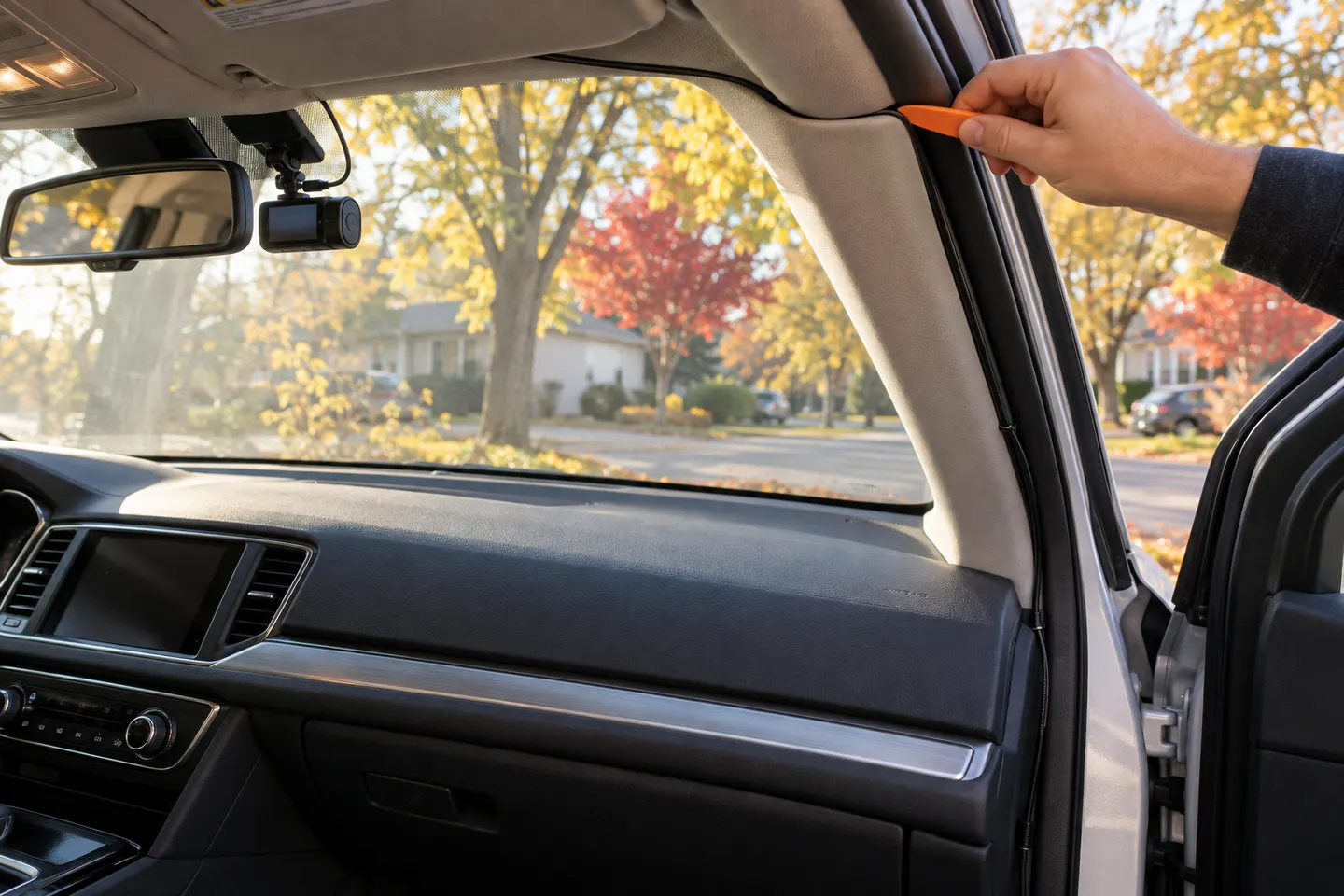
For a simple installation, route the supplied power lead from the camera along the headliner and weather seal to the vehicle outlet, keeping it away from airbags and controls. Hardwiring parking mode adds electrical risk and is best handled by a qualified installer unless you can identify and protect the correct circuits.
GGearjury editorial team · Updated October 15, 2026· 7 min
01
Choose plug-in power or a hardwire kit
Use the supplied vehicle-power cable for the least invasive setup. Choose only a model-specific hardwire kit when you need parking mode or a free accessory socket, and check the vehicle maker's guidance before touching its electrical system.
02
Plan the route before tucking the cable
With the car switched off, trace a path from the camera across the headliner edge, down the appropriate pillar and toward the power point or fuse panel. Make sure the lead reaches without tension and does not cross pedals, steering components or moving seat hardware.
03
How to hide dashcam wires near airbags
Do not simply push a cable behind an A-pillar trim panel: a curtain airbag may be underneath. Consult the vehicle service information. The lead must be secured behind the airbag's deployment path, or routed elsewhere by a qualified technician.
04
Connect a rear camera cable
Follow the existing loom path while allowing enough slack at a hatch or liftgate. Avoid sharp metal edges and heated-window contacts. Do not pinch the cable under trim clips, and confirm the connector orientation before forcing it through a boot.
05
Hardwire with protected circuits
A parking kit commonly needs a constant supply, an ignition-switched supply and ground, but colours and labels vary. Verify circuits with appropriate tools, use correctly rated fuse taps and keep the original circuit protected. Stop if the vehicle uses an unfamiliar power-management system.
06
Test driving and parking states
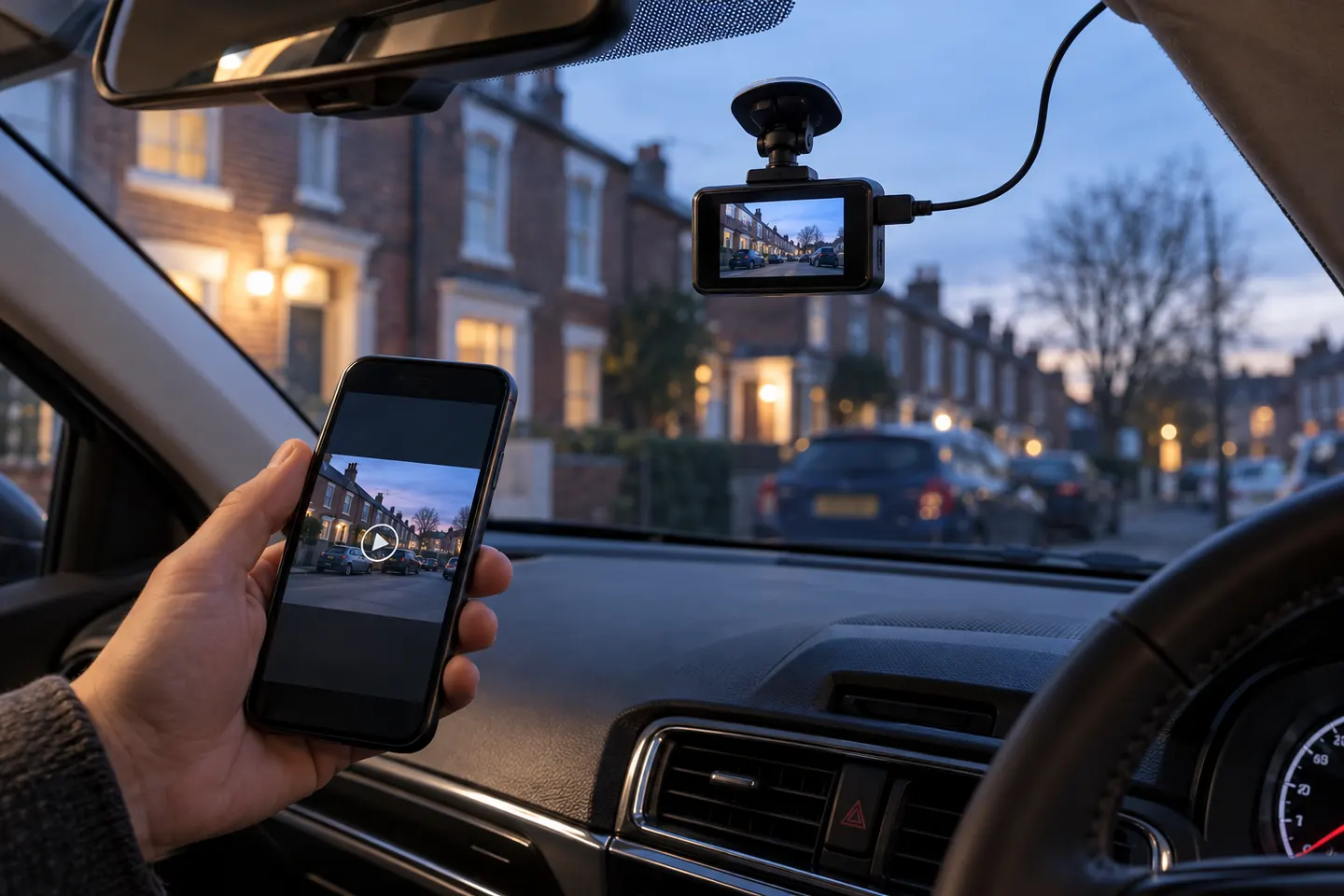
Start the vehicle and confirm normal recording, then switch it off and wait for the camera's specified parking transition. Check for vehicle warnings, loose trim, radio interference and a hot connector. Retrieve sample clips from every channel.
Common questions
Questions before you buy
How do I hide dashcam wires?
Plan a route along trim edges and existing looms, using removable clips where appropriate. Never place the cable across an airbag deployment path or where it can reach pedals and controls.
Can I wire a dash cam to the fuse box?
Only with a compatible hardwire kit and correctly identified, protected circuits. Modern vehicle electronics vary, so professional installation is prudent when service information is unclear.
Which fuse should I use for a dash cam?
There is no universal fuse position. Use the vehicle documentation and electrical testing to identify suitable circuits, while preserving the original circuit protection and avoiding safety systems.
Why does my dash cam stay on after I turn off the car?
Some accessory sockets remain powered, and a hardwire kit may enter parking mode rather than shut down. Check the vehicle behaviour, kit settings and camera manual.
The VIOFO A229 Pro 2CH is our broadest all-round choice for front-and-rear detail. Garmin Mini 3 suits a discreet setup, while Thinkware U3000 targets parking surveillance.
Start with the view you need: front-only for simple evidence, front-and-rear for broader coverage, or parking mode for protection while stopped.
Your privacy
We use cookies and similar technologies. Necessary ones keep the site working. With your permission we also use statistics cookies (Google Analytics and Microsoft Clarity) to understand which guides help readers. You can accept all, reject all or choose. You can change your choice at any time from "Cookie settings" at the bottom of every page. Cookie policy