





 Official manufacturer image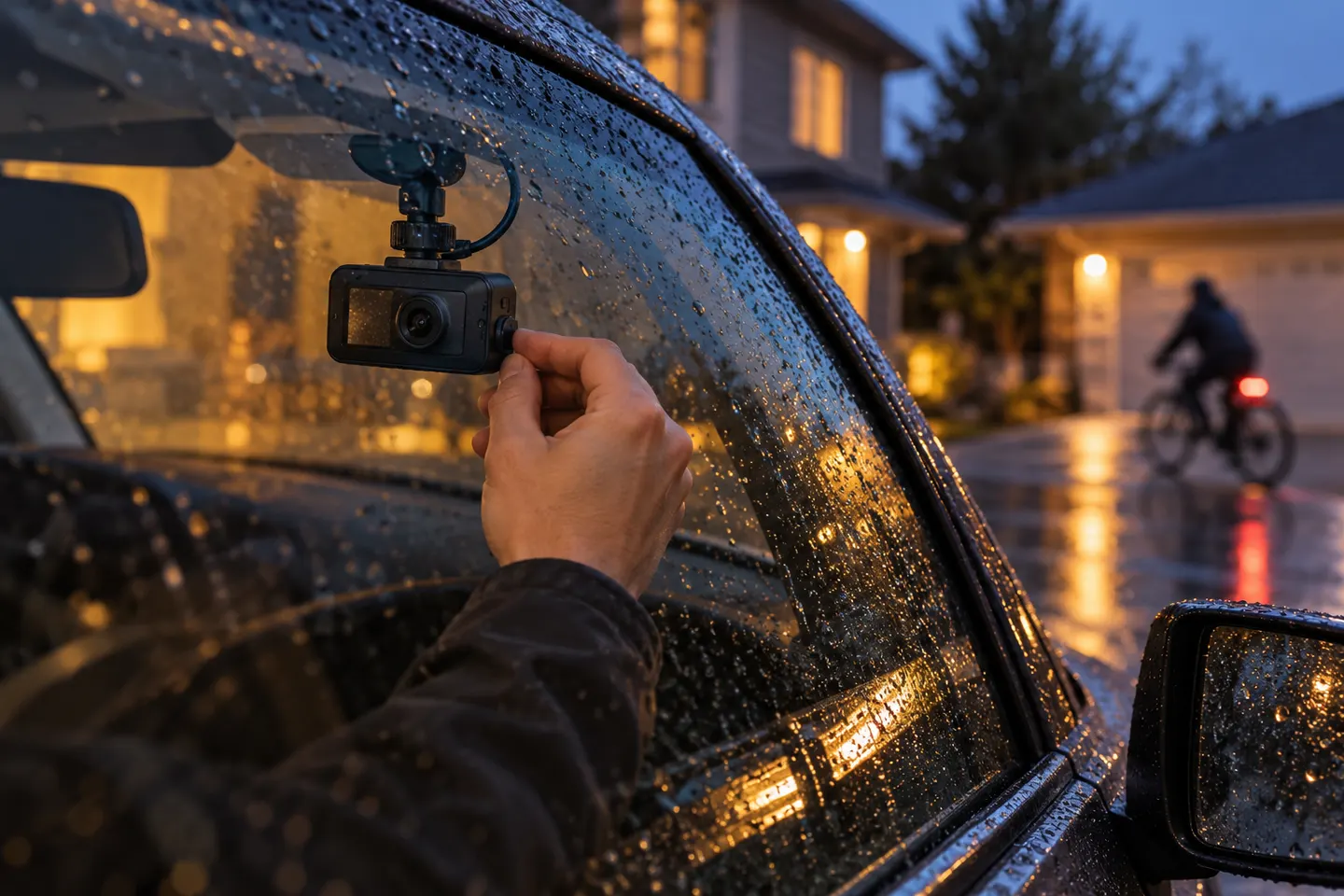
Our picks
Top picks
Official manufacturer image Official manufacturer image
Garmin Dash Cam Mini 3
Check price on Amazon.ca Official manufacturer image
Thinkware U3000
Check price on Amazon.caHow-to guides
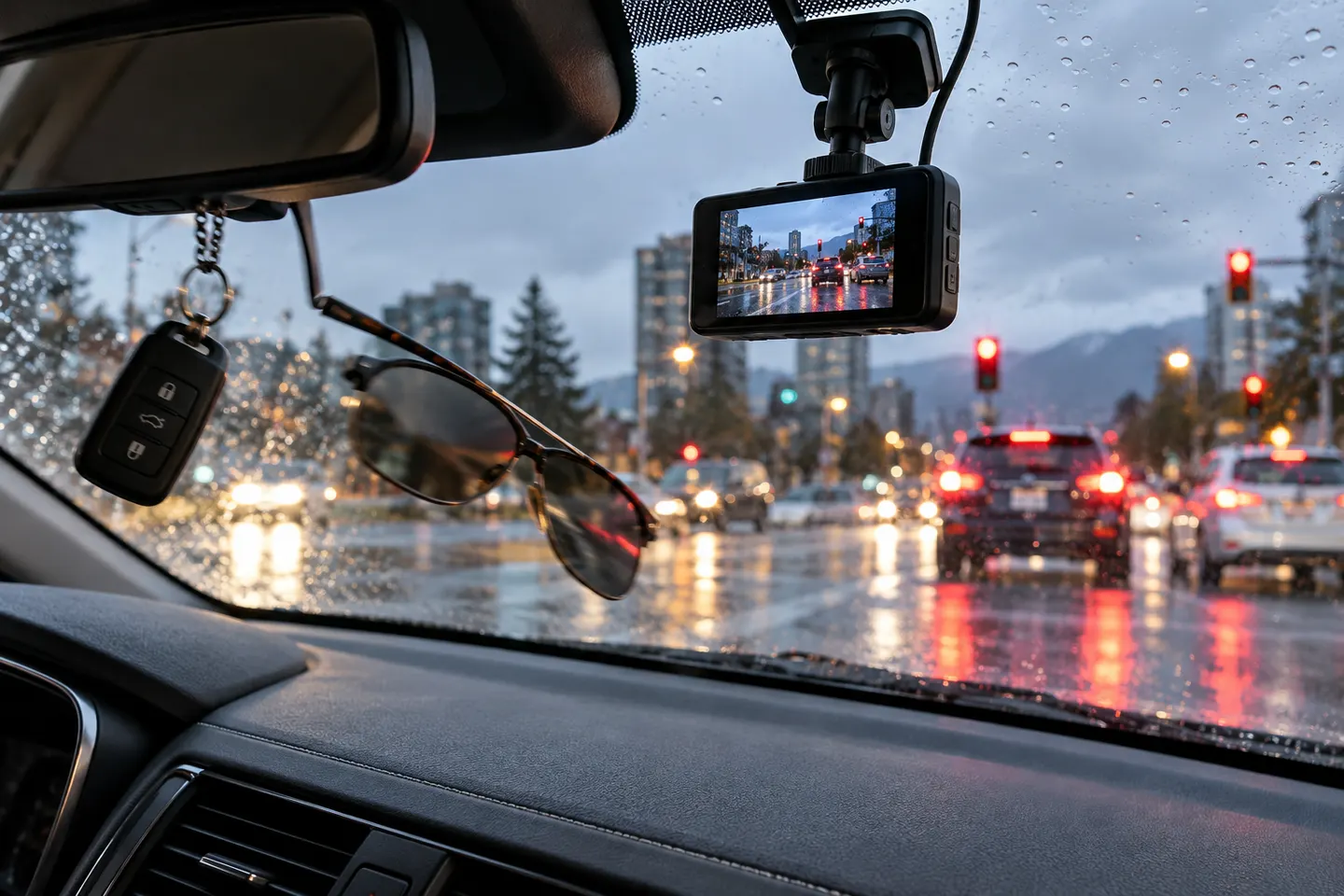 What Is a G-Sensor on a Dash Cam and How Does It…
More topics
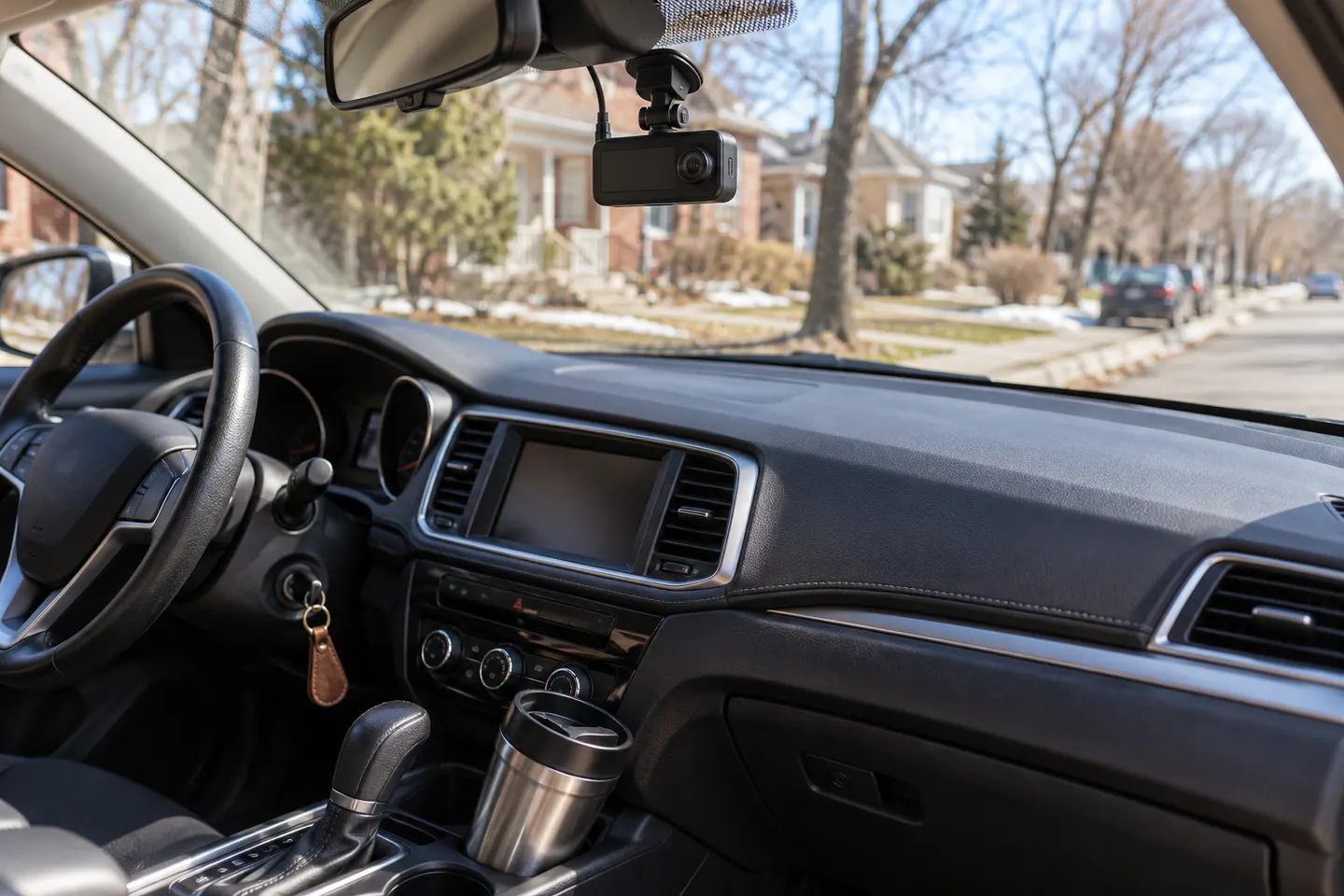 G-Sensor Dash Cams
Common questions
Questions before you buy
How does motion detection work on a dash cam?
The camera analyses changes in the image and saves or starts a clip when movement crosses its threshold. Exact behaviour varies, especially whether footage from before the trigger is retained.
Does motion detection work when the car is off?
Only if the model supports parking mode and continues receiving suitable power. An ignition-switched accessory socket normally cuts power after shutdown.
What is buffered parking mode?
A buffered mode keeps a short rolling segment so a saved event can include the moments before detection. The buffer length is model-specific.
Why does my motion-sensor car camera record too many clips?
Passing vehicles, changing light, rain or moving branches can trigger image-based detection. Adjust sensitivity or parking position using the manufacturer's guidance.